

AI Code Translator - Online Tool for Automatic Code Conversion Between Languages
AI Code Translator is a web-based tool that uses artificial intelligence to automatically translate source code between multiple programming languages, helping developers save time and reduce errors.
- Best for
- Cross-Language Code Conversion
- Key capability
- Multi-Language Support
Save AI Code Translator, follow its updates and vote on it — everything stays in your account.
Sign in or create a free account

What is AI Code Translator?
AI Code Translator is a web-based tool that leverages artificial intelligence to automatically convert source code from one programming language to another. It supports multiple popular languages and aims to simplify the process of code translation, saving developers time and reducing manual rewriting errors.
Key features of AI Code Translator
The tool offers automatic code translation between various programming languages, supports multiple language pairs, provides a user-friendly interface for input and output, and allows users to copy or download the translated code easily.
Multi-Language Support
Supports translation between popular languages such as Python, JavaScript, Java, C++, and more.
AI-Powered Translation
Uses advanced AI models to understand code semantics and produce accurate translations.
User-Friendly Interface
Clean and intuitive web interface that requires no installation or setup.
Code Export Options
Allows users to copy translated code or download it as a file.
Pros and cons of AI Code Translator
Pros
- Supports multiple popular programming languages
- Fast and easy-to-use web interface
- AI-based translation reduces manual rewriting
- Free with no signup or payment details
Cons
- May require manual code review and adjustments
- Limited offline capabilities as a web-only tool
- Free plan has usage limits
Key use cases for AI Code Translator
Cross-Language Code Conversion
Automatically translate code snippets from one programming language to another to facilitate multi-language development.
Learning and Education
Help developers understand syntax and structure differences between programming languages by seeing direct translations.
Code Refactoring and Migration
Assist in migrating legacy codebases to modern languages or frameworks by providing initial translated code.
Rapid Prototyping
Quickly generate code in different languages to prototype ideas or test implementations across platforms.
How AI Code Translator works
- 1
Input Code
Users paste or write their source code snippet into the input field on the website.
- 2
Select Languages
Choose the source programming language and the target language for translation.
- 3
Translate
Click the translate button to initiate AI-powered code conversion.
- 4
Review and Use
Review the translated code output, then copy or download it for further use.
Who is using AI Code Translator
AI Code Translator pricing
Free
Free
Free with no signup or payment details.
Pro
$15/month
Unlimited translations, priority support, and access to all supported languages.
Plans and prices are as published by the vendor and can change. Check the official site before you buy. Open the pricing page (opens in a new tab)
Frequently asked questions about AI Code Translator
It supports popular languages including Python, JavaScript, Java, C++, C#, and more.
While the AI strives for accuracy, users should review and test the translated code as some manual adjustments may be necessary.
No, it is a web-based tool and requires an internet connection.
The tool is free with no signup and is built for focused functions and snippets, which are easier to review than an entire project.
It depends on your specific needs and how you plan to use the tool. The official website and documentation are the best sources for the latest details.
Yes, it can help with that use case depending on how you configure it and what features are available. You’ll get the best results with clear inputs and a defined goal.
Some tools offer a free plan or trial with limited features. Availability can vary, so confirm on the official website.
Yes, it can help with that use case depending on how you configure it and what features are available. You’ll get the best results with clear inputs and a defined goal.
Conclusion
A focused snippet goes in, source and target languages are chosen, and the response streams back into an output editor for review. The workspace covers 14 languages, from Python and TypeScript to Rust, SQL and Shell. Plain English can sit on either side, so it can also turn a description into code or explain unfamiliar code. Behind the interface, input and language choices are sent through the site’s translation API to an external model provider.
Learning a new language, comparing approaches and prototyping a migration are the jobs it was made for. The interface does not claim that generated code is automatically correct, and the site asks users to review dependencies, types, error handling and tests before using the result. Use is free with no signup or payment details, and users are asked to remove secrets and personal data before submitting code.
Sources
Sign in to review this tool.
Sign In to ReviewNo reviews yet
Be the first to share how this tool worked for you.
Ask about pricing, limits, or how it compares — or answer someone else.
Sign In to AskNo questions yet
Have a question about using or paying for this tool? Be the first to ask.
Featured on TiorAI



More AI Voice Translator Lite tools
Other tools in the same category, for when this one is not quite the fit.

My Speaking Score
My Speaking Score is a TOEFL Speaking practice tool with AI scoring aligned to the ETS rubric, rich feedback and instant results.

Dubformer
Dubformer is an AI dubbing studio with phrase-level control in 140+ languages.
izTalk
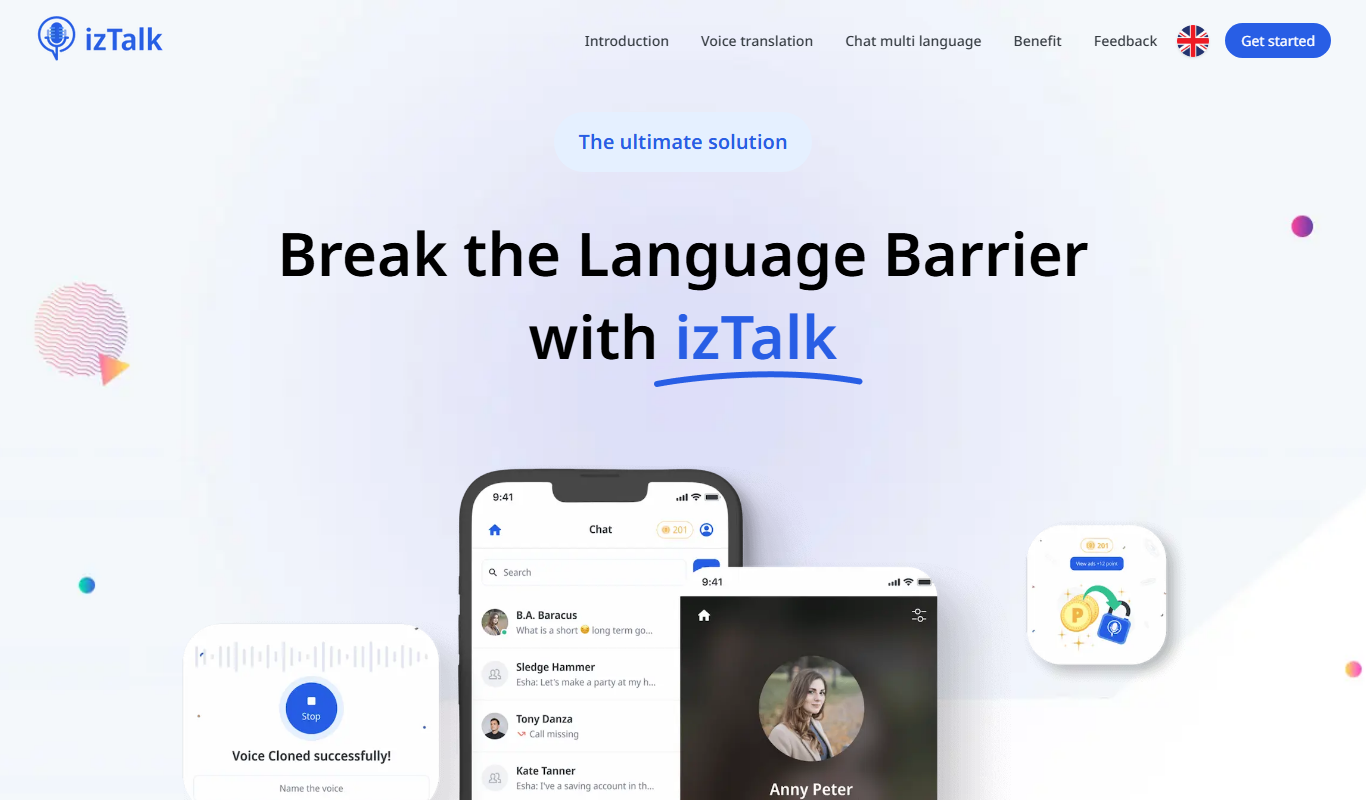
izTalk is a translation app that translates calls in real time, translates chat messages and offers an AI voice clone option.
Tolgee AI Translator
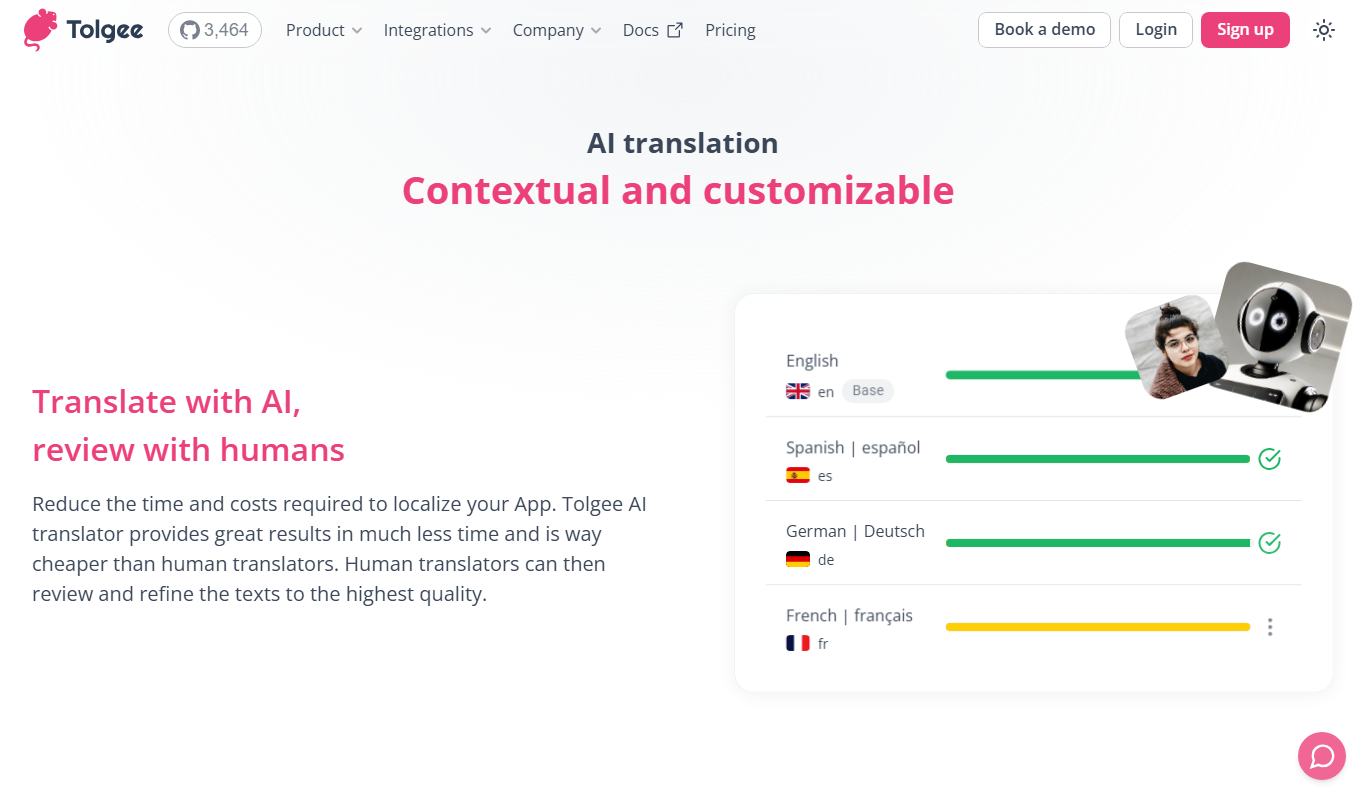
Tolgee AI Translator is an automated localization platform that uses AI to translate software content autonomously, enabling developers to maintain multilingual applications efficiently.

AI Wedding Toast
AI Wedding Toast is a web-based tool that generates personalized wedding speeches by using AI to tailor content based on your input about the couple and your relationship.

Doc2Lang
Doc2Lang is an AI-based document translation platform that supports multiple languages and preserves original document formatting, designed for businesses and professionals needing fast, accurate multilingual document conversion.
Menusso
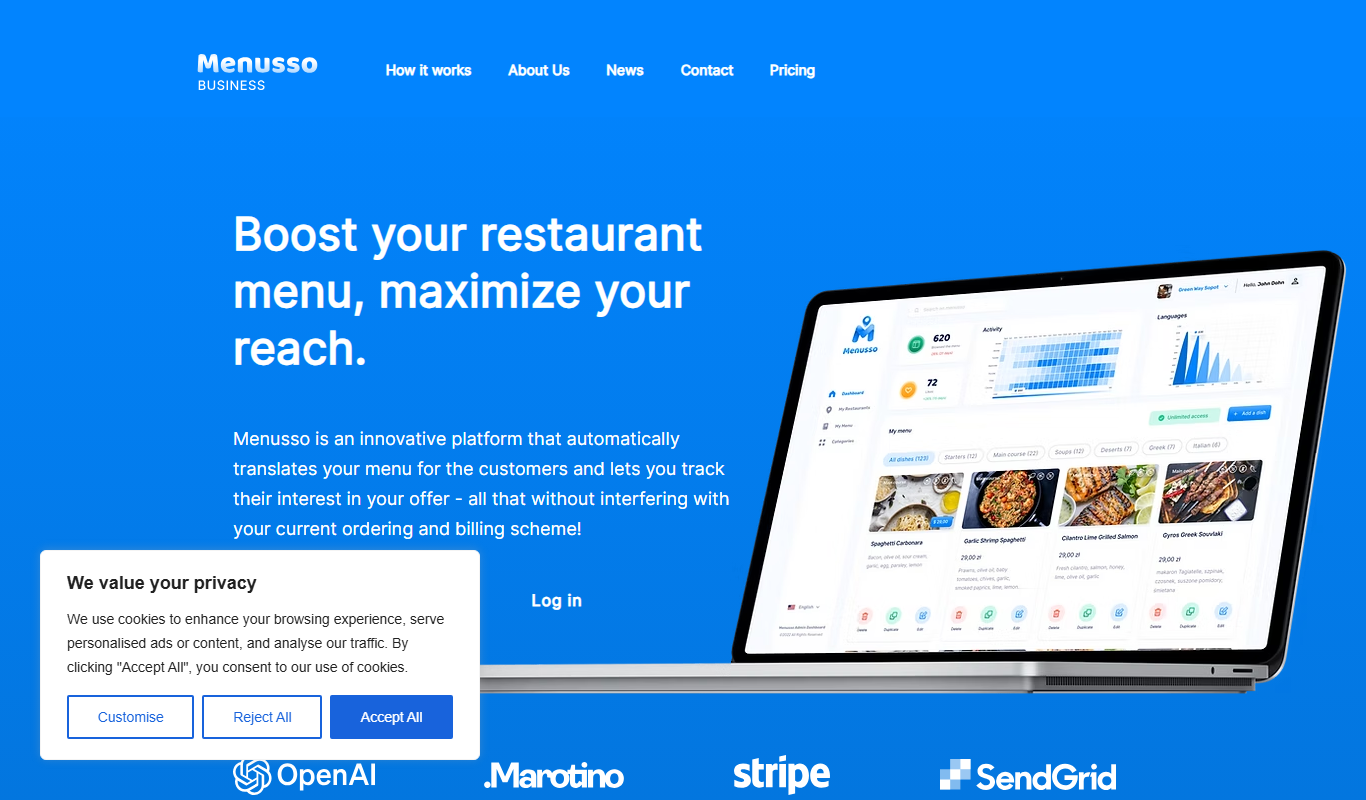
Menusso gives restaurants their own branded mobile app for takeout and delivery orders, with no middlemen and no commission fees, plus a QR menu and AI menu translations.
Telelingo
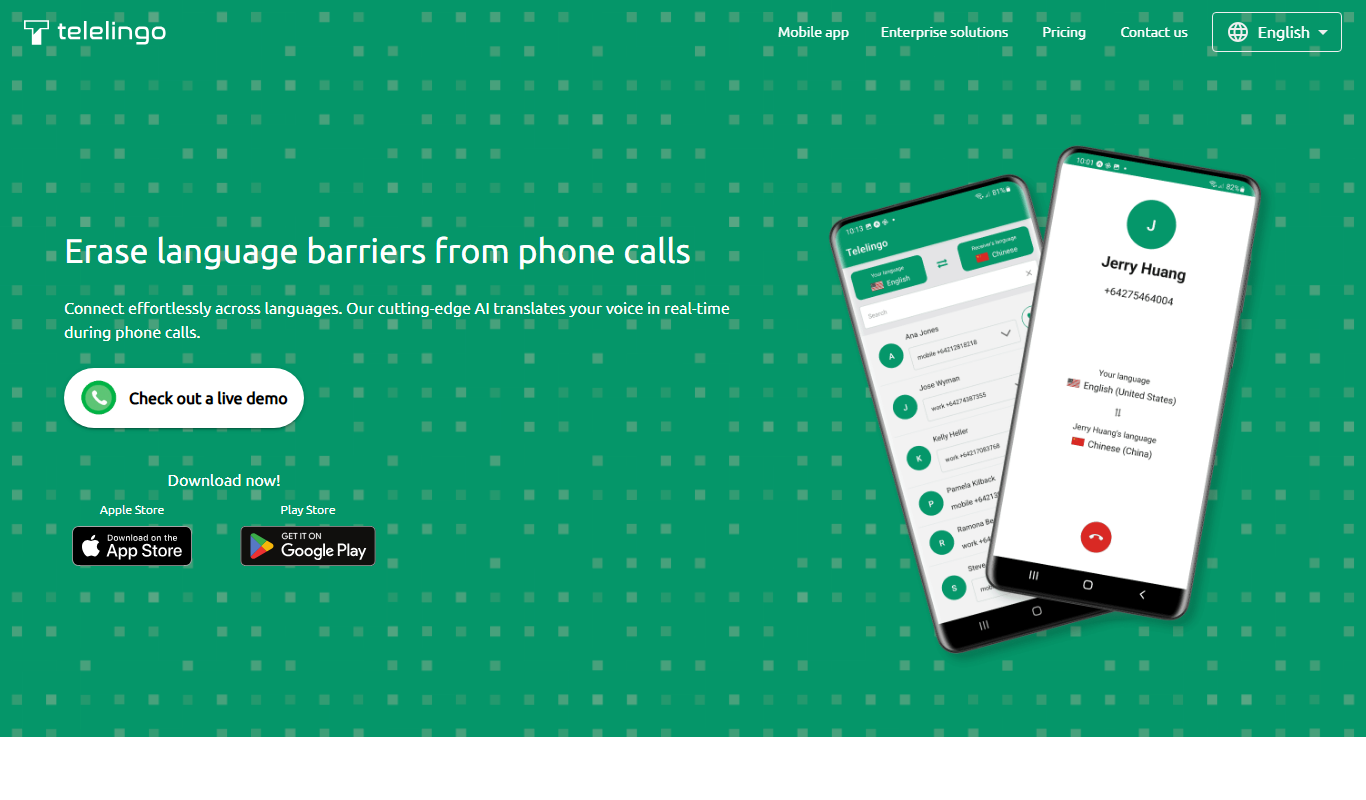
Telelingo is an AI phone call translator that translates your voice in real time during calls across 80+ languages.