

From my experience with Menusso, it stands out as a straightforward and effective solution for restaurants aiming to digitize their menus and enable contactless ordering. The platform’s ease of use and real-time update capability make it practical for busy restaurant environments. Its multi-language support is a valuable feature for venues serving diverse clientele. However, the lack of POS integrations and a dedicated staff app could limit scalability for larger operations. Overall, Menusso is a solid choice for small to medium-sized restaurants seeking an affordable, user-friendly digital menu system.
Menusso Online Menu Maker for Restaurants with QR Code Ordering
Menusso is a web platform that enables restaurants to create digital menus accessible via QR codes, supporting contactless ordering, real-time updates, and multi-language options.
- Best for
- Create Digital Menus
- Key capability
- Digital Menu Builder
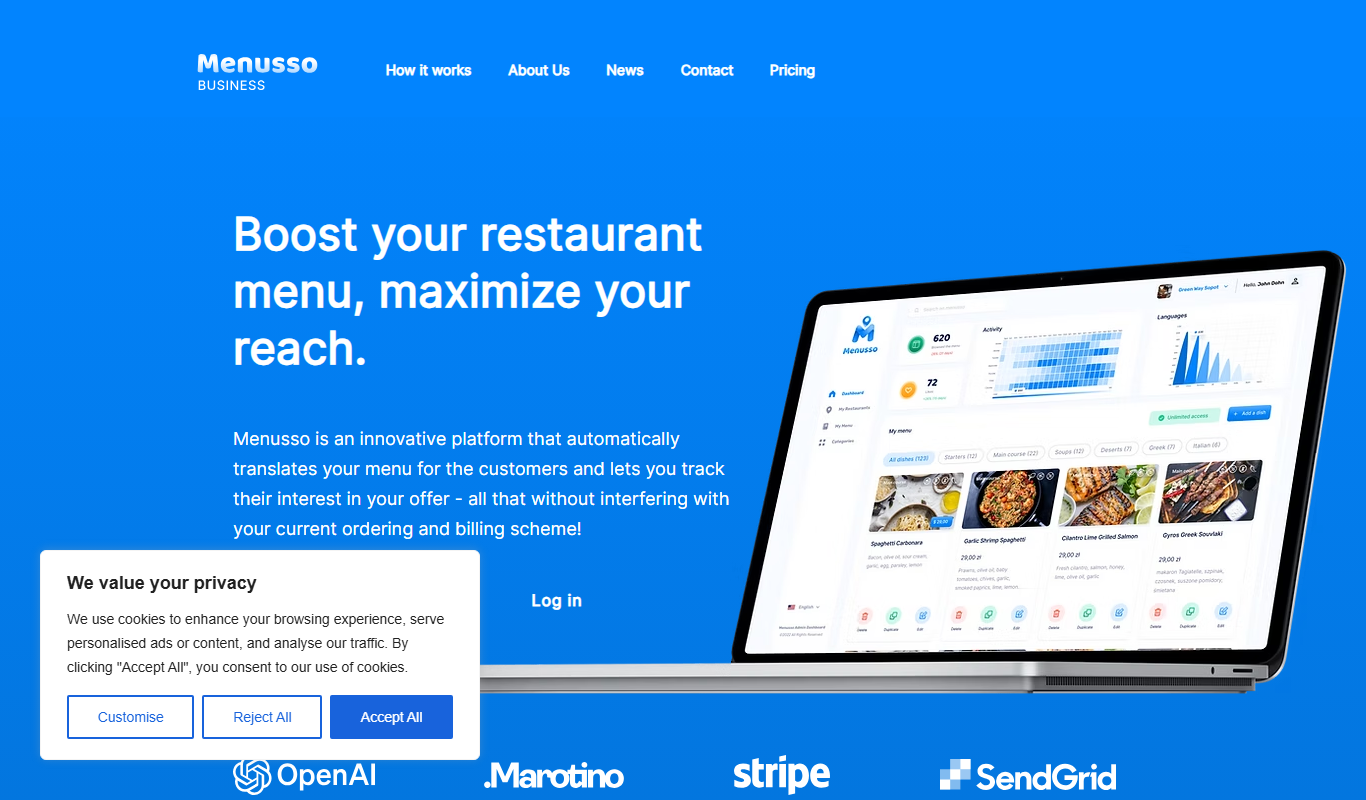
What is Menusso?
Menusso is a web-based platform designed for restaurants to create digital menus that customers can access via QR codes. It facilitates contactless ordering, allowing diners to view menus and place orders directly from their smartphones, enhancing safety and convenience. The tool supports real-time menu updates and multi-language options, making it adaptable to various restaurant needs.
Key features of Menusso
Menusso offers an intuitive menu builder, QR code generation for easy customer access, multi-language support, real-time menu editing, and order management features to streamline restaurant operations and improve customer experience.
Digital Menu Builder
An easy-to-use editor to create and customize menus with images and descriptions.
QR Code Generation
Automatically generate QR codes that link to your digital menu for contactless access.
Multi-language Support
Offer menus in several languages to accommodate diverse customers.
Real-Time Menu Updates
Instantly update menu items, prices, and availability without reprinting menus.
Order Management System
Track and manage orders placed through the platform efficiently.
Pros and cons of Menusso
Pros
- Easy to set up and use without technical skills
- Supports contactless ordering improving safety
- Real-time menu updates save printing costs
- Multi-language support enhances customer experience
- Affordable pricing with a free plan option
Cons
- Limited integrations with POS systems
- No dedicated mobile app for staff
Key use cases for Menusso
Create Digital Menus
Restaurants can easily create and customize digital menus accessible via QR codes.
Contactless Ordering
Enable customers to browse menus and place orders directly from their smartphones without physical contact.
Menu Updates in Real-Time
Update menu items, prices, and specials instantly without reprinting physical menus.
Multi-language Menus
Offer menus in multiple languages to cater to diverse customer bases.
Order Management
Manage incoming orders efficiently through the platform, streamlining restaurant operations.
How Menusso works
-
1
Sign Up
Create an account on Menusso’s website to start building your digital menu.
-
2
Build Your Menu
Use the platform’s editor to add menu items, descriptions, prices, and images.
-
3
Generate QR Code
Create a unique QR code linked to your digital menu to display in your restaurant.
-
4
Share with Customers
Place the QR code on tables or other visible areas for customers to scan and access the menu.
-
5
Manage Orders
Receive and manage customer orders directly through the Menusso platform.
Who is using Menusso
Small to medium restaurants
Cafes and coffee shops
Bars and lounges
Food trucks and pop-up eateries
Hospitality businesses seeking contactless solutions
Menusso pricing
Free
$0/month
Basic menu creation with limited features and QR code access.
Pro
$15/month
Advanced features including unlimited menu items, multi-language support, and order management.
Plans and prices are as published by the vendor and can change. Check the official site before you buy. Open the pricing page (opens in a new tab)
Frequently asked questions about Menusso
Yes, Menusso allows real-time updates to your digital menu without any downtime.
The free plan has limits on menu items, while the Pro plan offers unlimited items.
No, customers can access the menu by scanning the QR code with their smartphone camera.
Yes, the platform supports several languages to cater to international customers.
It depends on your specific needs and how you plan to use the tool. The official website and documentation are the best sources for the latest details.
Yes, it can help with that use case depending on how you configure it and what features are available. You’ll get the best results with clear inputs and a defined goal.
Some tools offer a free plan or trial with limited features. Availability can vary, so confirm on the official website.
Sign in to review this tool.
Sign In to ReviewNo reviews yet
Be the first to share how this tool worked for you.
Ask about pricing, limits, or how it compares — or answer someone else.
Sign In to AskNo questions yet
Have a question about using or paying for this tool? Be the first to ask.
Featured on TiorAI



Alternative Tools
Explore similar AI tools that might fit your needs

Subscription
UpMenu
UpMenu is an online ordering and restaurant management platform that enables restaurants to create branded websites and apps for direct customer orders, manage digital menus, run loyalty programs, and automate marketing communications.

Free
GloriaFood
GloriaFood is an online food ordering platform that enables restaurants to accept orders directly via a branded website and mobile apps, with features for delivery management and customer engagement.
More AI Voice Translator Lite tools
Other tools in the same category, for when this one is not quite the fit.

Free
AI Code Translator
AI Code Translator is a web-based tool that uses artificial intelligence to automatically translate source code between multiple programming languages, helping developers save time and reduce errors.
Free Trial
anyLanguage.ai
anyLanguage.ai is an AI-driven translation platform that supports over 30 languages and offers API integration for seamless multilingual content localization.

Free
My Speaking Score
My Speaking Score is an AI-driven online platform that evaluates English speaking skills by providing instant scores and detailed feedback to help users improve fluency, pronunciation, and grammar.
Free
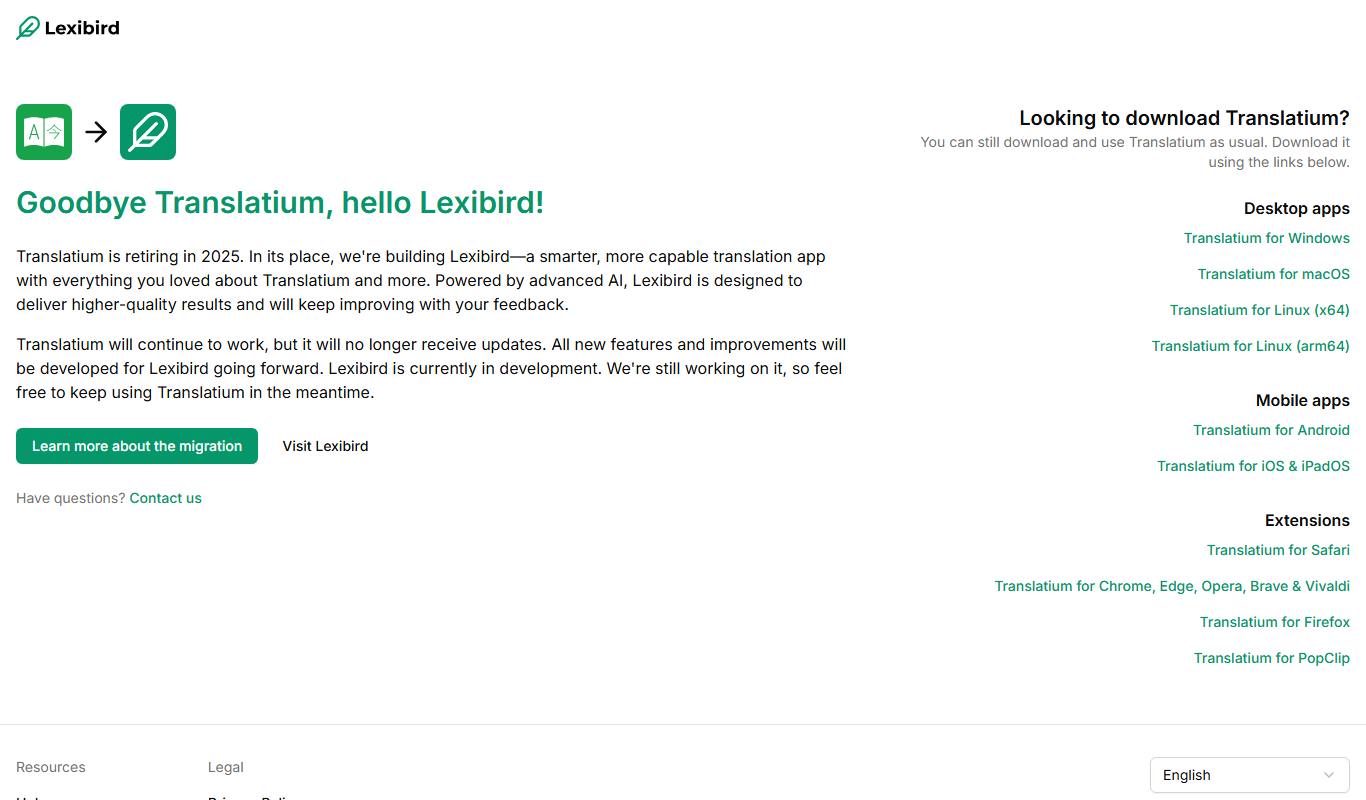
translatium.app
Translatium is a multilingual translation app that supports text, voice, and offline translations in over 100 languages, available on web, iOS, Android, and as a Chrome extension.

Freemium
Babylon Voice – AI Voice GPT and VoiceID
Babylon Voice is an AI-powered voice platform that integrates GPT conversational AI with VoiceID biometric authentication to enable secure and natural voice interactions across web and mobile platforms.
Freemium
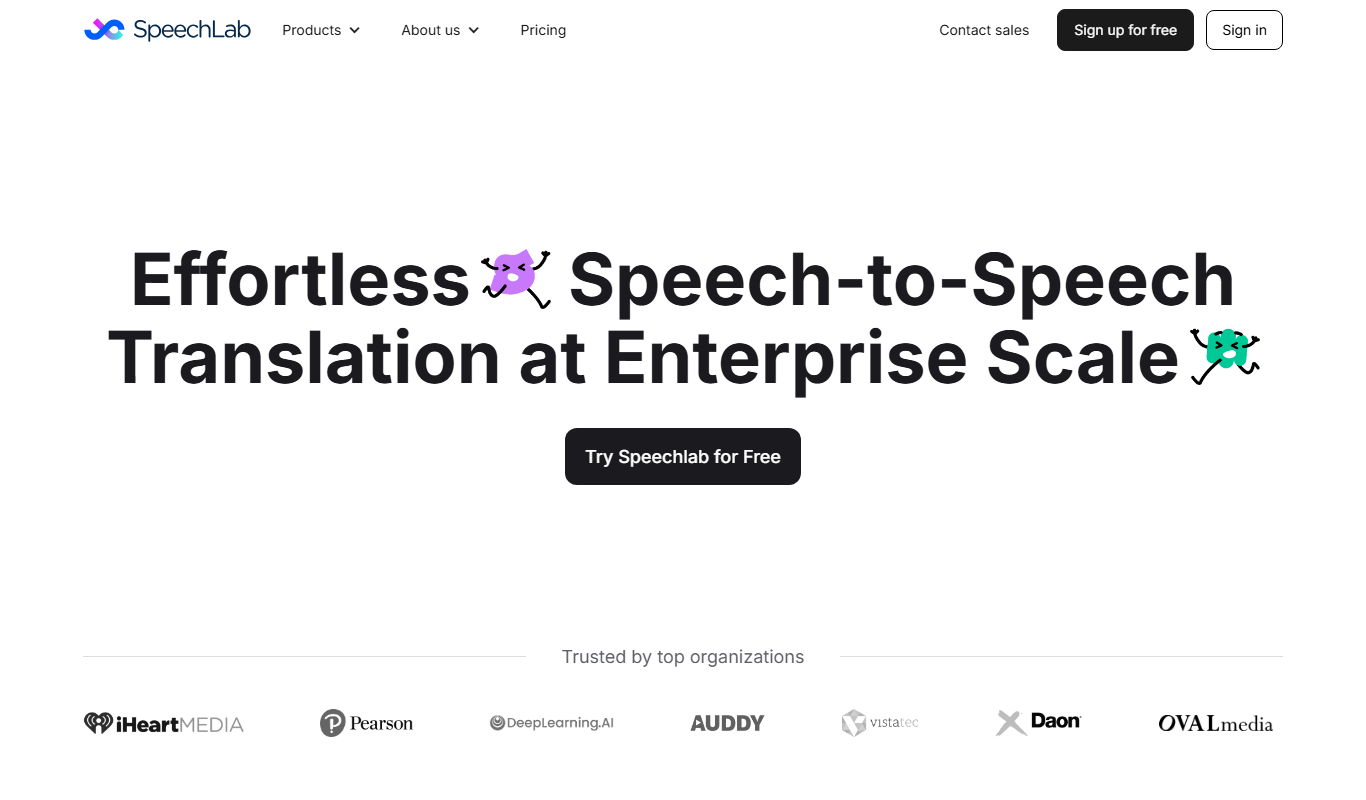
Speechlab
Speechlab is an AI text-to-speech tool that converts text into natural, human-like speech with options for voice cloning and customization, ideal for content creation and accessibility.

Freemium
VerbaGPT
VerbaGPT is an AI-powered writing assistant that generates and refines content such as blog posts and marketing copy using GPT technology.

Free
Multilingual.top
Multilingual.top is an AI-based online translation platform that provides fast and accurate translations across many languages, suitable for website localization, document translation, and content creation.