

From my experience with UpMenu, I found it excels at providing a unified platform that combines online ordering with marketing and loyalty tools, which is essential for restaurants aiming to build direct customer relationships and increase repeat sales. The ability to customize branded websites and mobile apps makes it stand out for businesses wanting a tailored digital presence. However, the lack of a free plan and limited publicly available technical details may be a barrier for very small or tech-savvy users seeking deep integrations. Overall, if you need a reliable, all-in-one restaurant ordering and marketing solution, UpMenu delivers solid, practical features.
UpMenu Online Ordering System for Restaurants with Menu Management Features
UpMenu is an online ordering and restaurant management platform that enables restaurants to create branded websites and apps for direct customer orders, manage digital menus, run loyalty programs, and automate marketing communications.
- Best for
- Online Food Ordering
- Key capability
- Branded Online Ordering Website and App
Your actions
Save UpMenu, follow its updates and vote on it — everything stays in your account.
Sign in or create a free account
What is UpMenu?
UpMenu is a comprehensive online ordering and restaurant management platform designed to help restaurants, cafes, and food businesses accept orders directly from customers through branded websites and mobile apps. It offers tools for menu creation, order processing, customer loyalty, and marketing automation to streamline operations and increase revenue.
Key features of UpMenu
UpMenu provides an easy-to-use online ordering system, customizable digital menus, integrated marketing tools, loyalty program management, and order tracking features, all accessible via web and mobile platforms.
Branded Online Ordering Website and App
Customizable platforms that reflect your restaurant’s brand for direct customer orders.
Menu Builder
Intuitive interface to create and manage digital menus with photos and descriptions.
Loyalty and Rewards Program
Tools to create customer loyalty programs to encourage repeat business.
Marketing Automation
Automated email and SMS campaigns to promote offers and engage customers.
Order Management System
Real-time order notifications and kitchen display integration for efficient processing.
Pros and cons of UpMenu
Pros
- Comprehensive all-in-one platform for online ordering and marketing
- Customizable branded websites and apps
- Integrated loyalty and marketing automation tools
- Supports multiple languages and platforms
- Real-time order management with kitchen display integration
Cons
- Pricing plans may be costly for very small businesses
- Limited public information on tech stack and API availability
- No free plan available, only paid subscriptions
Key use cases for UpMenu
Online Food Ordering
Enable restaurants to accept orders directly from customers via branded websites and mobile apps.
Menu Management
Create, update, and customize digital menus with photos, descriptions, and prices.
Customer Loyalty Programs
Implement loyalty points and rewards to encourage repeat business.
Marketing Automation
Send targeted email and SMS campaigns to customers to boost sales.
Order Management
Manage incoming orders efficiently with real-time notifications and kitchen display systems.
How UpMenu works
- 1
Sign Up and Set Up Your Account
Create an account on UpMenu and configure your restaurant profile.
- 2
Create Your Digital Menu
Add dishes, descriptions, prices, and photos to build your online menu.
- 3
Launch Your Ordering Platform
Publish your branded website and mobile app for customers to place orders.
- 4
Manage Orders and Customers
Receive and process orders in real-time and engage customers with loyalty programs.
- 5
Use Marketing Tools
Send promotions and updates via email and SMS to increase sales.
Who is using UpMenu
Independent restaurants and cafes
Restaurant chains and franchises
Food delivery services
Catering businesses
Hospitality industry marketers
UpMenu pricing
Starter
From $29/month
Basic online ordering features suitable for small restaurants.
Professional
From $59/month
Advanced features including marketing tools and loyalty programs.
Enterprise
Custom pricing
Tailored solutions for large restaurant chains with dedicated support.
Plans and prices are as published by the vendor and can change. Check the official site before you buy. Open the pricing page (opens in a new tab)
Frequently asked questions about UpMenu
Yes, UpMenu allows full customization of your website and app to match your restaurant’s branding.
Yes, the platform supports multiple languages including English, Polish, Spanish, German, French, and Italian.
Yes, UpMenu offers branded mobile apps for both iOS and Android devices.
You can create custom loyalty programs where customers earn points and rewards for repeat orders.
It depends on your specific needs and how you plan to use the tool. The official website and documentation are the best sources for the latest details.
Yes, it can help with that use case depending on how you configure it and what features are available. You’ll get the best results with clear inputs and a defined goal.
It depends on your specific needs and how you plan to use the tool. The official website and documentation are the best sources for the latest details.
Sign in to review this tool.
Sign In to ReviewNo reviews yet
Be the first to share how this tool worked for you.
Ask about pricing, limits, or how it compares — or answer someone else.
Sign In to AskNo questions yet
Have a question about using or paying for this tool? Be the first to ask.
Featured on TiorAI



More AI Customer Service tools
Other tools in the same category, for when this one is not quite the fit.

Free
Chanty
Chanty is a team collaboration and chat software that integrates AI-powered task management and workflow automation to enhance team productivity and communication.

Custom Pricing
Rossum
Rossum is an AI-driven document processing platform that automates data extraction from business documents like invoices and purchase orders using deep learning, eliminating manual data entry and template setup.
Custom Pricing
Biofourmis
Biofourmis is an AI-powered health platform that uses wearable biosensors and machine learning to enable remote patient monitoring, predict health risks, and deliver personalized digital therapeutics for chronic disease management and post-acute care.
Custom Pricing
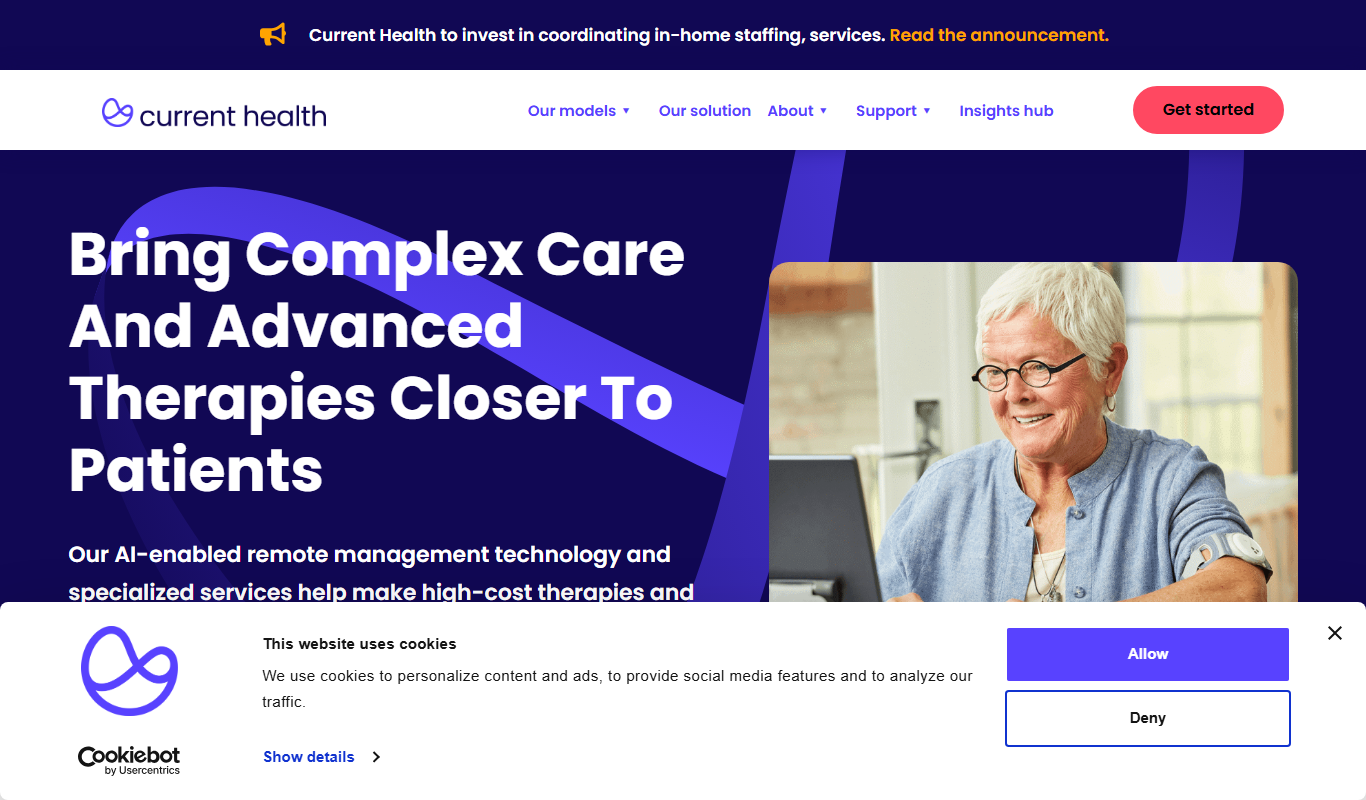
Current Health
Current Health is a remote patient monitoring platform that uses wearable devices and AI analytics to help healthcare providers monitor patients outside clinical settings, enabling early intervention and improved care management.

Free
Moobot
Moobot is a Twitch chat bot that helps streamers moderate chat, automate commands, and engage viewers with polls and giveaways.

Free
Nightbot
Nightbot is a cloud-based chatbot that automates chat moderation, custom commands, and viewer interaction for Twitch and YouTube streamers.
Free Trial
Reprise
Reprise is a no-code interactive demo platform that helps businesses create engaging product demos to accelerate sales and improve customer onboarding.

Free Trial
ChatBot
ChatBot is an AI-powered conversational platform that enables businesses to automate customer interactions through customizable chatbots deployed across multiple channels.