

From my experience with Translatium, I found it excels at providing quick and reliable translations across a vast number of languages, especially with its offline capabilities that are invaluable when traveling without internet access. The voice input and text-to-speech features make conversations and language learning more natural and accessible. However, the free version’s limitations and ads can be a drawback for heavy users, and some advanced features require a subscription. Overall, if you need a versatile translation app that works across devices and supports offline use, Translatium delivers solid and practical results.
Translatium App - Multilingual Translation Tool for Text and Voice
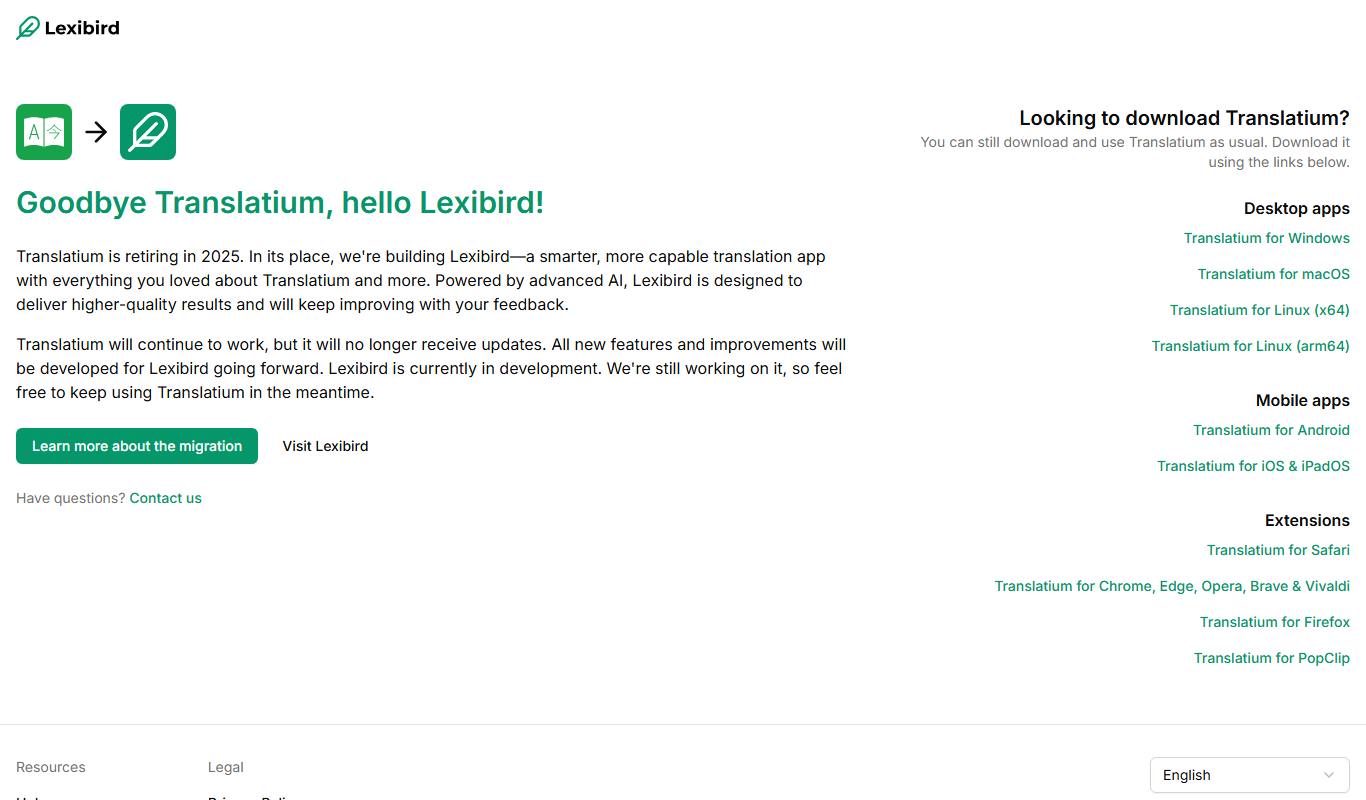
Translatium is a multilingual translation app that supports text, voice, and offline translations in over 100 languages, available on web, iOS, Android, and as a Chrome extension.
- Best for
- Instant Text Translation
- Key capability
- Support for 100+ Languages
Your actions
Do you recommend this tool?
What is translatium.app?
Translatium is a multilingual translation application designed to provide fast and accurate translations for text, voice, and documents across more than 100 languages. It supports both online and offline modes, making it useful for travelers, students, and professionals who need reliable language assistance on the go. The app integrates voice recognition and text-to-speech features to facilitate natural communication and language learning.
Key features of translatium.app
Key features include instant text and voice translation, offline language packs, document translation, and a user-friendly interface available on multiple platforms including mobile and web. Translatium also offers a Chrome extension for quick translations while browsing.
Support for 100+ Languages
Translate between a wide variety of languages covering most global communication needs.
Voice Input and Output
Speak to translate and listen to translations with natural-sounding text-to-speech.
Offline Translation Capability
Download languages to use the app without internet, essential for travel or limited connectivity.
Document and Text Translation
Translate large texts or documents efficiently within the app.
Chrome Extension
Quickly translate web content directly from your browser.
Pros and cons of translatium.app
Pros
- Supports a large number of languages
- Offers offline translation functionality
- Includes voice input and text-to-speech features
- Available on multiple platforms including mobile and web
- User-friendly interface with quick translations
Cons
- Free version includes ads and limited offline languages
- Some advanced features require a paid subscription
- No official company headquarters information publicly available
Key use cases for translatium.app
Instant Text Translation
Translate text between over 100 languages quickly and accurately for communication or learning.
Voice Translation
Use voice input to translate spoken language in real-time, ideal for travelers and conversations.
Offline Translation
Access translations without internet connectivity by downloading language packs for offline use.
Document Translation
Translate entire documents or large blocks of text to understand foreign language content efficiently.
Language Learning Aid
Practice pronunciation and vocabulary by listening to translations and using the app’s language tools.
How translatium.app works
- 1
Download and Install
Get the app from the official website or app stores for your device.
- 2
Select Languages
Choose the source and target languages for your translation.
- 3
Input Text or Voice
Type or speak the text you want to translate.
- 4
Receive Translation
View or listen to the translated output instantly.
- 5
Use Offline Mode
Download language packs to translate without internet access.
Who is using translatium.app
Travelers needing offline language support
Students learning new languages
Professionals requiring quick multilingual communication
Content creators translating documents
General users needing everyday translation assistance
translatium.app pricing
Free
$0/month
Access basic translation features with ads and limited offline languages.
Pro
$4.99/month
Ad-free experience, unlimited offline languages, and priority support.
Plans and prices are as published by the vendor and can change. Check the official site before you buy. Open the pricing page (opens in a new tab)
Frequently asked questions about translatium.app
Yes, you can download language packs to use translations without an internet connection.
It supports translation between over 100 languages.
The free version has some limits, while the Pro plan offers unlimited translations.
Yes, there is a web version and a Chrome extension available for desktop use.
Yes, it can help with that use case depending on how you configure it and what features are available. You’ll get the best results with clear inputs and a defined goal.
Some tools offer a free plan or trial with limited features. Availability can vary, so confirm on the official website.
It depends on your specific needs and how you plan to use the tool. The official website and documentation are the best sources for the latest details.
Sign in to review this tool.
Sign In to ReviewNo reviews yet
Be the first to share how this tool worked for you.
Ask about pricing, limits, or how it compares — or answer someone else.
Sign In to AskNo questions yet
Have a question about using or paying for this tool? Be the first to ask.
Featured on TiorAI



More AI Productivity Tools tools
Other tools in the same category, for when this one is not quite the fit.

Free
Merlin AI
Merlin AI is a GPT-4 powered AI chat assistant that integrates as a browser extension, enabling users to access AI-generated content and assistance directly on any website to improve productivity and content creation.

Freemium
EasyTrip AI
EasyTrip AI is an AI-driven travel planner that generates customized trip itineraries based on your travel dates, destinations, and preferences, helping you organize your trip efficiently.

Freemium
Wanderlust Browser Extension V2
Wanderlust Browser Extension V2 is a travel planning tool that integrates with Chrome and Firefox browsers, enabling users to save travel ideas, build itineraries, and collaborate on trip plans directly from their browsing experience.

Freemium
PlaninGo
PlaninGo is an AI travel planning tool that generates personalized trip itineraries and guides based on your preferences, helping you plan efficient and enjoyable trips.

Free
Travelwiz
Travelwiz is an AI-powered travel planning tool that creates personalized trip itineraries and offers tailored travel recommendations based on user preferences.

Freemium
Swifty
Swifty is an AI writing assistant that helps users create and edit English content quickly with AI-generated suggestions and grammar corrections.

Free
Momo
Momo is an AI-powered assistant that automates workflows, manages tasks, and enhances team collaboration by integrating with popular productivity tools.

Free
Nextrip
Nextrip AI is an online travel planning tool that uses artificial intelligence to generate personalized trip itineraries based on your preferences, travel dates, and destinations.