

Speechlab AI dubbing and localization for video and audio
Speechlab dubs, captions and subtitles video and audio in 50+ languages with speech-to-speech localization and a real editor.
- Best for
- Media and creators
- Key capability
- Transcription
Save Speechlab, follow its updates and vote on it — everything stays in your account.
Sign in or create a free account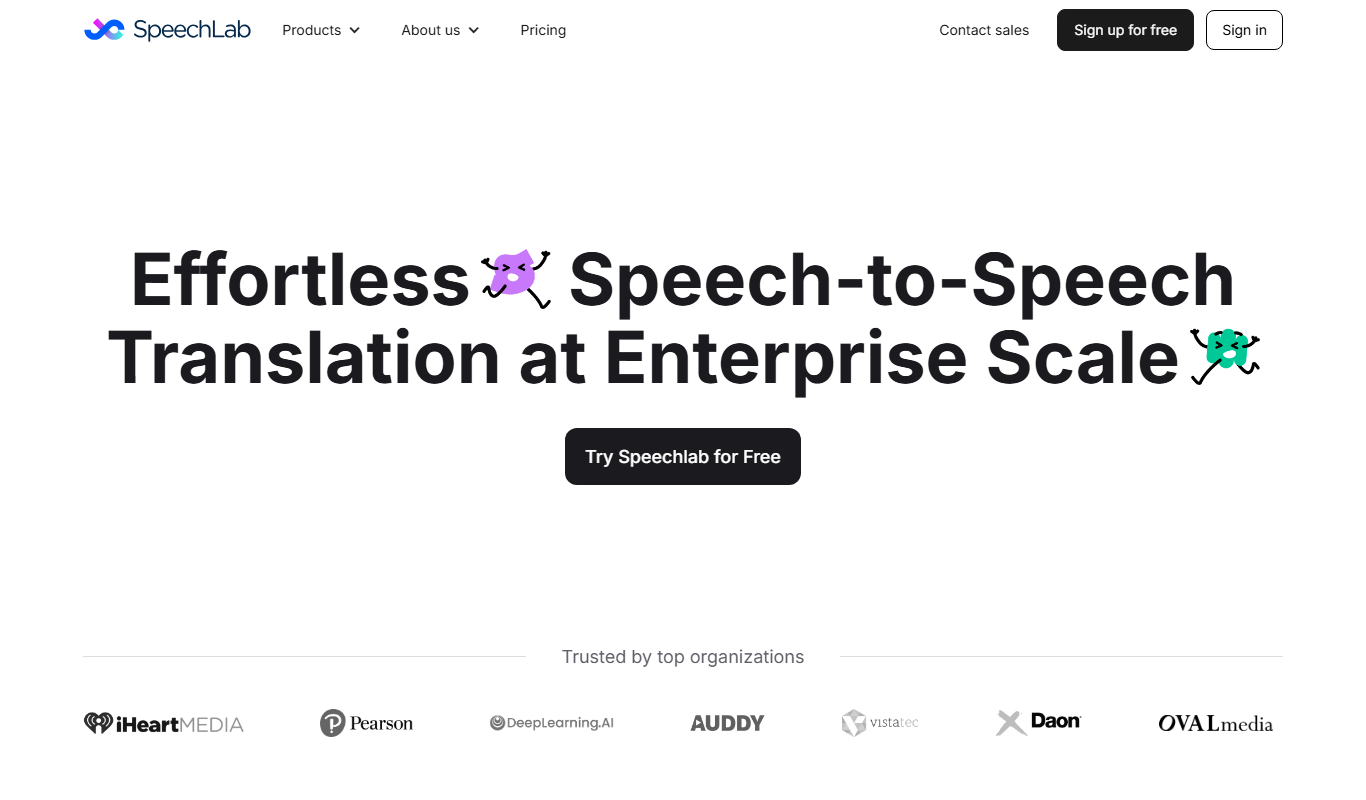
What is Speechlab?
Speechlab is an AI dubbing and localization platform that lets you transcribe, translate, caption, subtitle and dub your video and audio in 50+ languages. It works on spoken content as a speech-to-speech pipeline with an editor for reviewing every line, voice matching to the original speaker or a native voice, and per-minute pricing.
Key features of Speechlab
Speechlab transcribes speech with speaker labels, translates it segment by segment, creates captions and SRT subtitles, and generates dubbed audio with the original speaker’s cloned voice or a native voice. An editor supports waveform editing and segment-level re-dubbing, and Pro and Enterprise plans include API access.
Transcription
ASR produces a diarized transcript with timestamps and speaker labels, editable inline.
Translation and subtitles
AI translates spoken content segment by segment, and SRT subtitles are created from the translation.
Voice matching
Replicate the original speaker's voice in a new language or replace it with an authentic native voice.
Segment-level dub regeneration
Change one word in the translation and re-dub only that segment, not the whole project.
Editor and speaker detection
SRT import, segment operations, audio waveform editing and automatic speaker detection.
Pros and cons of Speechlab
Pros
- Transcription, translation, captions, subtitles and dubbing in one editor
- Clone the original speaker's voice or use a native voice
- Re-dub a single segment instead of the whole project
- Runs entirely in the browser
- Free tier with 2 dubbing projects and no card required
Cons
- Works only on spoken audio and video, not on documents
- Lip-sync is available only for enterprise accounts on request
- Files are limited to 1.5 GB
Key use cases for Speechlab
Media and creators
Dub documentaries, podcasts, YouTube content, audiobooks and film.
Marketing and sales
Localize product demos, sales enablement and brand content across markets.
Corporate training
Dub training modules, compliance content and course libraries.
Localization service providers
Plug into existing workflows via API with per-minute pricing.
Transcription and subtitles only
Use Speechlab purely for transcription, captions or SRT export without generating a dub.
How Speechlab works
- 1
Upload
Drag and drop a file, paste a YouTube link or bulk-import video, audio, podcasts or audiobooks.
- 2
Transcribe
ASR produces a diarized transcript with timestamps and speaker labels.
- 3
Translate
Select a target language; AI translates segment by segment and every line can be edited.
- 4
Generate the dub
Assign a voice per speaker, render the dubbed audio and preview it next to the source.
- 5
Export
Export dubbed video, dubbed audio, SRT subtitles or translation text.
Who is using Speechlab
Speechlab pricing
Free
$0
2 projects of free dubbing, all target languages and dialects, voice matching, and caption export in SRT, TXT or JSON.
Pro
$0.6 per minute
Pay for usage with per-minute credits, audio and video of any length, video up to 4K, sharing for review and API access.
Enterprise
Custom
Everything in Pro plus custom integrations, volume-based discounts, team roles, review by native linguists and custom voices.
Plans and prices are as published by the vendor and can change. Check the official site before you buy. Open the pricing page (opens in a new tab)
Frequently asked questions about Speechlab
An AI dubbing and translation platform to transcribe, translate, caption, subtitle and dub video and audio in 50+ languages, with a full editor.
Video (MP4, MOV, MKV, WebM), audio (MP3, WAV, M4A, FLAC) and direct YouTube link import.
Yes. It can replicate the original speaker’s voice in a new language, or replace it with an authentic native voice.
Credit-based, per-minute pricing: each language you add costs credits based on the source media duration, and you can start with 2 free projects without a card.
Yes. Pro and Enterprise plans include RESTful API access with per-project endpoints, webhook callbacks and batch job tracking.
No. Speechlab runs entirely in the browser with no desktop software, plugins or downloads.
Uploads are encrypted in transit and at rest, and files are stored in SOC 2-compliant infrastructure.
Conclusion
Existing video and audio are the starting point: Speechlab transcribes the speech with speaker labels, translates it segment by segment and produces a dub, captions or subtitles in 50+ languages. Each speaker can keep a replica of the original voice in the new language or switch to a native voice, and changing one word re-dubs only that segment. It works exclusively on spoken audio and video, not on document translation.
Media creators, marketing and sales teams, corporate training departments and localization service providers are the groups it addresses. Everything runs in the browser, and the free tier covers 2 dubbing projects before per-minute credits apply. API access comes with the Pro and Enterprise plans, while lip-sync and review by native linguists are reserved for enterprise accounts.
Sources
Sign in to review this tool.
Sign In to ReviewNo reviews yet
Be the first to share how this tool worked for you.
Ask about pricing, limits, or how it compares — or answer someone else.
Sign In to AskNo questions yet
Have a question about using or paying for this tool? Be the first to ask.
Featured on TiorAI



More AI Localization Tools tools
Other tools in the same category, for when this one is not quite the fit.
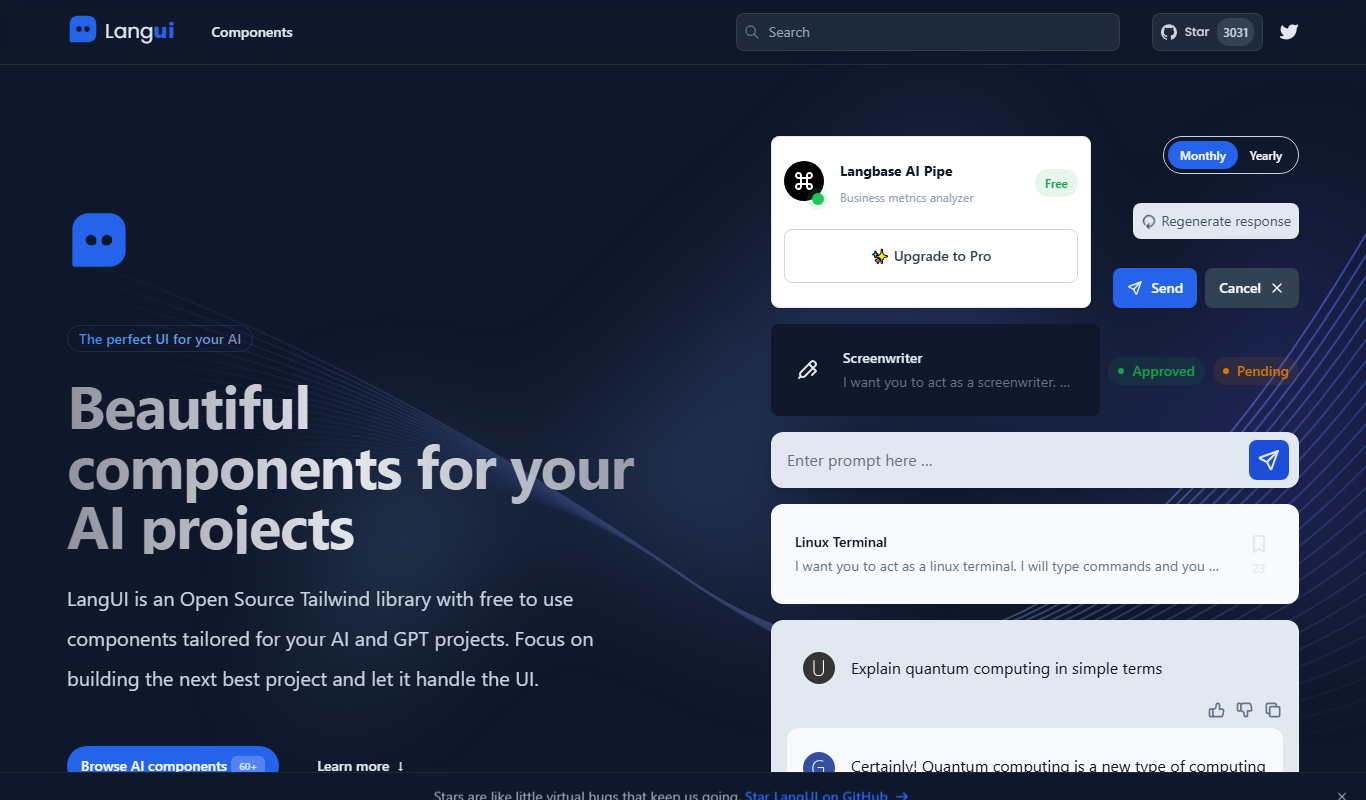
LangUI
LangUI is an open source Tailwind library with 60+ free components for AI and GPT projects, copied and pasted into your project with zero dependencies.

Prismy
Prismy localizes software products with AI translations synced through native Git integration, human review for quality and a browser extension for editing wording in the live app.
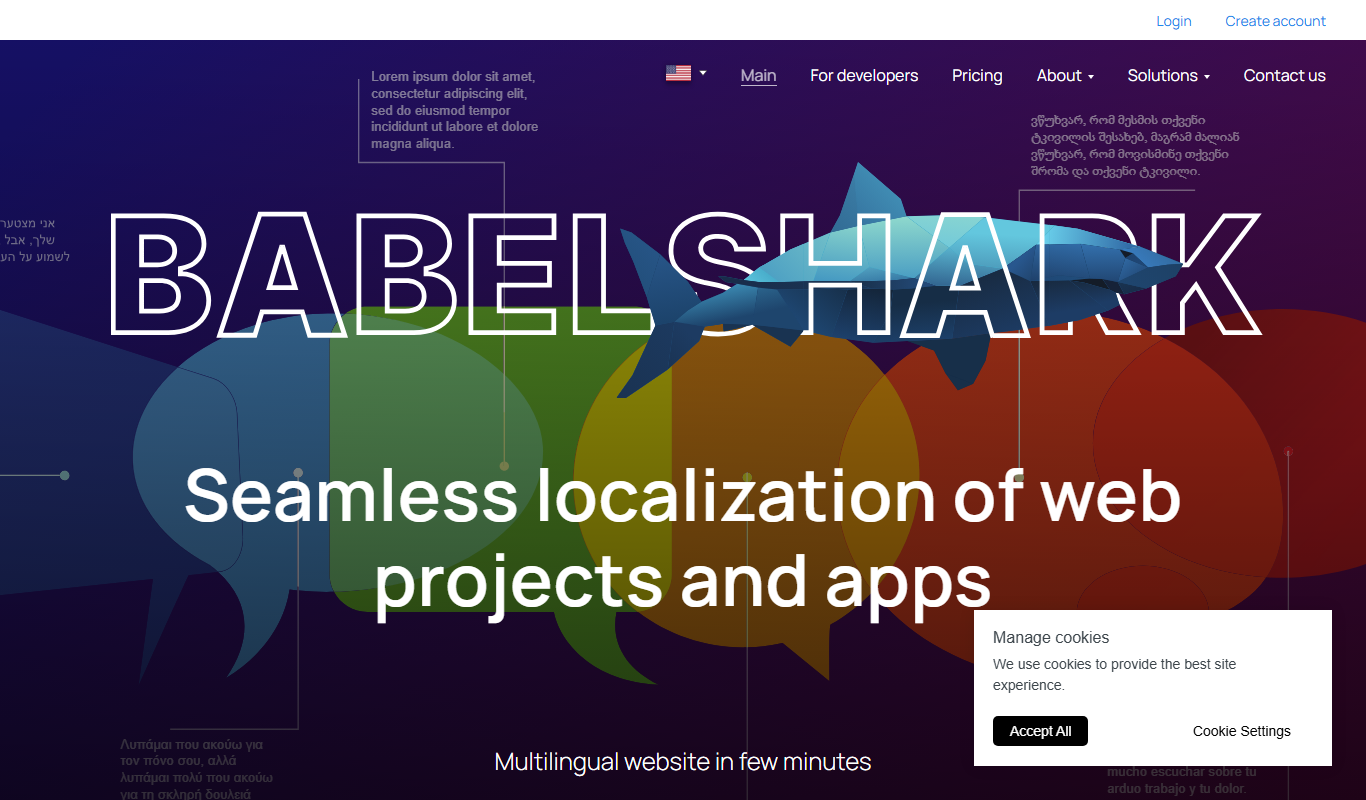
BabelShark
BabelShark localizes websites and HTML apps with automatic AI translation, editable translations and optional human proofreaders, added to a project with a JavaScript code snippet.
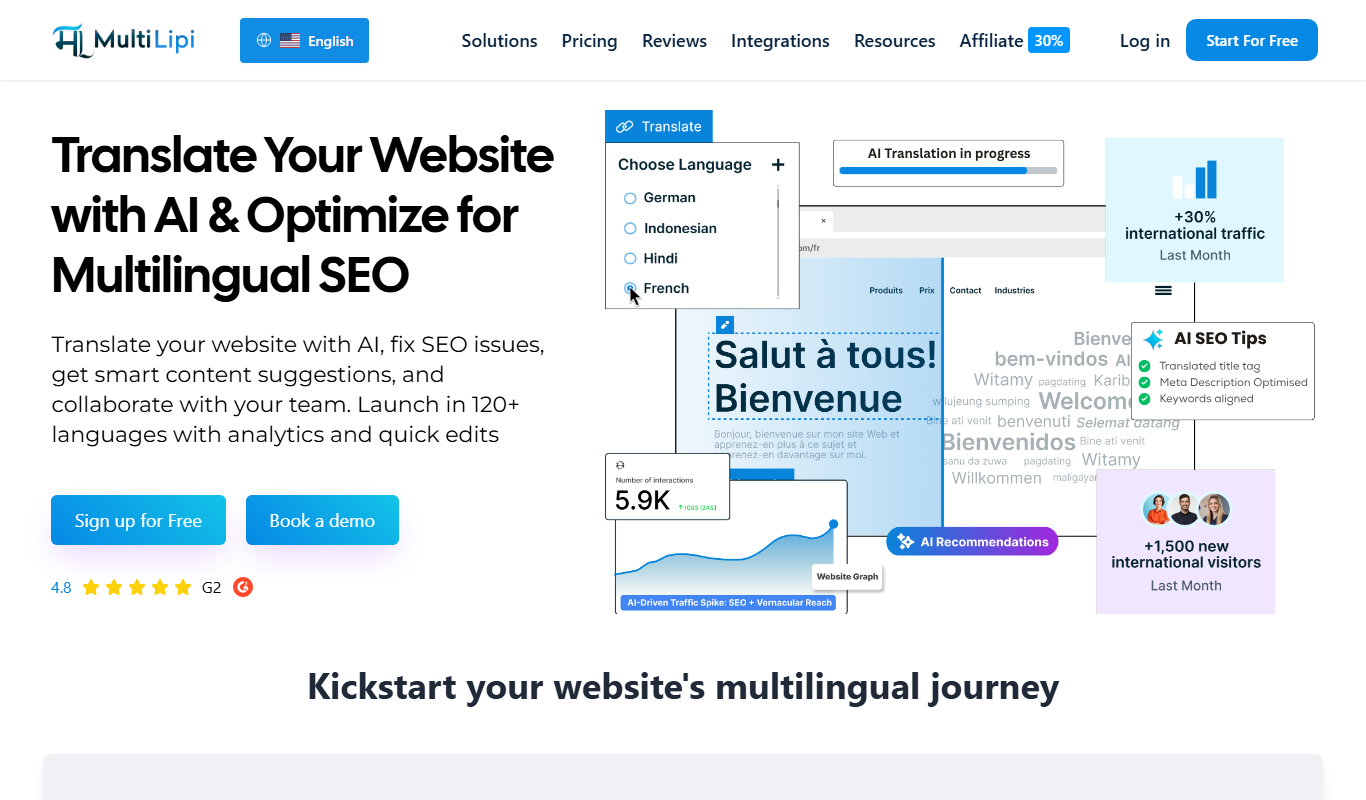
MultiLipi
MultiLipi translates any website with AI and adds multilingual SEO and GEO structure, so translated pages can rank in Google Search and be cited by AI models in 120+ languages.

GlobalSeo
GlobalSeo translates your website with AI into 94 languages for multilingual SEO, paid per translated word with no subscription, or as a managed plan for companies.
Intlayer
Intlayer is an internationalization (i18n) and content management solution for React, Next.js, Vue, Svelte and more: type-safe, translated with AI and editable visually.
Tolgee AI Translator
Tolgee AI Translator is an automated localization platform that uses AI to translate software content autonomously, enabling developers to maintain multilingual applications efficiently.

Apployal: AI-Powered app localization
Apployal is a GPT-powered app localization platform that translates iOS and Android apps, App Store and Google Play pages and screenshots, alongside ASO and localization services.