

From my experience with BabelShark, I found it excels at delivering fast, context-aware translations that make multilingual communication smoother, especially in chat environments. The Chrome extension integration is straightforward, allowing real-time translations without interrupting workflow. It’s particularly well-suited for remote teams and customer support needing quick language bridging. However, the free plan’s daily limits and focus on Chrome may restrict some users. Overall, if you require seamless, AI-powered translation for chats or content localization, BabelShark offers a practical and affordable solution.
BabelShark AI Translation Tool for Fast Multilingual Communication Online
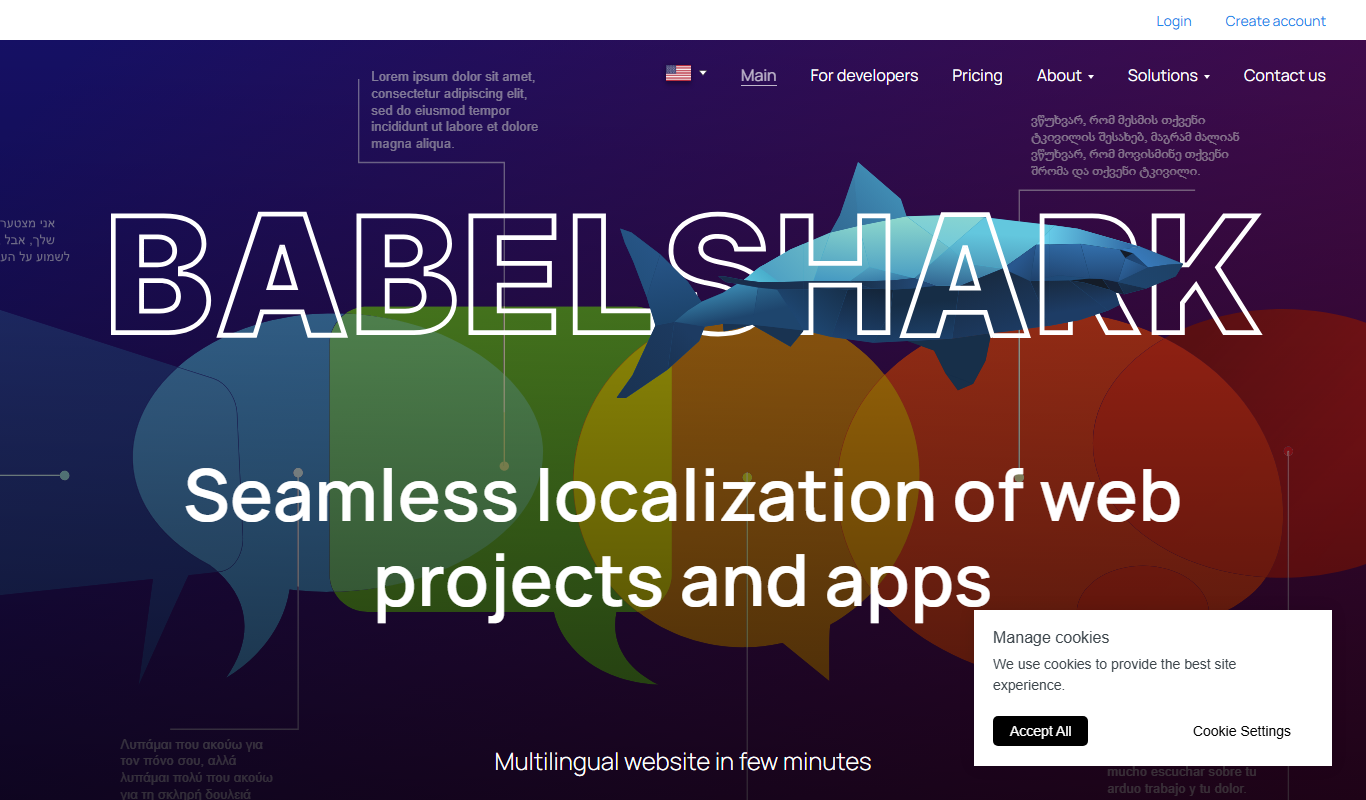
BabelShark is an AI-powered translation tool that provides real-time multilingual translations via a web platform and Chrome extension, supporting over 100 languages for seamless communication.
- Best for
- Real-time Chat Translation
- Key capability
- Real-Time Translation
Do you recommend this tool?
What is BabelShark?
BabelShark is an AI-powered translation tool designed to provide fast and accurate multilingual communication. It integrates with chat platforms and websites to translate messages in real time, breaking down language barriers for individuals and businesses. The tool leverages advanced AI models to deliver context-aware translations that maintain the meaning and tone of the original text.
Key features of BabelShark
BabelShark offers real-time chat translation, support for over 100 languages, easy integration via browser extensions and APIs, and customizable settings to tailor translations to specific contexts. It is designed for both casual users and professional environments requiring seamless multilingual communication.
Real-Time Translation
Instantly translates chat messages and text inputs without delays.
Wide Language Support
Supports over 100 languages including major global and regional languages.
Browser Extension Integration
Seamlessly integrates with popular chat platforms via a Chrome extension.
Context-Aware AI
Uses AI models that understand context to provide accurate and natural translations.
Customizable Settings
Allows users to adjust translation preferences and save language pairs.
Pros and cons of BabelShark
Pros
- Fast and accurate real-time translations
- Supports a wide range of languages
- Easy browser extension installation
- Customizable translation settings
- Affordable pricing plans
Cons
- Free plan has daily translation limits
- Limited platform support beyond Chrome
- Some niche languages may have less accuracy
Key use cases for BabelShark
Real-time Chat Translation
Translate conversations instantly across multiple languages to facilitate seamless communication.
Multilingual Customer Support
Enable customer service teams to interact with clients in their native languages without language barriers.
Content Localization
Quickly translate website content, documents, or marketing materials to reach a global audience.
Remote Team Collaboration
Support international teams by translating messages and documents in real time for better collaboration.
Language Learning Assistance
Help language learners understand and practice by providing instant translations and context.
How BabelShark works
- 1
Install or Access BabelShark
Use the BabelShark web platform or install the Chrome extension to enable translation features.
- 2
Connect to Chat or Input Text
Link BabelShark to your chat application or paste text you want translated.
- 3
Select Languages
Choose the source and target languages for translation.
- 4
Receive Instant Translations
BabelShark translates messages in real time, displaying them alongside the original text.
Who is using BabelShark
Multinational businesses
Customer support teams
Remote international teams
Content creators and marketers
Language learners
BabelShark pricing
Free
$0/month
Basic access with limited daily translations and standard language support.
Pro
$15/month
Unlimited translations, priority support, and access to advanced features.
Plans and prices are as published by the vendor and can change. Check the official site before you buy. Open the pricing page (opens in a new tab)
Frequently asked questions about BabelShark
BabelShark supports web browsers via a Chrome extension and offers an API for integration.
Yes, BabelShark is suitable for professional environments needing fast, reliable translations.
BabelShark supports over 100 languages, covering most major global languages.
Yes, BabelShark offers a free plan with limited daily translations.
It depends on your specific needs and how you plan to use the tool. The official website and documentation are the best sources for the latest details.
Yes, it can help with that use case depending on how you configure it and what features are available. You’ll get the best results with clear inputs and a defined goal.
Integration support depends on the tool and its available connectors or API. Check the official documentation or integrations page to confirm what is supported.
Yes, it can help with that use case depending on how you configure it and what features are available. You’ll get the best results with clear inputs and a defined goal.
Sign in to review this tool.
Sign In to ReviewNo reviews yet
Be the first to share how this tool worked for you.
Ask about pricing, limits, or how it compares — or answer someone else.
Sign In to AskNo questions yet
Have a question about using or paying for this tool? Be the first to ask.
Featured on TiorAI



More AI Ai Tools tools
Other tools in the same category, for when this one is not quite the fit.

Free
Pogo Travel
Pogo Travel is an AI-driven platform that generates personalized travel itineraries based on your preferences, travel dates, and interests, offering collaborative planning and offline access.

Freemium
PlaninGo
PlaninGo is an AI travel planning tool that generates personalized trip itineraries and guides based on your preferences, helping you plan efficient and enjoyable trips.

Free
Travelwiz
Travelwiz is an AI-powered travel planning tool that creates personalized trip itineraries and offers tailored travel recommendations based on user preferences.

Free
Momo
Momo is an AI-powered assistant that automates workflows, manages tasks, and enhances team collaboration by integrating with popular productivity tools.

Free
Nextrip
Nextrip AI is an online travel planning tool that uses artificial intelligence to generate personalized trip itineraries based on your preferences, travel dates, and destinations.

Freemium
TravelBot AI Travel Assistant
TravelBot AI Travel Assistant is a web-based platform that uses artificial intelligence to help users create personalized travel itineraries, book flights and hotels, and receive tailored travel recommendations based on preferences and budget.

Freemium
AIreelity
AIreelity is an AI-driven video creation platform that transforms text scripts into engaging marketing videos with customizable templates and AI voiceovers.

Free
AIJOURNEY
AIJOURNEY is an AI-driven career development tool that provides personalized career path recommendations, identifies skill gaps, and offers curated learning resources to help users advance professionally.