

Menusso Online Menu Maker for Restaurants with QR Code Ordering
Menusso gives restaurants their own branded mobile app for takeout and delivery orders, with no middlemen and no commission fees, plus a QR menu and AI menu translations.
- Best for
- Create Digital Menus
- Key capability
- Digital Menu Builder
Save Menusso, follow its updates and vote on it — everything stays in your account.
Sign in or create a free account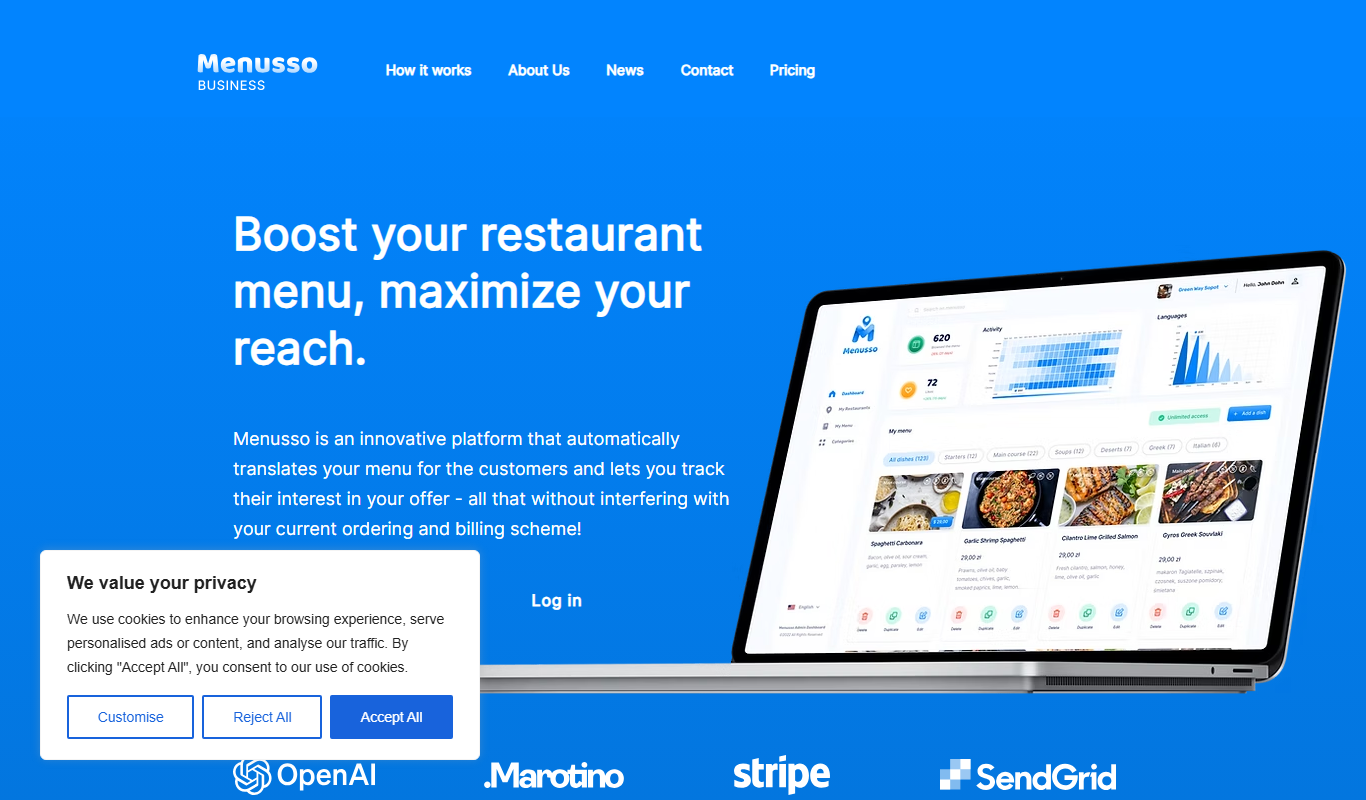
What is Menusso?
Menusso is a complete online sales platform that gives restaurants their own branded ordering app, with their logo and name in the Apple App Store and Google Play. Customers download it, order and pay online by card directly from the restaurant. It includes real-time menu management in an admin dashboard, delivery through DoorDash Drive, and AI menu translations into 17 languages.
Key features of Menusso
Menusso offers an intuitive menu builder, QR code generation for easy customer access, multi-language support, real-time menu editing, and order management features to streamline restaurant operations and improve customer experience.
Digital Menu Builder
An easy-to-use editor to create and customize menus with images and descriptions.
QR Code Generation
Automatically generate QR codes that link to your digital menu for contactless access.
Multi-language Support
Offer menus in several languages to accommodate diverse customers.
Real-Time Menu Updates
Instantly update menu items, prices, and availability without reprinting menus.
Order Management System
Track and manage orders placed through the platform efficiently.
Pros and cons of Menusso
Pros
- Easy to set up and use without technical skills
- Supports contactless ordering improving safety
- Real-time menu updates save printing costs
- Multi-language support enhances customer experience
- Flat monthly subscription with 0% commission on orders
Cons
- Limited integrations with POS systems
- No dedicated mobile app for staff
Key use cases for Menusso
Create Digital Menus
Restaurants can easily create and customize digital menus accessible via QR codes.
Contactless Ordering
Enable customers to browse menus and place orders directly from their smartphones without physical contact.
Menu Updates in Real-Time
Update menu items, prices, and specials instantly without reprinting physical menus.
Multi-language Menus
Offer menus in multiple languages to cater to diverse customer bases.
Order Management
Manage incoming orders efficiently through the platform, streamlining restaurant operations.
How Menusso works
- 1
Schedule a Demo
Schedule a demo, show the Menusso team your menu and tell them about your restaurant; they prepare the system for you.
- 2
Build Your Menu
Use the platform’s editor to add menu items, descriptions, prices, and images.
- 3
Generate QR Code
Create a unique QR code linked to your digital menu to display in your restaurant.
- 4
Share with Customers
Place the QR code on tables or other visible areas for customers to scan and access the menu.
- 5
Manage Orders
Receive and manage customer orders directly through the Menusso platform.
Who is using Menusso
Menusso pricing
Monthly subscription
$129/mo, first month free
Flat monthly rate with 0% commission on orders and $0 activation fee: own branded app in App Store and Google Play, online card payments, DoorDash Drive delivery, AI menu translations (17 languages), push notifications, customer database and CRM, real-time menu management.
Chains and custom integrations
Quoted individually
Chains and custom integrations are quoted individually.
Plans and prices are as published by the vendor and can change. Check the official site before you buy. Open the pricing page (opens in a new tab)
Frequently asked questions about Menusso
Yes, Menusso allows real-time updates to your digital menu without any downtime.
There is one flat monthly subscription with 0% commission on orders and a $0 activation fee, and the first month is free.
No, customers can access the menu by scanning the QR code with their smartphone camera.
Yes, the platform supports several languages to cater to international customers.
It depends on your specific needs and how you plan to use the tool. The official website and documentation are the best sources for the latest details.
Yes, it can help with that use case depending on how you configure it and what features are available. You’ll get the best results with clear inputs and a defined goal.
Some tools offer a free plan or trial with limited features. Availability can vary, so confirm on the official website.
Conclusion
Each restaurant gets its own ordering app instead of a marketplace listing, published with its logo and name in the Apple App Store and Google Play. Guests sign in with Apple, Google or email, pay online by card and choose delivery to the door or self pick-up. Delivery orders are dispatched automatically to DoorDash Drive in the US and to Wolt Drive in Poland, so no drivers of its own are needed.
A QR menu runs in the browser next to the app, with nothing for the guest to install. Staff work from a restaurant dashboard where new orders appear on their own and each item can carry variants, availability schedules and allergens. Menus are also translated automatically into 17 languages by AI. Billing is a flat monthly subscription with no commission on orders, and a typical launch takes about one month because menu setup, payments and app store publishing are handled first.
Sources
Sign in to review this tool.
Sign In to ReviewNo reviews yet
Be the first to share how this tool worked for you.
Ask about pricing, limits, or how it compares — or answer someone else.
Sign In to AskNo questions yet
Have a question about using or paying for this tool? Be the first to ask.
Featured on TiorAI



Alternative Tools
Explore similar AI tools that might fit your needs

UpMenu
UpMenu is an online ordering and restaurant management platform that enables restaurants to create branded websites and apps for direct customer orders, manage digital menus, run loyalty programs, and automate marketing communications.
More AI Voice Translator Lite tools
Other tools in the same category, for when this one is not quite the fit.

AI Code Translator
AI Code Translator is a web-based tool that uses artificial intelligence to automatically translate source code between multiple programming languages, helping developers save time and reduce errors.

My Speaking Score
My Speaking Score is a TOEFL Speaking practice tool with AI scoring aligned to the ETS rubric, rich feedback and instant results.

Dubformer
Dubformer is an AI dubbing studio with phrase-level control in 140+ languages.
izTalk
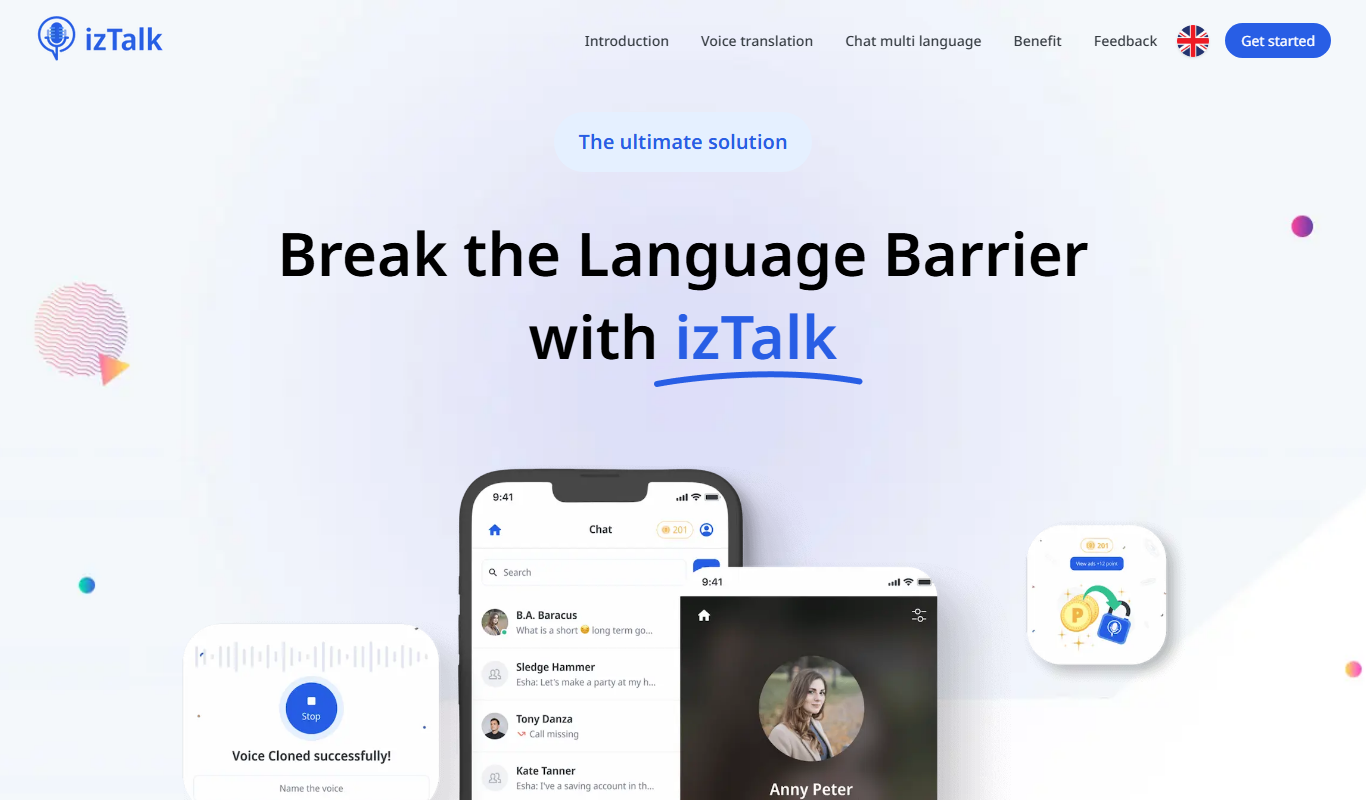
izTalk is a translation app that translates calls in real time, translates chat messages and offers an AI voice clone option.
Tolgee AI Translator
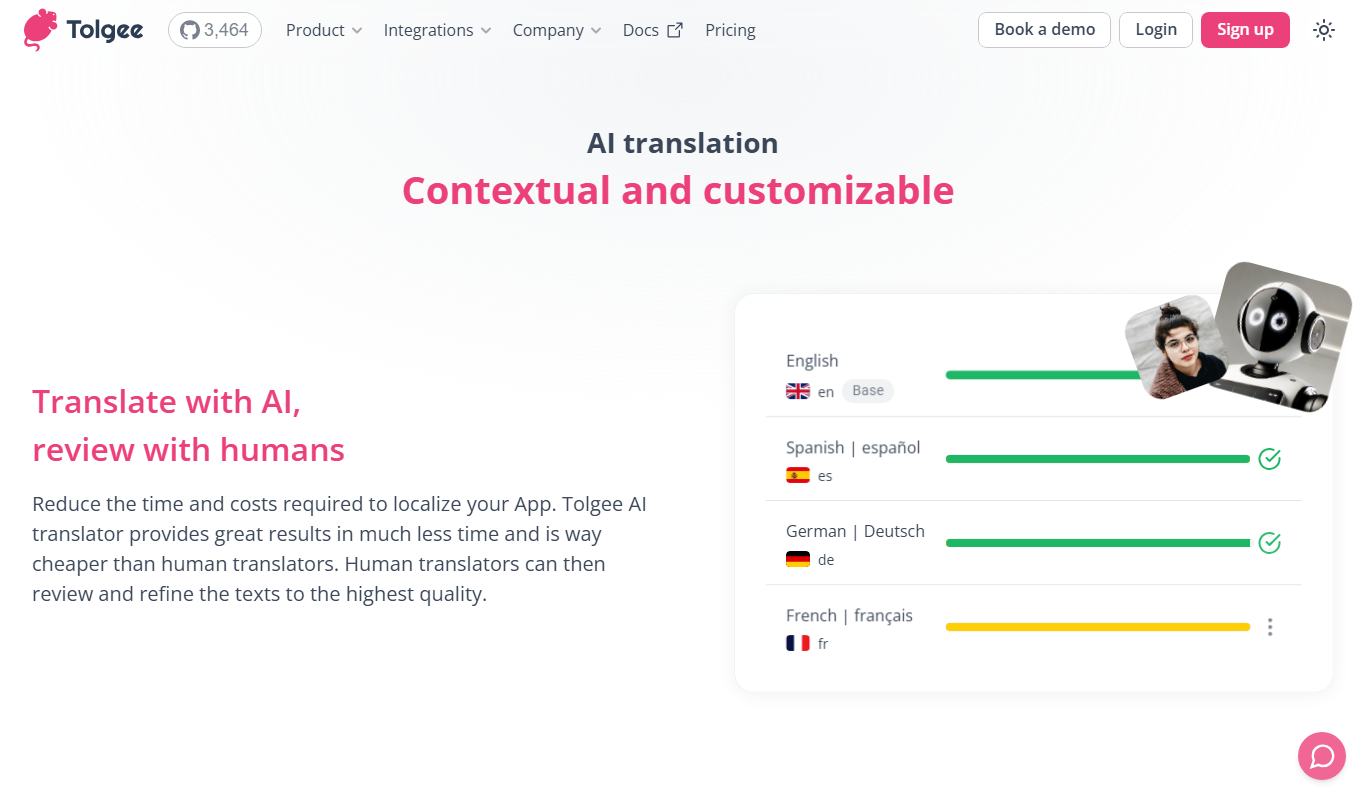
Tolgee AI Translator is an automated localization platform that uses AI to translate software content autonomously, enabling developers to maintain multilingual applications efficiently.

AI Wedding Toast
AI Wedding Toast is a web-based tool that generates personalized wedding speeches by using AI to tailor content based on your input about the couple and your relationship.

Doc2Lang
Doc2Lang is an AI-based document translation platform that supports multiple languages and preserves original document formatting, designed for businesses and professionals needing fast, accurate multilingual document conversion.
Telelingo
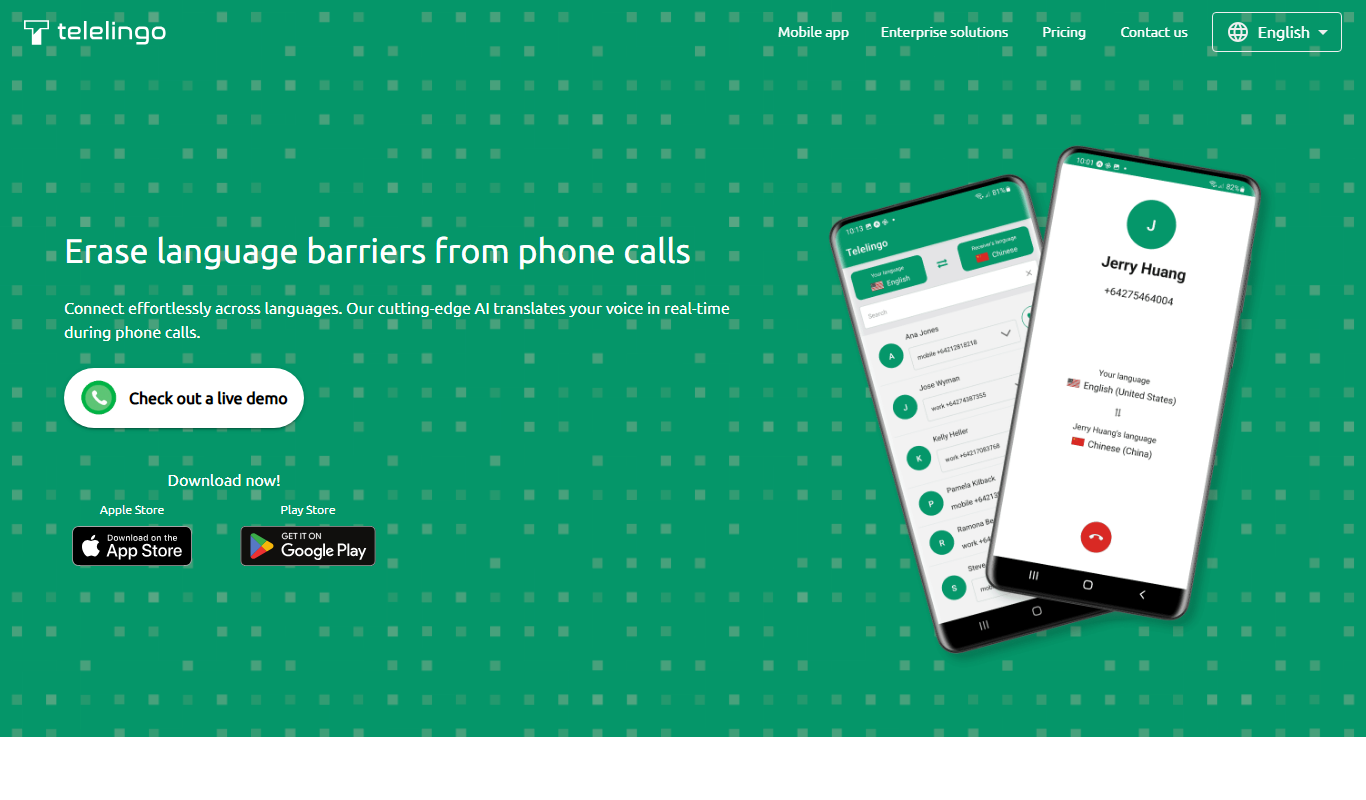
Telelingo is an AI phone call translator that translates your voice in real time during calls across 80+ languages.