

AnyToSpeech Text to Speech Converter with Natural Voices and Multilingual Support
AnyToSpeech is an all-in-one speech tool to generate speech, transcribe, translate and analyze your voice in one place. Free to try.
- Best for
- Content Accessibility
- Key capability
- All-in-one Speech Tool
Save AnyToSpeech, follow its updates and vote on it — everything stays in your account.
Sign in or create a free account
What is AnyToSpeech?
AnyToSpeech is an all-in-one speech tool to generate speech, transcribe, translate and analyze your voice in one place.
Key features of AnyToSpeech
The tool offers a simple web interface to input text, select voice and language options, and convert text into downloadable audio files. It supports multiple languages and voice styles, enabling users to customize speech output for various applications.
All-in-one Speech Tool
Generate speech, transcribe, translate and analyze your voice in one place.
Natural Voice Quality
Uses advanced speech synthesis technology to produce clear and natural-sounding voices.
Easy-to-Use Interface
Simple web-based platform requiring no installation or technical knowledge.
Audio Download
Allows users to download generated speech in common audio formats for offline listening.
Free and Freemium Plans
Offers free usage with basic features and optional paid plans for extended capabilities.
Voice Cloning
Three short recordings and thirty seconds of processing create an AI voice clone.
Transcription and Translation
Transcribe audio files and podcasts, or translate and transcribe them.
Pros and cons of AnyToSpeech
Pros
- Supports multiple languages with natural voices
- User-friendly web interface with no installation
- Free plan available for casual users
- Allows audio downloads for offline use
Cons
- Limited advanced customization options
- Premium features require subscription
Key use cases for AnyToSpeech
Content Accessibility
Convert written content into natural-sounding speech to improve accessibility for users with reading difficulties or visual impairments.
E-learning and Education
Create audio versions of educational materials to support auditory learners and enable learning on the go.
Multilingual Audio Content
Generate speech in multiple languages to reach a broader audience or create multilingual voiceovers.
Podcast and Video Production
Produce voiceovers for podcasts, videos, or presentations without needing professional voice actors.
Personal Use
Convert text messages, articles, or documents into speech for convenience and hands-free listening.
How AnyToSpeech works
- 1
Enter Text
Paste or type the text you want to convert into speech in the input box.
- 2
Select Language and Voice
Choose the desired language and voice style from the available options.
- 3
Generate Speech
Click the convert button to process the text and create the audio output.
- 4
Download Audio
Listen to the generated speech and download the audio file for offline use.
Who is using AnyToSpeech
AnyToSpeech pricing
Free
$0/month
5,000 characters / month and ~30 seconds per conversion, no card required; premium voices, voice cloning and commercial use not included.
Hobby
$7/month
For personal projects and creators starting out: 50,000 characters / month, premium voices and 1 voice clone.
Standard
$14/month
For regular creators who need more volume: 100,000 characters / month, premium voices and 3 voice clones.
Pro
$69/month
For heavy production and agencies: 1,000,000 characters / month, premium voices and 10 voice clones.
Plans and prices are as published by the vendor and can change. Check the official site before you buy. Open the pricing page (opens in a new tab)
Frequently asked questions about AnyToSpeech
Yes, a free plan with 5,000 characters / month is available and needs no card; premium voices, voice cloning and commercial use require a paid plan.
It supports multiple languages including English, Spanish, French, German, Chinese, and Japanese.
Yes, users can download the generated speech audio files in common formats.
No, AnyToSpeech is a web-based tool that works directly in your browser.
It depends on your specific needs and how you plan to use the tool. The official website and documentation are the best sources for the latest details.
Yes, it can help with that use case depending on how you configure it and what features are available. You’ll get the best results with clear inputs and a defined goal.
Some tools offer a free plan or trial with limited features. Availability can vary, so confirm on the official website.
Conclusion
Text to speech is only the starting point, since speech can also be generated from PDFs and images while audio files and podcasts can be transcribed and translated. Voice cloning takes three short recordings and about 30 seconds of processing, and voice design creates a new voice from a plain text description with no mic needed. Separate voice analysis tools give feedback on singing, accent and pronunciation from a short recorded clip.
The free plan needs no card but does not include premium voices, voice cloning or commercial use. All paid plans are monthly subscriptions whose character allocation renews every month, with unused characters rolling over to the next month. Unused purchases are refundable within 7 days.
Sources
Sign in to review this tool.
Sign In to ReviewNo reviews yet
Be the first to share how this tool worked for you.
Ask about pricing, limits, or how it compares — or answer someone else.
Sign In to AskNo questions yet
Have a question about using or paying for this tool? Be the first to ask.
Featured on TiorAI



Alternative Tools
Explore similar AI tools that might fit your needs
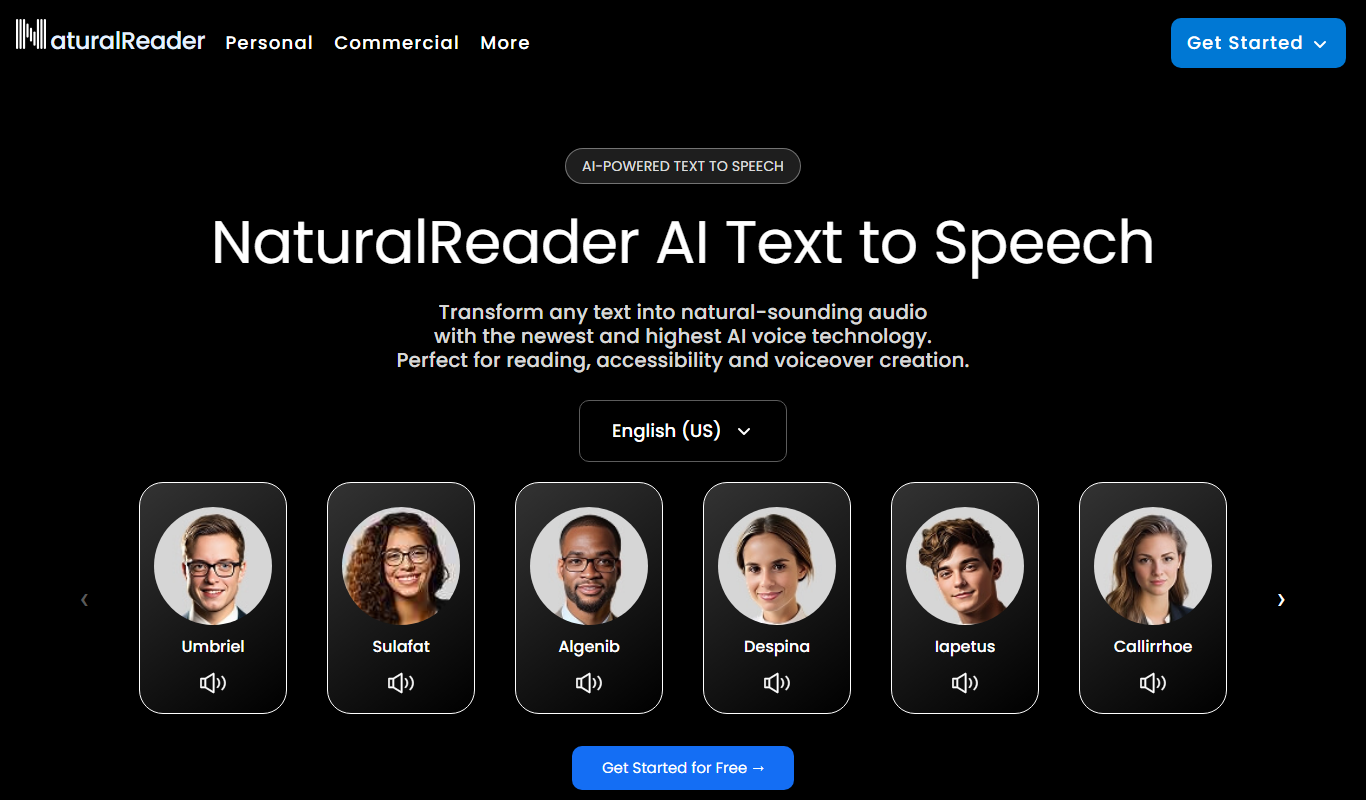
Natural Reader
Natural Reader is a text-to-speech software that converts written text into natural, human-like speech across multiple languages and platforms, supporting accessibility and content consumption.
More AI Accessibility Tools tools
Other tools in the same category, for when this one is not quite the fit.

Image Describer
Image Describer is an online AI tool that generates detailed descriptions, captions and extracted text from uploaded images.

ChatTTS
ChatTTS is a text-to-speech model built for conversational scenarios such as LLM assistant dialogue and conversational video introductions, supporting Chinese and English.

ForVoyez
ForVoyez generates SEO-optimized alt text, titles and captions for images with AI, through an API and a WordPress plugin.

ImageComply
ImageComply is an alt text generator that automatically writes alt tags for website images through a plugin, for accessibility and SEO.

Butter Reader
Butter Reader converts blog posts into an on-brand audio player with natural AI narration, embedded on WordPress or any site with one snippet.

Sign AI
Sign AI is building real-time, bi-directional sign language interpretation with AI, led by a Deaf team, for businesses, institutions and developers.

Read Easy.ai
Read Easy.ai makes text easier to read for people with low literacy skills through Microsoft Word and Outlook add-ins, a Chrome extension and a Developer API, in multiple languages.

EyeGestures
EyeGestures is an open-source gaze tracking project that makes eye tracking accessible for everyone using just a webcam.