

WellSaid Labs AI Voice Generator for Realistic Text-to-Speech Solutions
WellSaid Labs is an AI-driven text-to-speech platform that converts written text into realistic, natural-sounding voiceovers, ideal for e-learning, marketing, and audiobook production.
- Best for
- E-Learning Narration
- Key capability
- High-Quality Neural Voices
Save Wellsaidlabs, follow its updates and vote on it — everything stays in your account.
Sign in or create a free account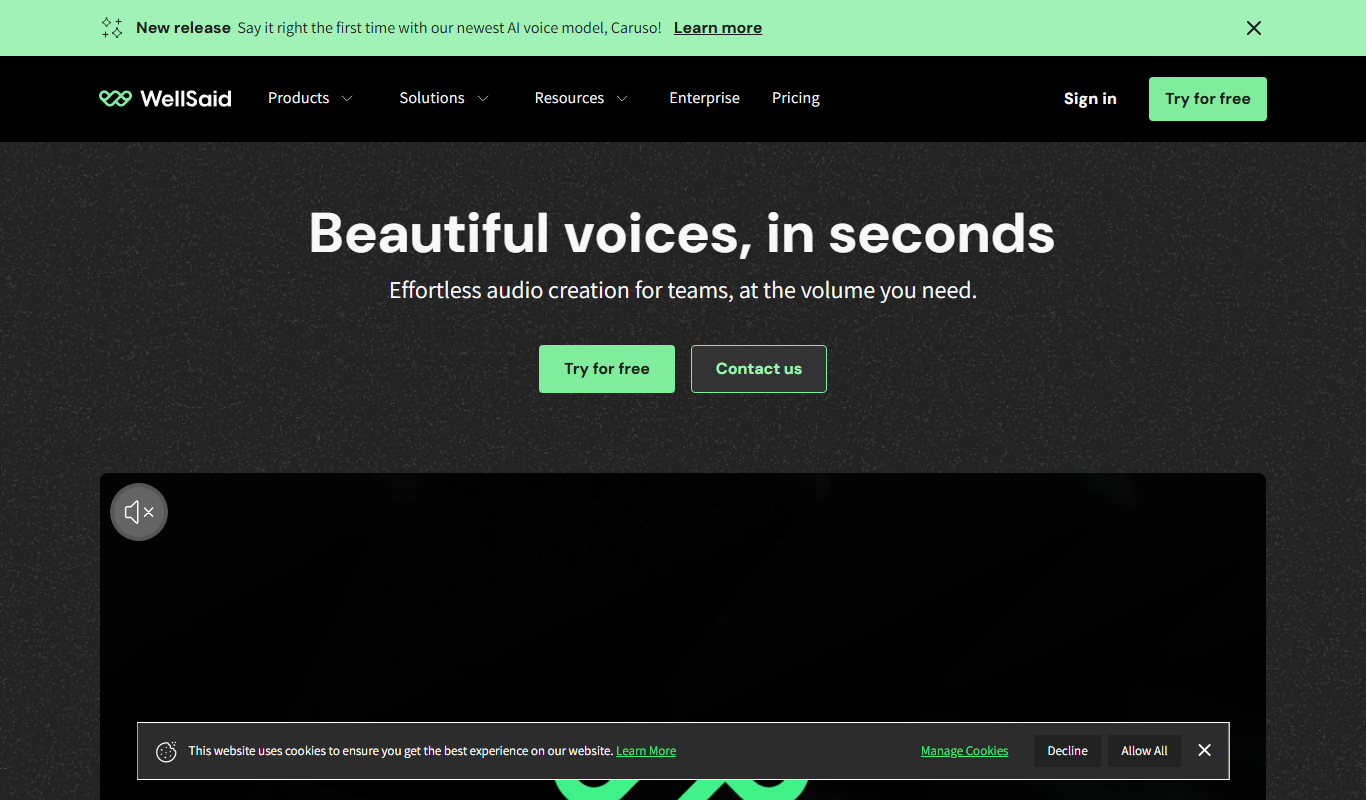
What is Wellsaidlabs?
WellSaid Labs is an AI-powered text-to-speech platform that transforms written text into realistic, human-like voiceovers. It leverages advanced neural voice synthesis technology to produce natural intonation, pacing, and expression, making it ideal for content creators, educators, marketers, and businesses seeking high-quality audio narration without the need for professional voice actors.
Key features of Wellsaidlabs
WellSaid Labs offers a variety of lifelike AI voices, customizable speech styles, and an intuitive web interface. It supports API integration for developers and provides tools for script editing, voice cloning, and batch processing to streamline audio content creation.
High-Quality Neural Voices
Offers a diverse library of AI voices with natural prosody and clarity.
API Access
Enables developers to integrate WellSaid’s voice synthesis into custom applications.
Voice Cloning
Create custom AI voices based on real human voices for brand consistency.
Script Editing Tools
Edit and preview text with real-time voice feedback before finalizing audio.
Batch Processing
Convert multiple scripts into audio files efficiently for large projects.
Pros and cons of Wellsaidlabs
Pros
- Produces highly natural and expressive AI voices
- User-friendly interface with script editing and preview
- API available for seamless integration
- Supports voice cloning for brand consistency
- Fast audio generation and batch processing
Cons
- Limited to English language support
- Higher pricing for advanced features and enterprise use
- No mobile app available
Key use cases for Wellsaidlabs
E-Learning Narration
Create natural-sounding voiceovers for educational videos and courses to enhance learner engagement.
Marketing and Advertising
Generate professional voiceovers for promotional content, ads, and social media campaigns without hiring voice actors.
Audiobook Production
Produce high-quality audiobook narrations quickly with AI voices that sound human and expressive.
Corporate Training
Develop voice-guided training materials and presentations that maintain listener attention.
Accessibility
Provide audio versions of written content to improve accessibility for users with visual impairments.
How Wellsaidlabs works
- 1
Create an Account
Sign up on the WellSaid Labs website to access the platform.
- 2
Input Text
Enter or upload the text you want to convert into speech.
- 3
Select Voice
Choose from a range of AI-generated voices that suit your project’s tone.
- 4
Customize Speech
Adjust speech speed, emphasis, and pauses to refine the audio output.
- 5
Generate and Download
Produce the voiceover and download the audio file for use in your projects.
Who is using Wellsaidlabs
Wellsaidlabs pricing
Trial
Free
No credit card required. 3 download minutes per month with no commercial rights, curated voice actors and studio tools for tone, pitch and emotional control.
Starter
$19/month billed monthly
20 minutes/month of downloaded audio, unlimited generation, 10 projects, all English voices and full commercial rights.
Enterprise
Custom pricing, billed annually
Everything in Business plus a custom number of seats, all languages, translation, priority support, up to 96 kHz sample rate and SSO and security controls.
Pro
$49/month billed monthly
180 minutes/month of downloaded audio, unlimited generation and projects, all English voices, full commercial rights and Adobe Express integration.
Plans and prices are as published by the vendor and can change. Check the official site before you buy. Open the pricing page (opens in a new tab)
Frequently asked questions about Wellsaidlabs
Yes, commercial usage rights are included with paid subscription plans.
Yes. WellSaid offers 240+ studio-quality AI voices in 20+ languages.
Yes, API access is available with Enterprise plans for integration.
Yes, voice cloning services are offered for Enterprise customers.
It depends on your specific needs and how you plan to use the tool. The official website and documentation are the best sources for the latest details.
Yes, it can help with that use case depending on how you configure it and what features are available. You’ll get the best results with clear inputs and a defined goal.
Yes. WellSaid offers 240+ studio-quality AI voices in 20+ languages.
Integration support depends on the tool and its available connectors or API. Check the official documentation or integrations page to confirm what is supported.
Conclusion
Scripts go in as text, a voice is picked from the library, and speed, emphasis and pauses can then be adjusted to refine the audio. Every voice is built from licensed recordings of professional voice actors, who are paid royalties for each use. The voice library spans 240+ voices in 20+ languages. Starter and Pro include all English voices, while all languages and translation are part of the Enterprise plan. Developers can reach the same voices through a text-to-speech API with real-time streaming and asynchronous endpoints for batch workloads.
Its use cases center on narration for educational videos and courses and on voice-guided corporate training materials. A free trial with a few download minutes a month carries no commercial rights, which start with the paid plans. On those plans the meter counts minutes of finished audio downloaded, while generating and regenerating clips stays unlimited.
Sources
Sign in to review this tool.
Sign In to ReviewNo reviews yet
Be the first to share how this tool worked for you.
Ask about pricing, limits, or how it compares — or answer someone else.
Sign In to AskNo questions yet
Have a question about using or paying for this tool? Be the first to ask.
Featured on TiorAI



More AI Text-to-Speech tools
Other tools in the same category, for when this one is not quite the fit.

ChatTTS
ChatTTS is a text-to-speech model built for conversational scenarios such as LLM assistant dialogue and conversational video introductions, supporting Chinese and English.

Read It
Read It turns your newsletters and articles into audio with AI text-to-speech and delivers them as a podcast feed.

FileSpeech
FileSpeech converts files into natural speech: import PDF files, website links or camera scans, pick a language and voice, and listen in the app or download the audio.

Studio Neiro AI
Studio Neiro AI turns text into videos presented by AI avatars, with natural AI voices, text to speech, script generation and automatic captions.

Butter Reader
Butter Reader converts blog posts into an on-brand audio player with natural AI narration, embedded on WordPress or any site with one snippet.

Tad AI
Tad AI is an AI music generator and song maker that turns prompts and lyrics into original songs or instrumentals, with cover, rap and music video tools.

WhisperUI – Text to Speech
WhisperUI is a transcription workspace for web and desktop that also offers a text to speech tool for turning typed text into speech.
Lovevoice AI Voice Generator
Lovevoice AI is a web-based platform that converts text into realistic speech and allows users to clone voices by uploading samples, ideal for content creation and marketing.