

From my experience with Read It, I found it excels at quickly condensing long web articles into clear, digestible summaries, which is a huge time saver for research and daily reading. The Chrome extension integration makes it seamless to use during browsing, enhancing productivity without interrupting workflow. However, it currently supports only English and can struggle with paywalled or very technical content, which limits its scope somewhat. Overall, if you need a straightforward AI tool to speed up understanding web content, Read It delivers reliable and user-friendly results.
Read It AI Tool for Summarizing and Analyzing Web Content Efficiently
Read It is an AI tool that summarizes and analyzes web content to help users quickly understand lengthy articles and reports.
- Best for
- Quick Content Summarization
- Key capability
- AI-Powered Summarization
Your actions


Do you recommend this tool?
What is Read It?
Read It is an AI-powered tool designed to summarize and analyze web content efficiently. It helps users quickly understand lengthy articles, reports, or web pages by generating concise summaries and extracting key insights. The tool is accessible via a web platform and a Chrome extension, making it easy to integrate into daily browsing and research workflows.
Key features of Read It
Read It offers automated summarization, key point extraction, and content analysis features. It supports quick comprehension of complex texts and improves productivity by reducing the time spent reading long documents.
AI-Powered Summarization
Automatically condenses lengthy web content into digestible summaries.
Chrome Extension Integration
Summarize content directly from your browser without switching apps.
Key Point Extraction
Highlights the most important information from articles and reports.
User-Friendly Interface
Clean and intuitive design for easy navigation and quick results.
Pros and cons of Read It
Pros
- Saves significant reading time with accurate summaries
- Easy to use with browser integration
- Affordable pricing with a free tier
Cons
- Limited language support
- May struggle with paywalled or highly technical content
Key use cases for Read It
Quick Content Summarization
Generate concise summaries of long articles or web pages to save reading time.
Research Assistance
Extract key points and insights from multiple sources to aid research and decision-making.
Content Analysis
Analyze web content for important themes and data without manual reading.
Improved Reading Efficiency
Help users quickly grasp the essence of complex or lengthy texts.
How Read It works
- 1
Install or Access
Use the Read It web app or install the Chrome extension to start.
- 2
Input Content
Paste a URL or select text from a webpage to analyze.
- 3
Generate Summary
The AI processes the content and provides a concise summary and key points.
- 4
Review and Use
Read the summary to quickly grasp the main ideas or export for later use.
Who is using Read It
Students and researchers
Content marketers
Busy professionals
Journalists
Knowledge workers
Read It pricing
Free
$0/month
Basic summarization features with daily usage limits.
Pro
$9.99/month
Unlimited summaries, priority processing, and advanced features.
Plans and prices are as published by the vendor and can change. Check the official site before you buy. Open the pricing page (opens in a new tab)
Frequently asked questions about Read It
Read It can summarize most publicly accessible web pages, but pages behind paywalls or requiring login may not be supported.
The free plan has daily limits on usage, while the Pro plan offers unlimited summarization.
Currently, Read It primarily supports English content.
It depends on your specific needs and how you plan to use the tool. The official website and documentation are the best sources for the latest details.
Some tools offer a free plan or trial with limited features. Availability can vary, so confirm on the official website.
Yes, it can help with that use case depending on how you configure it and what features are available. You’ll get the best results with clear inputs and a defined goal.
Sign in to review this tool.
Sign In to ReviewNo reviews yet
Be the first to share how this tool worked for you.
Ask about pricing, limits, or how it compares — or answer someone else.
Sign In to AskNo questions yet
Have a question about using or paying for this tool? Be the first to ask.
Featured on TiorAI



Alternative Tools
Explore similar AI tools that might fit your needs

Free
SummarizeBot
SummarizeBot is an AI tool that automatically condenses lengthy text into concise summaries, supporting multiple languages and chatbot integrations for easy access.
More AI Podcast Editing Lite tools
Other tools in the same category, for when this one is not quite the fit.

Free Trial
Lasso Moderation
Lasso Moderation is an AI-driven content moderation tool that detects and filters toxic, abusive, and inappropriate user-generated content in real-time, helping online platforms maintain safe and respectful environments.
Free
Captions App
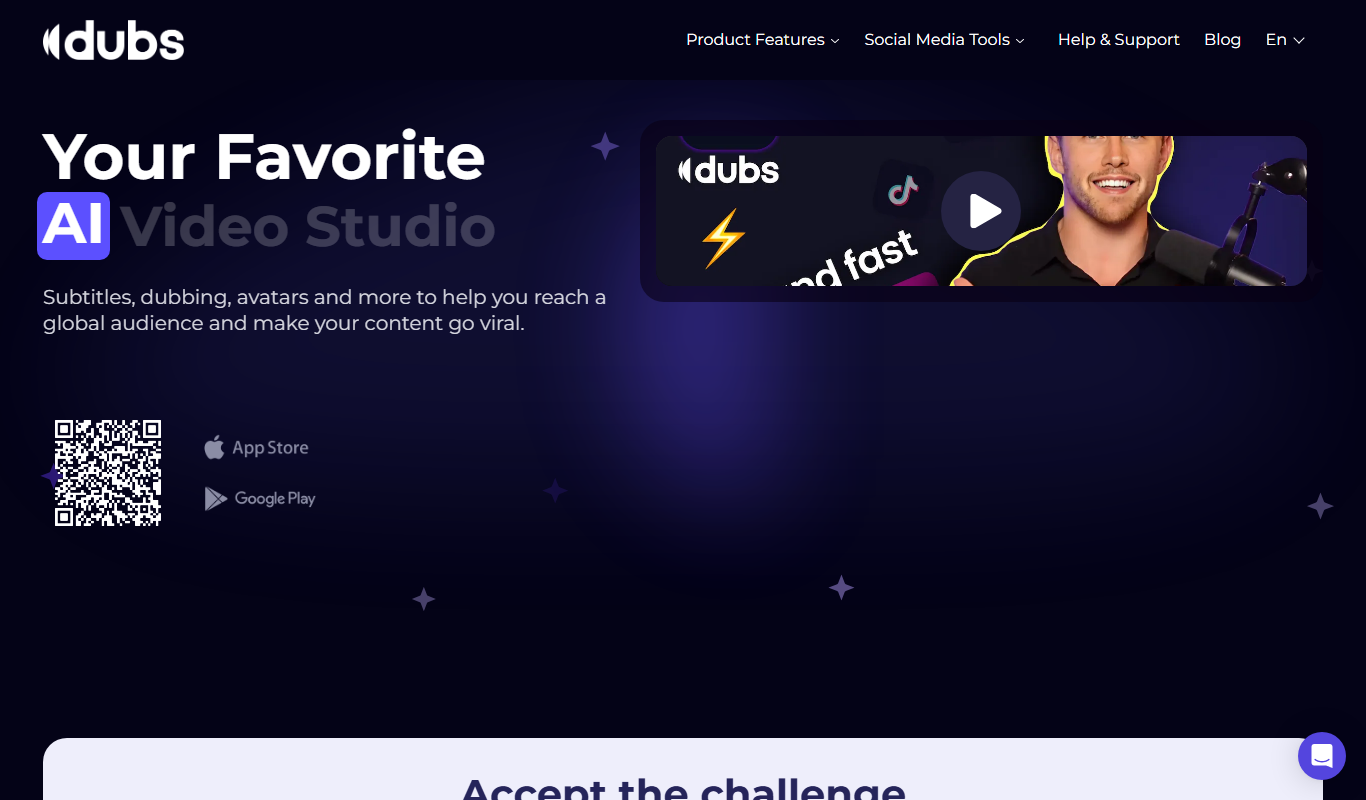
Captions App by Dubs.io is an AI-driven web tool that automatically generates and edits video captions to improve accessibility and viewer engagement.

Freemium
Ethertext
Ethertext is an AI writing assistant designed to help users create marketing content, blog posts, and SEO-optimized text quickly through an easy-to-use web platform.