

MobileGPT AI Chatbot App for On-the-Go Conversations and Productivity
MobileGPT is an AI agent on WhatsApp that chats like ChatGPT, generates images and documents, answers questions about files and uses agents to send emails, manage a calendar and set reminders.
- Best for
- Conversational AI Assistant
- Key capability
- Works Inside WhatsApp
Save MobileGPT, follow its updates and vote on it — everything stays in your account.
Sign in or create a free account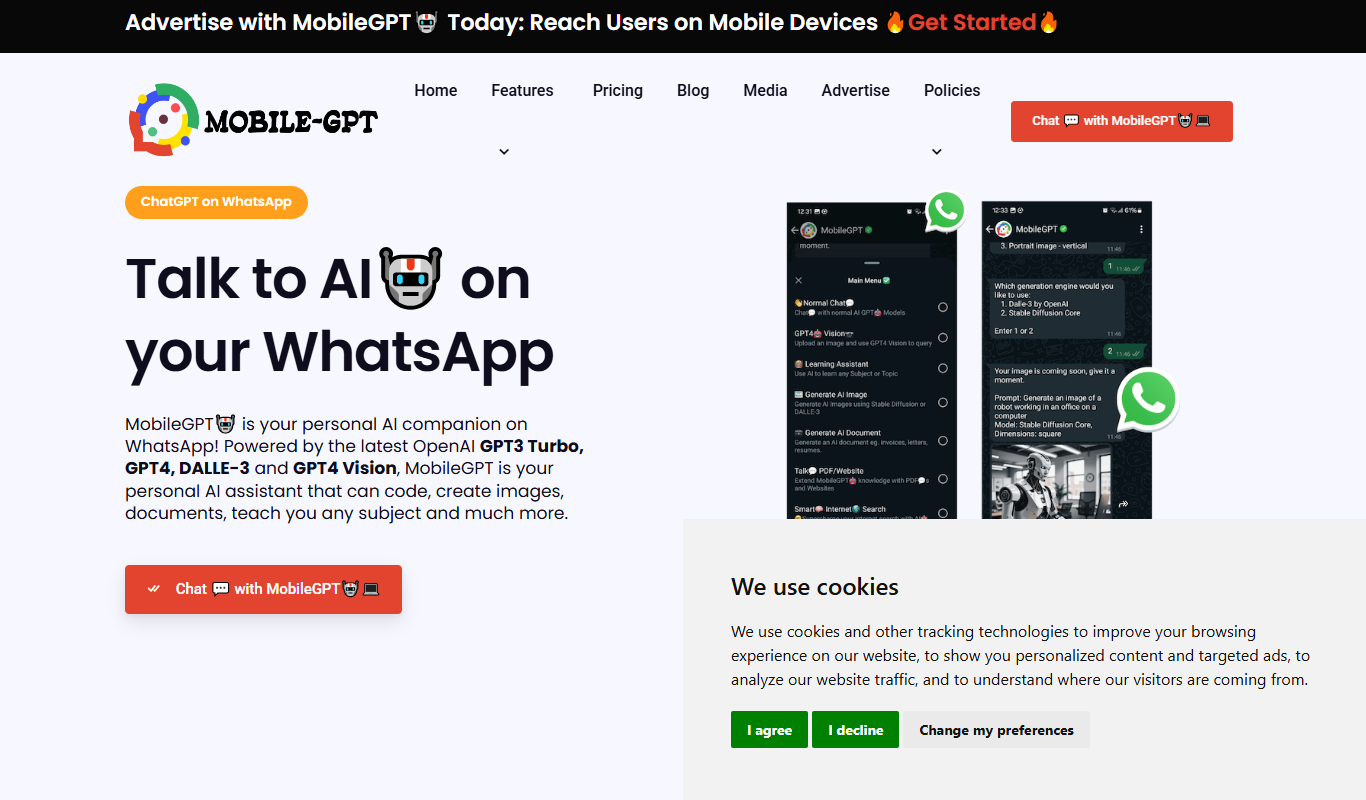

What is MobileGPT?
MobileGPT is a smart AI assistant that lives inside WhatsApp. It chats like ChatGPT, understands images, generates images and documents, reads files and uses smart agents to send emails, manage calendars and set reminders, all with live internet access.
Key features of MobileGPT
MobileGPT features an intuitive chat interface optimized for mobile devices, real-time AI responses, and support for diverse conversational topics. It offers both free and subscription-based plans, allowing users to access basic AI chat capabilities or unlock enhanced features and usage limits.
Works Inside WhatsApp
MobileGPT works entirely inside WhatsApp, so there is nothing extra to download.
GPT-Powered AI Responses
Leverages advanced GPT language models to generate coherent and context-aware replies.
Multi-Purpose Use
Supports a wide range of tasks from casual conversation to productivity and creative writing.
Subscription Plans
Offers free access with limits and paid plans for extended usage and features.
Pros and cons of MobileGPT
Pros
- Convenient mobile access to GPT-powered AI chat
- No app to install for anyone who already has WhatsApp
- Flexible pricing with free and premium options
Cons
- Requires internet connection for AI responses
- Limited free usage may restrict heavy users
- No desktop or web version currently available
Key use cases for MobileGPT
Conversational AI Assistant
Engage in natural language conversations for information, brainstorming, or casual chat.
On-the-Go Productivity
Use MobileGPT to quickly generate ideas, draft messages, or get answers while mobile.
Learning and Research
Ask questions and receive detailed explanations to support learning or research tasks.
Creative Writing Aid
Generate story ideas, outlines, or text snippets to assist creative writing projects.
How MobileGPT works
- 1
Save the Number
Add MobileGPT to your contacts and open a WhatsApp chat.
- 2
Say Hello
Send a first message, such as a question, a photo or a task; no account setup is needed before you begin.
- 3
Start Chatting
Type your questions or prompts and receive AI-generated responses instantly.
- 4
Upgrade for More Features
Choose a subscription plan to increase usage limits and access premium functionalities.
Who is using MobileGPT
MobileGPT pricing
Free
Free to start
Get started for free; advanced features and higher usage limits require a paid plan.
Premium
$9.99/month
Increased message limits, faster response times, and priority access.
Pro
$19.99/month
Unlimited messages, highest priority, and access to advanced AI features.
Plans and prices are as published by the vendor and can change. Check the official site before you buy. Open the pricing page (opens in a new tab)
Frequently asked questions about MobileGPT
Yes. MobileGPT can be started for free, and advanced features and higher usage limits are available on paid plans.
MobileGPT works entirely inside WhatsApp, so there is no separate app to download.
Yes, MobileGPT requires an active internet connection to communicate with AI servers.
Yes, it can assist with generating ideas, outlines, and text snippets for creative projects.
This tool is designed to help users accomplish its core tasks more efficiently. It is typically used by individuals or teams looking to improve productivity and workflow.
Yes, it can help with that use case depending on how you configure it and what features are available. You’ll get the best results with clear inputs and a defined goal.
The best alternative depends on your workflow, features you need, and budget. Compare plans, integrations, and output quality to choose the closest fit.
Conclusion
A WhatsApp chat is the whole interface: users save the MobileGPT number, send a first message and get replies in the same thread, with no separate app or account setup. Beyond questions and answers, it reads photos with GPT vision, generates images and documents such as reports or CVs, and answers questions about an uploaded PDF. Every feature is connected to the web, so answers can draw on current facts and news.
Its smart agents act once an email account or calendar is connected, drafting and sending emails, moving appointments and setting reminders from a message. Posts to LinkedIn, Facebook and Instagram can be drafted and published the same way. The service is described as replying in dozens of languages, and no separate ChatGPT or OpenAI account is needed. Students, researchers and professionals looking for quick answers or productivity tools are among the intended users. Getting started is free, while advanced features and higher usage limits sit on paid plans.
Sources
Sign in to review this tool.
Sign In to ReviewNo reviews yet
Be the first to share how this tool worked for you.
Ask about pricing, limits, or how it compares — or answer someone else.
Sign In to AskNo questions yet
Have a question about using or paying for this tool? Be the first to ask.
Featured on TiorAI



Alternative Tools
Explore similar AI tools that might fit your needs

Replika
Replika is an AI chatbot designed to provide personalized emotional support and companionship through text and voice conversations, helping users manage loneliness and stress.
More AI Chatbot tools
Other tools in the same category, for when this one is not quite the fit.

Modly
Modly.ai trains, fine-tunes and hosts custom large language models on your business data, delivered as a managed service with API access.

Voyageraid
VoyagerAid is end-to-end disruption management software that helps airlines handle rebooking, passenger communication and disruptions with predictive analytics.
Open Tutor App
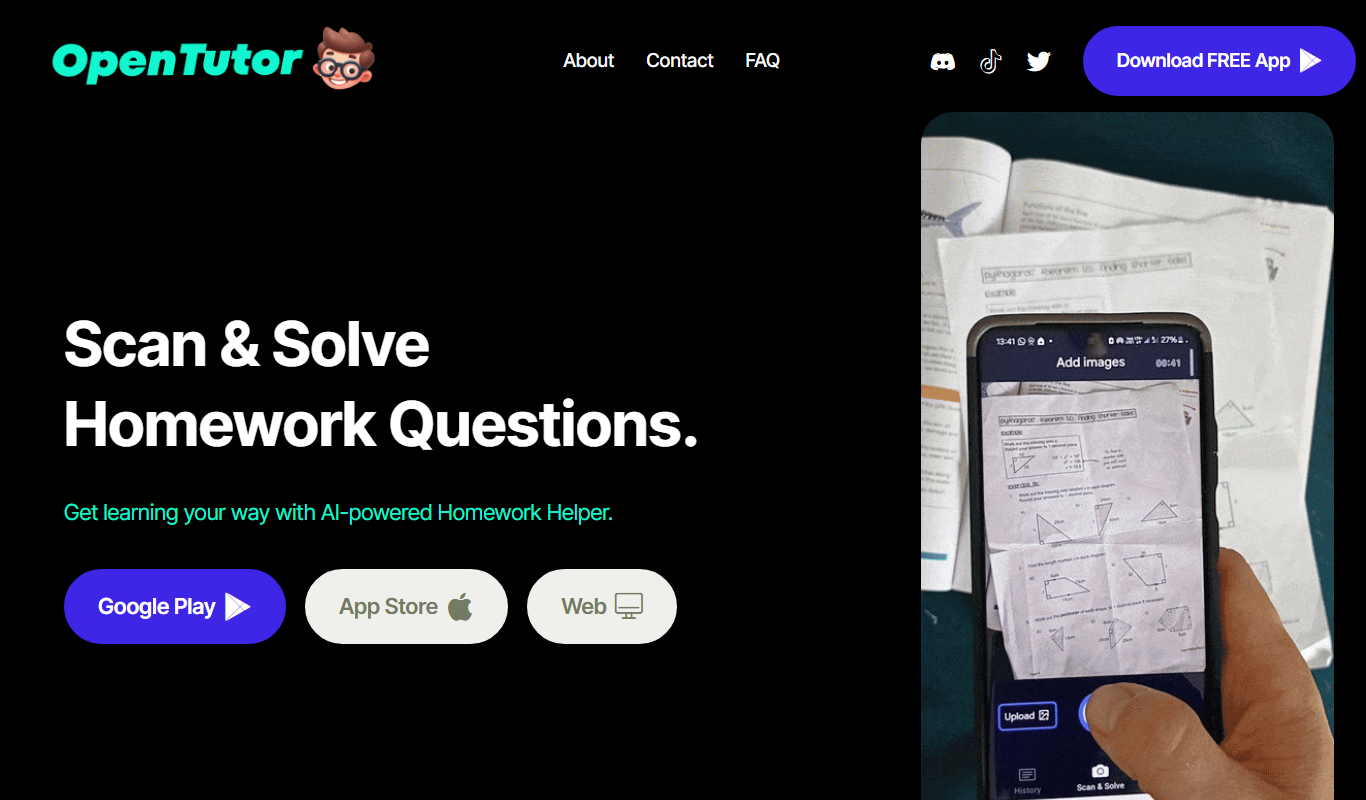
Open Tutor App is an AI homework helper app that scans a photo of a homework question and returns step-by-step solutions and explanations.
Wazgar – ChatGPT in Whatsapp
Wazgar is an AI assistant inside WhatsApp that can assist users at any time, from learning and writing to everyday conversation.

Chat Breezes 1.0
Chat Breezes is an AI-powered omnichannel conversation suite that unifies WhatsApp, Instagram, Facebook and Twitter/X messages in one dashboard for engagement and social selling.

chaterimo.com
Chaterimo is an AI chatbot platform that helps businesses automate customer support and engagement through customizable conversational bots on websites.

Pickaxe
Pickaxe is a no-code platform to build AI agents, package them into products and sell them through branded portals with billing and access control.

ChatHelp.ai
ChatHelp.ai is an AI chatbot platform that automates customer support by engaging website visitors with conversational AI, integrating with helpdesk tools, and providing analytics to optimize service.