

SpeechGeneratorAI - AI Speech Generator to Write Speeches in Seconds
SpeechGeneratorAI is a free AI speech writer that creates personalized speeches for any occasion in seconds.
- Best for
- Personal
- Key capability
- Speech types for any occasion
Save SpeechGeneratorAI, follow its updates and vote on it — everything stays in your account.
Sign in or create a free account

What is SpeechGeneratorAI?
SpeechGeneratorAI is an AI speech writer: you describe your topic, pick a tone and add a few details, and the AI writes a personalized speech for any occasion in seconds.
Key features of SpeechGeneratorAI
Select the type of speech, fill in a few details about the event and the people involved, pick a tone such as heartfelt, humorous, formal or inspirational, and get a personalised speech in seconds.
Speech types for any occasion
Select the type of speech you need and fill in a few details about the event and the people involved.
Tone selection
Pick the tone that fits the moment: heartfelt, humorous, formal or inspirational.
Many output languages
Write speeches in English (US), English (UK), Chinese (Simplified) and many other languages.
Speech Topic Generator and Speech Time Calculator
Extra tools to find a topic and to hit a time limit.
Edit, download and save
Copy the speech instantly, or create a free account to edit, download and save it.
Pros and cons of SpeechGeneratorAI
Pros
- Up to 5 speeches without an account, 50 per month with a free account
- Speeches usually generated in under 10 seconds
- Choice of tone for each speech
- Day pass for one-time use
- Audio files downloadable in MP3 format
Cons
- Free plan uses the basic AI model and generic styling
- Writes speech text only, no audio
- API access only for enterprise plans
Key use cases for SpeechGeneratorAI
Personal
Write wedding toasts, eulogies, birthday and anniversary speeches.
Educational
Get speeches for your school events.
Public Speaking
Public talks, live events, or use by emcees and event coordinators.
Business
Reports, press releases or official announcements.
Prototyping Voice Interfaces
Test voice outputs for apps or devices using AI-generated speech.
How SpeechGeneratorAI works
- 1
Choose your occasion
Select the type of speech you need and fill in a few details about the event and the people involved.
- 2
Customise your tone
Pick the tone that fits the moment: heartfelt, humorous, formal or inspirational.
- 3
Get your speech instantly
The AI generates a personalised, ready-to-deliver speech in seconds; copy it or create a free account to edit, download and save it.
- 4
Generate Audio
Click the generate button to create the audio output.
- 5
Download or Share
Download the audio file or share it directly from the platform.
Who is using SpeechGeneratorAI
SpeechGeneratorAI pricing
Free forever
$0/month
50 speeches, basic AI model, generic styling, basic support.
Premium unlimited
EGP 500/month or $84 billed annually
Unlimited speeches, advanced AI model, superior styling, longer speeches, ad-free interface, priority support.
Day Pass
EGP 200 one-time
One day access with unlimited speeches and the Premium features.
Plans and prices are as published by the vendor and can change. Check the official site before you buy. Open the pricing page (opens in a new tab)
Frequently asked questions about SpeechGeneratorAI
Yes. You can generate up to 5 speeches without an account, and a free account gives 50 speeches per month.
Usually under 10 seconds.
Yes. The speech is yours to edit however you like.
The details you provide are only used to generate your speech and are never shared with third parties.
Yes, there is a 7-day money-back guarantee for Premium.
Some tools offer a free plan or trial with limited features. Availability can vary, so confirm on the official website.
Yes, it can help with that use case depending on how you configure it and what features are available. You’ll get the best results with clear inputs and a defined goal.
Conclusion
Writing the words, not voicing them, is what this generator does. A user picks the type of speech from a long list of occasions, fills in a few details about the event and the people involved, chooses a tone such as heartfelt, humorous or formal, and gets a personalised draft in seconds. The output language can be set as well, starting with English (US), English (UK) and Chinese (Simplified). Each speech can be copied instantly, or saved, edited and downloaded after creating a free account.
Typical requests range from wedding toasts and eulogies to school events, emcee scripts and press announcements. Five speeches can be generated without signing up, and a free account raises that to 50 a month on the basic model. Premium removes the cap and adds an advanced model and longer speeches, with a 24-hour day pass for one-off needs.
Sources
Sign in to review this tool.
Sign In to ReviewNo reviews yet
Be the first to share how this tool worked for you.
Ask about pricing, limits, or how it compares — or answer someone else.
Sign In to AskNo questions yet
Have a question about using or paying for this tool? Be the first to ask.
Featured on TiorAI



More AI Speech Synthesis Tools tools
Other tools in the same category, for when this one is not quite the fit.

vocalimage.app
Vocal Image is an AI speaking coach that gives instant feedback on recorded voice exercises and builds a daily training plan, on iOS, Android and the web.

Voxify
Voxify is an AI text to speech voice generator with 450+ voices in 140+ languages and controls for pitch, speed and emotion.

Dubformer
Dubformer is an AI dubbing studio with phrase-level control in 140+ languages.
AudiowaveAI
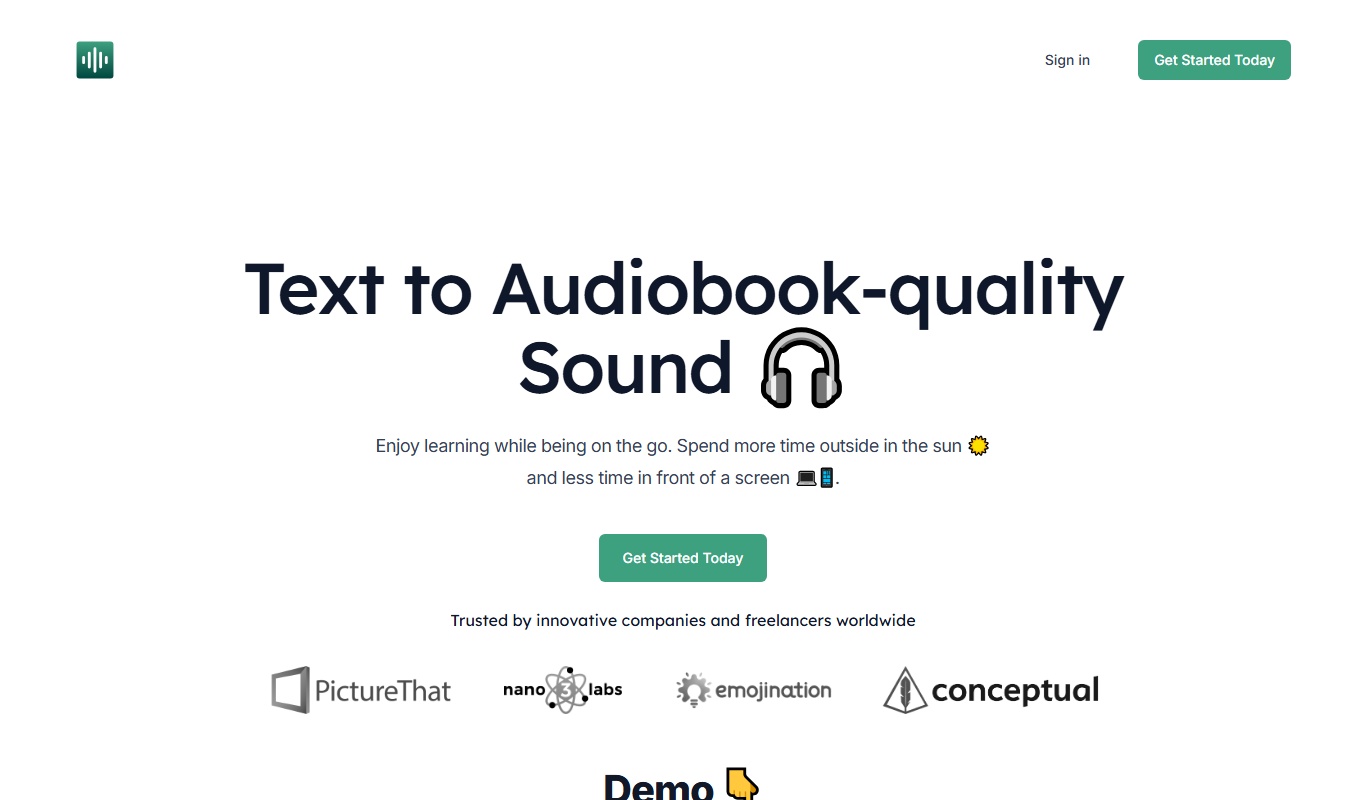
AudiowaveAI converts text such as articles, blog posts, EPUBs and PDFs into audiobook quality sound for listening on the go.

Voice Out
Voice Out is a text-to-speech extension for Chrome and Edge that reads aloud any Google Doc, PDF, webpage or book in 60+ languages and 100+ voices.

Beepbooply
Beepbooply converts text to speech with 900+ voices across 80+ languages and lets you download realistic audio with a click.

AiVOOV – Text to Speech Solution
AiVOOV is an AI-driven text to speech platform that converts written text into natural, human-like audio in multiple languages, suitable for voiceovers, audiobooks, and accessibility.

SteosVoice
SteosVoice is an AI-driven text-to-speech platform that converts text into natural, human-like speech with multi-language support and voice cloning capabilities.