

Voiser AI Voice Generator for Realistic Text-to-Speech Conversion
Voiser is a web-based text to speech and speech to text platform that converts text into natural-sounding voice audio in 75+ languages and transcribes audio and video files.
- Best for
- Content Creation
- Key capability
- Multiple Voice Options
Save Voiser, follow its updates and vote on it — everything stays in your account.
Sign in or create a free account
What is Voiser?
Voiser is an AI-powered text-to-speech platform that transforms written text into realistic, human-like voice audio. It supports multiple languages and offers a variety of voice styles, enabling users to create natural-sounding speech for diverse applications such as content creation, accessibility, and marketing.
Key features of Voiser
Voiser provides high-quality voice synthesis with customizable voice options, easy-to-use web interface, and support for multiple languages. It offers both free and subscription plans, allowing users to generate audio files for various professional and personal uses.
Multiple Voice Options
Access a variety of voice profiles with different tones and styles.
Language Support
Supports 75+ languages for voice synthesis, including Turkish and English.
User-Friendly Interface
Simple web-based platform that requires no technical skills.
Audio Download
Download generated speech in common audio formats for offline use.
Freemium Model
Free tier available with basic features and subscription plans for advanced usage.
Pros and cons of Voiser
Pros
- High-quality, natural-sounding voices
- Easy-to-use web interface
- Supports Turkish language natively
- Flexible pricing with free tier
- Multiple voice options
Cons
- Limited language support beyond Turkish and English
- No dedicated mobile app available
Key use cases for Voiser
Content Creation
Convert written content into natural-sounding speech for videos, podcasts, and presentations.
Accessibility
Provide audio versions of text for visually impaired users or those who prefer listening.
E-learning
Create engaging voiceovers for educational materials and online courses.
Marketing
Generate voice ads and promotional audio content with customizable voices.
Customer Support
Automate voice responses for IVR systems and chatbots.
How Voiser works
- 1
Create an Account
Sign up on the Voiser platform to access the text-to-speech features.
- 2
Input Text
Enter or paste the text you want to convert into speech.
- 3
Select Voice and Language
Choose from available voice profiles and languages to customize the output.
- 4
Generate Audio
Click the generate button to produce the voice audio file.
- 5
Download or Share
Download the audio file or share it directly for your intended use.
Who is using Voiser
Voiser pricing
Personal Text to Speech
$5/month
Basic access with limited voice generation minutes and standard voices.
Small Business Text to Speech
$17/month
Increased voice generation limits, access to premium voices, and priority support.
Personal Transcription
$2 for 30 minutes
Single user transcription with timestamps, keyword detection, YouTube link upload and export in srt, xlxs, mp3, txt and docx formats.
Small business transcription
$7 for 60 minutes
Team usage, 1 year file hosting, timestamped transcription, keyword detection and API access.
Enterprise
Custom, schedule a demo
For large-scale companies, institutions and projects: extended license, unlimited characters, voice cloning, custom talking avatar, batch processing and unlimited API access.
Plans and prices are as published by the vendor and can change. Check the official site before you buy. Open the pricing page (opens in a new tab)
Frequently asked questions about Voiser
Yes, Voiser supports 75+ languages, including Turkish, English, Arabic, German and French.
Personal packages carry personal usage rights. Commercial rights cover business uses such as advertising, promotion and web page creation, and reselling needs separate resell rights.
Free use of Voiser Studio is limited to 50 characters; more usage and premium voices require a package.
Generated audio can be downloaded in common formats such as MP3.
Yes, it can help with that use case depending on how you configure it and what features are available. You’ll get the best results with clear inputs and a defined goal.
Yes, it can help with that use case depending on how you configure it and what features are available. You’ll get the best results with clear inputs and a defined goal.
Some tools offer a free plan or trial with limited features. Availability can vary, so confirm on the official website.
It depends on your specific needs and how you plan to use the tool. The official website and documentation are the best sources for the latest details.
Conclusion
Scripts are typed or uploaded into the workspace, then voiced by one of the voices available across 75+ languages. Tempo, word emphasis and pauses can be adjusted to make the voice sound livelier, and the result downloads as an MP3 file. Everything runs in a web browser, with nothing to download or install. A newer version with additional products is now live at Voiser.ai.
Transcription is the second service: audio and video files, including YouTube links, become timestamped text that can be exported as srt, docx or txt. Dedicated pages cover voiceover for YouTube videos, social sharing, education, announcements and IVR systems.
Free use of Voiser Studio is capped at a very small character allowance, and paid packages come in Personal, Small Business and Enterprise tiers. Personal packages allow one user and personal usage rights, business uses need the commercial license, and subscriptions are not refunded.
Sources
Sign in to review this tool.
Sign In to ReviewNo reviews yet
Be the first to share how this tool worked for you.
Ask about pricing, limits, or how it compares — or answer someone else.
Sign In to AskNo questions yet
Have a question about using or paying for this tool? Be the first to ask.
Featured on TiorAI



More AI Speech Synthesis Tools tools
Other tools in the same category, for when this one is not quite the fit.

vocalimage.app
Vocal Image is an AI speaking coach that gives instant feedback on recorded voice exercises and builds a daily training plan, on iOS, Android and the web.

Voxify
Voxify is an AI text to speech voice generator with 450+ voices in 140+ languages and controls for pitch, speed and emotion.

Dubformer
Dubformer is an AI dubbing studio with phrase-level control in 140+ languages.
AudiowaveAI
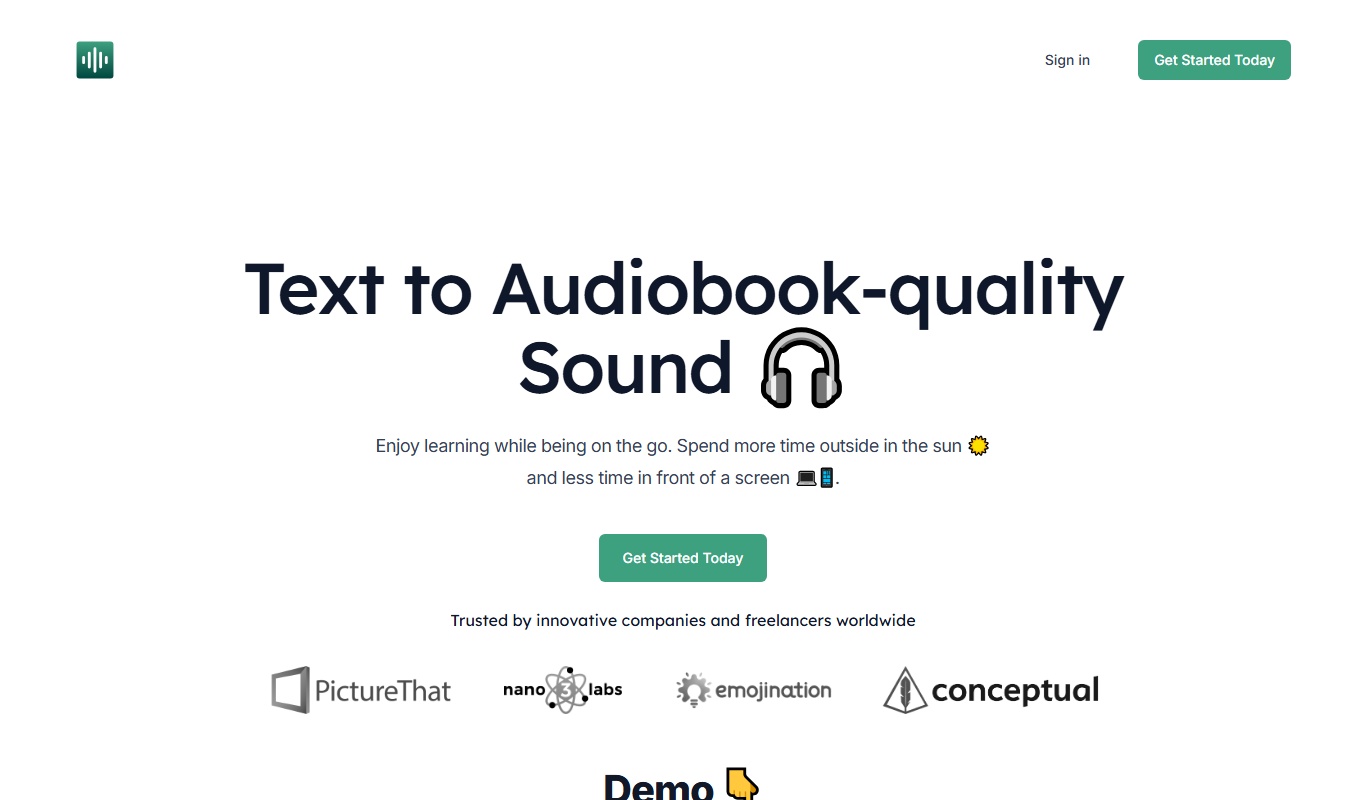
AudiowaveAI converts text such as articles, blog posts, EPUBs and PDFs into audiobook quality sound for listening on the go.

Voice Out
Voice Out is a text-to-speech extension for Chrome and Edge that reads aloud any Google Doc, PDF, webpage or book in 60+ languages and 100+ voices.

Beepbooply
Beepbooply converts text to speech with 900+ voices across 80+ languages and lets you download realistic audio with a click.

AiVOOV – Text to Speech Solution
AiVOOV is an AI-driven text to speech platform that converts written text into natural, human-like audio in multiple languages, suitable for voiceovers, audiobooks, and accessibility.

SteosVoice
SteosVoice is an AI-driven text-to-speech platform that converts text into natural, human-like speech with multi-language support and voice cloning capabilities.