

Chatbit AI Chatbot Platform for Customer Support and Engagement
Chatbit is an AI-powered chatbot platform that enables businesses to automate customer interactions, generate leads, and improve engagement through easy-to-build, no-code chatbots deployed on websites and via API.
- Best for
- Customer Support Automation
- Key capability
- No-Code Chatbot Builder
Save Chatbit, follow its updates and vote on it — everything stays in your account.
Sign in or create a free account
What is Chatbit?
Chatbit is an AI-powered chatbot platform designed to help businesses automate customer interactions, improve engagement, and streamline support processes. It leverages conversational AI to create intelligent chatbots that can handle inquiries, qualify leads, and assist users across various industries.
Key features of Chatbit
Chatbit offers easy chatbot creation with no coding required, customizable conversation flows, integration capabilities with websites and APIs, and analytics to monitor chatbot performance and user engagement.
No-Code Chatbot Builder
Create and customize chatbots without programming knowledge using an intuitive visual interface.
Multi-Channel Deployment
Deploy chatbots on websites and integrate with APIs for broader reach.
Conversational AI
Leverage AI to understand user intent and provide relevant, natural responses.
Analytics and Reporting
Monitor chatbot performance, user engagement, and conversation metrics to optimize interactions.
Lead Capture and Qualification
Automate lead generation by engaging visitors and collecting contact information.
Pros and cons of Chatbit
Pros
- User-friendly no-code chatbot builder
- Free Starter plan with no credit card required
- Good integration options for websites
- Helpful analytics for performance tracking
Cons
- Limited language support (English only)
- Advanced AI capabilities may be basic compared to enterprise solutions
Key use cases for Chatbit
Customer Support Automation
Automate responses to common customer inquiries to reduce support workload and improve response times.
Lead Generation
Engage website visitors with interactive chatbots to capture leads and qualify prospects.
E-commerce Assistance
Provide product recommendations and answer customer questions to enhance online shopping experiences.
Appointment Scheduling
Allow users to book appointments or meetings directly through chatbot interactions.
Feedback Collection
Gather customer feedback and satisfaction ratings seamlessly via conversational interfaces.
How Chatbit works
- 1
Sign Up
Create an account on Chatbit’s platform to access chatbot building tools.
- 2
Add data sources
Provide website URLs, upload files (.pdf, .txt, .doc, .docx), paste text or complete the Q&A section to train the chatbot on your data.
- 3
Integrate
Embed the chatbot on your website or connect via API to other platforms.
- 4
Launch and Monitor
Deploy the chatbot live and track interactions through analytics dashboards.
Who is using Chatbit
Chatbit pricing
Starter
$0/month
100 messages per month, 1 chatbot, 40k context limit, lead capture.
Core
$19/month
5,000 messages per month, 2 chatbots, up to 11M context, lead capture.
Growth
$99/month
20k messages per month, 5 chatbots, up to 11M context, lead capture, remove the Powered by label.
Enterprise
$399/month
50k messages per month, 10 chatbots, up to 11M context, lead capture, remove the Powered by label.
Plans and prices are as published by the vendor and can change. Check the official site before you buy. Open the pricing page (opens in a new tab)
Frequently asked questions about Chatbit
No, Chatbit provides a no-code visual builder that allows anyone to create chatbots easily.
Yes, Chatbit offers easy integration via embed code and API for websites and other platforms.
Yes, Chatbit offers a free plan with basic features and limited usage.
Support varies by plan; free users get standard support while Pro users receive priority assistance.
This tool is designed to help users accomplish its core tasks more efficiently. It is typically used by individuals or teams looking to improve productivity and workflow.
Some tools offer a free plan or trial with limited features. Availability can vary, so confirm on the official website.
Integration support depends on the tool and its available connectors or API. Check the official documentation or integrations page to confirm what is supported.
It depends on your specific needs and how you plan to use the tool. The official website and documentation are the best sources for the latest details.
Conclusion
Each chatbot is trained on the business’s own material, from website URLs and uploaded PDF, TXT or Word files to pasted text and Q&A pairs. The widget then goes onto a site with a single line of code, or the bot can be shared as a link, and a first bot can be live in under 5 minutes. Answers are refined by reading conversations and correcting the bot’s responses, which are saved to Q&A as training data.
Visitors who chat can leave a name, email and phone number, and those leads are delivered daily. Because it runs on the same technology as ChatGPT, the bot handles around 85 common languages. Installation guides cover WordPress, Shopify, Wix and Webflow.
A free Starter plan allows one chatbot with a small monthly message allowance, while Core, Growth and Enterprise add messages, chatbots and a larger context limit. Removing the Powered by label requires Growth or Enterprise.
Sources
Sign in to review this tool.
Sign In to ReviewNo reviews yet
Be the first to share how this tool worked for you.
Ask about pricing, limits, or how it compares — or answer someone else.
Sign In to AskNo questions yet
Have a question about using or paying for this tool? Be the first to ask.
Featured on TiorAI



More AI Chatbot tools
Other tools in the same category, for when this one is not quite the fit.

Modly
Modly.ai trains, fine-tunes and hosts custom large language models on your business data, delivered as a managed service with API access.

Voyageraid
VoyagerAid is end-to-end disruption management software that helps airlines handle rebooking, passenger communication and disruptions with predictive analytics.
Open Tutor App
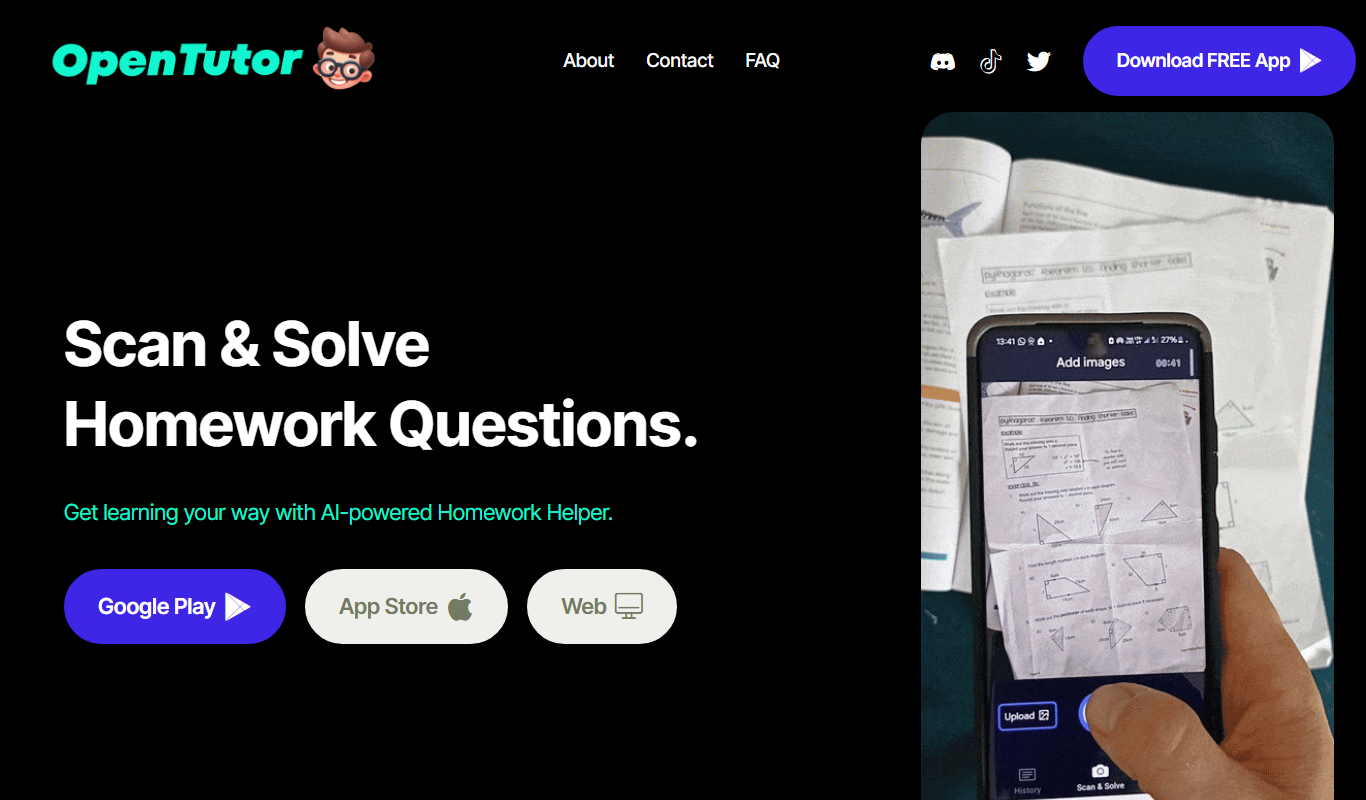
Open Tutor App is an AI homework helper app that scans a photo of a homework question and returns step-by-step solutions and explanations.
Wazgar – ChatGPT in Whatsapp
Wazgar is an AI assistant inside WhatsApp that can assist users at any time, from learning and writing to everyday conversation.

Chat Breezes 1.0
Chat Breezes is an AI-powered omnichannel conversation suite that unifies WhatsApp, Instagram, Facebook and Twitter/X messages in one dashboard for engagement and social selling.

chaterimo.com
Chaterimo is an AI chatbot platform that helps businesses automate customer support and engagement through customizable conversational bots on websites.

Pickaxe
Pickaxe is a no-code platform to build AI agents, package them into products and sell them through branded portals with billing and access control.

ChatHelp.ai
ChatHelp.ai is an AI chatbot platform that automates customer support by engaging website visitors with conversational AI, integrating with helpdesk tools, and providing analytics to optimize service.