
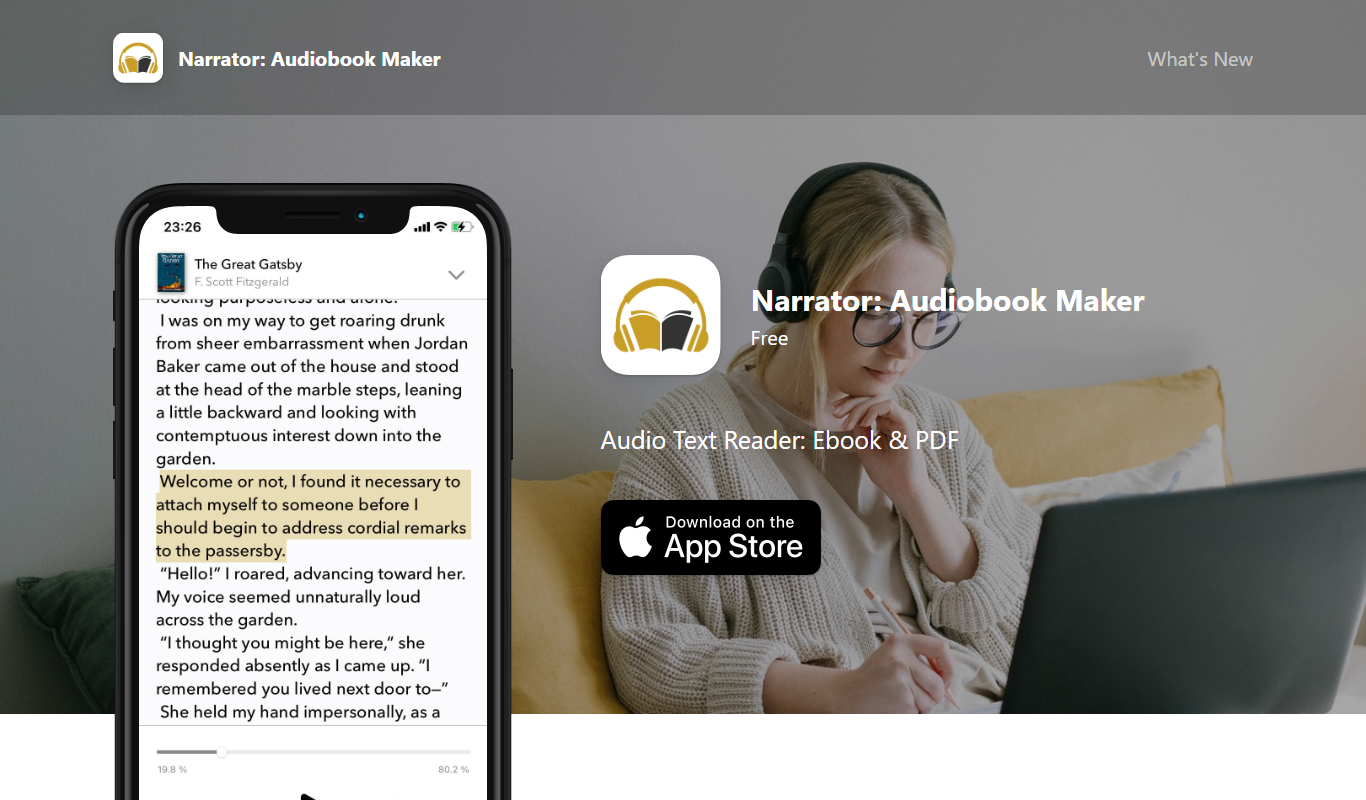
From my experience with Narrator Audiobook Maker, I found it excels at simplifying the audiobook creation process by leveraging AI voices that sound natural and engaging. The platform’s intuitive web interface makes it accessible even for users without audio production skills. It’s particularly well-suited for authors and content creators looking to quickly produce audiobooks without the cost of professional narrators. However, the tool currently supports only English and does not allow uploading custom voice recordings, which may limit some users. Overall, if you want an affordable and efficient way to turn text into audiobooks, Narrator delivers solid results.

Narrator Audiobook Maker - Create Professional Audiobooks Easily Online
Narrator Audiobook Maker is a web-based tool that converts text into professional audiobooks using AI-generated voices, allowing users to create, customize, and export audiobooks easily.
What is Narrator: Audiobook Maker?
Narrator Audiobook Maker is a web-based platform that enables users to easily create audiobooks by converting text into natural-sounding speech. It leverages advanced AI text-to-speech technology to produce high-quality narration without the need for human voice actors. Users can upload manuscripts or text files and customize voice options to generate professional audiobooks quickly and affordably.
Key Features of Narrator: Audiobook Maker
AI-Powered Text-to-Speech
Advanced neural TTS technology creates natural and expressive narration.
Multiple Voice Options
Select from various voices differing in gender, accent, and tone.
Chapter and Bookmark Support
Organize audiobooks with chapters and bookmarks for easy navigation.
Background Music Integration
Add royalty-free background music to enhance the listening experience.
Easy Export Formats
Download audiobooks in MP3 and other common audio formats.
Pros and Cons of Narrator: Audiobook Maker
Pros
- Easy-to-use interface for quick audiobook creation
- High-quality AI voices with natural intonation
- Supports chapter organization and background music
- Affordable subscription pricing
Cons
- Limited language support (English only)
- No option to use custom human voice recordings
Key Use Cases for Narrator: Audiobook Maker
Audiobook Creation
Convert written books or documents into professional-quality audiobooks using AI-generated narration.
Content Accessibility
Make written content accessible to visually impaired users or those who prefer audio formats.
Content Repurposing
Transform blog posts, articles, or reports into engaging audio content for podcasts or social sharing.
Language Learning
Use narrated audiobooks to assist language learners with pronunciation and listening comprehension.
How Narrator: Audiobook Maker Works
-
1
Upload Your Manuscript
Import your book or text file into the platform in supported formats.
-
2
Select Voice and Settings
Choose from a variety of AI-generated voices and customize narration speed and style.
-
3
Generate Audiobook
The AI processes the text and produces a narrated audio file.
-
4
Review and Edit
Listen to the audiobook, make adjustments if needed, and add chapters or background music.
-
5
Export and Share
Download the final audiobook in formats like MP3 for distribution or personal use.
Who's Using Narrator: Audiobook Maker
Authors and self-publishers
Content creators and bloggers
Educators and language learners
Accessibility advocates
Podcast producers
Narrator: Audiobook Maker Pricing
Free Trial
$0
Limited access to features with a capped number of narrated minutes.
Pro
$19/month
Full access to all voices, unlimited narration minutes, and advanced features.
Frequently Asked Questions About Narrator: Audiobook Maker
No, Narrator currently focuses on AI-generated narration and does not support uploading personal voice recordings.
You can upload text files such as TXT, DOCX, and PDF for audiobook creation.
Yes, you can adjust speech speed, pitch, and select from multiple voice options.
The free trial has a narration minute limit, while the Pro plan offers unlimited length.
It depends on your specific needs and how you plan to use the tool. The official website and documentation are the best sources for the latest details.
It depends on your specific needs and how you plan to use the tool. The official website and documentation are the best sources for the latest details.
Yes, it can help with that use case depending on how you configure it and what features are available. You’ll get the best results with clear inputs and a defined goal.
Some tools offer a free plan or trial with limited features. Availability can vary, so confirm on the official website.
Share your review
Reviews are limited to one per logged-in user and are published after moderation.
You need an account to review this tool.
0.0
★
★
★
★
★
0 reviews
5 star
0
4 star
0
3 star
0
2 star
0
1 star
0
No reviews yet
Be the first to share how this tool worked for you.
Questions from the community
Read questions and answers about this tool, or ask your own.
No questions yet
Start the conversation by asking the first question about this tool.
Is this tool helpful?
Alternative Tools
Explore similar AI tools that might fit your needs
Free
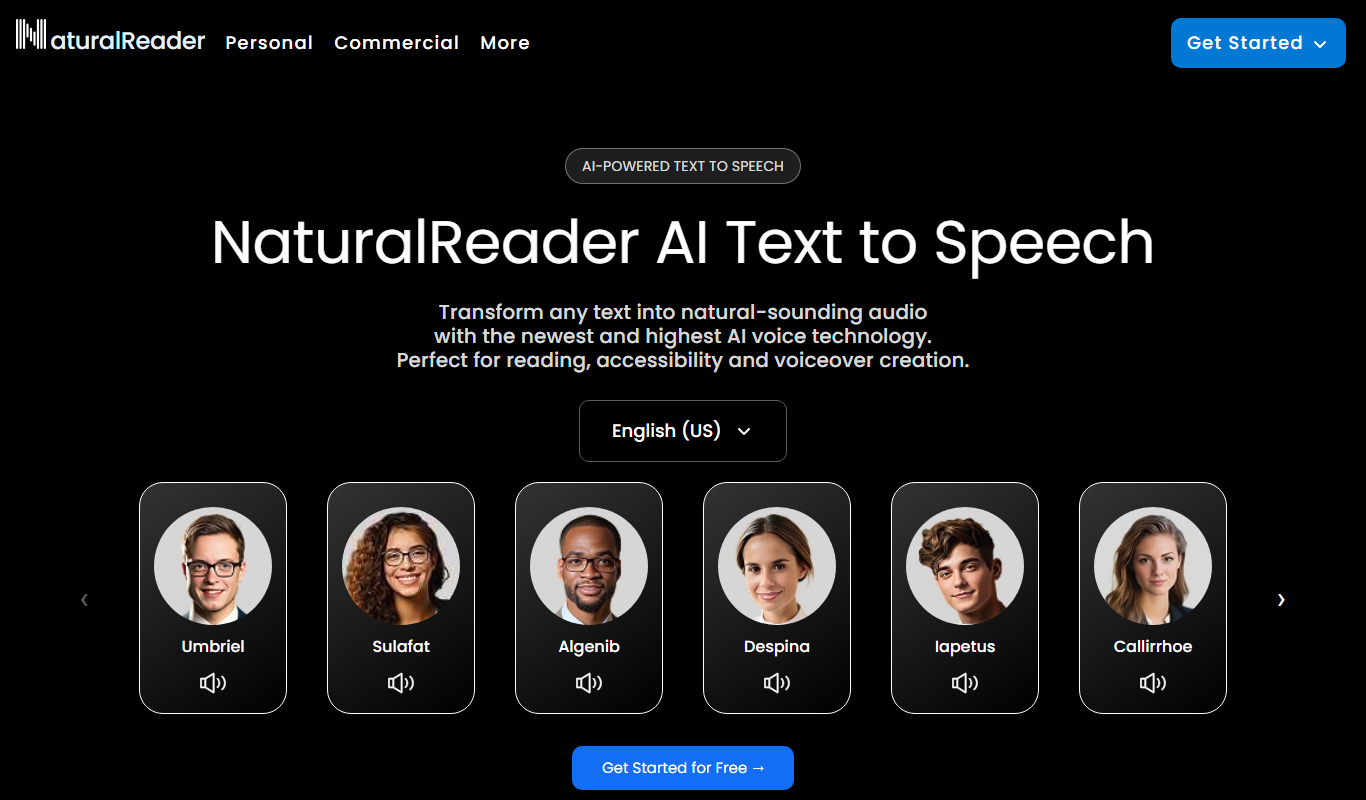
Natural Reader
Natural Reader is a text-to-speech software that converts written text into natural, human-like speech across multiple languages and platforms, supporting accessibility and content consumption.
Free
Adobe Podcast
Adobe Podcast is a free web-based AI audio editing tool by Adobe that enhances podcast audio quality with noise reduction, voice enhancement, and automatic transcription.

Free
MusicHero.ai: Free AI Music Generator from Text Online
MusicHero.ai is a free online AI tool that generates original music tracks from user-provided text descriptions, enabling quick and easy music creation without musical skills.

Free
aimusicgen
AI Music Gen is a web-based AI platform that generates original, royalty-free music tracks in various genres and moods, ideal for content creators and professionals needing quick custom audio.

Free Trial
Morpher AI
Morpher AI is a real-time voice morphing and audio transformation platform that uses AI to modify voice characteristics with customizable effects and API support.
Freemium
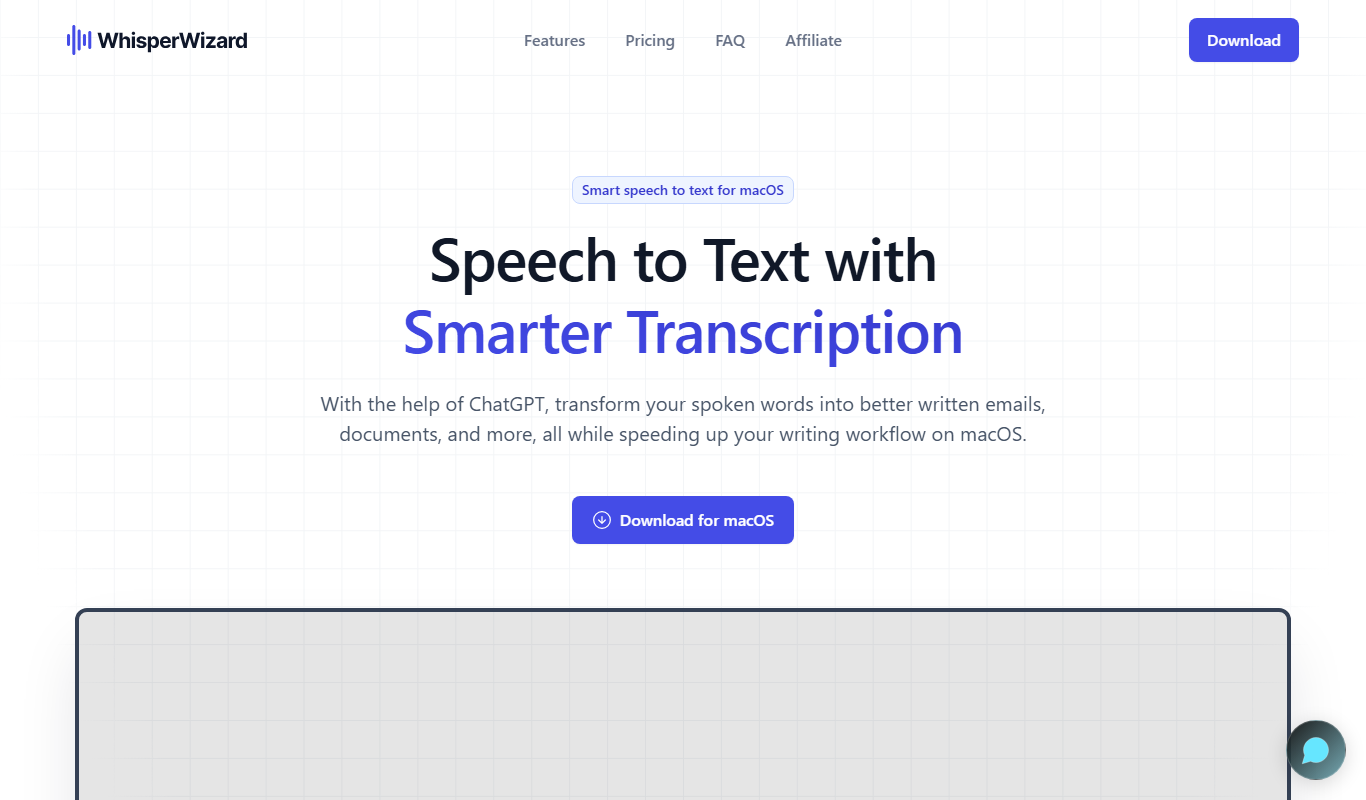
Whisper Wizard
Whisper Wizard is an AI-powered transcription tool that converts audio and video files into accurate text transcripts using OpenAI's Whisper model, supporting multiple languages and speaker diarization.

Free
Song GPT
Song GPT is an AI music generation platform that creates original song lyrics and melodies based on user input, helping musicians and creators produce custom songs easily.
Free
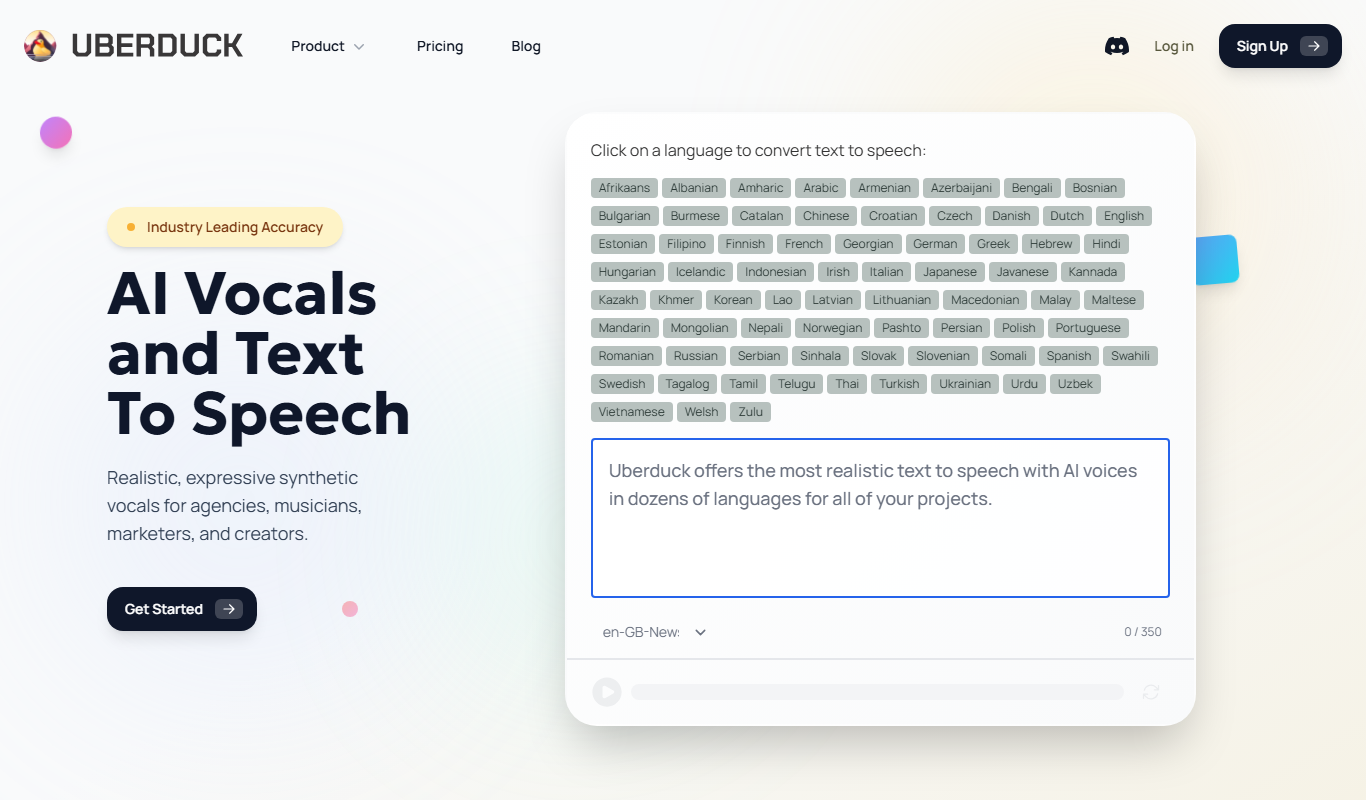
Uberduck
Uberduck is an AI platform that converts text into speech using a large library of voices and voice cloning technology, accessible via web and API.

Freemium
Cleanvoice AI
Cleanvoice AI is a web-based tool that uses artificial intelligence to automatically remove filler words, mouth noises, stutters, and background noise from audio recordings, primarily serving podcasters and video creators.