

AI Music Generator for Custom Tracks and Soundscapes Online
AI Music Gen is a web-based AI platform that generates original, royalty-free music tracks in various genres and moods, ideal for content creators and professionals needing quick custom audio.
- Best for
- Content Creation
- Key capability
- AI-Powered Composition
Save aimusicgen, follow its updates and vote on it — everything stays in your account.
Sign in or create a free account

What is aimusicgen?
AI Music Gen is a web-based artificial intelligence platform designed to generate original music tracks and soundscapes based on user inputs. It leverages AI algorithms to compose music in various styles and moods, enabling users to create royalty-free audio content quickly without requiring musical expertise.
Key features of aimusicgen
The tool offers an intuitive interface for selecting music genres, moods, and lengths. It provides instant AI-generated music previews and allows users to download high-quality audio files. AI Music Gen supports customization options to tailor compositions to specific creative needs.
AI-Powered Composition
Creates original music tracks using advanced AI algorithms without human intervention.
Multiple Genres and Moods
Supports a wide range of musical styles and emotional tones to fit diverse projects.
Instant Preview
Allows users to listen to generated music immediately before downloading.
Commercial License
Commercial use is covered by a commercial license: annual subscribers download it for free, and other signed-in users can license a completed song for 100 credits.
User-Friendly Interface
Simple web-based platform accessible without technical or musical background.
Pros and cons of aimusicgen
Pros
- Easy to use with no musical skills required
- Generates royalty-free music suitable for various projects
- Supports multiple genres and moods
- Instant music previews
- Affordable subscription plan
Cons
- Limited customization beyond genre and mood
- No offline or mobile app versions available
- Free plan has restrictions on downloads and track length
Key use cases for aimusicgen
Content Creation
Generate custom background music and soundtracks for videos, podcasts, and multimedia projects.
Music Production
Create unique music compositions and soundscapes to inspire or complement professional music projects.
Game Development
Produce adaptive and original music tracks suitable for video games and interactive media.
Marketing and Advertising
Develop tailored audio branding and jingles for commercials and promotional content.
Personal Use
Experiment with AI-generated music for relaxation, inspiration, or hobbyist exploration.
How aimusicgen works
- 1
Select Music Parameters
Choose the desired genre, mood, and duration for your music track.
- 2
Generate Music
The AI processes your inputs and composes a unique music piece instantly.
- 3
Preview and Customize
Listen to the generated track and adjust parameters if needed to refine the output.
- 4
Download
Download the final music file in high-quality format for your project.
Who is using aimusicgen
aimusicgen pricing
Free
Free
Free credits with a daily refresh, public generations, 7-day cloud storage and a shared generation queue.
Pro
$29/month, or $18/month billed yearly
1,500 credits per month (larger balances of 3.2K or 6K can be chosen), private generations, 365-day cloud storage, song editing, remix and stems, priority generation queue, commercial license and unrestricted usage.
Basic
$15/month, or $10/month billed yearly
500 credits per month, private generations, 30-day cloud storage, song editing, remix and stems, vocal removal, AI music video generation, commercial license and unrestricted usage.
Plans and prices are as published by the vendor and can change. Check the official site before you buy. Open the pricing page (opens in a new tab)
Frequently asked questions about aimusicgen
Yes, with the applicable commercial license. Annual subscribers can download general and song-specific commercial licenses for free; other signed-in users can license one of their completed songs for 100 credits.
No, the platform is designed for users without any musical background.
Music tracks can be downloaded in common audio formats such as MP3 and WAV.
Usage is limited by credits. Every action costs the same across all plans; your plan only sets how many credits you get.
It depends on your specific needs and how you plan to use the tool. The official website and documentation are the best sources for the latest details.
Some tools offer a free plan or trial with limited features. Availability can vary, so confirm on the official website.
Yes, it can help with that use case depending on how you configure it and what features are available. You’ll get the best results with clear inputs and a defined goal.
Yes, it can help with that use case depending on how you configure it and what features are available. You’ll get the best results with clear inputs and a defined goal.
Conclusion
Songs can start from a text prompt, custom lyrics or an uploaded audio file, and the generator returns complete songs with vocals or instrumentals. A guided mode is there for fast results, while the custom studio gives detailed control. Tracks can then be extended, covered or split into stems, and the same workspace turns a song into an AI Singer performance, lyric video, photo slideshow or vinyl visual.
Every action costs the same number of credits across all plans; the plan only sets how many credits an account gets. Free credits refresh daily, but free-plan generations are public and kept in 7-day cloud storage. Basic is designed for lighter usage, while Pro offers larger credit options, longer cloud storage and priority generation. Paid credits do not expire and carry over even after a subscription ends. Commercial use needs a commercial license, which annual subscribers can download for free.
Sources
Sign in to review this tool.
Sign In to ReviewNo reviews yet
Be the first to share how this tool worked for you.
Ask about pricing, limits, or how it compares — or answer someone else.
Sign In to AskNo questions yet
Have a question about using or paying for this tool? Be the first to ask.
Featured on TiorAI



More AI Artificial Intelligence Tools tools
Other tools in the same category, for when this one is not quite the fit.
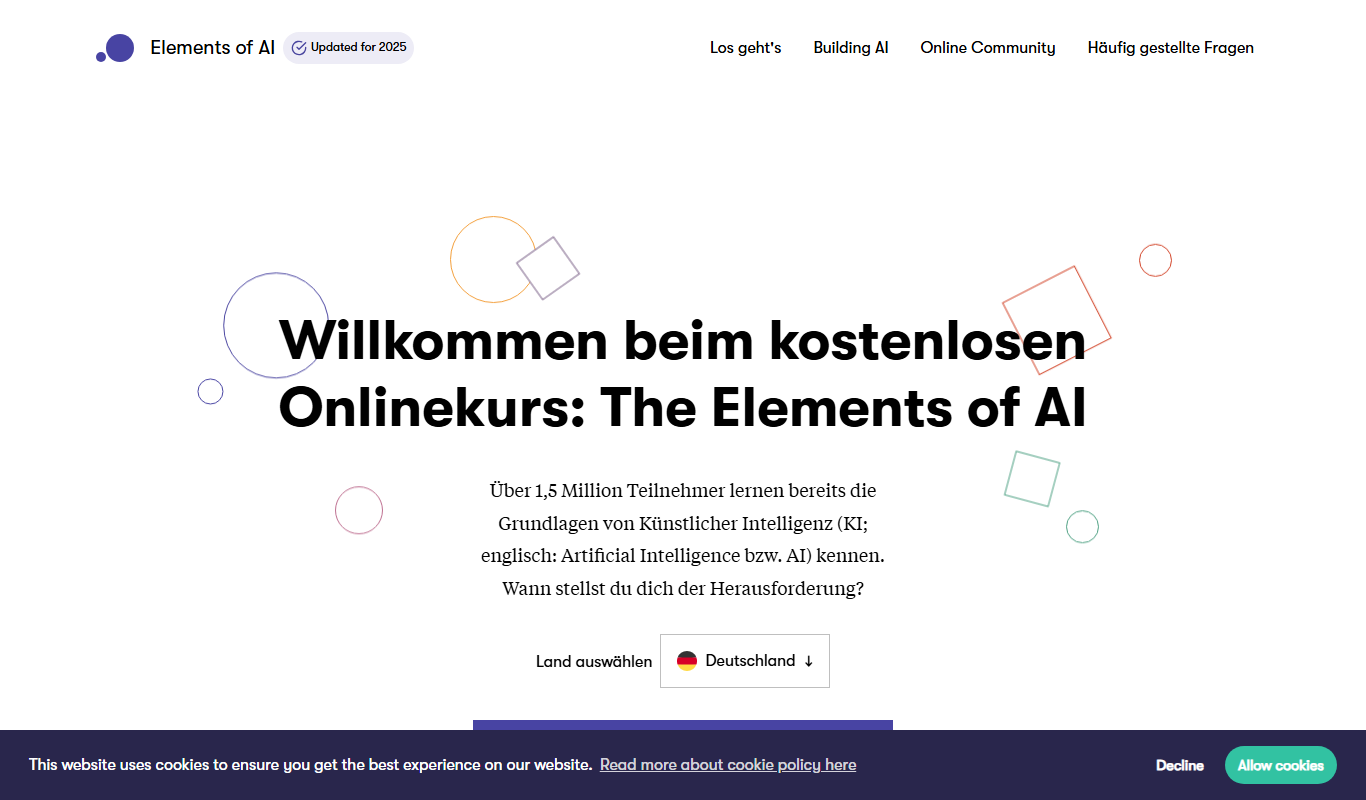
elementsofai.de
Elements of AI is a free, self-paced online course created by the University of Helsinki and Reaktor that teaches foundational AI concepts to beginners and professionals without requiring programming skills.

Stratpilot
Stratpilot is an AI-powered strategic planning platform that helps businesses analyze data, simulate scenarios, and develop effective strategies to improve decision-making and performance.

fpt.ai
fpt.ai is an AI platform from FPT with NLP, vision, voice, chatbot and eKYC products.

Knowz
Knowz is an AI-driven knowledge management platform that enables enterprises to unify data sources and perform natural language search to extract precise answers and insights.
AI Grant
AI Grant funds open-source AI projects with grants of $5,000 to $50,000 in cash or compute, and applying is free.

Larry the Elf
Larry the Elf is a free AI gift recommendation tool that provides personalized gift ideas based on recipient details and occasion through an interactive chat interface.

artivatic.ai
Artivatic.ai is an AI platform specializing in automating insurance and healthcare processes like underwriting and fraud detection through machine learning.
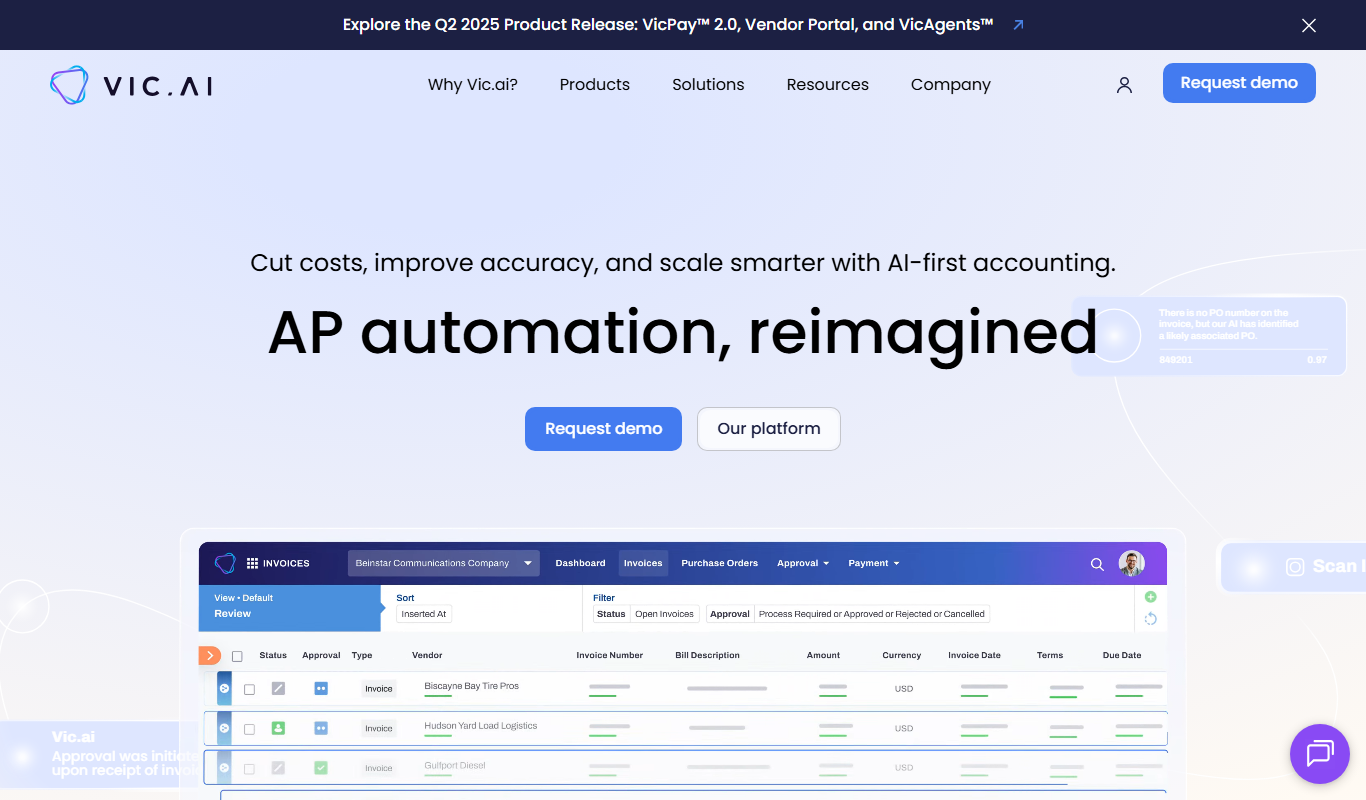
Vic.ai
Vic.ai is an AI-powered accounting automation platform that automates invoice processing, coding, and approvals to streamline accounts payable workflows and improve accuracy.