

YouTube Summarizer for Slack - AI Video Summary Tool for Teams
YouTube Summarizer for Slack is an AI-powered tool that automatically creates concise summaries of YouTube videos shared within Slack channels, helping teams save time and improve communication.
- Best for
- Team Video Content Summarization
- Key capability
- Automatic Video Summarization
Save YouTube Summarizer for Slack, follow its updates and vote on it — everything stays in your account.
Sign in or create a free account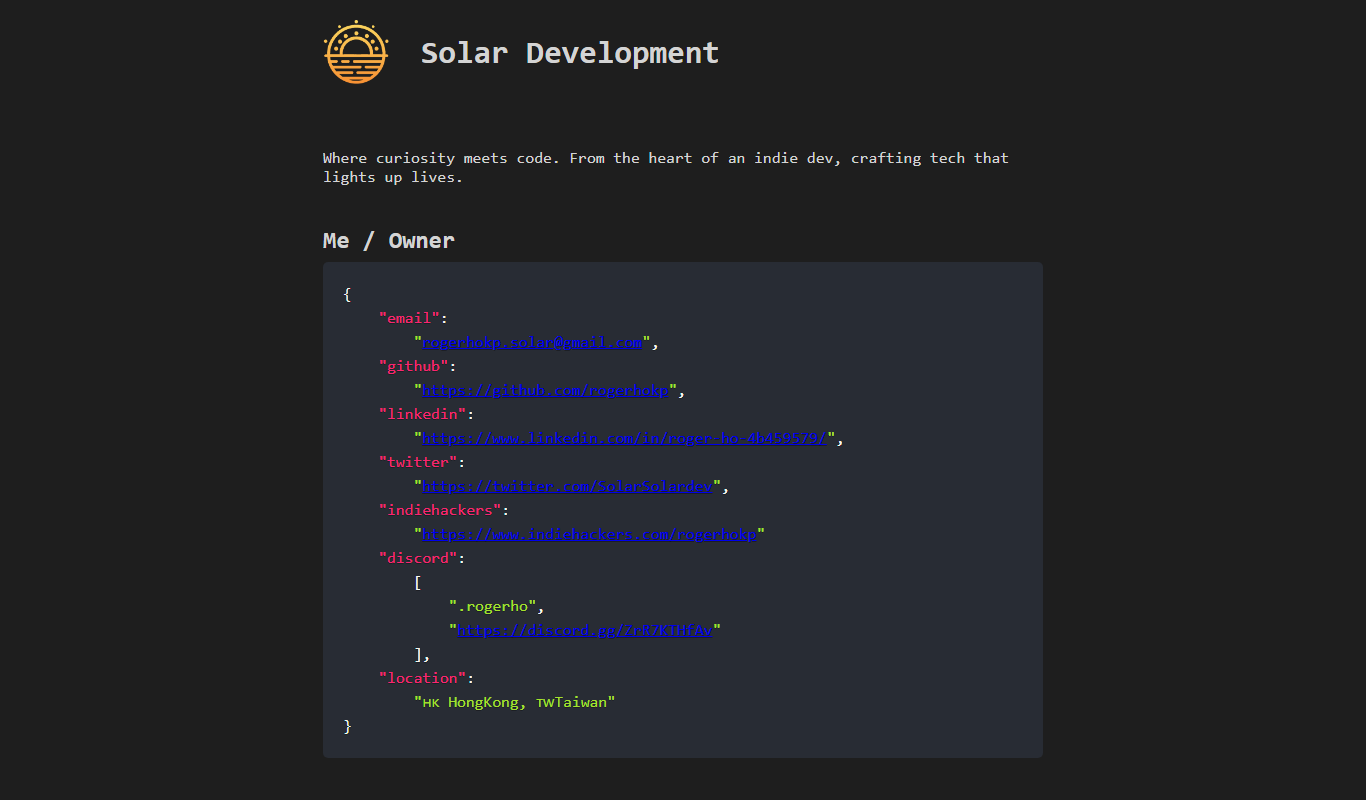
What is YouTube Summarizer for Slack?
YouTube Summarizer for Slack is an AI-powered Slack application developed by SolarDev that automatically generates concise summaries of YouTube videos shared within Slack channels or direct messages. It helps teams quickly grasp the main ideas of video content without needing to watch the entire video, enhancing productivity and communication.
Key features of YouTube Summarizer for Slack
The tool integrates seamlessly with Slack to detect YouTube links and provide instant, readable summaries. It supports team collaboration by making video insights accessible in real-time, reducing time spent on video consumption and improving workflow efficiency.
Automatic Video Summarization
AI-driven extraction of key points from YouTube videos shared in Slack.
Seamless Slack Integration
Works natively within Slack channels and direct messages without leaving the platform.
Real-Time Summaries
Provides instant summaries to keep team members informed without delay.
Supports Team Collaboration
Facilitates knowledge sharing and reduces redundant video watching among team members.
Pros and cons of YouTube Summarizer for Slack
Pros
- Saves time by summarizing lengthy videos quickly
- Easy to install and use within Slack
- Enhances team communication and knowledge sharing
Cons
- Summary accuracy depends on video content complexity
- Limited customization of summary output
- Free plan has usage restrictions
Key use cases for YouTube Summarizer for Slack
Team Video Content Summarization
Automatically generate concise summaries of YouTube videos shared in Slack channels to save team members time.
Improved Meeting Preparation
Quickly understand key points from video content relevant to upcoming meetings without watching the full video.
Knowledge Sharing
Facilitate knowledge transfer by providing easy-to-digest video summaries accessible directly within Slack.
Content Review and Research
Assist content creators and researchers by summarizing educational or informational YouTube videos efficiently.
How YouTube Summarizer for Slack works
- 1
Install the Slack App
Add the YouTube Summarizer app to your Slack workspace from the SolarDev website or Slack App Directory.
- 2
Share YouTube Links
Post YouTube video links in any Slack channel or direct message where the app is enabled.
- 3
Receive Instant Summaries
The app automatically generates and posts a concise summary of the video content directly in the Slack conversation.
Who is using YouTube Summarizer for Slack
YouTube Summarizer for Slack pricing
Free
$0/month
Basic summarization features with limited usage per month.
Pro
$9.99/month
Unlimited video summaries, priority support, and advanced features.
Plans and prices are as published by the vendor and can change. Check the official site before you buy. Open the pricing page (opens in a new tab)
Frequently asked questions about YouTube Summarizer for Slack
Yes, it supports summarization of any publicly accessible YouTube video shared in Slack.
The free plan has a monthly usage limit, while the Pro plan offers unlimited summaries.
Summaries capture the main points using AI, but may not include every detail from the video.
Currently, summary length is fixed, but customization options are planned for future updates.
It depends on your specific needs and how you plan to use the tool. The official website and documentation are the best sources for the latest details.
Some tools offer a free plan or trial with limited features. Availability can vary, so confirm on the official website.
Yes, it can help with that use case depending on how you configure it and what features are available. You’ll get the best results with clear inputs and a defined goal.
Conclusion
Once the app is added to a Slack workspace, YouTube video links can be posted in any channel or direct message where it is enabled. For each link, a concise summary of the video content is generated and posted directly in the Slack conversation. The page ties this to meeting preparation and knowledge sharing, since key points can be understood without watching the full video. Summaries capture the main points but may not include every detail, and accuracy depends on video content complexity.
It is designed for remote teams, educators and trainers, and knowledge workers. Any publicly accessible YouTube video shared in Slack can be summarized. It is a Slack application developed by SolarDev.
Sources
Sign in to review this tool.
Sign In to ReviewNo reviews yet
Be the first to share how this tool worked for you.
Ask about pricing, limits, or how it compares — or answer someone else.
Sign In to AskNo questions yet
Have a question about using or paying for this tool? Be the first to ask.
Featured on TiorAI



Alternative Tools
Explore similar AI tools that might fit your needs

VideoKen
VideoKen is an AI-driven platform that indexes and segments long videos into chapters, provides automatic transcription, and enables interactive navigation to enhance video learning and content accessibility.
More AI Ai Tools tools
Other tools in the same category, for when this one is not quite the fit.
Opus Clip AI
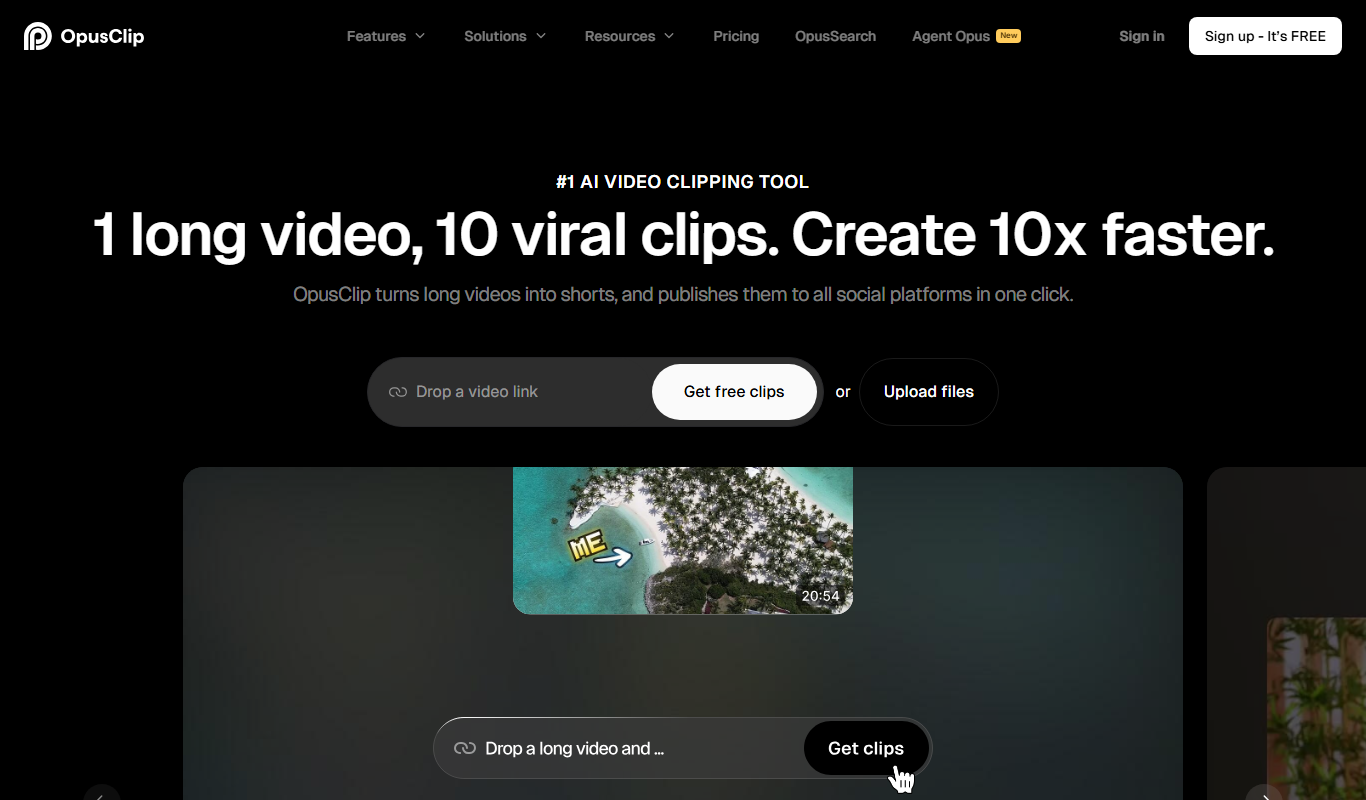
Opus Clip AI is an AI-driven video editing tool that automatically generates short highlight clips from longer videos, simplifying content repurposing for social media.

Spikes Studio
Spikes Studio is an AI-driven video editing tool that automates the creation of social media optimized videos by clipping, captioning, and formatting content efficiently.

AutoCaption
AutoCaption is an AI caption generator for TikTok, Instagram and YouTube with animated subtitles, emojis and translations in 100+ languages.

adwisely.com
Adwisely is an app that automates Facebook and Google ads for Shopify stores with AI-powered campaigns and human ad experts.

MakeUGC
MakeUGC is an AI platform that generates authentic user-generated content style videos to help brands create engaging marketing materials without filming real users.

SongGenerator.io: Create Music for Free
SongGenerator.io is an AI song generator that turns text descriptions or lyrics into songs, with a free plan and paid Pro and Ultra subscriptions.

AI Video Cut
AI Video Cut is a web-based tool that uses AI to automatically detect scenes and cut videos into shorter clips, streamlining video editing for creators and marketers.

Landing
Landing is an AI-driven landing page generator that creates custom, responsive landing pages quickly without requiring coding skills, ideal for marketers and small businesses.