

AI Landing Page Generator for Fast, Custom Website Creation
Landing is an AI-driven landing page generator that creates custom, responsive landing pages quickly without requiring coding skills, ideal for marketers and small businesses.
- Best for
- Quick Landing Page Creation
- Key capability
- AI-Powered Page Generation
Save Landing, follow its updates and vote on it — everything stays in your account.
Sign in or create a free account
What is Landing?
Landing is an AI-powered landing page generator that automates the creation of custom, conversion-focused landing pages. It leverages artificial intelligence to design and build web pages quickly based on user input, eliminating the need for manual coding or design expertise. Users can generate tailored landing pages optimized for marketing, product launches, or lead capture, all through a simple web interface.
Key features of Landing
Landing offers AI-driven page generation, customizable templates, drag-and-drop editing, and integration options to streamline landing page creation. Its intuitive interface allows users to produce professional pages rapidly, with built-in optimization for conversion and responsiveness across devices.
AI-Powered Page Generation
Automatically create landing pages based on user input without manual design or coding.
Drag-and-Drop Editor
Easily customize generated pages with an intuitive visual editor.
Responsive Design
Pages are optimized for all devices including desktop, tablet, and mobile.
Template Library
Access a variety of customizable templates to jumpstart your landing page creation.
Marketing Integrations
Connect landing pages with email marketing, CRM, and analytics tools.
Pros and cons of Landing
Pros
- Fast landing page creation with AI automation
- User-friendly drag-and-drop editor for customization
- Responsive designs optimized for conversions
- Integrations with marketing and analytics tools
- 14-day free trial with full access to all Pro features, no credit card required
Cons
- Limited advanced design control compared to full website builders
- Pricing may be high for very small businesses or occasional users
Key use cases for Landing
Quick Landing Page Creation
Generate fully designed landing pages in minutes using AI, saving time on manual design and coding.
Marketing Campaigns
Create targeted landing pages optimized for conversions to support marketing campaigns and lead generation.
Product Launches
Build attractive product launch pages quickly to showcase features and capture customer interest.
A/B Testing
Easily generate multiple landing page variants to test messaging and design for better performance.
Small Business Websites
Enable small businesses to create professional web presences without needing technical skills.
How Landing works
- 1
Enter Your Details
Provide information about your product, service, or campaign to guide the AI in generating relevant content and design.
- 2
AI Generates Landing Page
The AI engine creates a fully designed landing page tailored to your input, including layout, copy, and images.
- 3
Customize and Edit
Use the drag-and-drop editor to tweak design elements, text, and media to fit your brand and preferences.
- 4
Publish and Integrate
Publish your landing page instantly and connect it with marketing tools or analytics platforms for tracking.
Who is using Landing
Landing pricing
Lite
$49/month with the annual discount, or $69/month
5 landing pages, 5,000 visitors per month, 100 leads per month and 350 AI Agent credits. Custom domains and unlimited team members.
Pro
$79/month with the annual discount, or $99/month
20 landing pages, 50,000 visitors per month, 1,000 leads per month and 600 AI Agent credits. Custom domains and unlimited team members.
Scale
$249/month with the annual discount, or $299/month
Unlimited landing pages, visitors and leads, 1,500 AI Agent credits, SEO subdirectory support, custom domains, unlimited team members and dedicated support.
Plans and prices are as published by the vendor and can change. Check the official site before you buy. Open the pricing page (opens in a new tab)
Frequently asked questions about Landing
No, Landing is designed for users without coding or design experience.
Yes, Landing supports integrations with popular email marketing and CRM platforms.
Yes. A 14-day free trial gives full access to all Pro features, and no credit card is required to start.
Yes, all landing pages created with Landing are fully responsive.
It depends on your specific needs and how you plan to use the tool. The official website and documentation are the best sources for the latest details.
No free plan is offered. Landing starts with a 14-day free trial with access to all features, and no credit card is required to get started; paid plans follow.
Yes, it can help with that use case depending on how you configure it and what features are available. You’ll get the best results with clear inputs and a defined goal.
Integration support depends on the tool and its available connectors or API. Check the official documentation or integrations page to confirm what is supported.
Conclusion
Most pages begin from the business website URL, from which Landing takes information about the business and collects its brand, then builds a page from a prompt template or from a described campaign. Edits happen through a chat interface in plain English, so no coding or design experience is needed. Brand colours, fonts and messaging carry across every page automatically, and finished pages go live on the customer’s own domain or a subdomain with free SSL.
The builder is aimed at marketers and covers lead generation, paid ads, email marketing, e-commerce and SEO pages; product launches are another documented use. Captured leads can move to other systems through Zapier, webhooks or CSV exports, with HubSpot, Salesforce and Mailchimp among the connected tools. Every plan includes unlimited team members and custom domains. There is no free plan: access begins with a 14-day free trial of all Pro features without a credit card, and the paid tiers cap pages, monthly visitors and leads.
Sources
Sign in to review this tool.
Sign In to ReviewNo reviews yet
Be the first to share how this tool worked for you.
Ask about pricing, limits, or how it compares — or answer someone else.
Sign In to AskNo questions yet
Have a question about using or paying for this tool? Be the first to ask.
Featured on TiorAI



More AI Advertising Assistant tools
Other tools in the same category, for when this one is not quite the fit.

lifemind
Lifemind analyzes a customer report without PII to uncover customer motivations and generate targeting, messaging and partnership ideas that lower CAC across CTV, Meta, Google and TikTok.

Scale Insights™
Scale Insights is Amazon PPC automation software: stack rule-based algorithms for bids, placements, dayparting and negatives across your SP, SB and SD ads.

Strique
Strique is an agentic AI marketing platform for ecommerce brands that plans, executes and compounds marketing work across paid media, SEO and content, without a full marketing team.

IMGPT
IMGPT is AI ad generation that creates campaign-ready creatives in minutes: paste your website or describe your business, see your brand profile before you pay and get paid ads for Meta.

Shakespeare
Shakespeare is an AI marketing platform for Google and Facebook ads, with audience targeting, creative automation and real-time campaign optimization.
Fresho
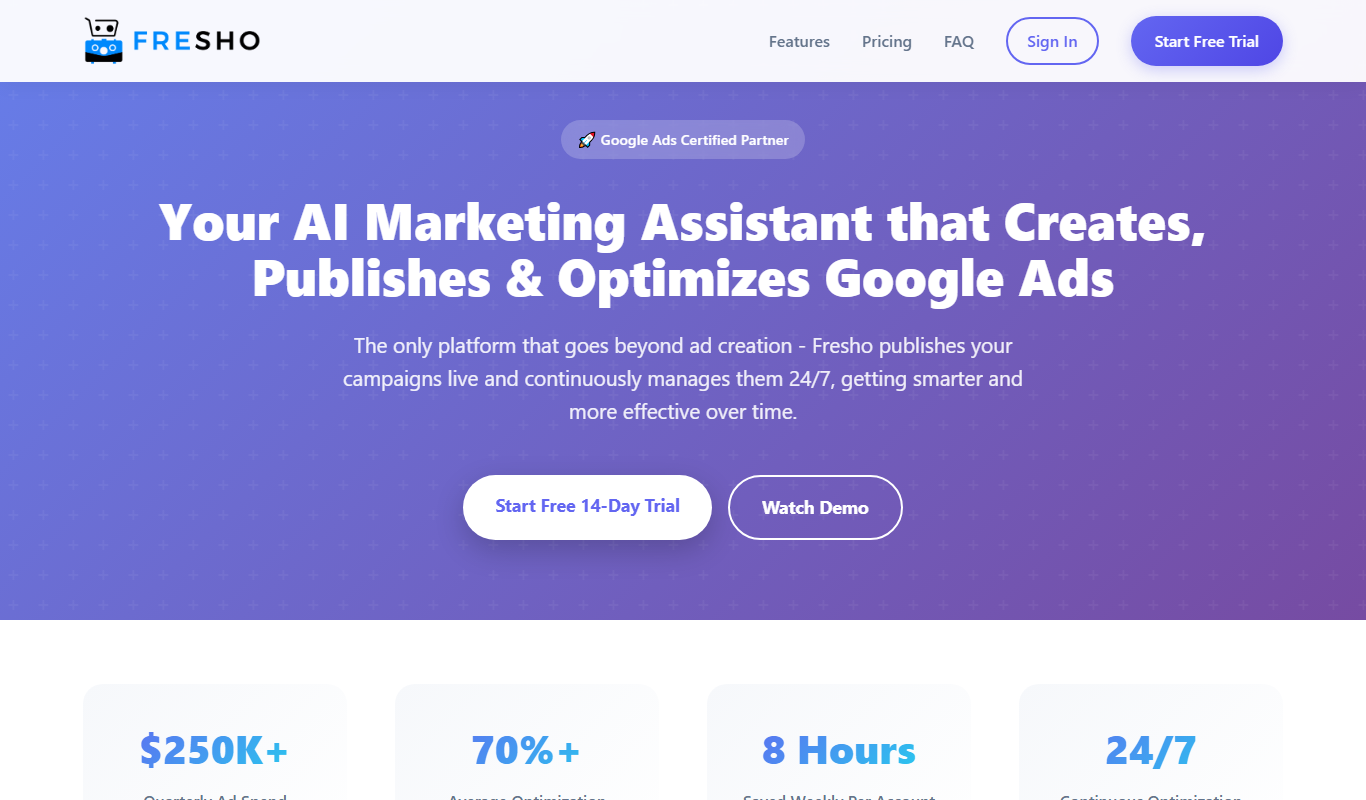
Fresho turns your website URL into Google Ads, publishes them and manages them every month, cutting underperformers and scaling winners.

MetaMuse
MetaMuse is a thinking AI agent that helps brands and agencies develop creative advertising concepts, from marketing brief to creative brief and campaign concept.

Bidmatic.io
Bidmatic.io is an ad monetization platform for digital publishers, with an SSP, header bidding, display, video and CTV ads and fully managed ad services.