

From my experience with Fresho, I found it excels at providing a clean, developer-friendly environment for managing content in a headless CMS setup. Its API-first approach with both REST and GraphQL support makes integrating content into custom frontends straightforward and flexible. Fresho is particularly well-suited for startups and developers who want scalable content infrastructure without the complexity of traditional CMS platforms. However, the platform currently supports only English and has a smaller community compared to more established CMS options, which may affect support and third-party integrations. Overall, if you need a modern, scalable headless CMS with a focus on developer experience, Fresho delivers solid value.
Fresho Dev - Modern Headless CMS for Scalable Content Management
Fresho is a modern headless CMS designed for developers to manage and deliver content via REST and GraphQL APIs, supporting scalable and flexible content infrastructure.
- Best for
- Website Content Management
- Key capability
- API-first Architecture
Your actions
Save Fresho, follow its updates and vote on it — everything stays in your account.
Sign in or create a free account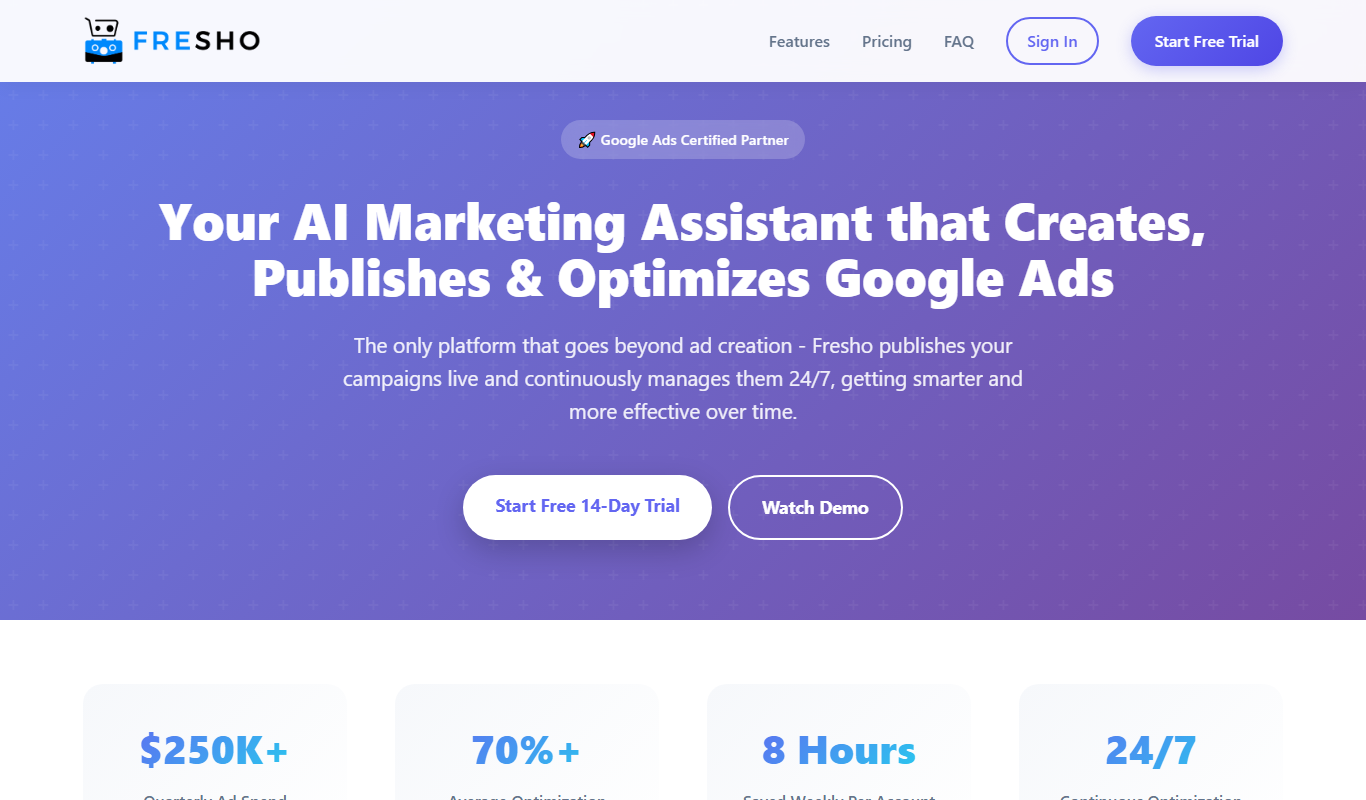
What is Fresho?
Fresho is a modern, API-first headless content management system designed for developers and businesses seeking scalable and flexible content infrastructure. It decouples content management from presentation, allowing content to be created, managed, and delivered via APIs to any frontend or device. Fresho emphasizes developer experience with a clean interface, extensible architecture, and support for modern web technologies.
Key features of Fresho
Fresho offers a robust set of features including a user-friendly content editor, customizable content models, RESTful and GraphQL APIs, role-based access control, and multi-environment support. It is built to support scalable content delivery for websites, mobile apps, and other digital platforms.
API-first Architecture
Access content programmatically via REST and GraphQL APIs for flexible integration.
Custom Content Modeling
Create tailored content types with various field types to fit unique data needs.
Role-based Access Control
Manage user permissions and workflows securely with granular access settings.
Multi-environment Support
Maintain separate environments for development, staging, and production.
Developer-friendly Interface
Clean UI and comprehensive documentation designed for ease of use by developers.
Pros and cons of Fresho
Pros
- Clean and intuitive developer-focused interface
- Flexible API-first content delivery with REST and GraphQL
- Customizable content models to fit diverse needs
- Multi-environment support for safe content staging
- Affordable pricing with a functional free tier
Cons
- Limited language support currently (English only)
- Smaller community compared to established CMS platforms
- Some advanced features reserved for paid plans
Key use cases for Fresho
Website Content Management
Manage and deliver website content efficiently using Fresho's API-first headless CMS architecture.
Mobile App Content Delivery
Serve content seamlessly to mobile applications through Fresho's flexible APIs.
Multi-channel Publishing
Distribute content across multiple platforms such as web, mobile, and IoT devices with a single CMS backend.
Developer-centric Content Infrastructure
Enable developers to build custom frontends and workflows with Fresho’s extensible and modern CMS tools.
How Fresho works
- 1
Sign Up and Create Project
Register on Fresho.dev and create a new project to start managing your content.
- 2
Define Content Models
Set up custom content types and fields tailored to your content structure.
- 3
Add and Manage Content
Use the intuitive editor to create, edit, and organize your content entries.
- 4
Integrate via API
Consume content through Fresho’s REST or GraphQL APIs in your frontend applications.
- 5
Deploy and Scale
Publish content and scale your delivery across multiple channels and environments.
Who is using Fresho
Web developers building custom frontends
Startups and SMBs needing scalable CMS
Mobile app developers requiring flexible content APIs
Digital agencies managing multi-channel content
Content teams seeking modern headless CMS solutions
Fresho pricing
Free
$0/month
Basic plan with limited API calls and content entries suitable for small projects.
Pro
$29/month
Enhanced features including higher API limits, multi-environment support, and priority support.
Plans and prices are as published by the vendor and can change. Check the official site before you buy. Open the pricing page (opens in a new tab)
Frequently asked questions about Fresho
Yes, Fresho offers scalable plans and features that can support enterprise-level content management needs.
Yes, Fresho provides both REST and GraphQL APIs for flexible content delivery.
Absolutely, Fresho allows you to define custom content models with various field types.
Fresho offers a free plan that lets you explore core features without time limitations.
This tool is designed to help users accomplish its core tasks more efficiently. It is typically used by individuals or teams looking to improve productivity and workflow.
Yes, it can help with that use case depending on how you configure it and what features are available. You’ll get the best results with clear inputs and a defined goal.
Some tools offer a free plan or trial with limited features. Availability can vary, so confirm on the official website.
The best alternative depends on your workflow, features you need, and budget. Compare plans, integrations, and output quality to choose the closest fit.
Sign in to review this tool.
Sign In to ReviewNo reviews yet
Be the first to share how this tool worked for you.
Ask about pricing, limits, or how it compares — or answer someone else.
Sign In to AskNo questions yet
Have a question about using or paying for this tool? Be the first to ask.
Featured on TiorAI


Alternative Tools
Explore similar AI tools that might fit your needs

Free
Contentful
Contentful is a cloud-based headless CMS that enables developers and content teams to create, manage, and deliver content via APIs to any digital platform, supporting scalable and flexible content infrastructure.

Enterprise
Strapi
Strapi is an open-source headless CMS that allows developers to create customizable APIs and manage content through an intuitive admin panel, supporting REST and GraphQL APIs for multi-platform content delivery.
Free
Sanity
Sanity is a headless CMS platform that provides structured content management with real-time collaboration and API-first delivery for web and mobile applications.