

From my experience with Thundr, I found it excels at creating engaging live streaming experiences by integrating interactive features like polls and quizzes directly into the broadcast. This real-time interaction helps hosts maintain viewer attention and fosters a sense of community. The platform is particularly well-suited for content creators, event organizers, and brands looking to boost audience participation without requiring complex setups or additional apps. However, the lack of transparent pricing and limited platform availability beyond web browsers may be a drawback for some users. Overall, if your goal is to elevate live streams with interactive engagement, Thundr offers a solid, user-friendly solution.
Thundr TV Platform for Interactive Live Streaming and Audience Engagement
Thundr is a web-based interactive live streaming platform that enables creators and brands to engage audiences with real-time polls, quizzes, and chat during live broadcasts.
- Best for
- Interactive Live Shows
- Key capability
- Real-Time Interactive Polls
Your actions
Save Thundr, follow its updates and vote on it — everything stays in your account.
Sign in or create a free account
What is Thundr?
Thundr is an interactive live streaming platform designed to enhance audience engagement by integrating real-time interactive features such as polls, quizzes, and live chats. It enables content creators, event organizers, and brands to create dynamic live shows that foster active viewer participation and improve retention.
Key features of Thundr
Thundr offers a suite of interactive tools including live polls, quizzes, chat moderation, and audience analytics, all integrated into a seamless live streaming experience accessible via web and mobile browsers.
Real-Time Interactive Polls
Engage viewers instantly with live polls that update results in real time.
Live Quizzes
Add gamified quizzes to your streams to increase viewer participation and fun.
Audience Chat
Facilitate direct communication between hosts and viewers with moderated chat.
Analytics Dashboard
Track viewer engagement metrics to understand audience behavior and preferences.
Pros and cons of Thundr
Pros
- Robust interactive features to boost audience engagement
- User-friendly interface for hosts and viewers
- Real-time analytics to optimize live content
Cons
- No publicly available fixed pricing; requires contact for details
- Limited information on integrations and API availability
- Primarily web-based; no dedicated desktop or mobile apps
Key use cases for Thundr
Interactive Live Shows
Hosts can create live shows that allow viewers to participate in real-time through polls, quizzes, and other interactive elements.
Audience Engagement for Events
Event organizers can use Thundr to increase audience participation and engagement during virtual or hybrid events.
Content Monetization
Creators can monetize their live streams by integrating interactive features that boost viewer retention and participation.
Brand Marketing
Brands can leverage Thundr’s interactive tools to create immersive marketing campaigns and live product launches.
How Thundr works
- 1
Create an Account
Sign up on the Thundr platform to access the dashboard and streaming tools.
- 2
Set Up Your Live Stream
Configure your live show by adding interactive elements like polls and quizzes.
- 3
Go Live
Start your live stream and engage with your audience through real-time interactions.
- 4
Analyze Engagement
Use built-in analytics to review audience participation and improve future streams.
Who is using Thundr
Content creators and live streamers
Event organizers and marketers
Brands seeking interactive marketing solutions
Educators and trainers hosting live sessions
Thundr pricing
Custom Pricing
Contact for Pricing
Pricing tailored based on streaming needs and interactive features.
Plans and prices are as published by the vendor and can change. Check the official site before you buy. Open the pricing page (opens in a new tab)
Frequently asked questions about Thundr
Yes, Thundr supports scalable live streaming with interactive features suitable for large audiences.
Thundr enables content creators to enhance viewer engagement which can support monetization strategies, though direct payment features depend on integration.
Thundr is accessible via web and mobile web browsers, making it platform-agnostic without requiring dedicated apps.
This tool is designed to help users accomplish its core tasks more efficiently. It is typically used by individuals or teams looking to improve productivity and workflow.
It depends on your specific needs and how you plan to use the tool. The official website and documentation are the best sources for the latest details.
Yes, it can help with that use case depending on how you configure it and what features are available. You’ll get the best results with clear inputs and a defined goal.
Sign in to review this tool.
Sign In to ReviewNo reviews yet
Be the first to share how this tool worked for you.
Ask about pricing, limits, or how it compares — or answer someone else.
Sign In to AskNo questions yet
Have a question about using or paying for this tool? Be the first to ask.
Featured on TiorAI



Alternative Tools
Explore similar AI tools that might fit your needs

Free
StreamYard
StreamYard is a web-based live streaming platform that allows users to host multi-guest broadcasts, add custom branding, and stream simultaneously to multiple social media platforms without software downloads.

Free
Restream
Restream is a live streaming platform that allows users to broadcast their video content simultaneously to multiple streaming services, manage chats in one place, and access real-time analytics to grow their audience.
Free Trial
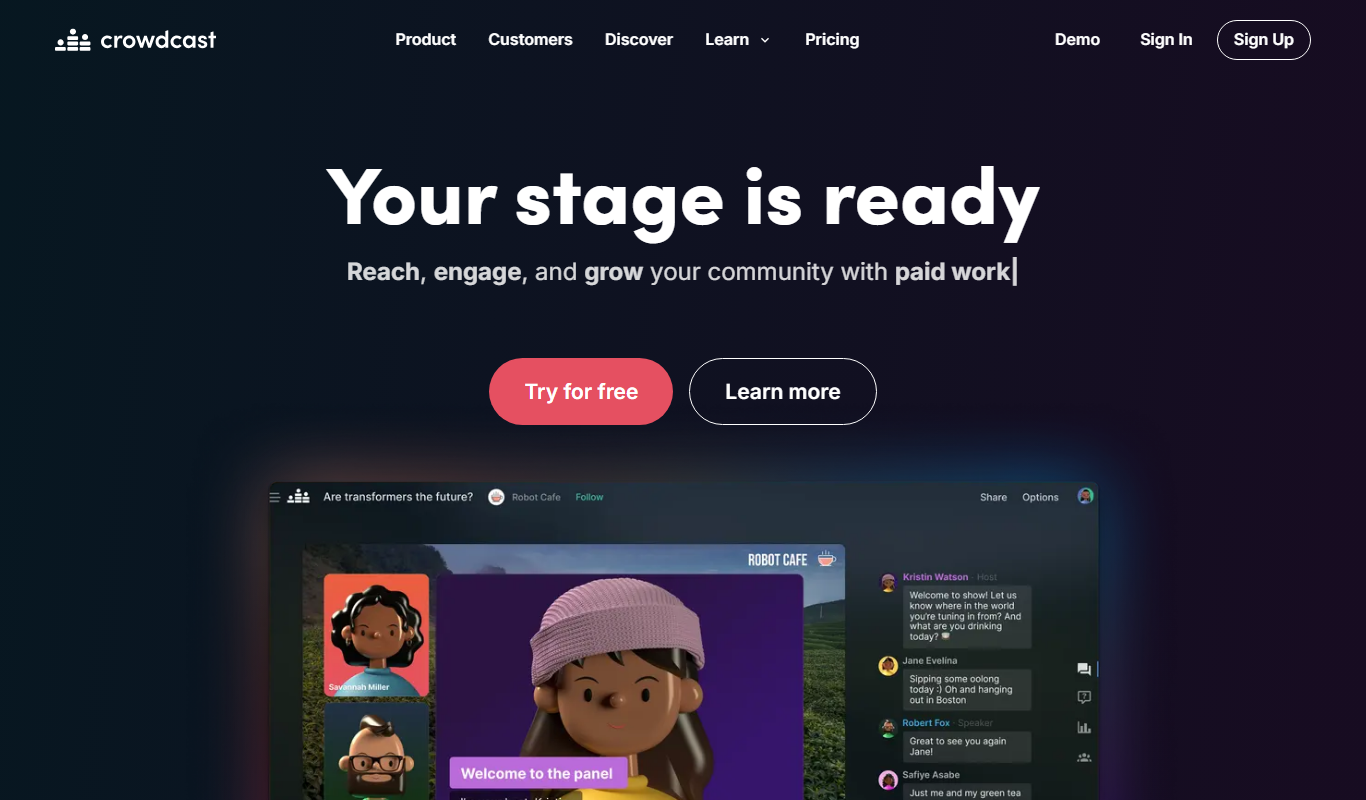
Crowdcast
Crowdcast is a web-based platform that enables users to host live webinars, workshops, and virtual conferences with interactive features like Q&A, polls, and chat to engage audiences in real-time.
More AI Live Streaming Tools tools
Other tools in the same category, for when this one is not quite the fit.
Free Trial
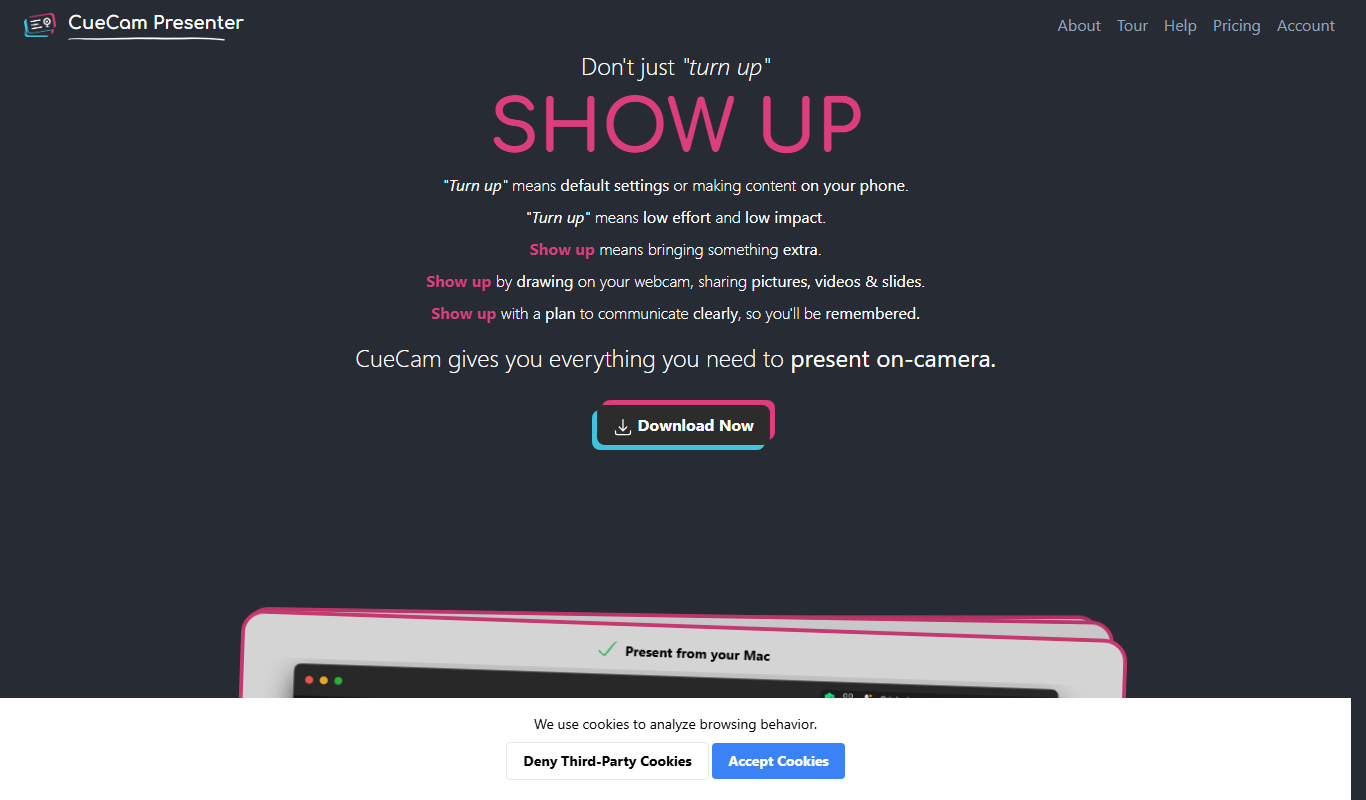
CueCam Presenter
CueCam Presenter is a wireless camera app that streams HD video from iOS devices to Mac computers over Wi-Fi, ideal for live streaming and presentations without cables.

Free
EarlyBird
EarlyBird is a live streaming platform that allows creators to broadcast live video, engage audiences with chat and reactions, and monetize content across web and mobile devices.

Free
Kick
Kick is a live streaming platform designed for gamers and content creators, offering low latency streaming and competitive revenue sharing to help streamers monetize their content effectively.
Free
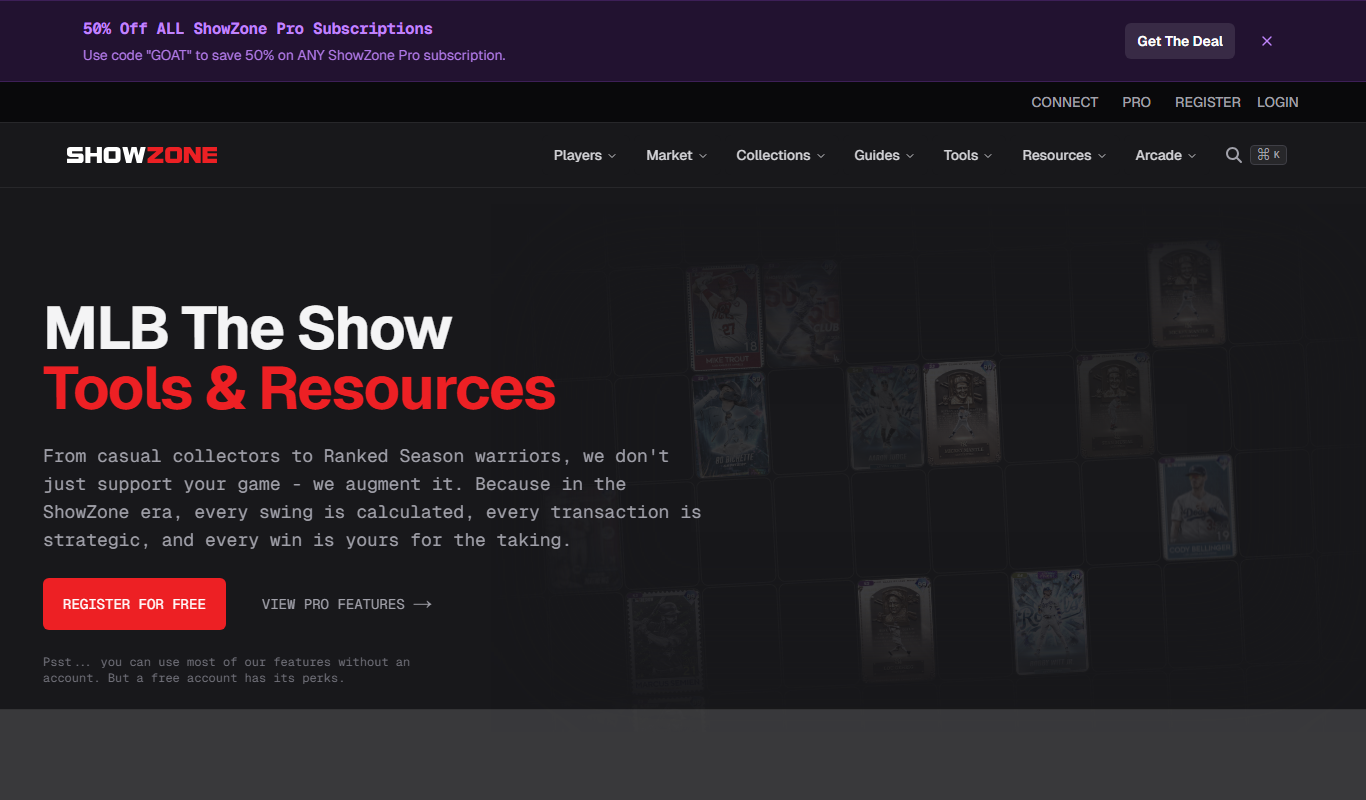
showzone.gg
Showzone.gg is a free web-based platform for live streaming gameplay, engaging with gaming communities, and hosting esports events.
Free
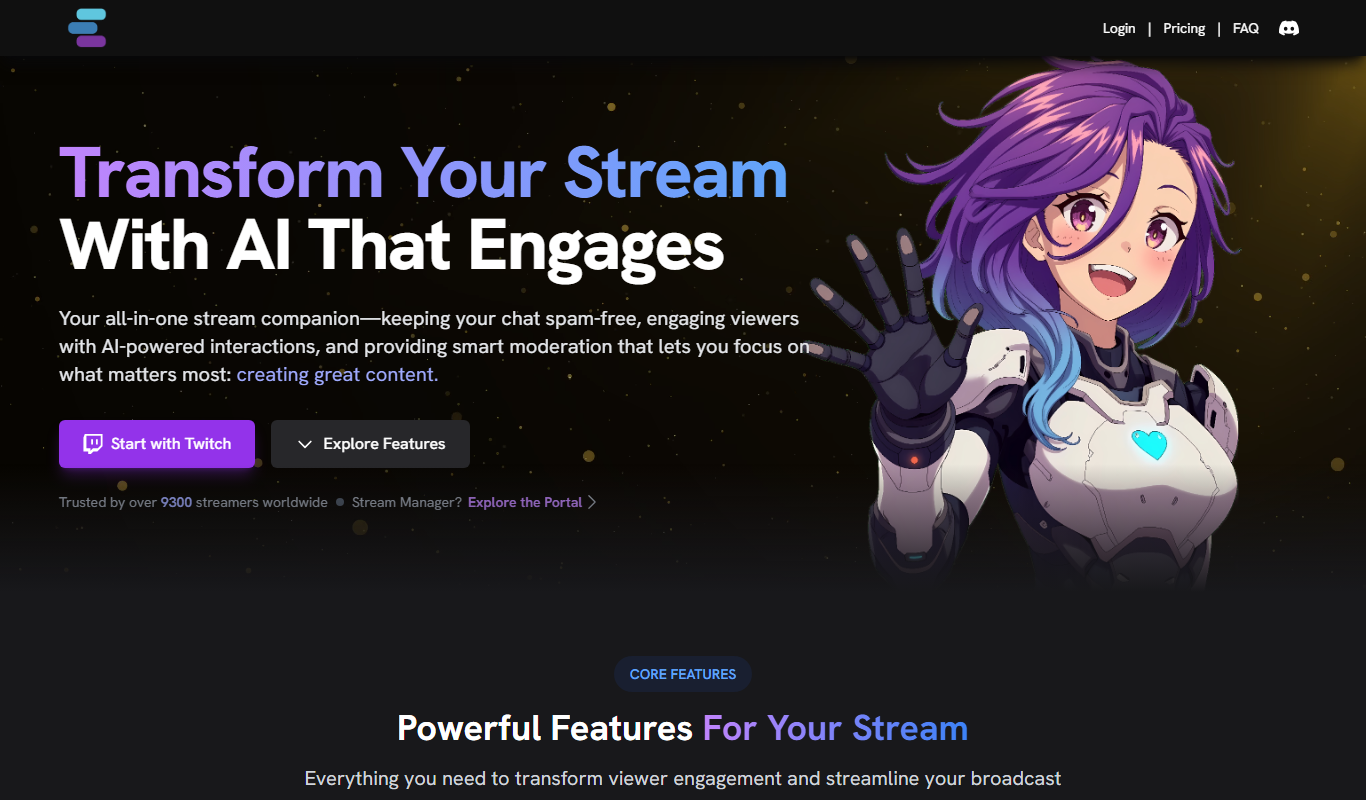
Stream Chat A.I.
Stream Chat A.I. is an AI-driven tool for Twitch that automates chat moderation and viewer engagement through customizable chatbots and spam filtering.

Free Trial
VMagic
VMagic Studio is a Windows application that enables real-time animation of 3D virtual avatars using VR controllers, keyboard/mouse, and webcam facial tracking, primarily used by VTubers and streamers.

Free Trial
Made Live
Made Live is a web-based platform that enables real-time video collaboration and live streaming with low latency, allowing creators and remote teams to produce interactive live content together without software installation.