

Crowdcast Live Streaming Platform for Webinars and Interactive Events
Crowdcast is a web-based platform that enables users to host live webinars, workshops, and virtual conferences with interactive features like Q&A, polls, and chat to engage audiences in real-time.
- Best for
- Webinars
- Key capability
- Interactive Q&A
Save Crowdcast, follow its updates and vote on it — everything stays in your account.
Sign in or create a free account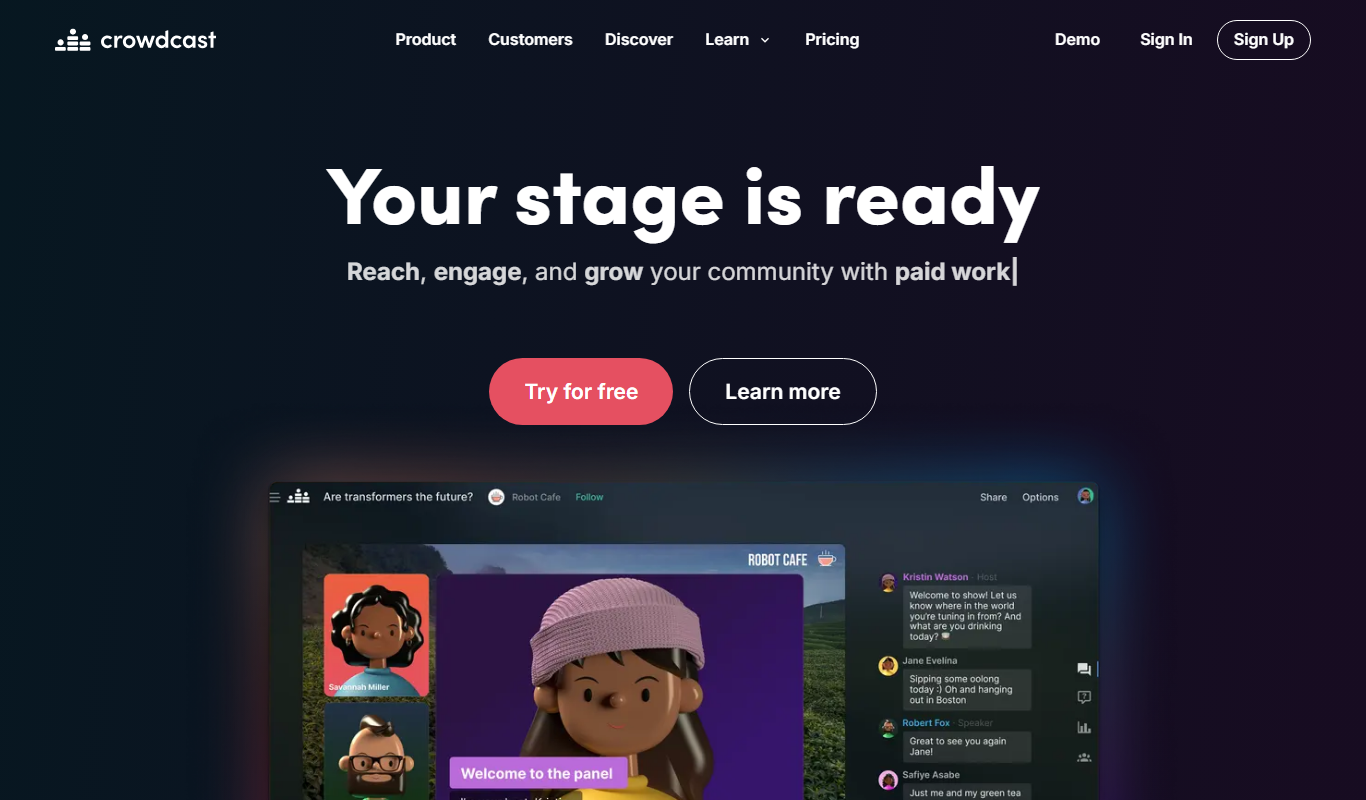
What is Crowdcast?
Crowdcast is a web-based live streaming platform designed for hosting webinars, Q&A sessions, online workshops, and virtual conferences. It provides interactive tools such as live chat, polls, and screen sharing to facilitate real-time engagement between hosts and attendees. Crowdcast aims to simplify the process of creating and managing live online events with features that support registration, ticketing, and analytics.
Key features of Crowdcast
Crowdcast offers a suite of features including live video streaming, audience interaction tools (Q&A, polls, chat), event registration and ticketing, automated event reminders, analytics dashboards, and integrations with marketing and CRM platforms. Its user-friendly interface allows hosts to focus on content delivery while managing event logistics seamlessly.
Interactive Q&A
Enable attendees to ask questions live and upvote others, promoting engagement.
Polls and Surveys
Conduct live polls to gather instant feedback and insights from your audience.
Event Registration and Ticketing
Manage attendee registration with customizable ticketing options and payment processing.
Automated Email Reminders
Send scheduled reminders to attendees to boost event attendance.
Analytics Dashboard
Access detailed reports on attendee behavior, engagement metrics, and event performance.
Pros and cons of Crowdcast
Pros
- User-friendly interface with minimal setup
- Robust interactive features for audience engagement
- Comprehensive analytics and reporting
- Supports event registration and ticketing
- Reliable streaming with automatic recording
Cons
- Hosting primarily optimized for desktop, limited mobile hosting support
- Pricing may be high for very small or casual users
- Limited customization options on lower-tier plans
Key use cases for Crowdcast
Webinars
Host live webinars with interactive features such as Q&A, polls, and chat to engage audiences in real-time.
Virtual Conferences
Organize multi-session virtual conferences with registration, ticketing, and attendee management.
Online Workshops
Conduct online workshops with screen sharing, live video, and audience participation tools.
Product Demos
Showcase products live to potential customers with interactive demonstrations and feedback collection.
Community Building
Build and nurture communities through live events that encourage interaction and networking.
How Crowdcast works
- 1
Create an Account
Sign up on Crowdcast’s website to access the event creation dashboard.
- 2
Set Up Your Event
Configure event details such as title, description, date, time, and ticketing options.
- 3
Invite Attendees
Share the event link or send invitations directly to your audience.
- 4
Host the Live Event
Stream live video, engage with attendees through chat, polls, and Q&A.
- 5
Analyze and Follow Up
Review event analytics and attendee data to measure success and plan follow-ups.
Who is using Crowdcast
Crowdcast pricing
Lite
$49/month
For creators and small businesses looking to grow their audience, with 100+ live attendees.
Pro
$89/month
For professional creators and businesses to consistently host live video events, with 250+ live attendees.
Business
$195/month
For startups and companies looking to engage their customers, with 1000+ live attendees.
Plans and prices are as published by the vendor and can change. Check the official site before you buy. Open the pricing page (opens in a new tab)
Frequently asked questions about Crowdcast
Yes, Crowdcast automatically records your live sessions and makes them available for replay.
Crowdcast events can be attended via mobile browsers, but hosting is optimized for desktop use.
Yes, Crowdcast supports integrations with platforms like Mailchimp, Zapier, and HubSpot.
It depends on your specific needs and how you plan to use the tool. The official website and documentation are the best sources for the latest details.
It depends on your specific needs and how you plan to use the tool. The official website and documentation are the best sources for the latest details.
It depends on your specific needs and how you plan to use the tool. The official website and documentation are the best sources for the latest details.
Conclusion
Workshops, webinars and livestreams all run in one platform, with each event set up with its title, schedule and ticketing options before the link is shared with the audience. On stage, hosts can bring attendees on screen, poll the audience and engage in live chat, while the built-in Studio cues overlays, shares videos and presents slides. Broadcasts can also go out to Facebook Live, YouTube Live and Twitch, and a recorded session is available instantly for replay and download. Free or paid events are supported, with flexible ticketing options and integrations for Patreon, Stripe and Zapier.
Its own framing is that traditional webinar software was not built for creators, and the plans range from creators and small businesses to startups and companies looking to engage their customers. Plans are sized by live attendees and hours per month, and anyone can register while only users who show up live count. A 2 week free trial is offered, and English live captions are available only on Pro plans and above.
Sources
Sign in to review this tool.
Sign In to ReviewNo reviews yet
Be the first to share how this tool worked for you.
Ask about pricing, limits, or how it compares — or answer someone else.
Sign In to AskNo questions yet
Have a question about using or paying for this tool? Be the first to ask.
Featured on TiorAI



Alternative Tools
Explore similar AI tools that might fit your needs

Demio
Demio is a cloud-based webinar platform that enables businesses to host live and automated webinars with interactive features such as polls, Q&A, and detailed analytics, all accessible via web browser without downloads.
More Business Management tools
Other tools in the same category, for when this one is not quite the fit.

LueinHire.com
LueinHire is an AI hiring and career platform where employers screen and interview candidates, job seekers practice AI mock interviews and build resumes, and institutions run mock interview cycles.
sprockets.ai
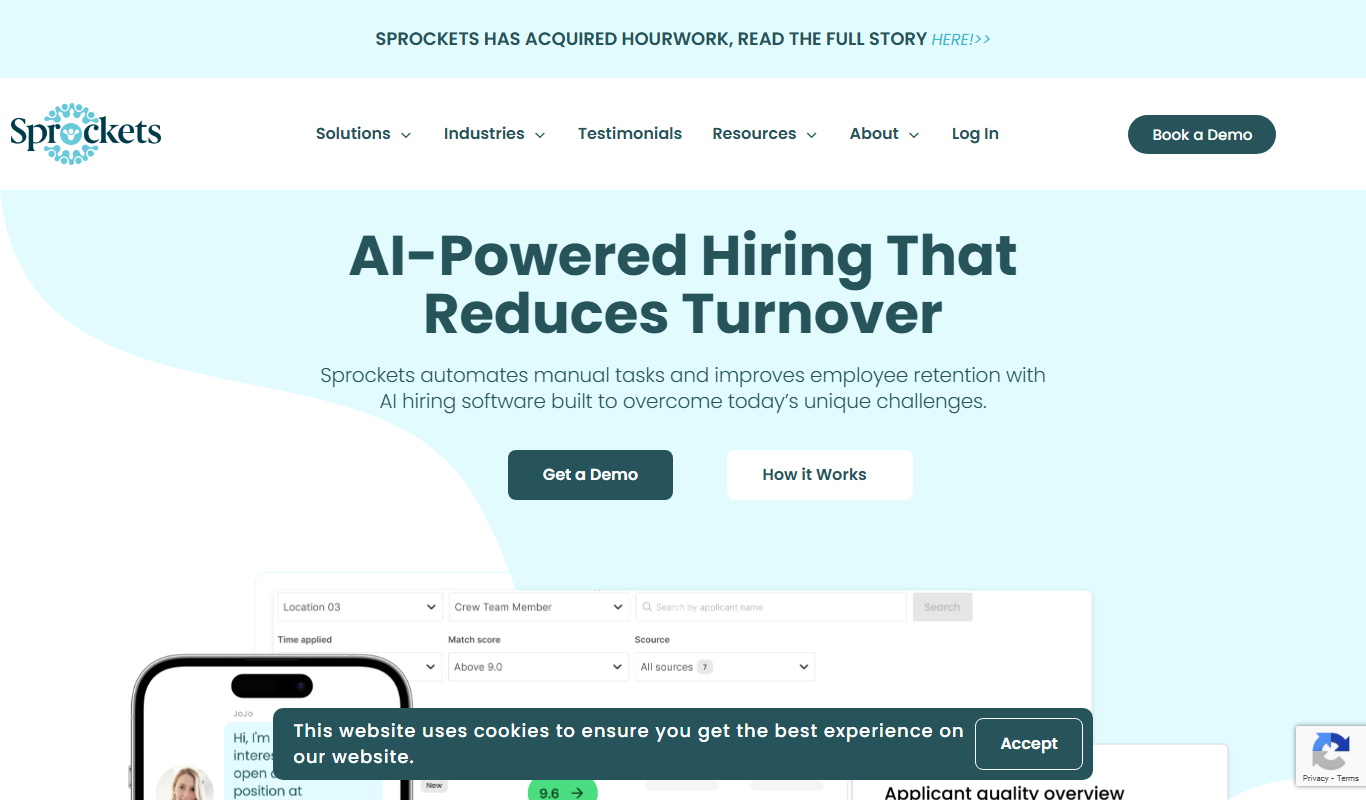
Sprockets.ai is an AI-driven hiring platform that predicts candidate success by analyzing data from top employees to help businesses make better hiring decisions and reduce turnover.

Vervoe
Vervoe is an AI-driven recruiting platform that automates candidate assessments by creating customized skill tests and using machine learning to evaluate applicants objectively, helping companies hire more efficiently and reduce bias.

TalentRecruit
TalentRecruit is an AI-driven recruitment platform that automates candidate sourcing, screening, and interview scheduling to help companies hire efficiently.

TestInvite
TestInvite is a cloud-based online assessment platform that enables organizations to create secure exams with remote proctoring, customizable tests, and detailed analytics for recruitment, certification, and training purposes.

GoodTime
GoodTime is an AI-driven scheduling platform that automates interview coordination by integrating calendars and enabling candidates to self-schedule, streamlining recruiting workflows.

Hirebee.ai
Hirebee is an all-in-one HR platform for recruitment, candidate assessments and HR management, with an applicant tracking system, AI resume screening and payroll.

Recruit CRM
Recruit CRM is a recruitment software platform that integrates applicant tracking and client relationship management to streamline hiring processes for agencies and HR teams.