

Recruit CRM Software for Recruitment Agencies and Talent Acquisition Teams
Recruit CRM is a recruitment software platform that integrates applicant tracking and client relationship management to streamline hiring processes for agencies and HR teams.
- Best for
- Applicant Tracking
- Key capability
- Resume Parsing
Save Recruit CRM, follow its updates and vote on it — everything stays in your account.
Sign in or create a free account

What is Recruit CRM?
Recruit CRM is a cloud-based recruitment software designed to streamline the hiring process for recruitment agencies and talent acquisition teams. It combines applicant tracking system (ATS) capabilities with customer relationship management (CRM) features to help recruiters manage candidates, clients, and job orders efficiently in one platform.
Key features of Recruit CRM
Key features include resume parsing, candidate and client management, job pipeline tracking, email integration, activity tracking, collaboration tools, and customizable reporting dashboards.
Resume Parsing
Automatically extract candidate information from resumes to populate profiles.
Pipeline Management
Visualize and manage candidates through customizable recruitment stages.
Email Integration
Sync emails to track communication with candidates and clients within the platform.
Client & Contact Management
Maintain detailed records of clients, contacts, and communication history.
Reporting & Analytics
Access recruitment metrics and generate customizable reports for insights.
Pros and cons of Recruit CRM
Pros
- User-friendly interface with intuitive navigation
- Combines ATS and CRM features in one platform
- Strong collaboration tools for recruitment teams
- Customizable pipelines and reporting
- Responsive customer support
Cons
- Pricing can be high for very small teams
Key use cases for Recruit CRM
Applicant Tracking
Manage job applications efficiently with pipelines, resume parsing, and interview scheduling.
Client Relationship Management
Track client interactions, manage contacts, and maintain communication history.
Talent Sourcing
Source candidates from multiple channels and build a searchable talent database.
Collaboration
Enable team collaboration with shared notes, tasks, and activity feeds.
Reporting & Analytics
Generate reports on recruitment metrics to optimize hiring processes.
How Recruit CRM works
- 1
Sign Up
Create an account on Recruit CRM’s website to start your free trial.
- 2
Import Data
Upload existing candidate and client data or import from other platforms.
- 3
Create Job Openings
Set up job listings and define hiring stages in customizable pipelines.
- 4
Manage Candidates
Track candidate progress, schedule interviews, and communicate via integrated email.
- 5
Collaborate and Report
Use team collaboration features and generate reports to monitor recruitment performance.
Who is using Recruit CRM
Recruit CRM pricing
Pro
$49 per user/month
Chrome sourcing extension, AI resume parser, GPT integration, unlimited email templates, a fully integrated mailbox and deal pipelines; enterprise features are billed separately.
Business
$79 per user/month
Everything on the Pro plan plus automated email sequencing, bulk texting, an executive search report generator and resume formatting.
Enterprise
$129 per user/month
Everything on the Business plan plus workflow automation, advanced analytics and LinkedIn messaging integration, with all enterprise features included in 1 price.
Plans and prices are as published by the vendor and can change. Check the official site before you buy. Open the pricing page (opens in a new tab)
Frequently asked questions about Recruit CRM
Yes, Recruit CRM offers a 30-day free trial.
Yes, Recruit CRM supports data import from various platforms via CSV files.
Yes. Recruit CRM is set up on the web and then used on mobile through its mobile app.
Yes, it integrates with popular email providers to sync communication.
It depends on your specific needs and how you plan to use the tool. The official website and documentation are the best sources for the latest details.
It depends on your specific needs and how you plan to use the tool. The official website and documentation are the best sources for the latest details.
Integration support depends on the tool and its available connectors or API. Check the official documentation or integrations page to confirm what is supported.
Conclusion
Built for recruitment agencies, the platform joins applicant tracking and client management in one AI-first system, with workflows for contract staffing, permanent staffing and executive search. AI agents take on smaller jobs such as parsing custom fields from resumes, formatting resumes as PDFs, preparing candidate submissions and drafting candidate pitch emails. Sourcing works through natural-language AI search across the internet, and outreach sequences reach candidates by email, SMS and LinkedIn.
Timesheets, invoicing and contractor pay sit in the same place, and an MCP connection lets the data work with Claude and ChatGPT. Everything is set up on the web and then accessed on mobile through one app, and the site itself comes in French, Japanese, German and other languages. Pricing is per user across Pro, Business and Enterprise tiers after a 30-day free trial, and Enterprise adds workflow automation, advanced analytics and LinkedIn messaging.
Sources
Sign in to review this tool.
Sign In to ReviewNo reviews yet
Be the first to share how this tool worked for you.
Ask about pricing, limits, or how it compares — or answer someone else.
Sign In to AskNo questions yet
Have a question about using or paying for this tool? Be the first to ask.
Featured on TiorAI



Alternative Tools
Explore similar AI tools that might fit your needs

Bullhorn
Bullhorn is a cloud-based CRM and applicant tracking software designed to streamline recruiting and staffing workflows with automation and analytics.

Workable
Workable is a recruiting software platform that offers applicant tracking, AI-powered candidate sourcing, job posting, and collaborative hiring tools to help businesses streamline their recruitment process.
More AI CRM & Sales Tools tools
Other tools in the same category, for when this one is not quite the fit.

Numa | AI for Dealerships
Numa is an AI-driven platform that helps automotive dealerships automate lead generation, customer engagement, and sales processes using conversational AI chatbots and marketing automation tools.

CEOBuySell.com
CEOBuySell.com is an online business brokerage platform that helps business owners sell their companies and buyers find businesses to purchase, offering confidential listings and expert brokerage services.

Coldreach (YC W23)
Coldreach is an AI-powered platform that automates personalized cold email campaigns and lead generation to help sales teams increase outreach efficiency and conversion rates.
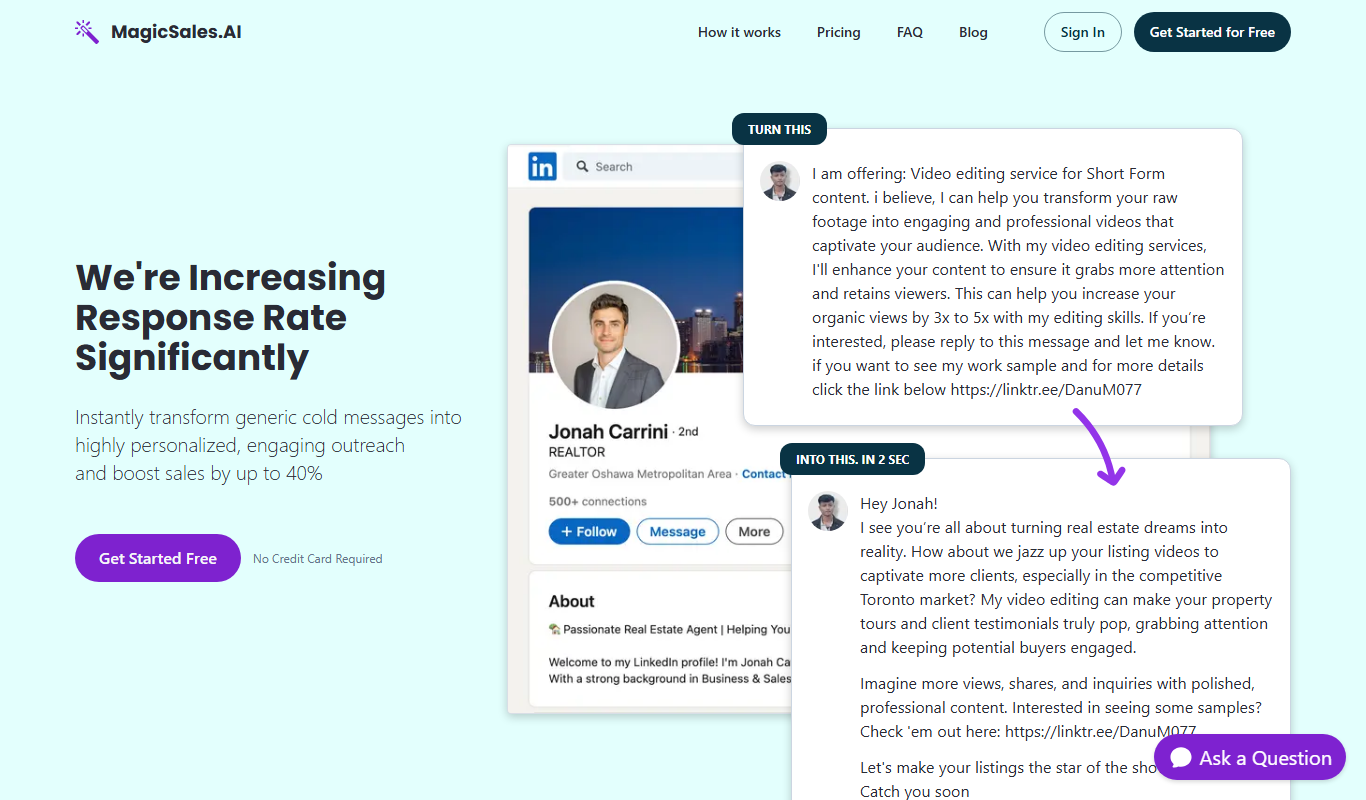
MagicSales.ai
MagicSales.ai is an AI-powered platform that automates lead generation and email outreach, integrating with CRMs to help sales teams increase efficiency and close deals faster.
Ignition 1.0
Ignition 1.0 is an AI writing assistant that helps users generate, edit, and optimize content efficiently using advanced language models.

OmniChannel
OmniChannel is a unified customer engagement platform by Omni.us that integrates SMS, email, and voice communication to automate marketing, support sales, and enhance customer experience.

Instantly
Instantly is an AI-driven email outreach platform that automates cold email campaigns and follow-ups to help sales and marketing teams generate leads efficiently.
Industrial Data Labs
Industrial Data Labs is an AI platform that provides manufacturing and industrial companies with predictive analytics, process optimization, and quality control insights by analyzing operational data.