

Potion AI: No-Code Video Creation Platform for Marketing and Sales
Potion is an AI video platform that creates personalized videos in your own face and voice at scale for sales, marketing and support.
- Best for
- Personalized Video Marketing
- Key capability
- AI videos in your own face and voice
Save Potion, follow its updates and vote on it — everything stays in your account.
Sign in or create a free account
What is Potion?
Potion is an AI that creates personalized videos in your own face and voice for sales, marketing and support. It incorporates digital avatars, text-to-video conversion, AI video prospecting, video translations, bulk personalized video generation and screen recording to AI video conversion.
Key features of Potion
Potion offers features such as customizable video templates, AI-driven personalization, easy integration with CRM and marketing tools, and scalable video production capabilities. These features empower users to create tailored video content that resonates with their audience and drives engagement.
AI videos in your own face and voice
Generate AI videos in your own face, voice and gestures after training the AI with a short recording.
AI-Powered Personalization
Automatically customize videos based on recipient data to increase engagement.
Screen Recordings to AI Videos
Generate videos from a script, or convert frontcam videos and screen recordings into AI videos.
CRM and Marketing Tool Integrations
Seamless connections with popular platforms to streamline video personalization and distribution.
Scalable Video Production
Generate hundreds or thousands of personalized videos efficiently for large campaigns.
Pros and cons of Potion
Pros
- User-friendly no-code interface
- Strong AI personalization capabilities
- Good selection of marketing-focused templates
- Scalable video production for large campaigns
- Integrates well with CRM and marketing platforms
Cons
- Limited language support (English only)
- Pricing may be high for small businesses
- No mobile app available
Key use cases for Potion
Personalized Video Marketing
Create customized videos at scale to engage customers and increase conversion rates.
Sales Outreach
Generate personalized sales videos to improve outreach effectiveness and build stronger client relationships.
Content Creation Without Coding
Enable marketers and sales teams to produce professional videos without technical or design skills.
Video Campaign Automation
Automate video production workflows to streamline marketing campaigns and save time.
How Potion works
- 1
Train Video AI
Train the video AI with a short recording, which takes about 4 minutes.
- 2
Type a Script or Record a Template
Type a video script or record a video template.
- 3
Integrate Data for Personalization
Record the names or greetings for your prospects, and the AI automatically creates a personalized video for each recipient.
- 4
Generate and Distribute Videos
Produce videos at scale and distribute them through your preferred marketing or sales channels.
Who is using Potion
Potion pricing
Starter
$99 / mo / workspace
7-day free trial; 750 dynamic AI videos and 3 full AI video templates per month.
Professional
$299 / mo / workspace
7-day free trial; unlimited AI videos per month plus all Starter features, Zapier, webhooks, multi-user workspaces, custom branding and custom domains.
Enterprise
Contact sales
Custom AI video needs with all Professional features, whitelabel video AI, AI video strategy consultations, team coaching and highest priority support.
Plans and prices are as published by the vendor and can change. Check the official site before you buy. Open the pricing page (opens in a new tab)
Frequently asked questions about Potion
No, Potion is designed as a no-code platform, so anyone can create professional videos without prior editing skills.
Yes, Potion uses AI and data integrations to automatically personalize videos based on your contact information.
Potion integrates with popular CRM and marketing tools to streamline data import and video distribution.
Yes, the Starter and Professional plans include a 7-day free trial.
It depends on your specific needs and how you plan to use the tool. The official website and documentation are the best sources for the latest details.
It depends on your specific needs and how you plan to use the tool. The official website and documentation are the best sources for the latest details.
Pricing depends on the plan and included features. For the most accurate and up-to-date details, check the official pricing page.
Conclusion
Training the video AI takes about 4 minutes, and videos then come from a typed script in the user’s own face, voice and gestures. Frontcam videos and screen recordings can also be converted into AI videos with accurate lip-sync. For outreach, a video is recorded once along with the prospects’ names, and the AI creates a personalized version for each recipient.
The videos are aimed at sales, marketing, support and user education. Finished videos sit on custom branded landing pages and go out by email, LinkedIn or SMS, while CSV uploads and 50+ tool integrations handle volume. Generation also supports multiple languages.
Starter and Professional are both priced per workspace each month and include a 7-day free trial, with unlimited AI videos on Professional.
Sources
Sign in to review this tool.
Sign In to ReviewNo reviews yet
Be the first to share how this tool worked for you.
Ask about pricing, limits, or how it compares — or answer someone else.
Sign In to AskNo questions yet
Have a question about using or paying for this tool? Be the first to ask.
Featured on TiorAI



Alternative Tools
Explore similar AI tools that might fit your needs

Vidyard
Vidyard is a video platform that helps businesses create, host, and share personalized videos for marketing, sales, and customer engagement with detailed analytics and CRM integrations.

Loom
Loom is a video messaging platform that enables users to quickly record and share screen and webcam videos for remote communication, collaboration, and tutorials.

Bonjoro
Bonjoro is a platform that enables businesses to send personalized video messages to customers, enhancing engagement and sales through authentic communication.
More AI Ugc Video Generator tools
Other tools in the same category, for when this one is not quite the fit.
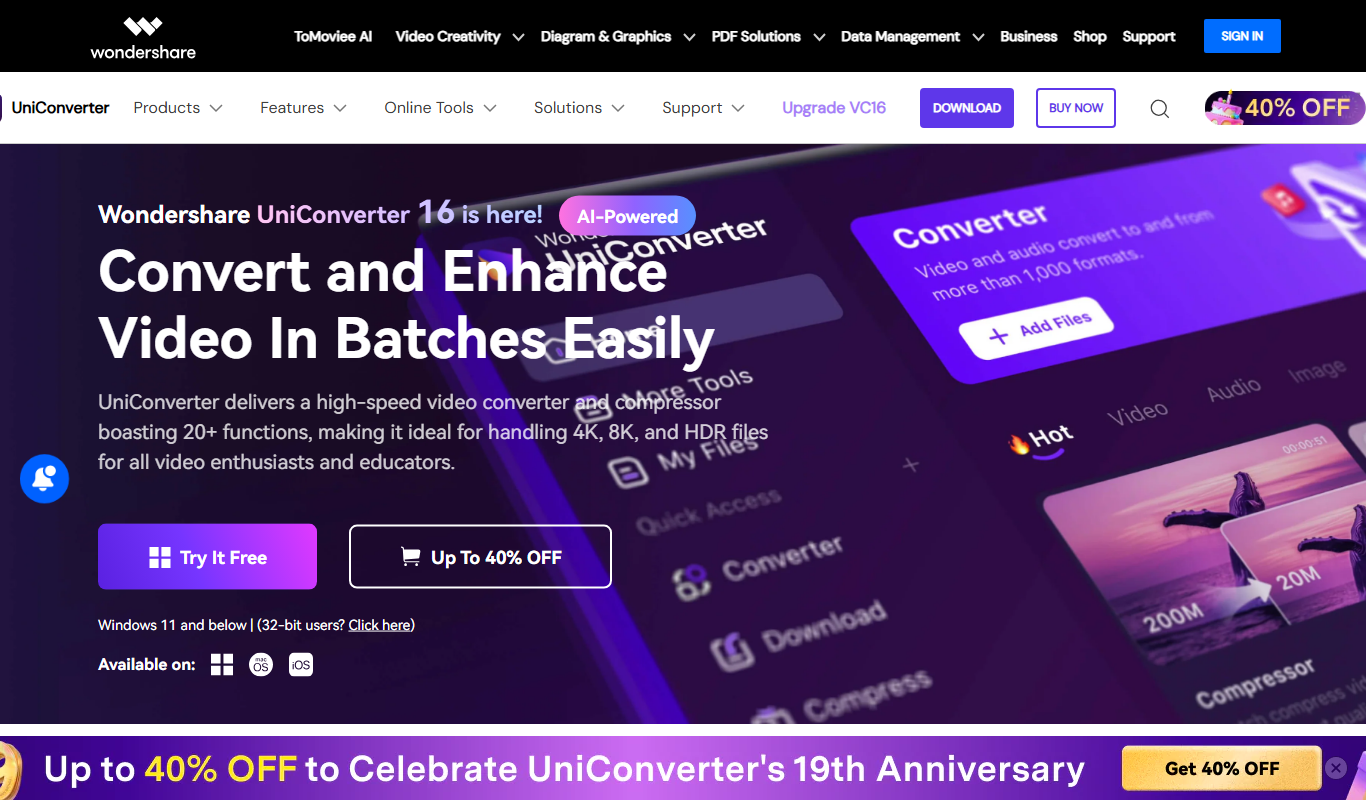
UniConverter AI
UniConverter AI is a video conversion and editing software by Wondershare that supports over 1000 formats, includes AI-powered video enhancement, and offers DVD burning and compression features for Windows and Mac.

reap (beta)
reap is an AI video editor that turns long videos, webinars and interviews into clips, animated captions, dubbed versions and translated subtitles.
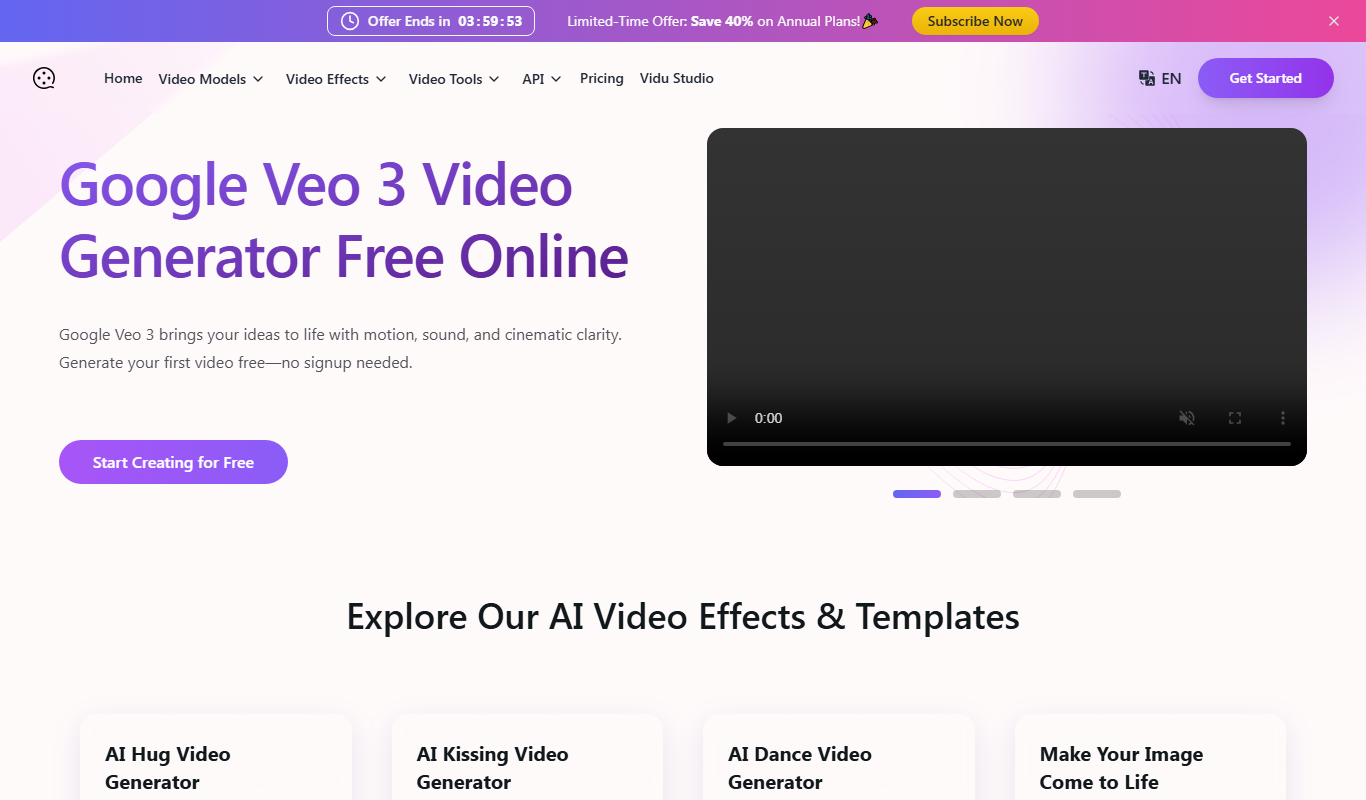
VideoMaker.me:AI Video Maker Free Online
VideoMaker.me is an online AI video generator that creates cinematic HD videos from text or images with Google Veo 3, including synchronized audio and realistic motion.
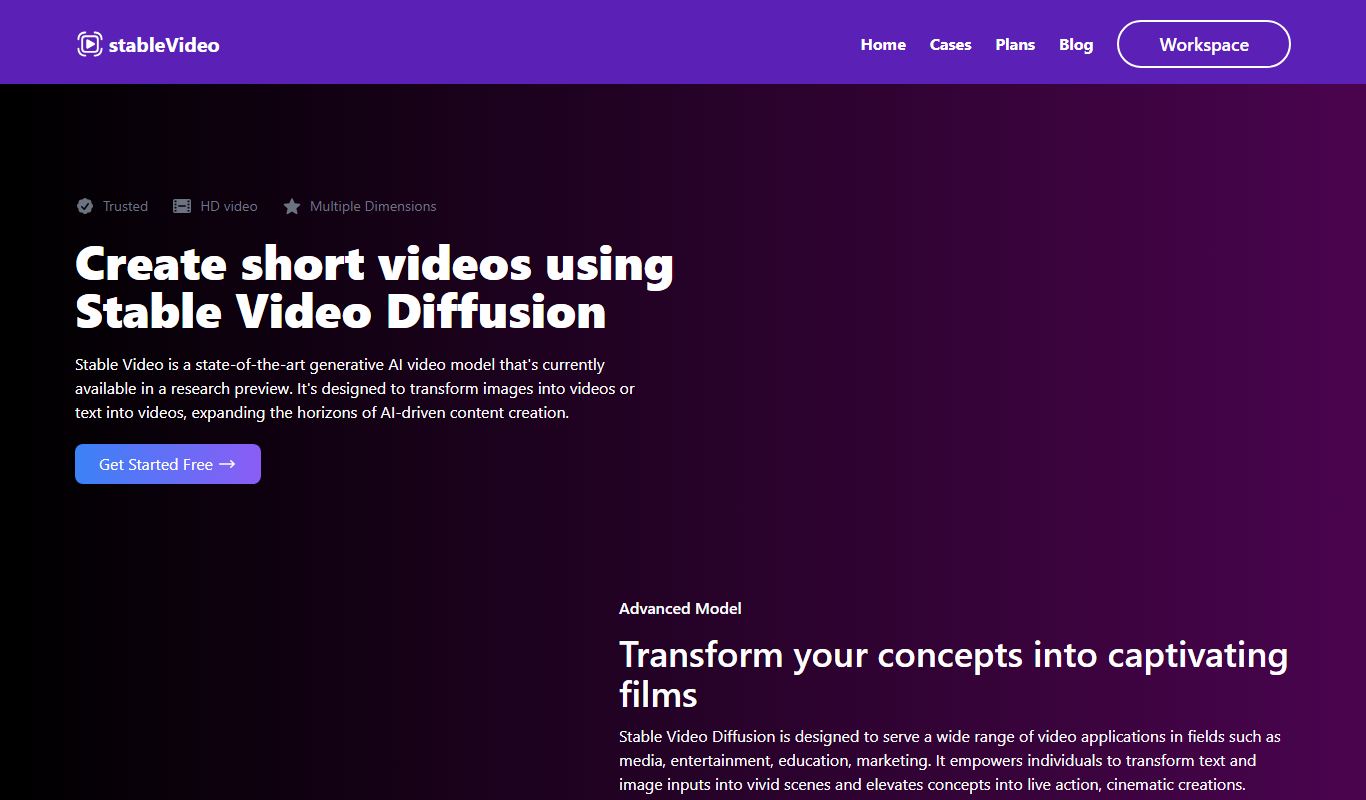
Stable Video
Stable Video generates short videos online from an initial image or a text prompt using Stable Video Diffusion, a latent video diffusion model.

MagicUGC
MagicUGC is an AI platform that generates UGC-style video ads for Shopify products, TikTok, Instagram, Amazon listings and basically any link.

AI Video Generator – Veo3
AI Video Generator is a web platform that creates videos from text or images with AI models such as Veo 3.1, Sora2, Seedance, Wan 2.7 and Kling.

VidMax
VidMax is an AI UGC ad generator that turns templates into talking-avatar video ads ready for Meta and TikTok, built for DTC marketers.

MakeInfluencer AI
MakeInfluencer.ai lets you design one consistent AI character and generate photos, videos, talking clips and ad deliverables with it across leading image and video models.