

reap AI Video Editor to Clip, Caption and Dub in 100+ Languages
reap is an AI video editor that turns long videos, webinars and interviews into clips, animated captions, dubbed versions and translated subtitles.
- Best for
- Video Summarization
- Key capability
- AI-Powered Video Summarization
Save reap (beta), follow its updates and vote on it — everything stays in your account.
Sign in or create a free account

What is reap (beta)?
reap is an AI video editor that turns long videos, webinars and interviews into clips, animated captions, dubbed versions and translated subtitles, then automates the workflow with API, CLI and MCP.
Key features of reap (beta)
Reap Video offers automated video summarization, highlight extraction, and easy sharing options. Its AI-driven engine identifies important segments, enabling users to create engaging short clips without manual editing. The platform is accessible via a web interface and supports seamless integration with video sources.
AI-Powered Video Summarization
Automatically condenses long videos into short, meaningful summaries.
Highlight Extraction
Identifies and extracts the most important moments from video content.
Web-Based Platform
Accessible from any modern browser without the need for software installation.
Easy Sharing Options
Share summarized clips directly to social media or via links.
Pros and cons of reap (beta)
Pros
- Saves time by automating video summarization
- User-friendly web interface with no installation required
- Supports easy sharing of highlights
- Good for content creators and professionals
Cons
- Currently in beta, so some features may be limited
- Supports only English language videos
- No mobile app available yet
Key use cases for reap (beta)
Video Summarization
Automatically generate concise summaries of long videos to save time and improve viewer engagement.
Content Highlighting
Extract key moments and highlights from webinars, meetings, and lectures for easy sharing.
Social Media Video Creation
Create short, engaging clips optimized for social media platforms from longer video content.
Video Editing Automation
Leverage AI to automate tedious video editing tasks, reducing manual effort.
How reap (beta) works
- 1
Upload or Link Video
Users upload their video file or provide a link to the video they want to summarize.
- 2
AI Analysis
The AI engine processes the video to detect key moments, topics, and highlights.
- 3
Generate Summary Clips
Reap automatically creates short, summarized clips based on the analysis.
- 4
Review and Share
Users can review the generated clips, make adjustments if needed, and share them directly.
Who is using reap (beta)
reap (beta) pricing
Free
$0/month
Up to 1 hour/month of AI clipping and AI captions (watermarked), with exports in 720p (watermarked)
Creator
$24/month, or $9.99/month at $119.88 billed annually
Up to 10 hours/month of AI clipping and AI captions, exports in 1080p (watermark-free), up to 2 hours/month of dubbing and translation, and API access
Studio
$50/month, or $29/month at $348 billed annually
Up to 20 hours/month of AI clipping and AI captions, exports in 4K (watermark-free), up to 5 hours/month of dubbing and translation, and team collaboration for up to 3 users
Enterprise
Custom
For large teams and custom needs, with unlimited team members and custom clipping, captioning and dubbing volumes
Plans and prices are as published by the vendor and can change. Check the official site before you buy. Open the pricing page (opens in a new tab)
Frequently asked questions about reap (beta)
Yes, Reap Video offers a free plan with limited features and video length.
You can summarize webinars, meetings, lectures, and most video formats supported by the platform.
Yes, after AI generates summaries, you can review and make manual adjustments before sharing.
It depends on your specific needs and how you plan to use the tool. The official website and documentation are the best sources for the latest details.
Yes, it can help with that use case depending on how you configure it and what features are available. You’ll get the best results with clear inputs and a defined goal.
Conclusion
Long recordings such as webinars and interviews go in, and clips, animated captions, dubbed versions and translated subtitles come out. Clips can be requested by topic, hook or audience angle instead of relying on random highlight detection, and speaker tracking keeps each person centered in vertical format. Captions cover 100+ languages, including romanized scripts such as Hinglish and Arabizi, while AI dubbing clones the speaker’s voice in 80+ languages.
For finer control, the transcript doubles as the editing surface: deleting or rearranging text cuts the video to match. Finished clips can be scheduled from a built-in content calendar and published to TikTok, Reels, YouTube Shorts and LinkedIn without re-uploading. Agencies and developers can drive the same workflow through the API, a CLI or MCP, and every paid plan includes that access. The free plan is limited to one hour of clipping and captioning a month with watermarked 720p exports, while paid plans raise those limits and add dubbing and watermark-free output.
Sources
Sign in to review this tool.
Sign In to ReviewNo reviews yet
Be the first to share how this tool worked for you.
Ask about pricing, limits, or how it compares — or answer someone else.
Sign In to AskNo questions yet
Have a question about using or paying for this tool? Be the first to ask.
Featured on TiorAI



More AI Ai Tools tools
Other tools in the same category, for when this one is not quite the fit.

Inbox Narrator
Inbox Narrator summarizes your new Gmail emails with AI and delivers the summary to Siri, Google Assistant or a daily podcast every morning.

flAI
Flai is an AI speaking coach app from Flalingo with live voice lessons, notes on what the learner said after every lesson and a free 3-minute speaking test.
saystory
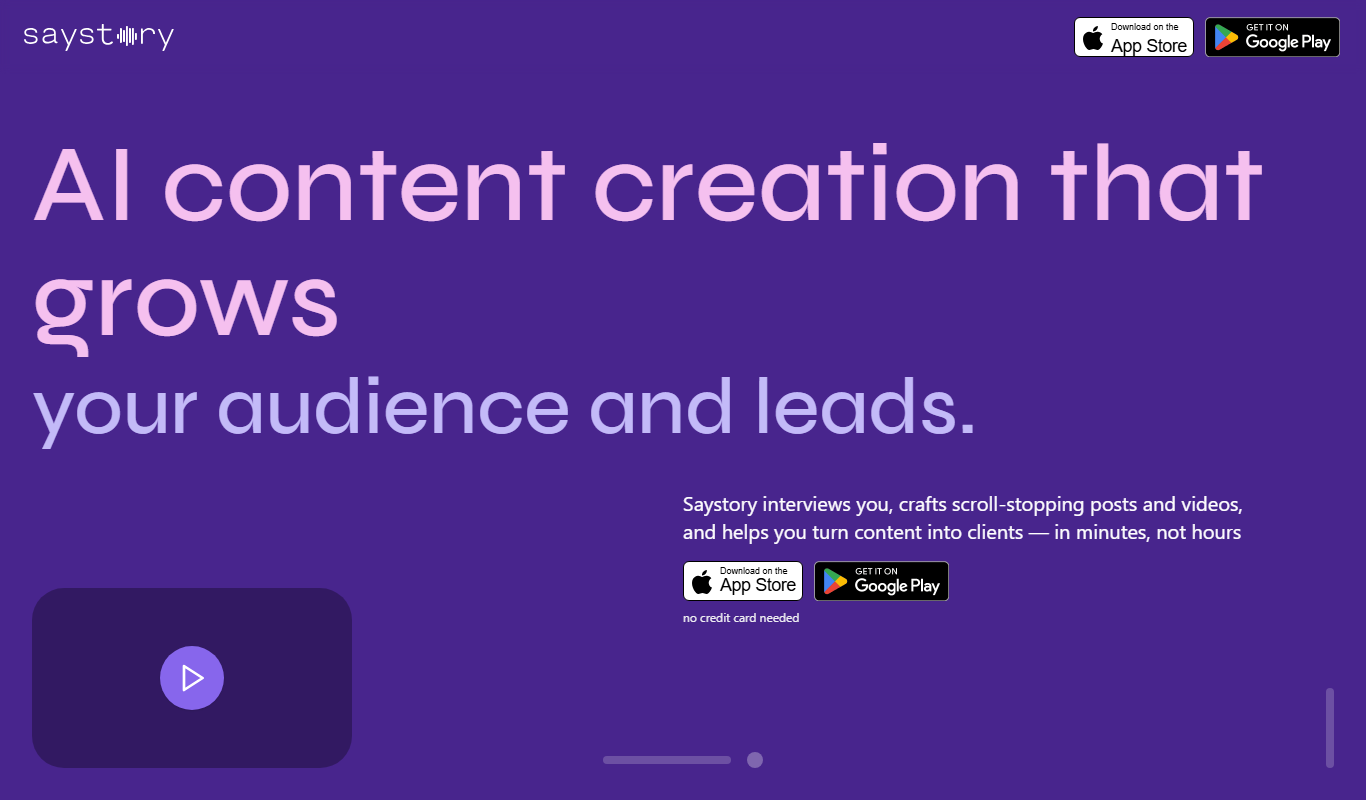
saystory is an AI-powered mobile app that turns your voice into ready-to-post content for LinkedIn, Instagram and more, with a built-in teleprompter.

Flowjin
Flowjin is an AI clip maker that turns long videos and audio into short captioned clips and writes platform-specific social posts.

LeadHunt AI
LeadHunt AI finds verified business email addresses by domain, job title and industry, and local business contact details by location and industry.

Reica
reica is an AI still life studio that turns product photos into validated, marketplace-ready catalog images across thousands of SKUs.

16x Prompt
16x Prompt is a desktop tool for AI coding that manages code context, customizes prompts and works with multiple LLM API integrations.

PageOn.ai
PageOn.AI is an AI presentation and infographic maker where AI agents research your topic, plan the structure and design interactive pages beyond static slides.