

XBeast: AI agent that writes and schedules posts on X
XBeast is a personal AI agent for X that writes, schedules, retweets and replies in your voice, with credit-based paid plans and a 7-day free trial.
- Best for
- Automated posting in your voice
- Key capability
- Voice presets
Save XBeast, follow its updates and vote on it — everything stays in your account.
Sign in or create a free account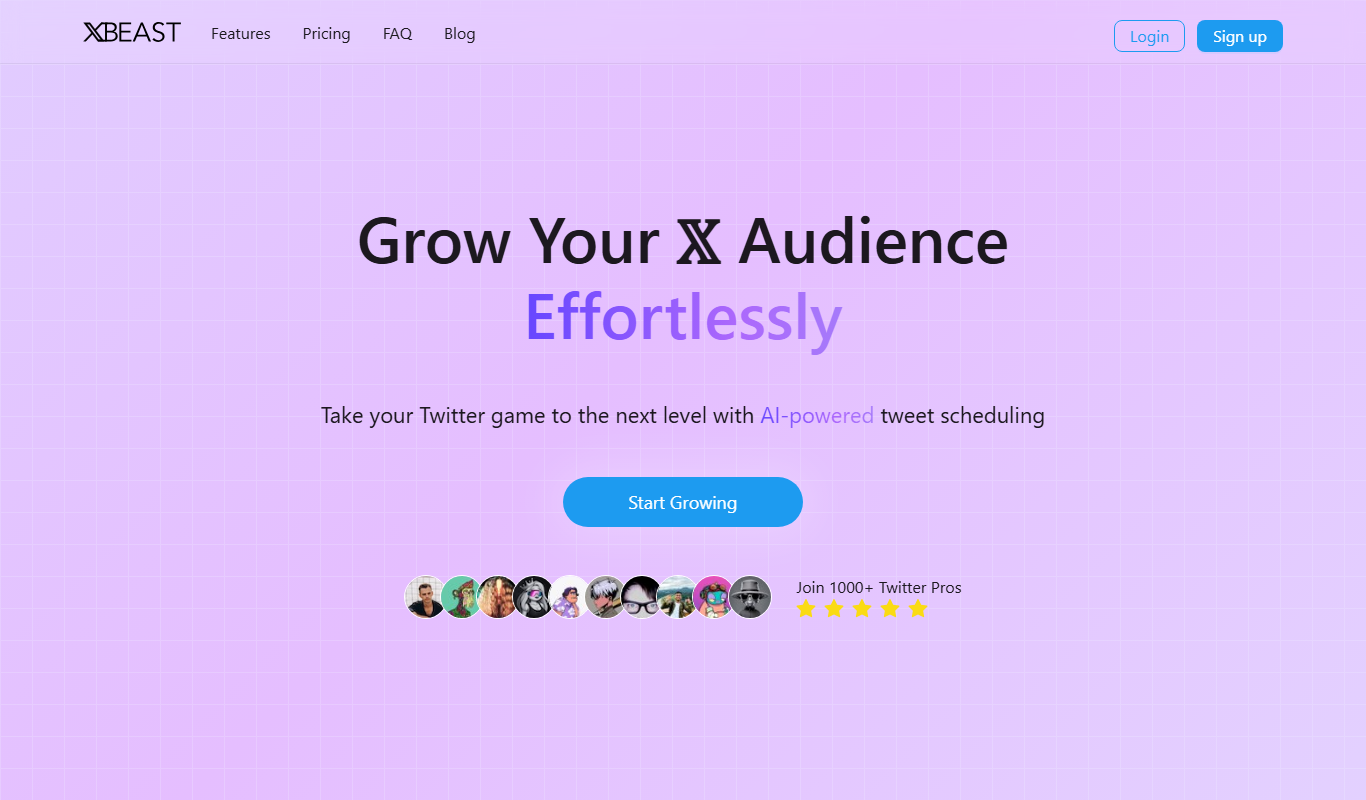
What is XBeast?
XBeast is a personal AI agent for X that helps users create and schedule posts. It trains presets on the user’s own tweets, generates and schedules posts at the chosen times, and runs auto-reply, auto-retweet and auto-plug automations, with every post landing in Review first.
Key features of XBeast
Presets trained on your own tweets, scheduling with flexible time slots and a queue, auto-reply, auto-retweet and auto-plug automations, tweet generation from YouTube videos and AI web search, AI recommended images and videos, and a Review step before posts go live.
Voice presets
Point XBeast at your own tweets or an account you admire and it locks in the style and topics you want to post about.
Scheduling
Flexible time slots, fully automated tweets with presets, a queue for later and instant posting.
Auto-reply, auto-retweet and auto-plug
AI responds to replies on your posts, re-shares best-performing tweets at peak hours and appends your link when a tweet crosses a like threshold.
Content sourcing and visuals
Turn YouTube videos into tweets, use AI web search, repurpose top tweets from X and add AI recommended images and videos.
Pros and cons of XBeast
Pros
- Presets write posts in your own style
- Every post lands in Review first, so you can tweak or swap images
- 7-day free trial with no credit card required
Cons
- No free plan: all plans are paid after the 7-day trial
- Generation is limited by monthly credits, and a tweet can cost 1 to 7 credits
- Each plan limits the number of connected X accounts
Key use cases for XBeast
Automated posting in your voice
Train presets on your tweets and let XBeast generate and post on your schedule.
Engagement automation
Auto-reply responds to replies on your posts and auto-retweet re-shares your best tweets at peak hours.
Turning viral tweets into leads
Auto-plug appends your link, offer or thread when a tweet crosses a like threshold.
Repurposing content into tweets
Turn YouTube videos into tweets and repurpose top tweets from X.
How XBeast works
- 1
Train presets on your voice
Point XBeast at your own tweets or any account you admire to lock in style and topics.
- 2
Set the schedule once
Pick the days and times you want to post on X; XBeast generates, schedules and posts.
- 3
Review the week
Every post lands in Review first: tweak, swap images or ship as-is.
- 4
Turn on automations
Enable auto-retweet, auto-reply and auto-plug for your posts.
- 5
Download or Export
Save or export the generated content for use in marketing campaigns or websites.
Who is using XBeast
XBeast pricing
Basic
$12/month, billed monthly
1 connected X account, 500 credits per month, 7-day free trial.
Pro
$24/month, billed monthly
3 connected X accounts, 1000 credits per month, 7-day free trial.
Ultra
$72/month, billed monthly
10 connected X accounts, 3000 credits per month, 7-day free trial.
Plans and prices are as published by the vendor and can change. Check the official site before you buy. Open the pricing page (opens in a new tab)
Frequently asked questions about XBeast
Yes, every plan starts with a 7-day free trial and no credit card is required; there is no free plan.
Credits are used for generating tweets and automations with AI, and they reset every month.
Generating a tweet can cost 1 to 7 credits depending on the features used, about 3 credits on average.
You point it at your own tweets or an account you admire, and it locks in the style and topics you want to post about.
Yes. Every post lands in Review first, where you can tweak it, swap images or ship it as-is.
Basic, Pro and Ultra monthly plans that differ in connected X accounts and monthly credits, each with a 7-day free trial. You can cancel or upgrade anytime.
Conclusion
Posting starts from presets trained on the user’s own tweets, or on an account they admire, so generated posts follow a chosen style and set of topics. After the days and times are set once, XBeast generates, schedules and posts on X, while every post first lands in a Review queue for edits. Beyond writing, it automates engagement: replies on the user’s posts get answered, top tweets are re-shared at peak hours and a link is appended once a tweet crosses a like threshold.
Plans are pitched at creatives starting out, influencers growing an audience and businesses running several X accounts. Credits are used for generating tweets and automations with AI and reset every month, and generating one tweet can cost 1 to 7 credits depending on the features used. All plans are paid, each capping connected accounts, with a 7-day free trial that needs no credit card.
Sources
Sign in to review this tool.
Sign In to ReviewNo reviews yet
Be the first to share how this tool worked for you.
Ask about pricing, limits, or how it compares — or answer someone else.
Sign In to AskNo questions yet
Have a question about using or paying for this tool? Be the first to ask.
Featured on TiorAI



More AI Twitter Assistant tools
Other tools in the same category, for when this one is not quite the fit.

postfity.com
Postfity, now part of Simplified, is a social media management tool to manage, schedule, publish and track posts across major social networks.

ReplyPulse
ReplyPulse is a Chrome extension that uses AI (GPT-4o) to generate personalized, human-like replies on X/Twitter, with adjustable tone and a 7-day free trial.

Dreamwave
Dreamwave is an AI-powered web tool that generates realistic professional headshots for use in profiles, resumes, and marketing materials without needing a photoshoot.

Post to notion
Post to Notion saves tweets and threads from x.com directly to your Notion workspace, with custom tags for efficient categorization.

Circleboom
Circleboom is a social media management tool to schedule, design and publish to Twitter, Instagram, LinkedIn, Facebook, Pinterest, Threads and more, plus a Twitter management tool for follower cleanup and analytics.

OG:Image.site
OG:Image.site is an AI-powered Open Graph image generator for LinkedIn, Instagram, Facebook and other platforms, with a free manual generator and paid AI credits.

Re-engage
Re-engage turns YouTube videos, articles, newsletters and documents into Twitter threads, LinkedIn posts and short posts.

odeist
Odeist AI finds conversations about your business on X and LinkedIn, replies in your brand voice and posts to X, LinkedIn and Instagram on schedule.