

From my experience with OG:Image.site, I found it excels at providing a straightforward, no-frills way to generate Open Graph images quickly without any cost or signup barriers. The live preview and simple customization options make it ideal for bloggers, marketers, and developers who need to improve their social media link appearance without investing in complex design tools. However, the tool’s simplicity means it lacks advanced graphic design features or templates, which might limit users seeking more creative control. Overall, if you want a fast, free solution to create effective OG images, OG:Image.site delivers solid results.
OG:Image.site - Free Open Graph Image Generator for Social Media Sharing
OG:Image.site is a free web tool that lets you create customized Open Graph images for social media sharing without any signup or cost.
- Best for
- Social Media Sharing
- Key capability
- Free and No Signup Required
Your actions
Save OG:Image.site, follow its updates and vote on it — everything stays in your account.
Sign in or create a free account
What is OG:Image.site?
OG:Image.site is a free, web-based tool that allows users to generate Open Graph images quickly and easily. Open Graph images are the preview images that appear when links are shared on social media platforms. This tool helps users create these images without requiring graphic design expertise or software installation.
Key features of OG:Image.site
The tool offers a simple interface to customize text, background colors, and other visual elements to produce attractive Open Graph images optimized for social media sharing. It supports instant preview and direct image download.
Free and No Signup Required
Use the tool instantly without creating an account or paying fees.
Customizable Text and Styles
Modify text content, font, and background colors to match your branding.
Instant Preview
See changes in real-time to ensure the image looks perfect before downloading.
Optimized for Social Media
Images are generated with recommended dimensions and formats for Open Graph compatibility.
Pros and cons of OG:Image.site
Pros
- Completely free with no signup required
- Simple and intuitive user interface
- Instant live preview of images
- Customizable text and background options
Cons
- Limited to basic customization features
- No advanced graphic design tools or templates
Key use cases for OG:Image.site
Social Media Sharing
Generate custom Open Graph images to enhance link previews on social media platforms like Facebook and Twitter.
Content Marketing
Create visually appealing images that improve click-through rates and engagement for blog posts and articles.
SEO Optimization
Improve the appearance of shared links by generating optimized Open Graph images that comply with social media standards.
Web Development
Easily generate OG images for websites without needing graphic design skills or complex software.
How OG:Image.site works
- 1
Access the Website
Open the OG:Image.site website in a web browser.
- 2
Customize Your Image
Enter the desired text and adjust visual settings such as background color and font style.
- 3
Preview the Image
View a live preview of the Open Graph image to ensure it meets your needs.
- 4
Download the Image
Download the generated image file to use in your website’s meta tags or social media posts.
Who is using OG:Image.site
Content creators
Bloggers
Social media marketers
Web developers
Small business owners
OG:Image.site pricing
Free
$0
Full access to all features with no cost or limitations.
Plans and prices are as published by the vendor and can change. Check the official site before you buy. Open the pricing page (opens in a new tab)
Frequently asked questions about OG:Image.site
An Open Graph image is a preview image that appears when a link is shared on social media platforms, helping to improve visibility and engagement.
No, the tool is completely free and does not require any signup.
Yes, you can customize text, fonts, and background colors to match your brand.
Yes, the images follow recommended Open Graph specifications for compatibility across major platforms.
It depends on your specific needs and how you plan to use the tool. The official website and documentation are the best sources for the latest details.
Some tools offer a free plan or trial with limited features. Availability can vary, so confirm on the official website.
Yes, it can help with that use case depending on how you configure it and what features are available. You’ll get the best results with clear inputs and a defined goal.
Sign in to review this tool.
Sign In to ReviewNo reviews yet
Be the first to share how this tool worked for you.
Ask about pricing, limits, or how it compares — or answer someone else.
Sign In to AskNo questions yet
Have a question about using or paying for this tool? Be the first to ask.
Featured on TiorAI



More AI Image & Visual Tools tools
Other tools in the same category, for when this one is not quite the fit.

Freemium
Background Removal
Background Removal by API4.AI is an AI-driven API service that automatically removes backgrounds from images, enabling easy integration into apps and websites for clean, transparent image outputs.

Freemium
Imagga
Imagga is a cloud-based image recognition platform providing APIs for automated image tagging, visual search, and content moderation, helping businesses organize and analyze images efficiently.
Freemium
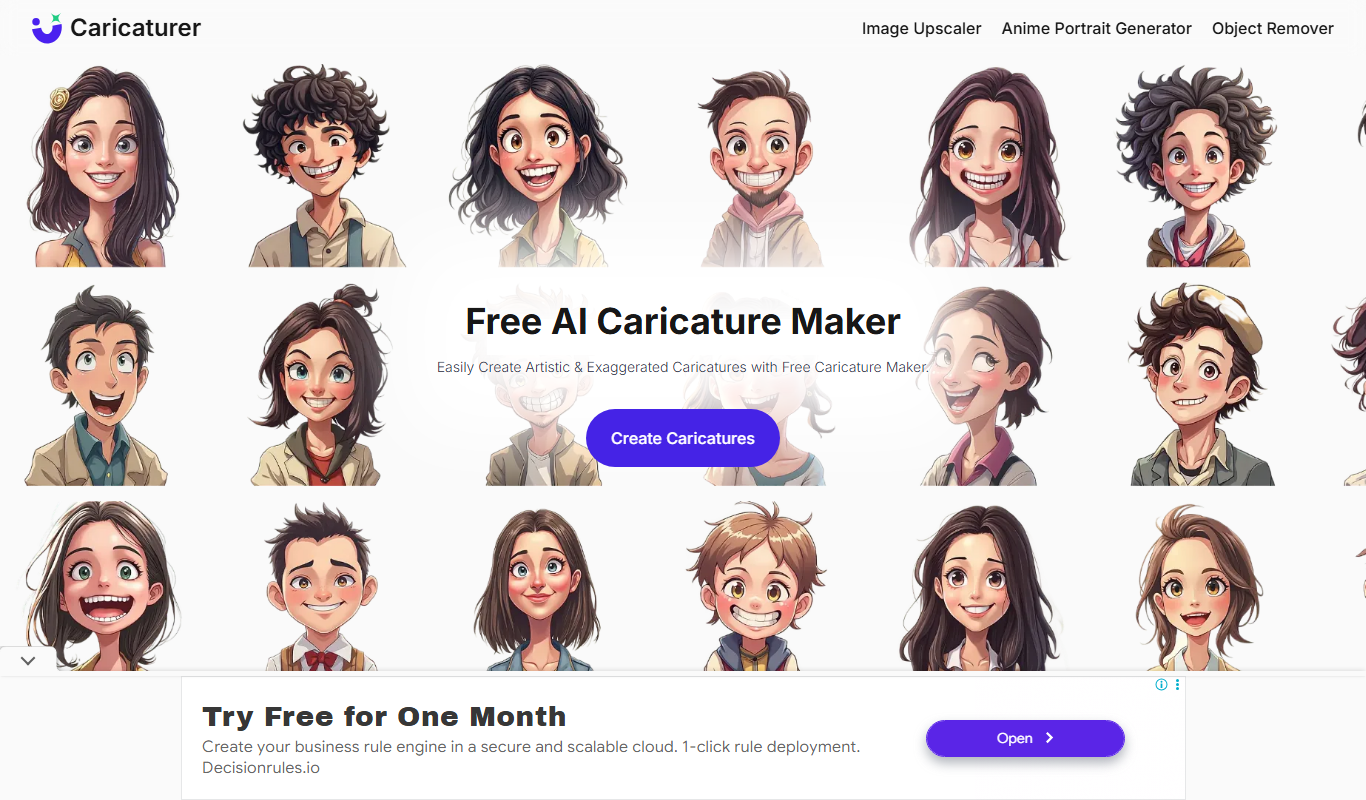
Caricaturer.io
Caricaturer.io is a free AI caricature maker that turns face photos and text prompts into high-resolution, watermark-free caricatures.

Free
AI Cartoon Generator
AI Cartoon Generator is a web tool that turns text descriptions into cartoon and anime-style artwork in 50+ art styles.
Free
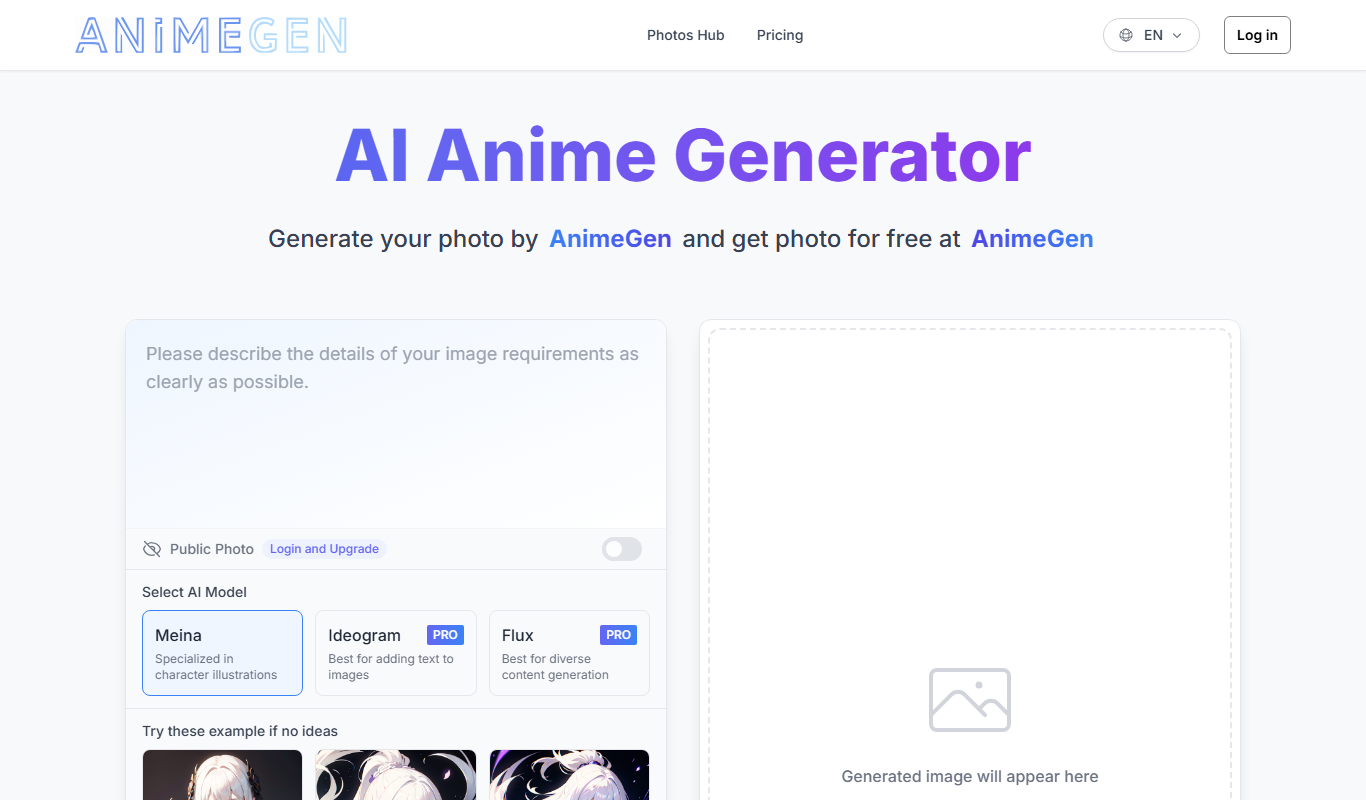
AnimeGen – Anime Image Generator
AnimeGen is a web-based AI tool that generates anime-style images from text prompts, with free credits for new users and paid credit plans.

Free
Disney Pixar AI Image Generator
Disney Pixar AI Image Generator is a web tool that turns uploaded images into Disney Pixar and Ghibli-style creations using AI, paid for with credit packages.

Free
Cartoon AI Generator
Cartoon AI Generator is a website that turns text prompts into cartoon images with its AI model, sold with credit packs.

Free
Muse AI Art Generator
Muse AI Art Generator is a web-based platform that uses AI to generate unique digital artworks from user prompts, offering various styles and high-resolution outputs.