

From my experience with Post to Notion, it stands out as a straightforward and effective tool for automating content posting directly into Notion workspaces. Its ease of setup and support for multiple content sources make it ideal for content creators and teams looking to streamline their workflows. However, the free plan has some limitations on customization and usage volume, and there is no dedicated mobile app, which might affect users who prefer mobile management. Overall, if you want to reduce manual data entry and keep your Notion workspace updated automatically, Post to Notion offers a practical and affordable solution.
Post to Notion Integration Tool for Automating Content Workflow
Post to Notion is a web tool that automates posting content from external sources directly into Notion pages or databases, improving productivity by eliminating manual data entry.
- Best for
- Automate Content Posting
- Key capability
- Multiple Source Integration

Do you recommend this tool?
What is Post to notion?
Post to Notion is a web-based automation tool designed to seamlessly connect external content sources with Notion. It enables users to automatically post data, articles, or other content directly into Notion pages or databases, eliminating manual copy-pasting and improving workflow efficiency.
Key features of Post to notion
The tool offers easy integration with multiple content sources, customizable posting options, and supports various Notion content types. It simplifies content aggregation and management by automating the transfer process into Notion workspaces.
Multiple Source Integration
Supports various content sources including RSS feeds, APIs, and webhooks for flexible automation.
Customizable Notion Posting
Allows users to define target pages, databases, and content formatting within Notion.
Real-Time Updates
Posts content to Notion as soon as new data is available from the connected sources.
User-Friendly Interface
Simple setup process with clear steps for connecting and configuring integrations.
Pros and cons of Post to notion
Pros
- Simplifies content automation into Notion
- Easy to set up and use
- Supports multiple content sources
- Affordable pricing plans
Cons
- Limited advanced customization in free plan
- No mobile app available
Key use cases for Post to notion
Automate Content Posting
Automatically send content from various sources directly into Notion databases or pages to streamline content management.
Team Collaboration
Facilitate team workflows by integrating external data sources with Notion, ensuring all team members have up-to-date information.
Project Management
Use automated data entry to keep project tracking and task management in Notion current without manual updates.
Personal Productivity
Save time by automating repetitive data entry tasks into Notion for personal notes, journaling, or knowledge management.
How Post to notion works
- 1
Connect Your Notion Account
Authorize Post to Notion to access your Notion workspace securely.
- 2
Select Content Source
Choose the external source or feed from which you want to post content automatically.
- 3
Configure Posting Settings
Set up how and where the content should be posted within your Notion pages or databases.
- 4
Activate Automation
Enable the integration to start automatic posting based on your configured parameters.
Who is using Post to notion
Content creators
Project managers
Small business teams
Productivity enthusiasts
Marketing agencies
Post to notion pricing
Free
$0/month
Basic access with limited number of posts and integrations.
Pro
$9/month
Increased limits, priority support, and advanced customization options.
Plans and prices are as published by the vendor and can change. Check the official site before you buy. Open the pricing page (opens in a new tab)
Frequently asked questions about Post to notion
Yes, Post to Notion supports integration with multiple sources simultaneously.
The tool uses secure authorization protocols and does not store your Notion credentials.
Yes, you can specify which Notion pages or databases to post content into.
It depends on your specific needs and how you plan to use the tool. The official website and documentation are the best sources for the latest details.
Some tools offer a free plan or trial with limited features. Availability can vary, so confirm on the official website.
Yes, it can help with that use case depending on how you configure it and what features are available. You’ll get the best results with clear inputs and a defined goal.
Sign in to review this tool.
Sign In to ReviewNo reviews yet
Be the first to share how this tool worked for you.
Ask about pricing, limits, or how it compares — or answer someone else.
Sign In to AskNo questions yet
Have a question about using or paying for this tool? Be the first to ask.
Featured on TiorAI



More AI Automation & Workflow Tools tools
Other tools in the same category, for when this one is not quite the fit.

Free Trial
Journeai
Journeai is an AI-powered software that automatically maps customer journeys across multiple marketing channels, providing real-time analytics and insights to optimize marketing strategies.

Freemium
Meoweler
Meoweler is an AI chatbot platform that helps businesses automate customer support and engagement through no-code chatbot creation and natural language processing.

Free
Momo
Momo is an AI-powered assistant that automates workflows, manages tasks, and enhances team collaboration by integrating with popular productivity tools.

Contact for pricing
QUINETICS
Quinetics is an AI platform that provides businesses with advanced data analytics, workflow automation, and custom machine learning model development to optimize operations and decision-making.
Free Trial
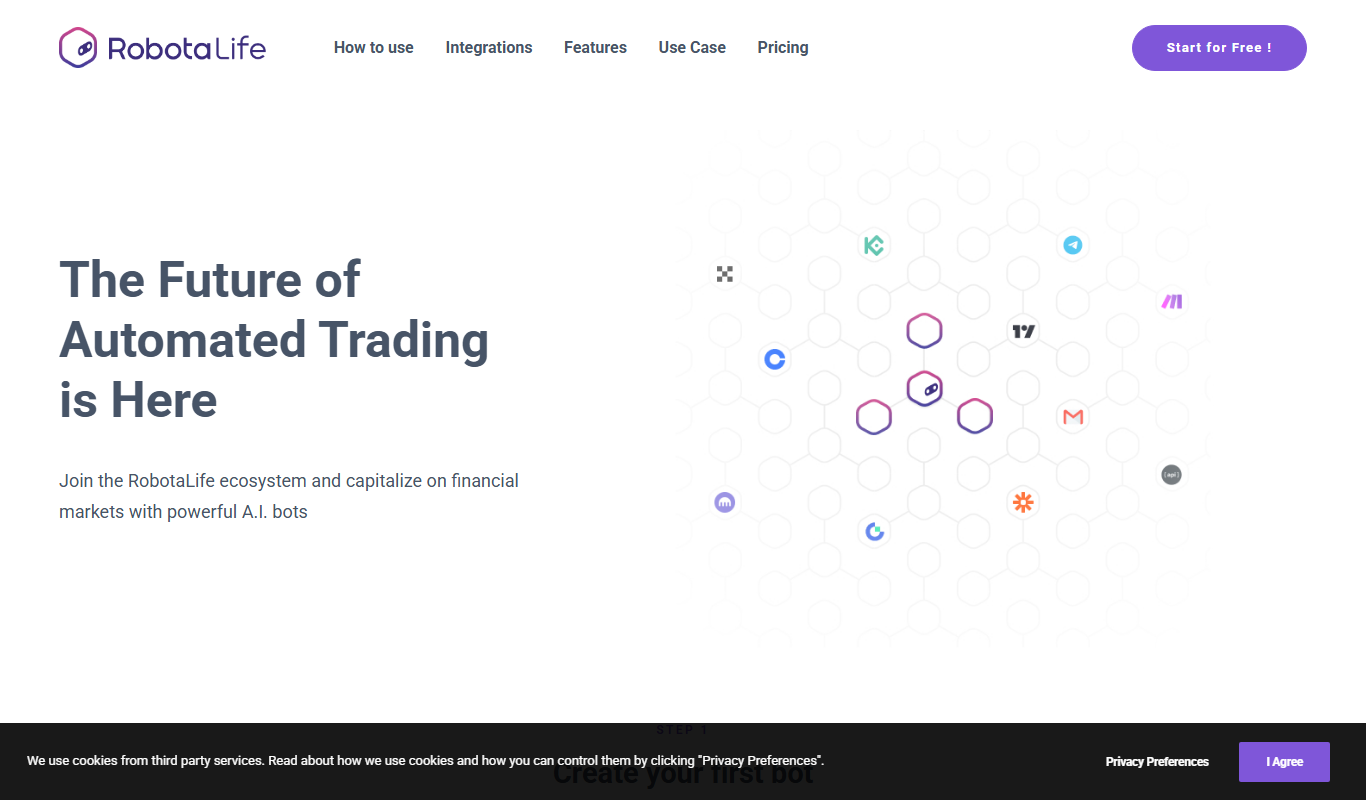
RobotaLife
RobotaLife is an AI chatbot platform that enables businesses to automate customer interactions, generate leads, and improve support efficiency through customizable conversational agents.
Freemium
Ai & Stuff
Ai & Stuff is a web platform providing multiple AI-powered tools for generating text and images, automating content tasks, and assisting creative workflows.

Freemium
Saleswise | AI Tools for Real Estate Agents
Saleswise is an AI-driven sales assistant platform designed for real estate agents to automate lead qualification, follow-ups, and pipeline management, improving sales efficiency.

Free
ChatGBT
ChatGBT is an AI chatbot platform that helps businesses automate customer support and engagement through customizable chatbots integrated on websites.