

Circleboom Social Media Management Tool for Twitter and Instagram Growth
Circleboom is a social media management tool to schedule, design and publish to Twitter, Instagram, LinkedIn, Facebook, Pinterest, Threads and more, plus a Twitter management tool for follower cleanup and analytics.
- Best for
- Twitter Account Management
- Key capability
- Follower Cleanup
Save Circleboom, follow its updates and vote on it — everything stays in your account.
Sign in or create a free account
What is Circleboom?
Circleboom, an Official X Enterprise Developer, makes two social media products: a Twitter management tool for followers, analytics and account cleanup, and Circleboom Publish, which schedules, designs and publishes posts to Twitter, Instagram, LinkedIn, Facebook, Pinterest, Threads and more.
Key features of Circleboom
Circleboom offers a Twitter management tool (followers and following management, fake and inactive account detection, account search and analytics) and Circleboom Publish for scheduling, designing and publishing posts to Twitter, Instagram, LinkedIn, Facebook, Pinterest, Threads and more.
Follower Cleanup
Remove fake, inactive, or spam accounts to maintain a healthy follower base.
Post Scheduling
Schedule posts and tweets with a user-friendly calendar interface.
Analytics Dashboard
Access detailed reports on follower growth, engagement, and content performance.
Multi-Account Management
Manage multiple Twitter and Instagram accounts from a single dashboard.
Hashtag and Keyword Tracking
Monitor relevant hashtags and keywords to stay updated on trends.
Pros and cons of Circleboom
Pros
- User-friendly interface for managing Twitter and Instagram
- Effective tools for cleaning up fake and inactive followers
- Flexible scheduling options with calendar view
- Detailed analytics to track social media growth
- Supports multiple accounts in one dashboard
Cons
- Limited to Twitter and Instagram platforms
- No dedicated mobile app available
- Some advanced features require paid subscription
Key use cases for Circleboom
Twitter Account Management
Manage followers, unfollow inactive or fake accounts, schedule tweets, and analyze Twitter performance.
Instagram Growth and Management
Schedule Instagram posts and stories, manage followers, and analyze engagement metrics.
Content Scheduling
Plan and schedule posts across multiple social media accounts to maintain consistent online presence.
Social Media Analytics
Track follower growth, engagement rates, and content performance to optimize social media strategy.
Audience Cleanup
Identify and remove fake, inactive, or spam accounts from your social media followers.
How Circleboom works
- 1
Connect Social Accounts
Link your Twitter and/or Instagram accounts securely to Circleboom.
- 2
Analyze Audience
Use Circleboom’s tools to identify inactive or fake followers and understand your audience demographics.
- 3
Schedule Content
Plan and schedule your posts and tweets in advance using the content calendar.
- 4
Manage Followers
Unfollow unwanted accounts and engage with your audience to grow your social presence.
- 5
Monitor Performance
Track analytics and reports to optimize your social media strategy.
Who is using Circleboom
Circleboom pricing
Free
$0
Circleboom offers a free plan; paid plans are priced per product.
Publish Pro
$29.99/mo monthly or $24.99/mo paid annually
Circleboom Publish with 5 social accounts included (unlimited with add-ons); 90 days free.
Publish Premium
$44.99/mo monthly or $34.99/mo paid annually
Circleboom Publish with 10 social accounts included (unlimited with add-ons) and unlimited teams; 90 days free.
Publish Business
$89.99/mo monthly or $79.99/mo paid annually
Circleboom Publish with 30 social accounts included (unlimited with add-ons) and unlimited teams; 90 days free or request a demo.
Publish Enterprise
$249.99/mo monthly or $209.99/mo paid annually
Circleboom Publish with 100 social accounts included (unlimited with add-ons) and unlimited teams; 90 days free or request a demo.
Twitter Management Limited Plan
$12.99/month paid annually ($16.24 monthly)
Only the Tweet, Like, Bookmark and DM delete services plus X Post Planner and AI Writer.
Twitter Management Pro
$23.99/month paid annually ($31.99 monthly), for up to 25,000 followers
Full Twitter management priced by account size, bundled with X Post Planner.
Plans and prices are as published by the vendor and can change. Check the official site before you buy. Open the pricing page (opens in a new tab)
Frequently asked questions about Circleboom
Circleboom Publish schedules and publishes to Twitter, Instagram, LinkedIn, Facebook, Pinterest, Threads and more, and a separate Twitter management tool manages X accounts.
Yes, the free plan allows limited post scheduling with daily caps.
Yes, it provides tools to identify and unfollow fake, inactive, or spam accounts.
Yes. The Circleboom Twitter App on the App Store works the same as the web version.
This tool is designed to help users accomplish its core tasks more efficiently. It is typically used by individuals or teams looking to improve productivity and workflow.
Yes, it can help with that use case depending on how you configure it and what features are available. You’ll get the best results with clear inputs and a defined goal.
Yes, it can help with that use case depending on how you configure it and what features are available. You’ll get the best results with clear inputs and a defined goal.
Some tools offer a free plan or trial with limited features. Availability can vary, so confirm on the official website.
Conclusion
Two separate products share the Circleboom name, a Twitter management tool and a social media management tool called Publish. On the Twitter side, accounts can be followed, unfollowed, removed or blocked in bulk, and bot and inactive followers are detected. The company is an Official X Enterprise Developer.
Publish schedules, designs and publishes posts to Instagram, LinkedIn, Pinterest and Threads among other networks, with a Circleboom Canva design tool and an AI content generator powered by Open AI. RSS feeds can also be connected to Facebook, Twitter, LinkedIn, Pinterest, Threads and Google Business.
Each product has its own pricing: Publish plans are paid monthly or annually and currently start with 90 days free, while the Twitter tool is priced by account size. A Circleboom Twitter App on the App Store works the same as the web version.
Sources
Sign in to review this tool.
Sign In to ReviewNo reviews yet
Be the first to share how this tool worked for you.
Ask about pricing, limits, or how it compares — or answer someone else.
Sign In to AskNo questions yet
Have a question about using or paying for this tool? Be the first to ask.
Featured on TiorAI



More AI Twitter Assistant tools
Other tools in the same category, for when this one is not quite the fit.

postfity.com
Postfity, now part of Simplified, is a social media management tool to manage, schedule, publish and track posts across major social networks.

ReplyPulse
ReplyPulse is a Chrome extension that uses AI (GPT-4o) to generate personalized, human-like replies on X/Twitter, with adjustable tone and a 7-day free trial.
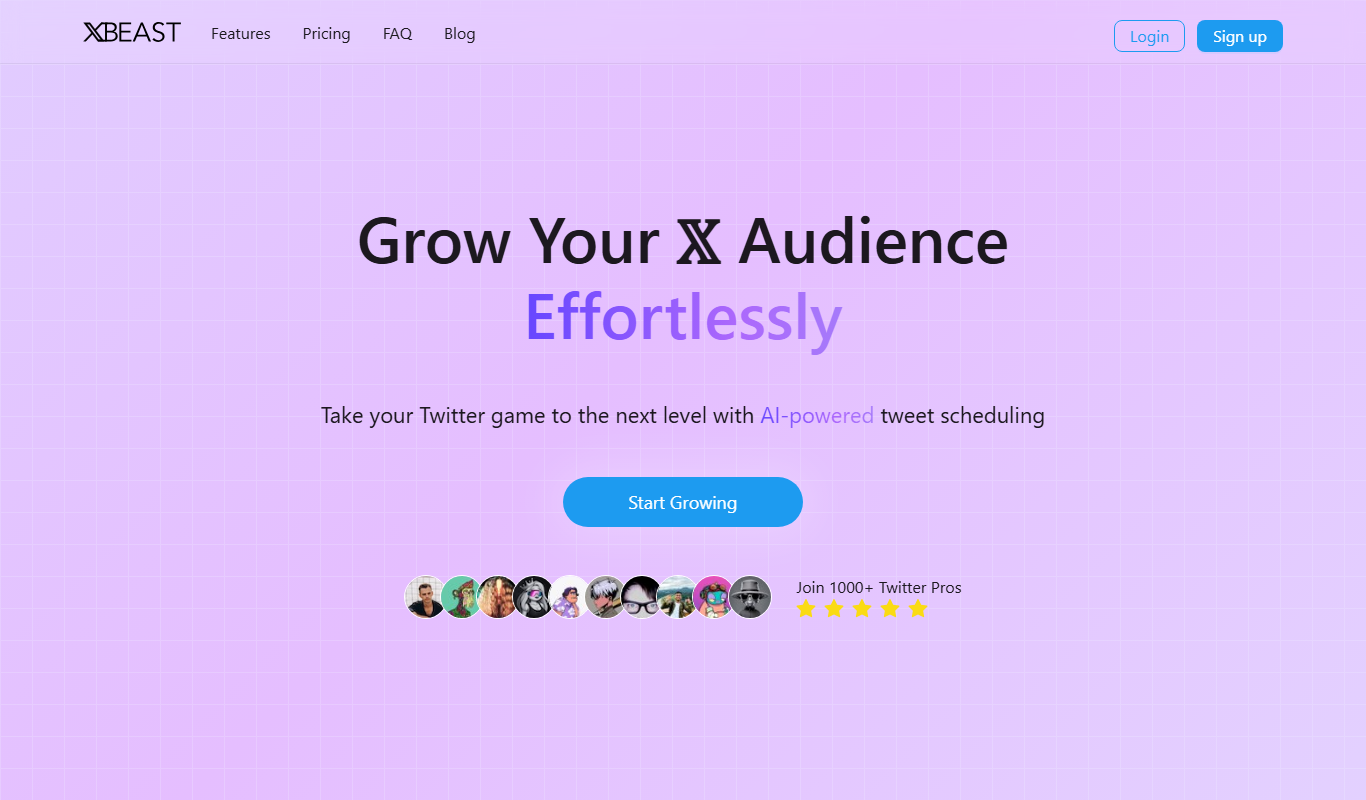
XBeast
XBeast is a personal AI agent for X that writes, schedules, retweets and replies in your voice, with credit-based paid plans and a 7-day free trial.

Dreamwave
Dreamwave is an AI-powered web tool that generates realistic professional headshots for use in profiles, resumes, and marketing materials without needing a photoshoot.

Post to notion
Post to Notion saves tweets and threads from x.com directly to your Notion workspace, with custom tags for efficient categorization.

OG:Image.site
OG:Image.site is an AI-powered Open Graph image generator for LinkedIn, Instagram, Facebook and other platforms, with a free manual generator and paid AI credits.

Re-engage
Re-engage turns YouTube videos, articles, newsletters and documents into Twitter threads, LinkedIn posts and short posts.

odeist
Odeist AI finds conversations about your business on X and LinkedIn, replies in your brand voice and posts to X, LinkedIn and Instagram on schedule.