

RemNote Review: AI-Powered Knowledge Management and Study Tool
RemNote is an AI-powered note-taking and knowledge management tool that integrates spaced repetition flashcards to help users learn and retain information efficiently.
- Best for
- Academic Study
- Key capability
- Integrated Spaced Repetition
Save RemNote, follow its updates and vote on it — everything stays in your account.
Sign in or create a free account
What is RemNote?
RemNote is an AI-enhanced knowledge management and note-taking application designed to help users capture, organize, and retain information effectively. It integrates spaced repetition flashcards directly into notes, enabling efficient study and long-term memory retention. The tool supports hierarchical note structures and bidirectional linking, making it ideal for students, researchers, and professionals who want to build a connected knowledge base.
Key features of RemNote
RemNote combines note-taking, spaced repetition flashcards, and knowledge graph visualization into a single platform. Its main features include hierarchical document organization, automatic flashcard generation from notes, backlinking for context, and customizable study schedules. The platform supports markdown formatting, multimedia embedding, and synchronization across devices.
Integrated Spaced Repetition
Automatically generate flashcards from notes and schedule reviews to optimize learning.
Hierarchical Note Organization
Organize notes in nested structures for clear, logical information management.
Bidirectional Linking
Create links between notes to visualize relationships and context.
Markdown Support
Use markdown syntax for rich text formatting and embedding media.
Cross-Platform Sync
Access your notes and flashcards on web, desktop, and mobile devices with seamless synchronization.
Pros and cons of RemNote
Pros
- Combines note-taking and spaced repetition in one tool
- Supports hierarchical and linked notes for deep knowledge management
- Cross-platform with syncing and offline capabilities
- Automatic flashcard generation saves time
- Customizable study schedules improve learning efficiency
Cons
- Limited collaboration features for teams
- Steeper learning curve for new users unfamiliar with spaced repetition
- Mobile app functionality is less robust than desktop/web
Key use cases for RemNote
Academic Study
Students can organize their notes and use spaced repetition flashcards to improve retention and exam preparation.
Knowledge Management
Professionals and lifelong learners can capture, link, and structure information for efficient knowledge retention and retrieval.
Research Organization
Researchers can create interconnected notes and references to manage complex information and ideas.
Project Planning
Users can outline projects, tasks, and ideas in a hierarchical and linked format to enhance productivity.
Personal Learning
Individuals can build personalized learning systems with notes and flashcards tailored to their interests.
How RemNote works
- 1
Create an Account
Sign up on RemNote’s website or app to start building your knowledge base.
- 2
Take Notes
Write notes using markdown and organize them hierarchically with nested documents.
- 3
Generate Flashcards
Convert important points into flashcards automatically or manually for spaced repetition.
- 4
Study with Spaced Repetition
Use RemNote’s built-in spaced repetition algorithm to review flashcards efficiently.
- 5
Link and Connect
Create backlinks and references between notes to build a knowledge graph.
Who is using RemNote
RemNote pricing
Free
$0/month
Unlimited notes and flashcards, unlimited synced devices, 3 annotated PDFs, 5 image occlusion cards and 1 handwritten document.
Pro
$8/month, or $96 billed yearly
PDF annotation, image occlusion, tables and templates, exam scheduler, handwritten notes and 1000 RemNote AI credits.
Pro with AI
$18/month, or $216 billed yearly
Full learning suite with 20,000 AI credits, AI flashcards, quizzes and summaries from any PDF, lecture recorder and AI grading.
Plans and prices are as published by the vendor and can change. Check the official site before you buy. Open the pricing page (opens in a new tab)
Frequently asked questions about RemNote
Yes, RemNote has a free plan with unlimited notes and flashcards and unlimited synced devices; it includes 3 annotated PDFs and 1 handwritten document.
Yes. The desktop app for Mac, Windows and Linux and the mobile apps for iOS and Android work fully offline.
Currently, RemNote focuses on individual knowledge management and does not have real-time collaboration features.
RemNote uses an algorithm to schedule flashcard reviews at optimal intervals to enhance long-term retention.
This tool is designed to help users accomplish its core tasks more efficiently. It is typically used by individuals or teams looking to improve productivity and workflow.
It depends on your specific needs and how you plan to use the tool. The official website and documentation are the best sources for the latest details.
Yes, it can help with that use case depending on how you configure it and what features are available. You’ll get the best results with clear inputs and a defined goal.
Conclusion
Flashcards are written directly inside notes, and a built-in spaced repetition algorithm schedules when each card comes back for review. Notes sit in nested documents and are joined by backlinks and references between notes, building a knowledge graph. PDFs, videos or notes can also be uploaded to generate AI flashcards, quizzes, summaries and explanations.
It is designed for students, researchers and professionals who want to build a connected knowledge base. The desktop apps for Mac, Windows and Linux and the mobile apps for iOS and Android work fully offline, and changes sync automatically on reconnect. The free plan has unlimited notes and flashcards but 3 annotated PDFs, while the paid Pro with AI plan adds unlimited annotated PDFs and 20,000 AI credits. Users unfamiliar with spaced repetition may face a steeper learning curve.
Sources
Sign in to review this tool.
Sign In to ReviewNo reviews yet
Be the first to share how this tool worked for you.
Ask about pricing, limits, or how it compares — or answer someone else.
Sign In to AskNo questions yet
Have a question about using or paying for this tool? Be the first to ask.
Featured on TiorAI



Alternative Tools
Explore similar AI tools that might fit your needs
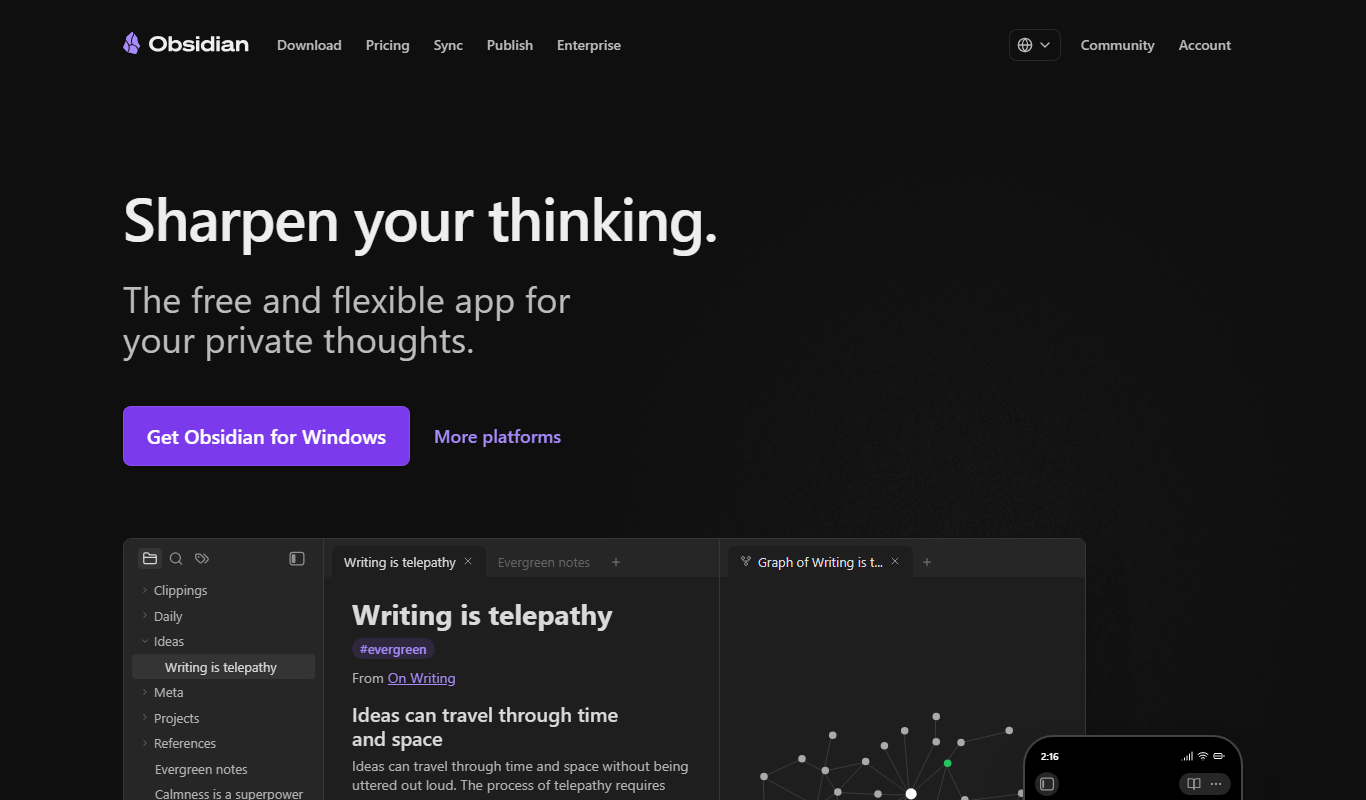
Obsidian
Obsidian is a markdown note-taking app that helps users build a personal knowledge base with linked notes, graph visualization, and extensive customization options.

Anki
Anki is an open-source spaced repetition flashcard program that helps users memorize information efficiently by scheduling reviews at optimal intervals to enhance long-term retention.
More AI Content Generator tools
Other tools in the same category, for when this one is not quite the fit.
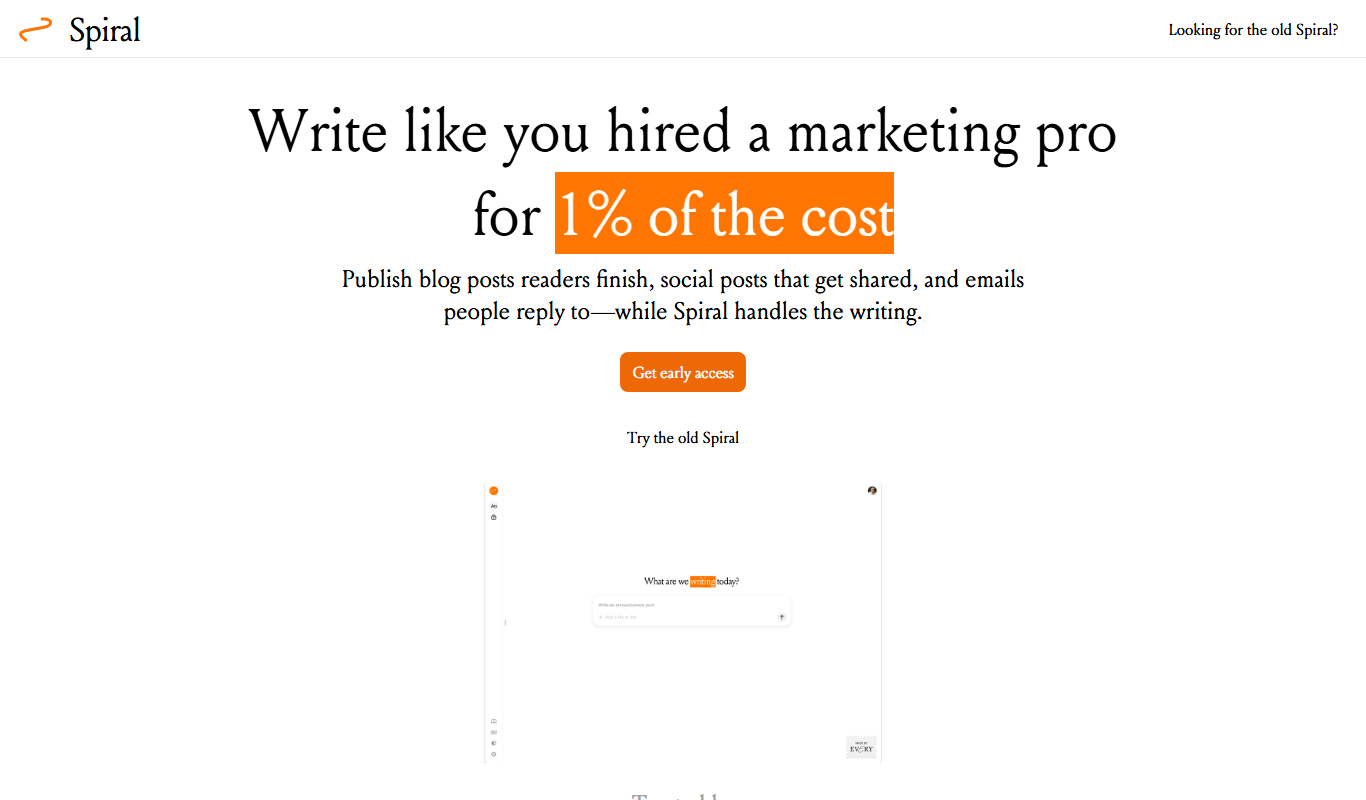
Spiral
Spiral by Every is a generative writing partner that uses stylometry and Every's editorial knowledge to write in your own voice, for you, your team and your AI agent.
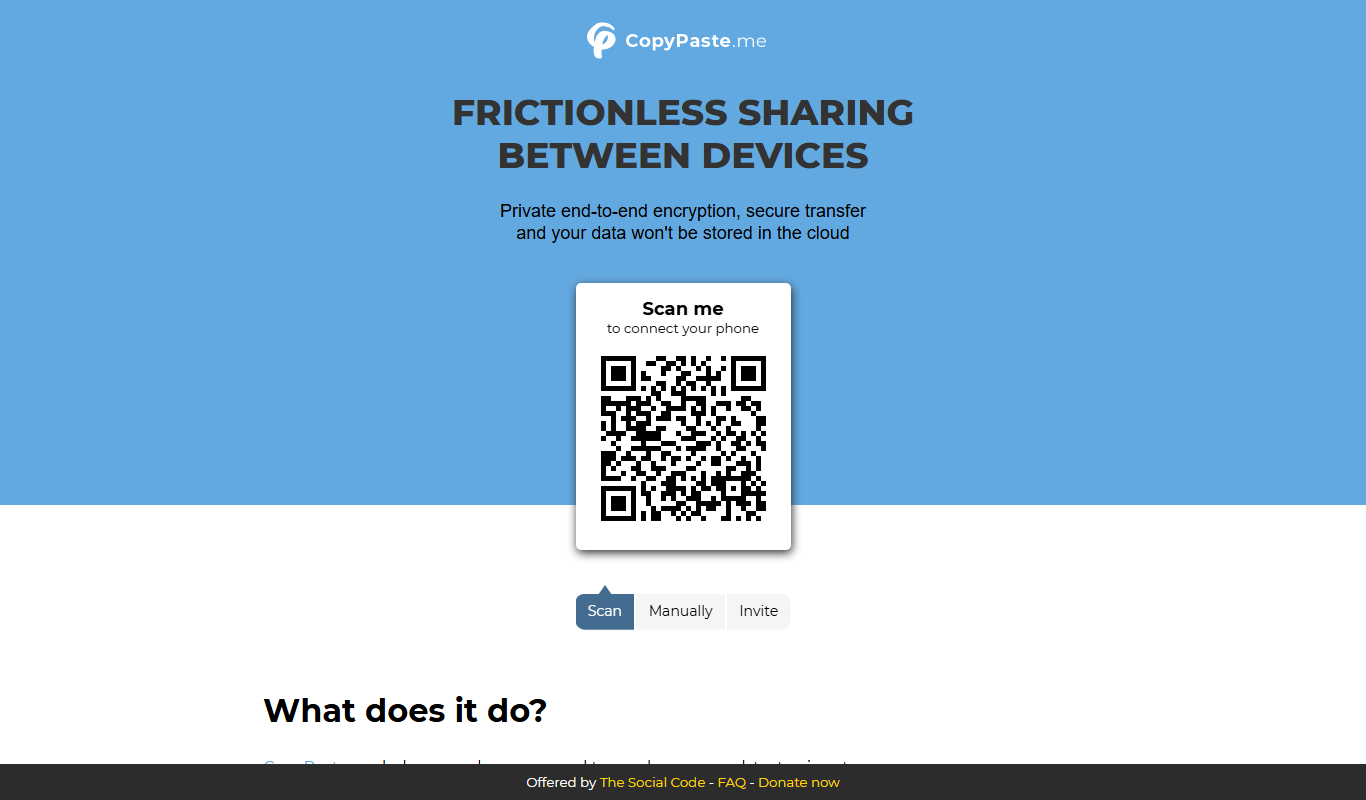
CopyPaste.me
CopyPaste.me lets you easily and quickly share passwords, texts and files between devices with private end-to-end encryption, free and ad-free.

Cake
Cake is an enterprise AI platform for regulated industries that runs in your VPC and gives teams cost control, compliance and governance over their AI systems.
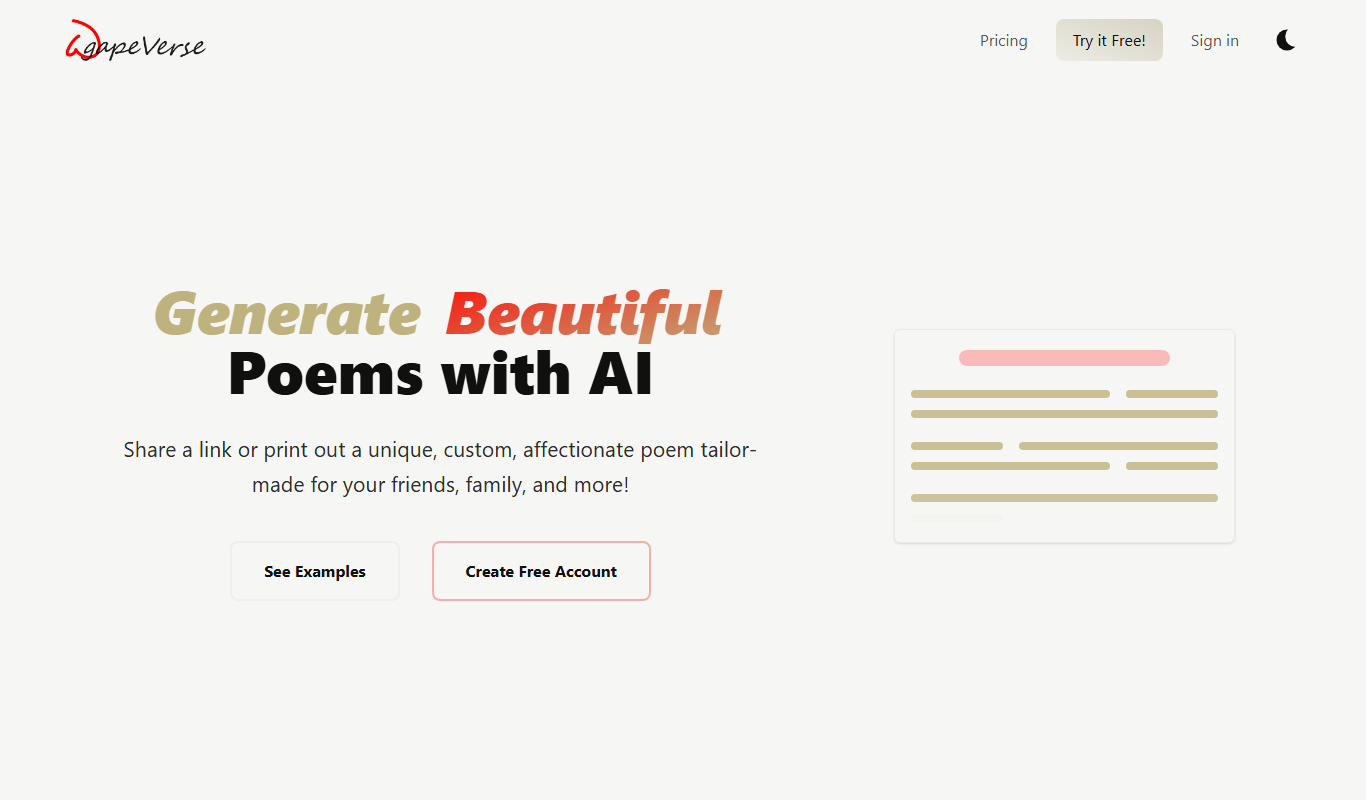
AgapeVerse.app
AgapeVerse generates personal poems with AI: describe the person and the occasion, read the poem seconds later, then edit, print or share it by link.

Botowski
Botowski is a personal AI copywriter that generates slogans, business names, product descriptions, articles and blog content, with an AI chatbot for websites.
Viking Language Toolkit
Viking Language is a website and textbook series for learning Old Norse, with free resources, the Viking Language Old Norse Icelandic textbooks and audio pronunciation albums.

SlideHub
SlideHub is sales content management in PowerPoint for companies that sell using M365: one current slide library, tailored decks and usage tracking.

PepoSoft AI
PepoSoft AI is an AI writer for bloggers, marketers, entrepreneurs and students, with templates for blogs, websites and social media in many languages.