

Scribly AI Review: AI Writing Assistant for Content Creation & Editing
Scribly AI is an automatic AI content writer that turns a topic into an outline and draft for SEO blog articles, with Free, Basic and Pro plans by article volume.
- Best for
- Content Writing
- Key capability
- AI Content Generation
Save Scribly AI, follow its updates and vote on it — everything stays in your account.
Sign in or create a free account

What is Scribly AI?
Scribly AI is an automatic AI content writer for SEO blog articles. Users enter a topic, the AI creates an outline and draft, and the user refines the content and publishes the post.
Key features of Scribly AI
Scribly AI offers features such as AI-generated content creation, grammar and style editing, SEO optimization tools, and customizable writing templates. It provides a user-friendly web interface where users can input prompts or existing text and receive polished, ready-to-publish content.
AI Content Generation
Automatically generate articles, blog posts, and marketing copy based on user prompts.
Topic inspiration and performance tracking
Discover trending topics the audience wants to read about, optimize content to rank higher in search results and see how blog posts perform.
SEO Optimization Tools
Incorporate keywords and optimize content structure for better search engine rankings.
Customizable Templates
Use pre-built templates tailored for different writing needs like emails, social posts, and ads.
User-Friendly Interface
Intuitive web platform that simplifies the writing and editing process for all skill levels.
Pros and cons of Scribly AI
Pros
- Easy-to-use interface suitable for beginners
- Comprehensive writing and editing features
- Includes SEO optimization tools
- Offers customizable templates for various content types
Cons
- Limited language support (English only)
- No dedicated mobile app available
Key use cases for Scribly AI
Content Writing
Generate blog posts, articles, and marketing copy quickly with AI assistance.
Editing and Proofreading
Improve grammar, clarity, and style of existing text using AI-powered editing tools.
SEO Optimization
Create SEO-friendly content that aligns with keyword strategies to boost search rankings.
Social Media Content
Craft engaging social media posts and captions tailored for different platforms.
Email Writing
Compose professional and persuasive emails efficiently with AI suggestions.
How Scribly AI works
- 1
Create an Account
Sign up on the Scribly AI website to access the writing assistant.
- 2
Choose a Writing Task
Select the type of content you want to create or edit, such as blog posts or emails.
- 3
Input Your Text or Prompt
Provide initial text or a prompt for the AI to generate or improve content.
- 4
Review and Edit
Use the AI suggestions to refine your content, adjusting tone, grammar, and style.
- 5
Export or Publish
Download the final content or copy it to your preferred platform for publishing.
Who is using Scribly AI
Scribly AI pricing
Free
$0
3 articles per month (up to 500 words each), basic SEO keyword recommendations, limited niche and sub-niche suggestions, limited persona and tone options.
Basic
$39/month
25 medium-length articles per month, improved SEO keyword suggestions, expanded niche and sub-niche recommendations, full tone customization and persona customization.
Pro
$99/month
100 articles per month, AI-powered niche and topic suggestions, long-form content support, full tone and persona customization, a Humanize Content Toggle, web research integration, content scheduling, bulk content generation and 24/7 priority customer support.
Plans and prices are as published by the vendor and can change. Check the official site before you buy. Open the pricing page (opens in a new tab)
Frequently asked questions about Scribly AI
Yes, a Free plan includes 3 articles per month of up to 500 words each.
Yes, it includes SEO optimization tools to help incorporate keywords and improve search rankings.
You can create blog posts, articles, social media content, emails, and marketing copy.
Currently, Scribly AI primarily supports English language content.
This tool is designed to help users accomplish its core tasks more efficiently. It is typically used by individuals or teams looking to improve productivity and workflow.
Yes, it can help with that use case depending on how you configure it and what features are available. You’ll get the best results with clear inputs and a defined goal.
Some tools offer a free plan or trial with limited features. Availability can vary, so confirm on the official website.
Conclusion
A topic is the starting point: the AI creates an outline and a draft, and the user refines the content before publishing the post. Around the writer sit topic inspiration based on trending subjects, optimization aimed at higher search rankings and a performance tracker for published posts. Tone, persona and niche options shape each article, with fuller customization on the paid plans.
It is aimed at content marketers, freelance writers and small business owners. The Free plan allows 3 articles per month of up to 500 words each, while Basic raises that to 25 medium-length articles. Long-form content, web research, content scheduling, bulk generation and a humanize toggle are reserved for the Pro plan.
Sources
Sign in to review this tool.
Sign In to ReviewNo reviews yet
Be the first to share how this tool worked for you.
Ask about pricing, limits, or how it compares — or answer someone else.
Sign In to AskNo questions yet
Have a question about using or paying for this tool? Be the first to ask.
Featured on TiorAI



More AI Blog Generator tools
Other tools in the same category, for when this one is not quite the fit.

MindMeldCanvas AI
MindMeldCanvas AI is a template-based AI writing platform for blog posts, emails, social media posts, ads and website content.
SEOPulser
SEOPulser generates SEO optimized articles with AI and publishes them on autopilot to WordPress, Shopify, Webflow and more, for SEO agencies, content teams and businesses.

SAT Sphere
SAT Sphere is an online platform offering realistic SAT practice tests, detailed performance analytics, and personalized study plans to help students prepare effectively for the SAT exam.

8arms
8arms is an AI copywriter that generates blog posts and social media campaigns from a brief, with tone control and Markdown or HTML export.
Gravity Write
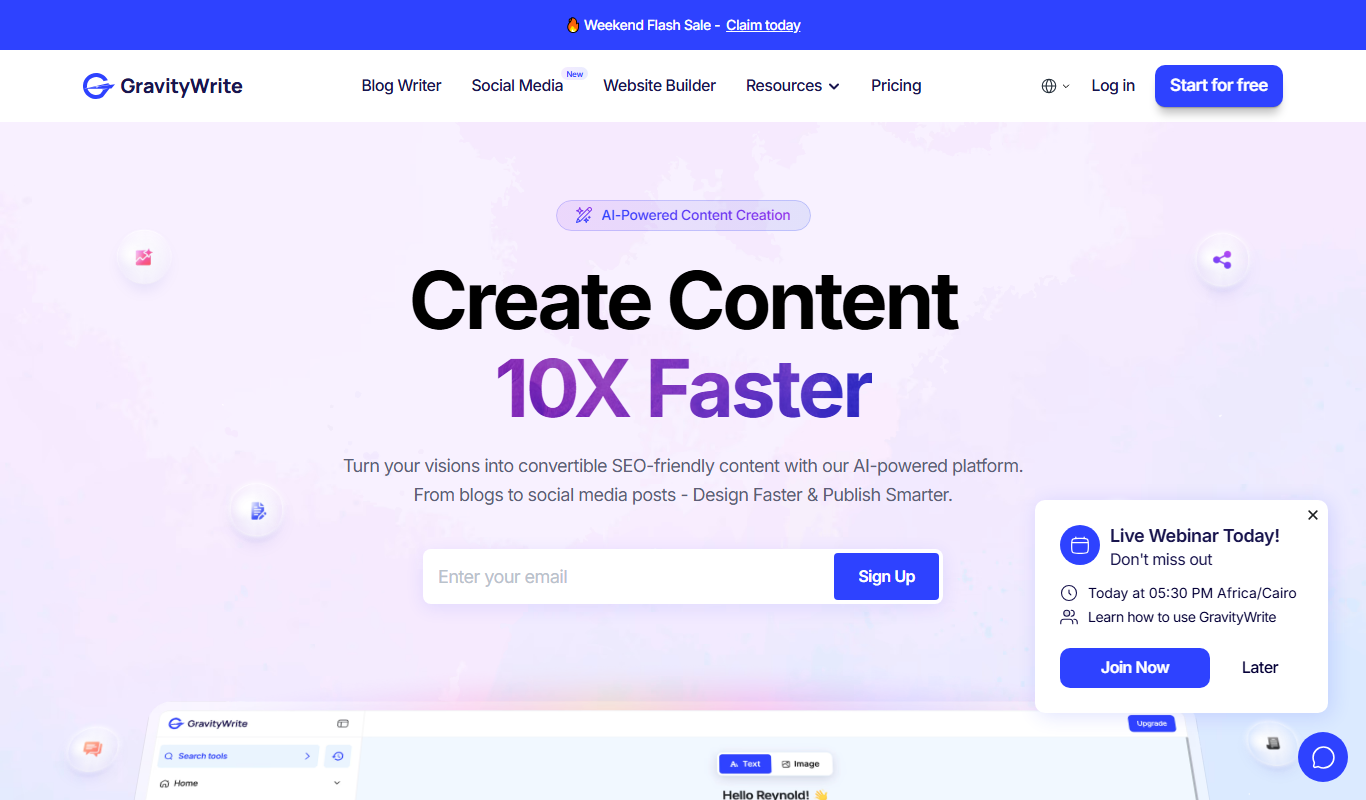
GravityWrite is an AI content platform that writes blogs, generates images and videos, builds websites and schedules social media posts under one subscription.

VoicePen AI
VoicePen AI converts audio, video, voice memos and websites into blog posts with AI, and provides a transcription and an SRT file for each file.

Buzzwriter AI
Buzzwriter AI is an AI-powered platform that helps marketers and content creators generate SEO-optimized articles, marketing copy, and blog posts efficiently using keyword-driven templates.

Scribble AI
Scribble AI turns a blog title into SEO keywords, an outline, a first draft and a hero image in minutes. Built and supported by IntegrityXD in St. Louis.