

Scribble AI Review: AI-Powered Writing Assistant for Content Creation
Scribble AI turns a blog title into SEO keywords, an outline, a first draft and a hero image in minutes. Built and supported by IntegrityXD in St. Louis.
- Best for
- Content Writing
- Key capability
- AI Content Generation
Save Scribble AI, follow its updates and vote on it — everything stays in your account.
Sign in or create a free account

What is Scribble AI?
Scribble AI is a blog first-draft generator built by IntegrityXD, a St. Louis digital agency. Given a blog title, it returns SEO keywords, an outline, first-draft copy and a hero image in minutes.
Key features of Scribble AI
Scribble AI offers features such as AI content generation, SEO optimization tools, customizable templates, and editing assistance to streamline the writing process for marketers, bloggers, and businesses.
AI Content Generation
Automatically create articles, blog posts, and marketing copy with minimal input.
SEO Optimization Tools
Integrate keywords and optimize content structure to improve search rankings.
Customizable Templates
Access a variety of templates for different content types and industries.
Royalty-free hero image
Each draft comes with an AI hero image or stock photo.
User-Friendly Interface
Intuitive design that simplifies the content creation workflow.
Pros and cons of Scribble AI
Pros
- Easy to use with a clean interface
- Effective AI content generation for various writing needs
- Includes SEO optimization tools
- 3 free blogs to start with no credit card required
Cons
- Supports English language only
- Limited integrations with other platforms
- Some content may require manual editing for accuracy
Key use cases for Scribble AI
Content Writing
Generate blog posts, articles, and marketing copy quickly with AI assistance.
SEO Optimization
Create SEO-friendly content that helps improve search engine rankings.
Copywriting
Produce persuasive sales copy, product descriptions, and ad text.
Idea Generation
Brainstorm topics and outlines for content projects.
Editing and Proofreading
Refine and polish drafts with AI suggestions for clarity and grammar.
How Scribble AI works
- 1
Sign Up
Create an account on the Scribble AI website to access the platform.
- 2
Select a Template
Choose from various writing templates tailored to your content needs.
- 3
Input Keywords or Topics
Provide keywords or topics to guide the AI in generating relevant content.
- 4
Generate Content
Use the AI engine to create drafts or full articles based on your inputs.
- 5
Edit and Optimize
Refine the generated content with built-in editing tools and SEO suggestions.
- 6
Export or Publish
Download your content or publish it directly to your platform if supported.
Who is using Scribble AI
Scribble AI pricing
Starter
Free
3 free blogs with every feature unlocked and no credit card required: AI hero image or stock photo, SEO keywords and meta description, word and keyword counts.
Small Business
$10 per month
20 blogs per month with AI hero image or stock photo, SEO keywords and meta description, word and keyword counts. Cancel anytime.
Done for you
Contact IntegrityXD
IntegrityXD's content and SEO team runs the whole program: content strategy and editorial calendar, human writing, editing and publishing, SEO, analytics and reporting.
Plans and prices are as published by the vendor and can change. Check the official site before you buy. Open the pricing page (opens in a new tab)
Frequently asked questions about Scribble AI
Currently, Scribble AI supports English only.
Yes, you can cancel your subscription at any time without penalties.
Yes, the Starter plan includes 3 free blogs with every feature unlocked and no credit card required.
Yes, the tool includes SEO optimization features to help improve your content’s search rankings.
This tool is designed to help users accomplish its core tasks more efficiently. It is typically used by individuals or teams looking to improve productivity and workflow.
Pricing depends on the plan and included features. For the most accurate and up-to-date details, check the official pricing page.
Yes, it can help with that use case depending on how you configure it and what features are available. You’ll get the best results with clear inputs and a defined goal.
Some tools offer a free plan or trial with limited features. Availability can vary, so confirm on the official website.
Conclusion
Given a blog title, the tool hands back SEO keywords, a section outline, first-draft copy and a royalty-free hero image in minutes. The outline can be reordered, edited and extended before the copy is edited inline, given links, formatted and exported wherever the article is published. Drafts are powered by OpenAI’s latest models. The writer then reviews and polishes the draft, bringing the voice, the expertise and the final call.
It began as an internal tool at IntegrityXD, a St. Louis digital agency whose content and SEO team can also run the whole program for teams that want blogs written and published for them. It is aimed at bloggers, writers and content marketers. The Starter plan gives 3 free blogs with no credit card required. The Small Business plan allows 20 blogs per month, and users can cancel anytime.
Sources
Sign in to review this tool.
Sign In to ReviewNo reviews yet
Be the first to share how this tool worked for you.
Ask about pricing, limits, or how it compares — or answer someone else.
Sign In to AskNo questions yet
Have a question about using or paying for this tool? Be the first to ask.
Featured on TiorAI



More AI Ai Tools tools
Other tools in the same category, for when this one is not quite the fit.

Remodel AI
Remodel AI is a web-based AI tool that redesigns any room or home exterior from an uploaded photo in seconds.

Parcae: AI Mind Map Creator
Parcae is an AI-powered mobile mind mapping app that instantly transforms typed, pasted or dictated text into a mind map.

WiseMap.ai
WiseMap.ai is an AI-driven mind mapping tool that helps users generate, organize, and collaborate on ideas visually, enhancing creativity and productivity.

AI Song Generator-Make Song
AI Song Generator-Make Song is an online tool that uses artificial intelligence to create original songs by generating melodies and lyrics based on user inputs such as themes or moods.

Soundraw
Soundraw is an AI-powered music generator that creates original, royalty-free music tracks customizable by mood, genre, and length, ideal for content creators and marketers.

ChordCreate
ChordCreate is an AI-powered web tool that generates chord progressions from a text prompt, which can then be heard, edited and exported.
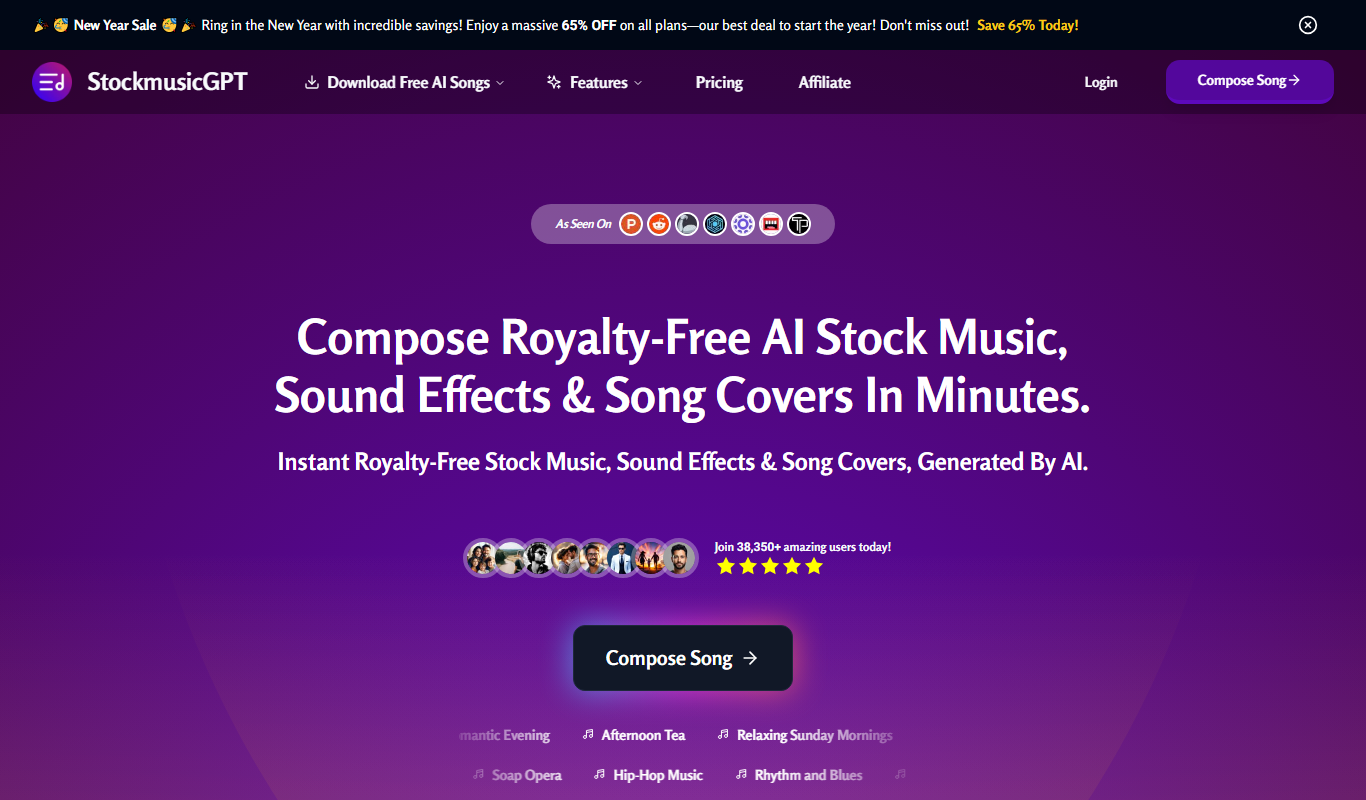
StockmusicGPT
StockmusicGPT is an AI-driven platform that generates royalty-free stock music tailored to your preferences, allowing instant download and use in commercial or personal projects without licensing fees.

AISong.ai
AISong.ai is an AI-driven online platform that generates original songs and melodies based on user inputs like mood and theme, enabling easy music creation without musical expertise.