

From my experience with SAT Sphere, I found it excels at providing realistic SAT practice tests combined with detailed analytics that help students focus their study efforts efficiently. The platform’s personalized recommendations and progress tracking make it a practical tool for high school students aiming to improve their SAT scores. However, the lack of a mobile app and limited free features mean some users may need to invest in a subscription for full benefits. Overall, SAT Sphere is a solid choice for students and educators seeking a comprehensive online SAT prep solution.
SAT Sphere Online SAT Prep Platform with Practice Tests and Analytics
SAT Sphere is an online platform offering realistic SAT practice tests, detailed performance analytics, and personalized study plans to help students prepare effectively for the SAT exam.
- Best for
- SAT Practice Tests
- Key capability
- Realistic Practice Tests
Your actions
Save SAT Sphere, follow its updates and vote on it — everything stays in your account.
Sign in or create a free account

What is SAT Sphere?
SAT Sphere is an online SAT preparation platform designed to help high school students prepare effectively for the SAT exam. It offers realistic practice tests, detailed performance analytics, and personalized study recommendations to improve test scores. The platform aims to simulate the actual SAT experience and provide actionable insights for focused learning.
Key features of SAT Sphere
The platform’s main features include full-length SAT practice tests, comprehensive performance analytics, personalized study plans, progress tracking dashboards, and tools for teachers and parents to monitor student progress.
Realistic Practice Tests
Full-length SAT tests that mimic the timing and format of the official exam.
Detailed Performance Reports
In-depth analytics showing question-level performance and skill areas.
Personalized Study Recommendations
Adaptive suggestions for practice questions based on test results.
Progress Tracking Dashboard
Visual tools to track score improvements and study habits.
Teacher and Parent Access
Dedicated dashboards for educators and parents to monitor student progress.
Pros and cons of SAT Sphere
Pros
- Realistic SAT practice tests with official-like timing
- Comprehensive performance analytics for targeted study
- Personalized study recommendations improve efficiency
- Progress tracking helps maintain motivation
- Parental and teacher monitoring features
Cons
- Limited free plan features may require subscription for full access
- Currently only available in English
- No mobile app; web platform only
Key use cases for SAT Sphere
SAT Practice Tests
Students can take full-length, realistic SAT practice tests online to simulate the real exam experience.
Performance Analytics
Detailed analytics and reports help students identify strengths and weaknesses to focus their study efforts.
Personalized Study Plans
Based on test results, the platform suggests targeted practice questions and study materials.
Progress Tracking
Students can track their progress over time with visual dashboards and score trends.
Teacher and Parent Monitoring
Educators and parents can monitor student performance and engagement through dedicated dashboards.
How SAT Sphere works
- 1
Create an Account
Students sign up on the SAT Sphere website to access the platform.
- 2
Take Practice Tests
Users take full-length SAT practice exams under timed conditions.
- 3
Review Analytics
After completing tests, students receive detailed reports highlighting strengths and weaknesses.
- 4
Follow Study Recommendations
Based on analytics, the platform suggests targeted practice questions and study materials.
- 5
Track Progress
Students monitor their improvement over time through dashboards.
Who is using SAT Sphere
High school students preparing for the SAT
Parents supporting their children's test prep
High school teachers and tutors
Test preparation centers
Educational institutions
SAT Sphere pricing
Free
$0
Access to limited practice tests and basic analytics.
Premium Subscription
$19.99/month
Unlimited practice tests, full analytics, personalized study plans, and progress tracking.
Plans and prices are as published by the vendor and can change. Check the official site before you buy. Open the pricing page (opens in a new tab)
Frequently asked questions about SAT Sphere
SAT Sphere offers a free plan with limited access, and a premium subscription for full features.
Yes, the platform provides dashboards for parents to track student performance.
Yes, the tests are designed to closely mimic the official SAT format and timing.
Yes, based on test results, the platform suggests targeted practice questions.
It depends on your specific needs and how you plan to use the tool. The official website and documentation are the best sources for the latest details.
Some tools offer a free plan or trial with limited features. Availability can vary, so confirm on the official website.
Yes, it can help with that use case depending on how you configure it and what features are available. You’ll get the best results with clear inputs and a defined goal.
Sign in to review this tool.
Sign In to ReviewNo reviews yet
Be the first to share how this tool worked for you.
Ask about pricing, limits, or how it compares — or answer someone else.
Sign In to AskNo questions yet
Have a question about using or paying for this tool? Be the first to ask.
Featured on TiorAI



More AI Blog Generator tools
Other tools in the same category, for when this one is not quite the fit.

Free
FreeEssayWriter.AI
FreeEssayWriter.AI is a free web-based AI tool that generates essays instantly based on user topics, helping students create essay drafts without registration.

Free
Bexi.ai:Free AI Humanizer & AI Detector
Bexi.ai is a free web-based tool that detects AI-generated text and humanizes AI-written content to make it sound natural and authentic.

Free Trial
8arms
8arms is an AI-driven platform that enables automated testing and test management for web applications without requiring coding skills. It integrates with CI/CD pipelines and supports cross-browser testing to improve software quality and speed up releases.

Freemium
GrackerAI
GrackerAI is an AI-powered data analytics platform that helps businesses visualize data, track performance, and generate predictive insights through customizable dashboards and automated reports.
Free Trial
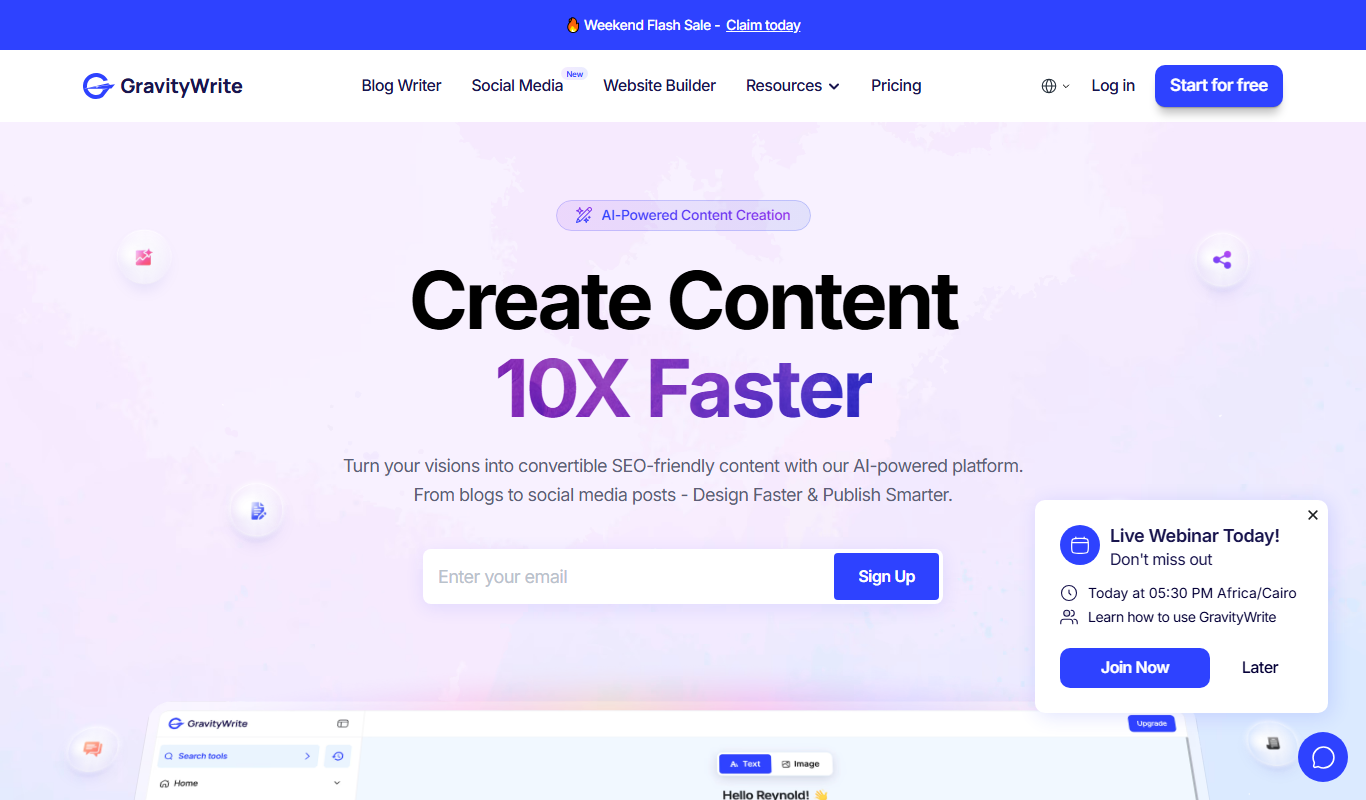
Gravity Write
Gravity Write is an AI writing assistant that helps users generate and optimize content such as blog posts, marketing copy, and SEO-friendly text through an easy-to-use web platform.
Freemium
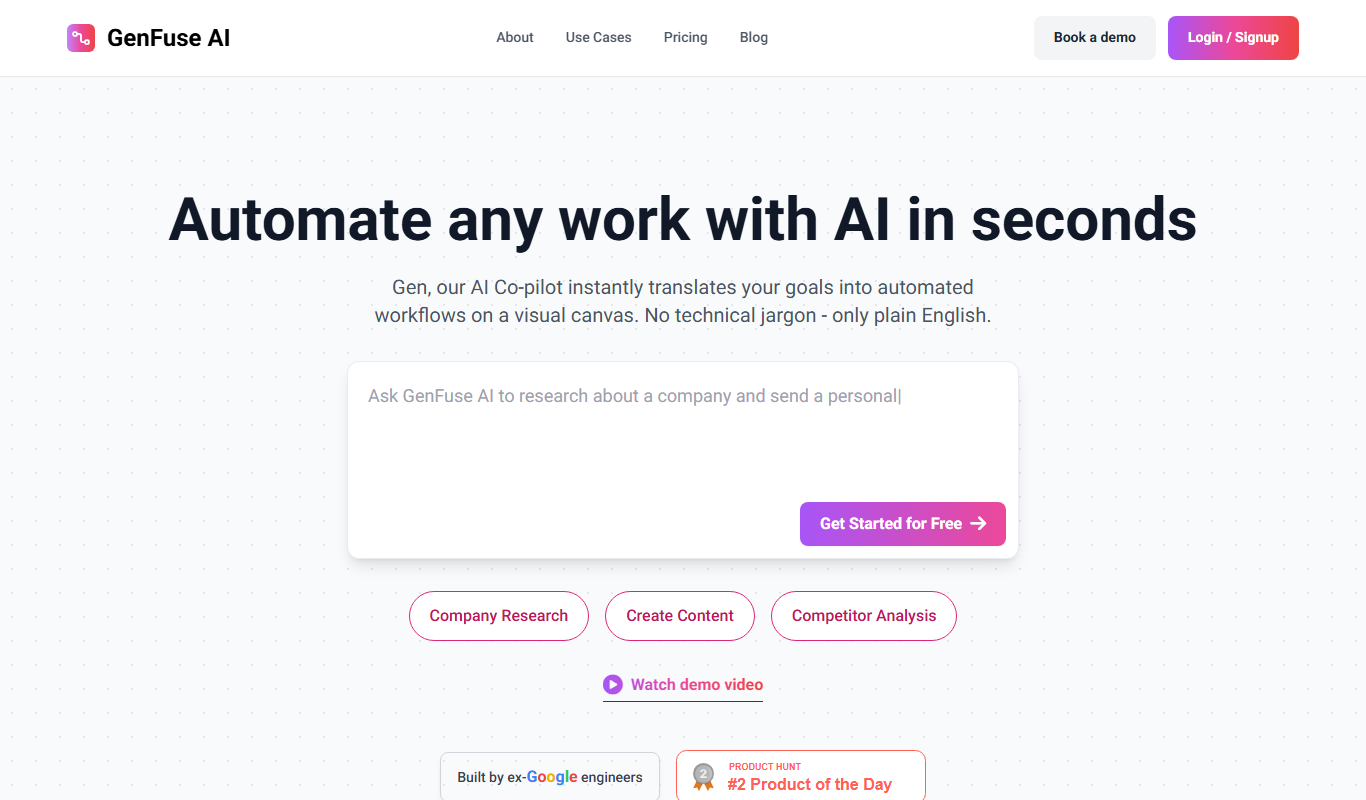
GenFuse AI
GenFuse AI is a web-based platform that uses artificial intelligence to generate marketing content, blog posts, product descriptions, and email campaigns, helping users create high-quality written content efficiently.

Freemium
VoicePen AI
VoicePen AI is a web-based tool that converts spoken English into text in real-time using AI-powered speech recognition, ideal for transcription and dictation tasks.

Freemium
Buzzwriter AI
Buzzwriter AI is an AI-powered platform that helps marketers and content creators generate SEO-optimized articles, marketing copy, and blog posts efficiently using keyword-driven templates.