

From my experience with Buzzwriter AI, it stands out for its straightforward approach to generating SEO-friendly content quickly. The platform is particularly well-suited for marketers and small business owners who need to produce consistent blog posts or marketing copy without a steep learning curve. However, the tool currently supports only English, which may limit its use for multilingual content creators. Additionally, the free plan’s limited credits mean serious users will likely need to upgrade. Overall, Buzzwriter AI delivers solid value for those focused on efficient, keyword-driven content creation.
Buzzwriter AI Content Generator for SEO and Marketing Writers
Buzzwriter AI is an AI-powered platform that helps marketers and content creators generate SEO-optimized articles, marketing copy, and blog posts efficiently using keyword-driven templates.
- Best for
- SEO Content Creation
- Key capability
- Keyword-Driven Content Generation
Your actions
Save Buzzwriter AI, follow its updates and vote on it — everything stays in your account.
Sign in or create a free account
What is Buzzwriter AI?
Buzzwriter AI is an AI-powered content generation platform designed to help marketers, SEO specialists, and content creators produce high-quality written content efficiently. It leverages advanced language models to create SEO-friendly articles, marketing copy, and blog posts tailored to user inputs and keywords.
Key features of Buzzwriter AI
The tool offers features such as keyword-based content generation, multiple writing templates, SEO optimization guidance, and a user-friendly web interface that streamlines content creation workflows.
Keyword-Driven Content Generation
Create content optimized around specific keywords to improve SEO performance.
Multiple Content Templates
Choose from various templates such as blog posts, product descriptions, and ad copy.
SEO Optimization Tips
Receive guidance on improving content SEO while writing.
User-Friendly Interface
Intuitive web platform that simplifies the content creation process.
Pros and cons of Buzzwriter AI
Pros
- Easy to use with minimal setup
- Generates SEO-optimized content quickly
- Offers useful templates for various content types
Cons
- Limited language support (English only)
- Free plan has restricted monthly usage
Key use cases for Buzzwriter AI
SEO Content Creation
Generate optimized articles and blog posts designed to improve search engine rankings.
Marketing Copywriting
Create persuasive marketing content for ads, emails, and social media posts.
Blog Writing
Produce engaging and relevant blog content quickly to maintain consistent publishing schedules.
Content Ideation
Brainstorm and generate ideas for new content topics and headlines.
How Buzzwriter AI works
- 1
Sign Up
Create a free account on the Buzzwriter AI website to access the platform.
- 2
Input Keywords and Preferences
Enter target keywords and select the type of content or template you want to generate.
- 3
Generate Content
The AI processes your inputs and produces a draft article or copy that you can review.
- 4
Edit and Export
Make any necessary edits to the generated content and export it for publishing or marketing use.
Who is using Buzzwriter AI
SEO specialists
Content marketers
Small business owners
Bloggers
Digital marketing agencies
Buzzwriter AI pricing
Free
$0/month
Limited monthly credits for content generation with basic features.
Pro
$29/month
Increased credits, access to all templates, and priority support.
Plans and prices are as published by the vendor and can change. Check the official site before you buy. Open the pricing page (opens in a new tab)
Frequently asked questions about Buzzwriter AI
Yes, content generated can be used commercially with proper subscription.
Currently, the platform supports English content generation only.
It depends on your specific needs and how you plan to use the tool. The official website and documentation are the best sources for the latest details.
Pricing depends on the plan and included features. For the most accurate and up-to-date details, check the official pricing page.
Sign in to review this tool.
Sign In to ReviewNo reviews yet
Be the first to share how this tool worked for you.
Ask about pricing, limits, or how it compares — or answer someone else.
Sign In to AskNo questions yet
Have a question about using or paying for this tool? Be the first to ask.
Featured on TiorAI



More AI Automation & Workflow Tools tools
Other tools in the same category, for when this one is not quite the fit.

Free Trial
RADAAR
RADAAR is a social media management tool that helps businesses schedule posts, collaborate with teams, manage messages, and analyze social media performance from one platform.

Free Trial
Webs-Automation Job Application Bots
AI Jobs Automation is a web-based tool that automates filling and submitting job applications across multiple portals, helping job seekers save time and increase efficiency.

Custom Pricing
ocrolus.com
Ocrolus is an AI-driven platform that automates the extraction and validation of data from financial documents like bank statements and pay stubs, combining OCR technology with human review to ensure accuracy and compliance.

Freemium
DocumentPro
DocumentPro is an AI-driven document automation platform that extracts and processes data from documents to streamline business workflows.
Free Trial
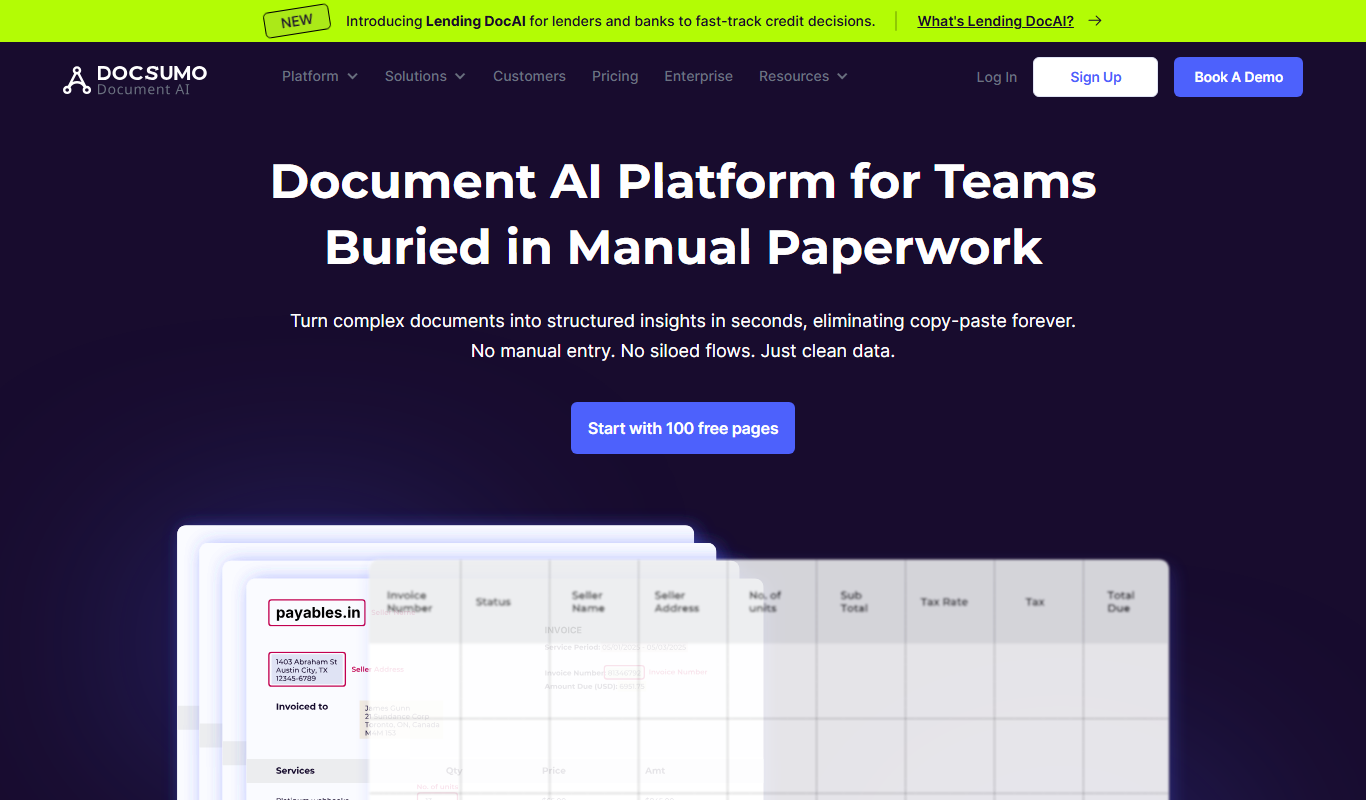
Docsumo
Docsumo is an AI-driven document processing platform that automates extraction of data from scanned documents, PDFs, and images using OCR and machine learning, helping businesses digitize workflows and reduce manual data entry.

Free Trial
Quiksbot
Quiksbot is an AI-powered no-code chatbot platform designed to automate customer support and lead generation on websites.

Free Trial
CryptoMatic Bot
CryptoMatic Bot is a web-based automated cryptocurrency trading platform that allows users to create, customize, and deploy trading bots with backtesting and multi-exchange support.
Enterprise Licensing
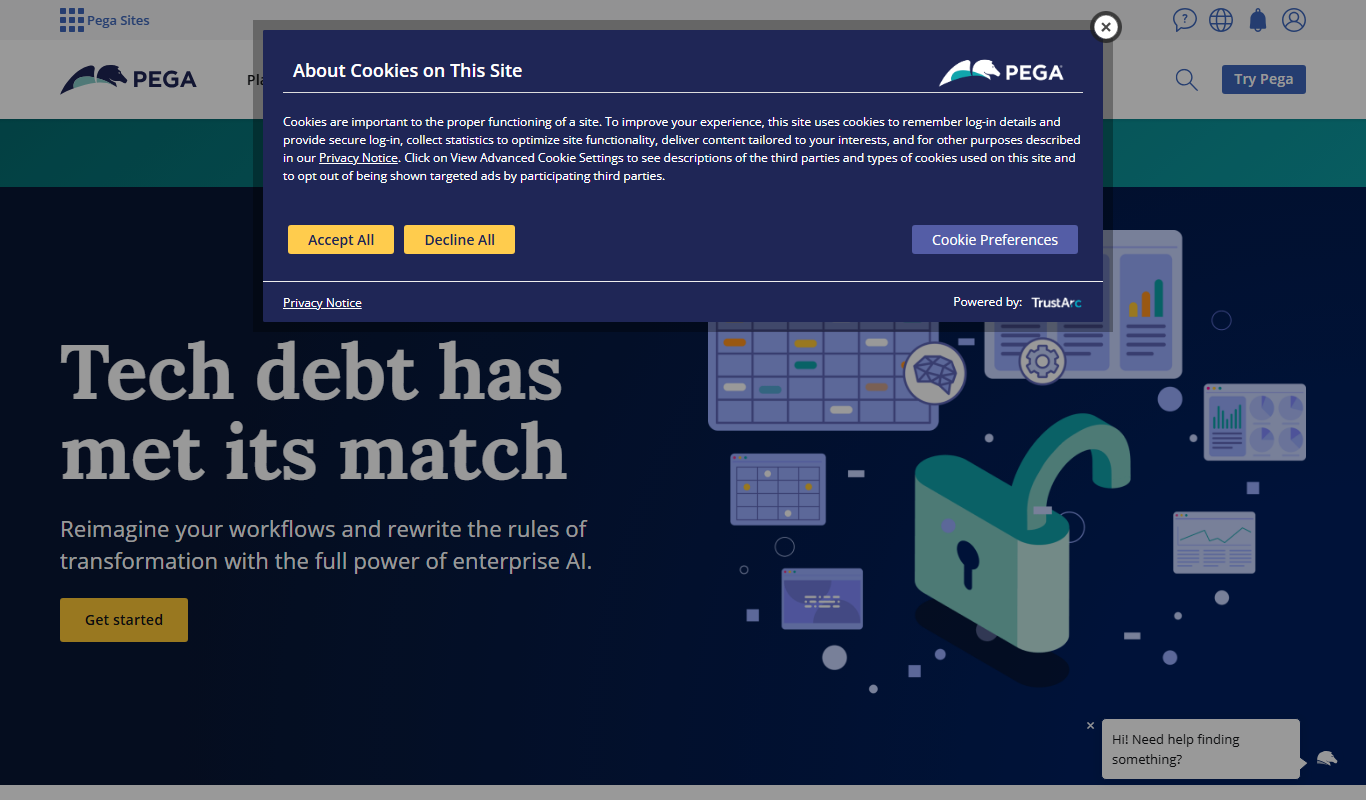
Pega Systems
Pega Systems is an enterprise software platform specializing in business process management, customer relationship management, and intelligent automation with AI-powered decisioning and low-code development.