

Hug AI two-photo hug video generator
Hug AI transforms two photos into a heartwarming AI hug video: upload left and right images, click generate and download an MP4.
- Best for
- Social media posts
- Key capability
- Two-photo hug videos
Save Hug AI, follow its updates and vote on it — everything stays in your account.
Sign in or create a free account
What is Hug AI?
Hug AI is a web tool that transforms two photos into an AI hug video. Users upload a left and a right image of the people to be hugged, click generate and receive an MP4 video of them embracing, using credits from a free or paid monthly plan.
Key features of Hug AI
Hug AI turns a left and a right photo into an AI hugging video, accepts JPG, PNG and WEBP images, outputs MP4 videos and works on credits from free and paid plans.
Two-photo hug videos
Upload left and right images of the people you want to hug each other and generate a hugging video.
Common image formats
Accepts JPG, PNG and WEBP images as input.
MP4 output
Videos are delivered in MP4 format for use across platforms and devices.
Credit-based plans
Each plan includes a monthly number of credits for generating videos.
Pros and cons of Hug AI
Pros
- Only two photos and a click are needed
- Commercial use allowed on the free plan
- MP4 output that works across platforms
Cons
- The free plan gives 1 free credit for the first week
- Best results need high-quality images with a clear person and good contrast
Key use cases for Hug AI
Social media posts
Create hug videos as content for social media.
Animating personal photos
Turn two still photos into a hug video.
User Engagement
Provide interactive and personalized experiences to users through AI-powered chatbots.
FAQ Handling
Automatically answer frequently asked questions to provide instant support.
How Hug AI works
- 1
Upload images
Upload left and right images with the people you want to hug each other.
- 2
Click to generate
Click the button to generate the hugging video from the two images.
- 3
Wait for the result
Wait for the AI hugging video to be generated.
- 4
Download the MP4
Get the finished video in MP4 format.
Who is using Hug AI
Hug AI pricing
Free
$0
1 free credit for the first week.
Pro
$24/month billed yearly (listed against $39.99/month)
50 credits per month, $0.480 per credit.
Stater
$6/month billed yearly (listed against $9.99/month)
10 credits per month, $0.600 per credit.
Plans and prices are as published by the vendor and can change. Check the official site before you buy. Open the pricing page (opens in a new tab)
Frequently asked questions about Hug AI
It transforms two photos into a hug video.
JPG, PNG and WEBP images as input, and MP4 videos as output.
Yes. The free plan allows commercial use.
The free plan lets you create 1 video, using 1 free credit in the first week.
High-quality images with a clear person and good contrast.
No. If you can upload a photo and click a few buttons, you can create a hug video.
Conclusion
Two still photos are the whole input: one person goes in the left slot and one in the right, and a click starts generation of a video in which they hug. JPG, PNG and WEBP uploads are accepted, and the finished clip arrives as an MP4 that plays across platforms and devices. Clear, high-quality images of each person with good contrast are recommended.
The tool does one thing, and it needs no technical skills beyond uploading photos and clicking a button. Videos can also be used commercially, including on the free plan. The free plan gives 1 free credit for the first week, and each paid plan includes a monthly number of credits for generating videos.
Sources
Sign in to review this tool.
Sign In to ReviewNo reviews yet
Be the first to share how this tool worked for you.
Ask about pricing, limits, or how it compares — or answer someone else.
Sign In to AskNo questions yet
Have a question about using or paying for this tool? Be the first to ask.
Featured on TiorAI



More AI Avatar Video Generator tools
Other tools in the same category, for when this one is not quite the fit.

Studio Neiro AI
Studio Neiro AI turns text into videos presented by AI avatars, with natural AI voices, text to speech, script generation and automatic captions.
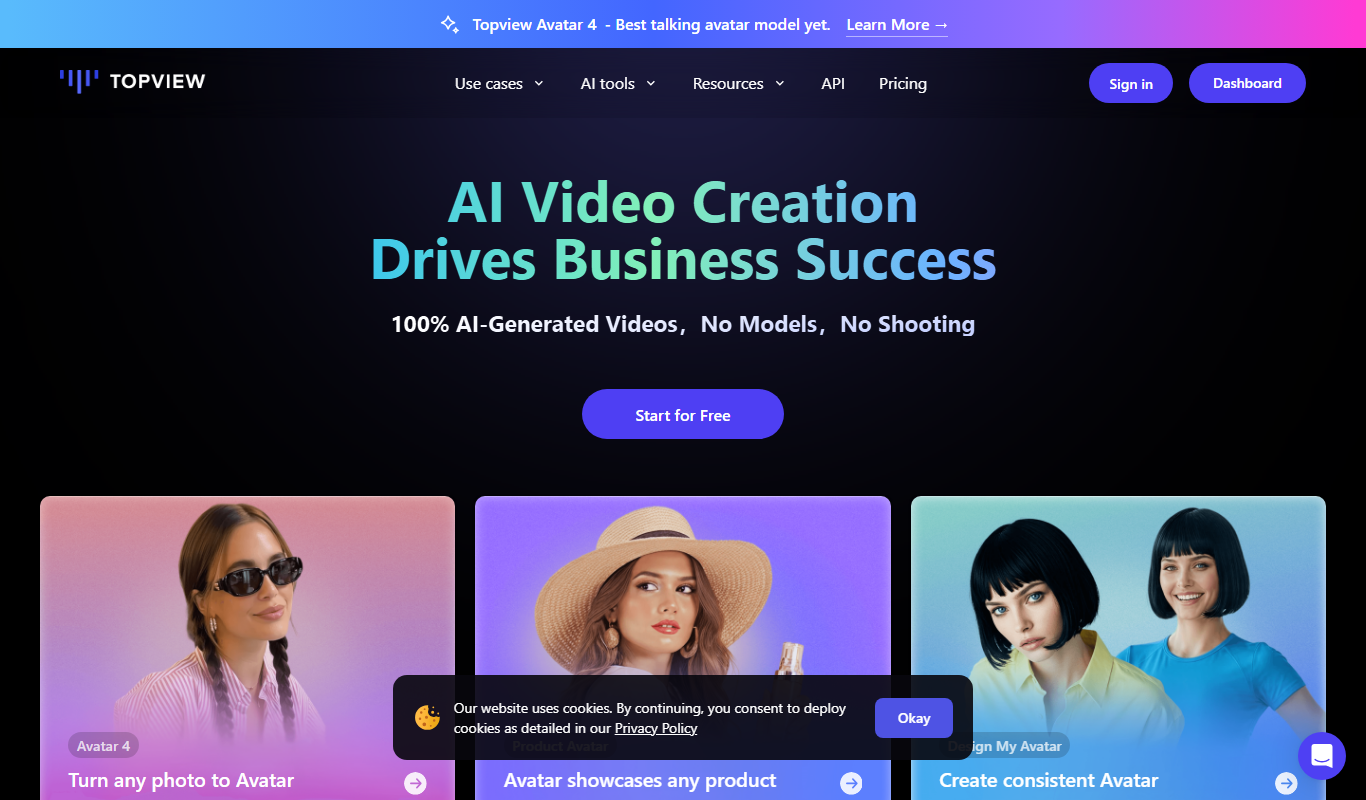
TopView.ai
TopView.ai is an AI video agent that creates short films, marketing videos and ads from scripts, references or product URLs, planning every scene on one canvas.
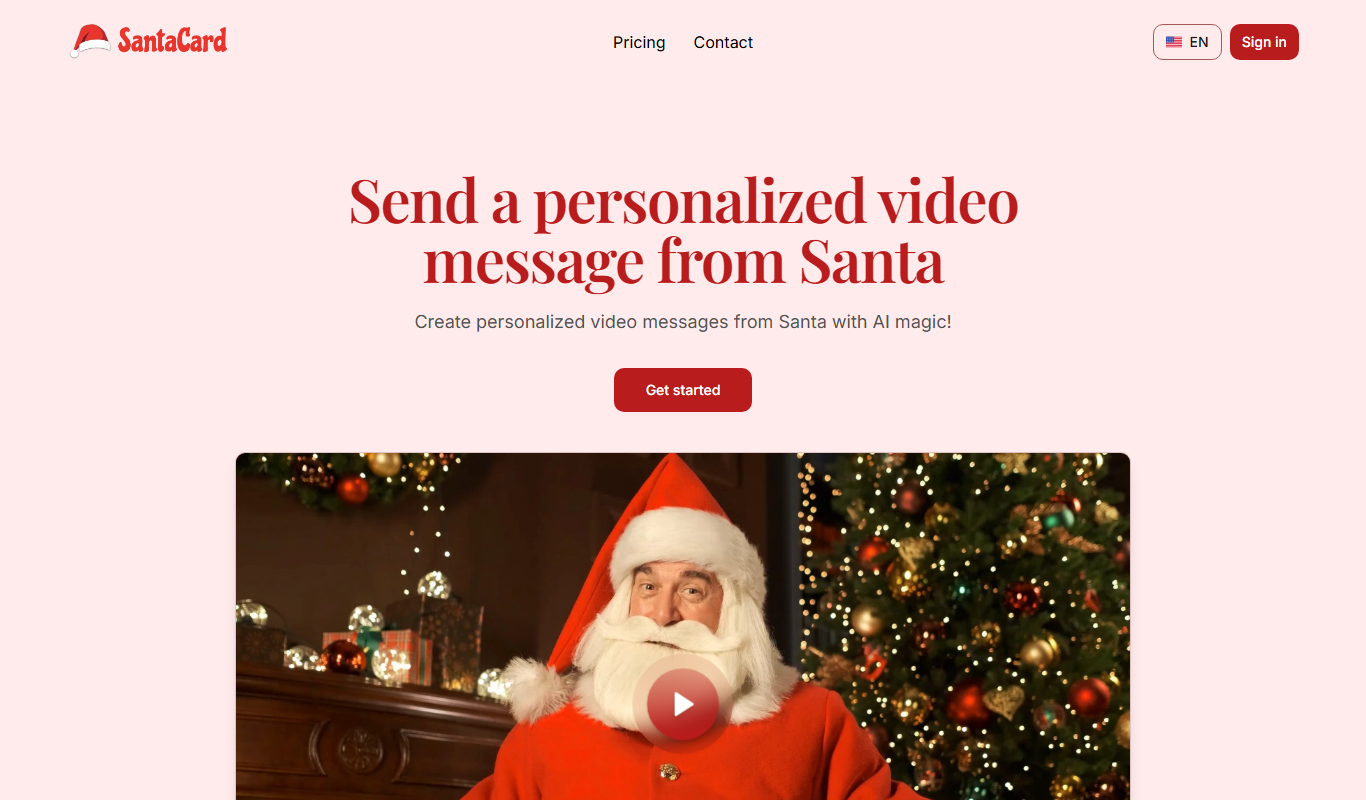
SantaCard
SantaCard creates personalized video messages from Santa with AI: type a message and get a realistic Santa video in 29 languages, sold per video.
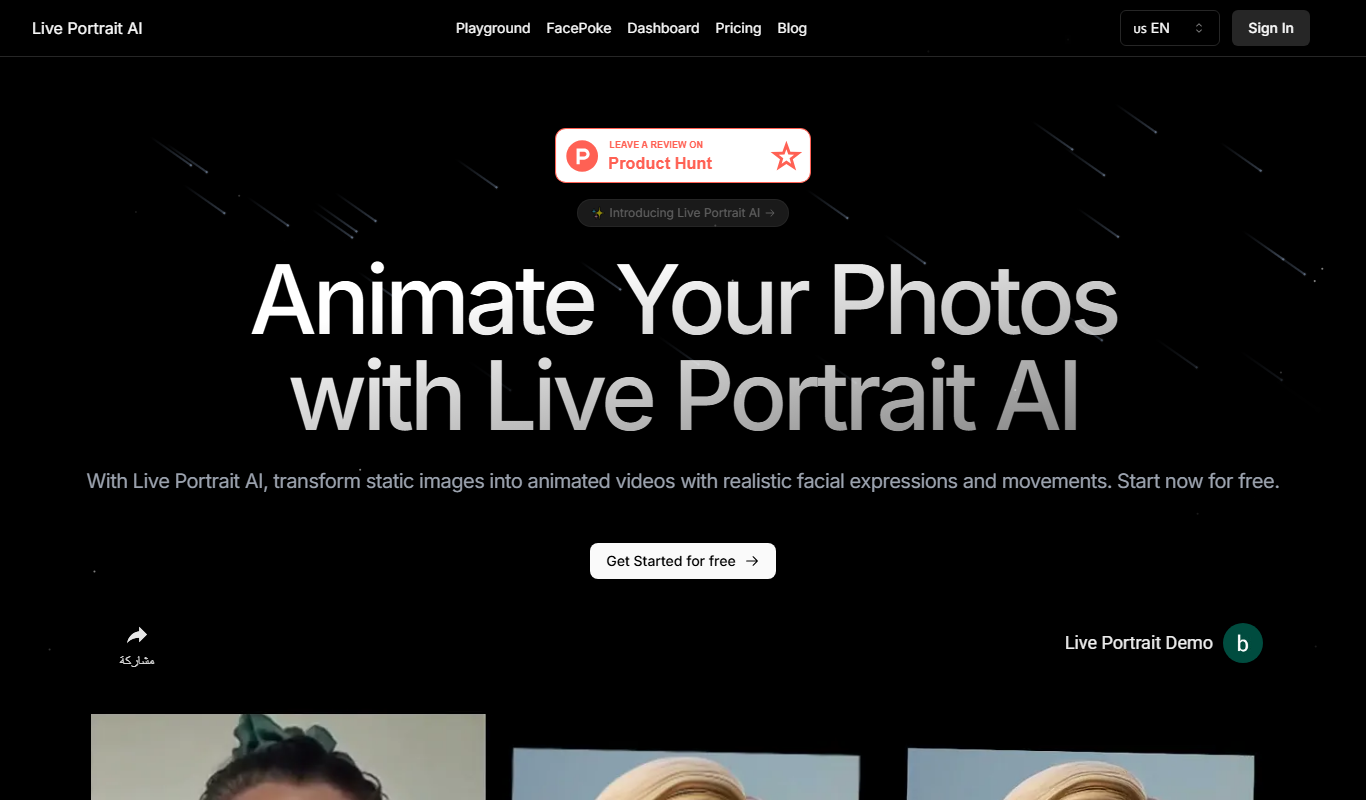
Live Portrait AI
Live Portrait AI animates still photos with the LivePortrait model, matching the head movement and facial expressions of a driving video.

KreadoAI – Free AI Video Generator
KreadoAI turns product inputs into ready-to-run video, image and copy ad creatives, with 1000+ AI avatars, 140+ languages and multi-platform export.

VidMax
VidMax is an AI UGC ad generator that turns templates into talking-avatar video ads ready for Meta and TikTok, built for DTC marketers.

Vizard
Vizard uses AI to turn long-form videos into short clips ready for TikTok, Instagram, YouTube Shorts and more.

Immersive Fox
Immersive Fox turns PDFs and documents into AI video courses with AI actors, adaptive learning and quizzes in 57+ languages.