

Adobe Podcast AI Audio Editing and Enhancement Platform for Creators
Adobe Podcast is a free web-based AI audio editing tool by Adobe that enhances podcast audio quality with noise reduction, voice enhancement, and automatic transcription.
- Best for
- Podcast Audio Enhancement
- Key capability
- AI Noise Reduction
Save Adobe Podcast, follow its updates and vote on it — everything stays in your account.
Sign in or create a free accountWhat is Adobe Podcast?
Adobe Podcast is a web-based AI-powered audio editing platform designed to simplify and enhance podcast production. It leverages Adobe’s advanced AI technology to automatically improve audio quality by reducing background noise, enhancing voice clarity, and providing transcription services. The tool is accessible via a browser, enabling podcasters and audio creators to efficiently edit and prepare their episodes without requiring complex software.
Key features of Adobe Podcast
Adobe Podcast offers AI-driven noise reduction, voice enhancement, automatic transcription, and a user-friendly web interface for seamless podcast editing and production. It focuses on making high-quality audio accessible to creators of all skill levels.
AI Noise Reduction
Automatically removes background noise and ambient sounds to improve audio clarity.
Voice Enhancement
Enhances vocal presence and intelligibility for professional-sounding podcasts.
Automatic Transcription
Generates accurate text transcripts of podcast episodes for accessibility and content repurposing.
Web-Based Editing Interface
Allows users to edit and manage audio files directly in the browser without installing software.
Seamless Integration
Integrates with Adobe Creative Cloud ecosystem for streamlined workflows.
Pros and cons of Adobe Podcast
Pros
- User-friendly web interface with no software installation required
- High-quality AI noise reduction and voice enhancement
- Automatic transcription improves accessibility and content repurposing
- Free plan with limited daily use
- Integration with Adobe Creative Cloud ecosystem
Cons
- Currently supports only English language
- Limited advanced editing features compared to dedicated DAWs
- Web-only platform requires internet connection
Key use cases for Adobe Podcast
Podcast Audio Enhancement
Improve podcast audio quality by removing background noise and enhancing voice clarity using AI-powered tools.
Audio Transcription
Automatically transcribe podcast episodes to generate text versions for accessibility and content repurposing.
Content Editing
Edit podcast audio files directly in the browser with intuitive AI-assisted tools to streamline production workflows.
Noise Reduction
Use AI to clean up recordings by eliminating unwanted ambient sounds and improving overall sound quality.
Podcast Publishing Preparation
Prepare polished audio files ready for publishing on podcast platforms with minimal manual intervention.
How Adobe Podcast works
- 1
Upload Audio
Users upload their raw podcast audio files directly to the Adobe Podcast web platform.
- 2
AI Processing
The platform automatically applies AI algorithms to reduce noise, enhance voice clarity, and transcribe the audio.
- 3
Edit and Review
Users can review the enhanced audio and transcription, making any necessary edits within the web interface.
- 4
Download or Publish
Once satisfied, users download the polished audio file ready for publishing or further distribution.
Who is using Adobe Podcast
Adobe Podcast pricing
Free plan
Free
Enhance Speech for audio only, uploads one at a time, no strength adjustment, 30 minutes max duration (up to 500 MB) and 1 hour max per day; Studio downloads of projects up to 30 minutes, 2 projects per day, with podcast branded audiograms.
Adobe Firefly Pro plan
$19.99 per month, with a free trial
Access to Adobe Podcast Premium with up to 4,000 generative credits per month: video support for MP4, MOV and more, bulk upload, adjustable speech, music and ambience, enhancement of up to 4 hours a day with files up to 1 GB, no Studio download limits and speaker-separated original recordings.
Plans and prices are as published by the vendor and can change. Check the official site before you buy. Open the pricing page (opens in a new tab)
Frequently asked questions about Adobe Podcast
A free plan is available with daily limits. The Adobe Firefly Pro plan adds Adobe Podcast Premium features.
The platform supports common audio formats such as MP3 and WAV for uploading and processing.
Yes, Adobe Podcast provides a web-based interface to review and make edits to your audio files.
Yes, it automatically transcribes podcast audio to text for accessibility and content use.
It depends on your specific needs and how you plan to use the tool. The official website and documentation are the best sources for the latest details.
Yes, it can help with that use case depending on how you configure it and what features are available. You’ll get the best results with clear inputs and a defined goal.
Conclusion
Recording, editing and enhancing a voice all happen in the browser, without downloading any software. Enhance Speech removes background noise and echo, and its AI makes voice recordings sound as if they were recorded in a professional studio. In Adobe Podcast Studio every word is transcribed, so audio is cut, copied and pasted just like a text document. Remote guests can join a recording, with each person captured as an individual 16-bit 48k WAV track.
Separate tools add captions to video, remove music from an upload and download transcripts as text or PDF. The free plan limits Enhance Speech to 30 minutes max duration and 1 hour max per day, and Studio to 2 project downloads per day. Larger files, bulk upload, video support and adjustable enhancement strength come with the Adobe Firefly Pro plan.
Sources
Sign in to review this tool.
Sign In to ReviewNo reviews yet
Be the first to share how this tool worked for you.
Ask about pricing, limits, or how it compares — or answer someone else.
Sign In to AskNo questions yet
Have a question about using or paying for this tool? Be the first to ask.
Featured on TiorAI


Alternative Tools
Explore similar AI tools that might fit your needs
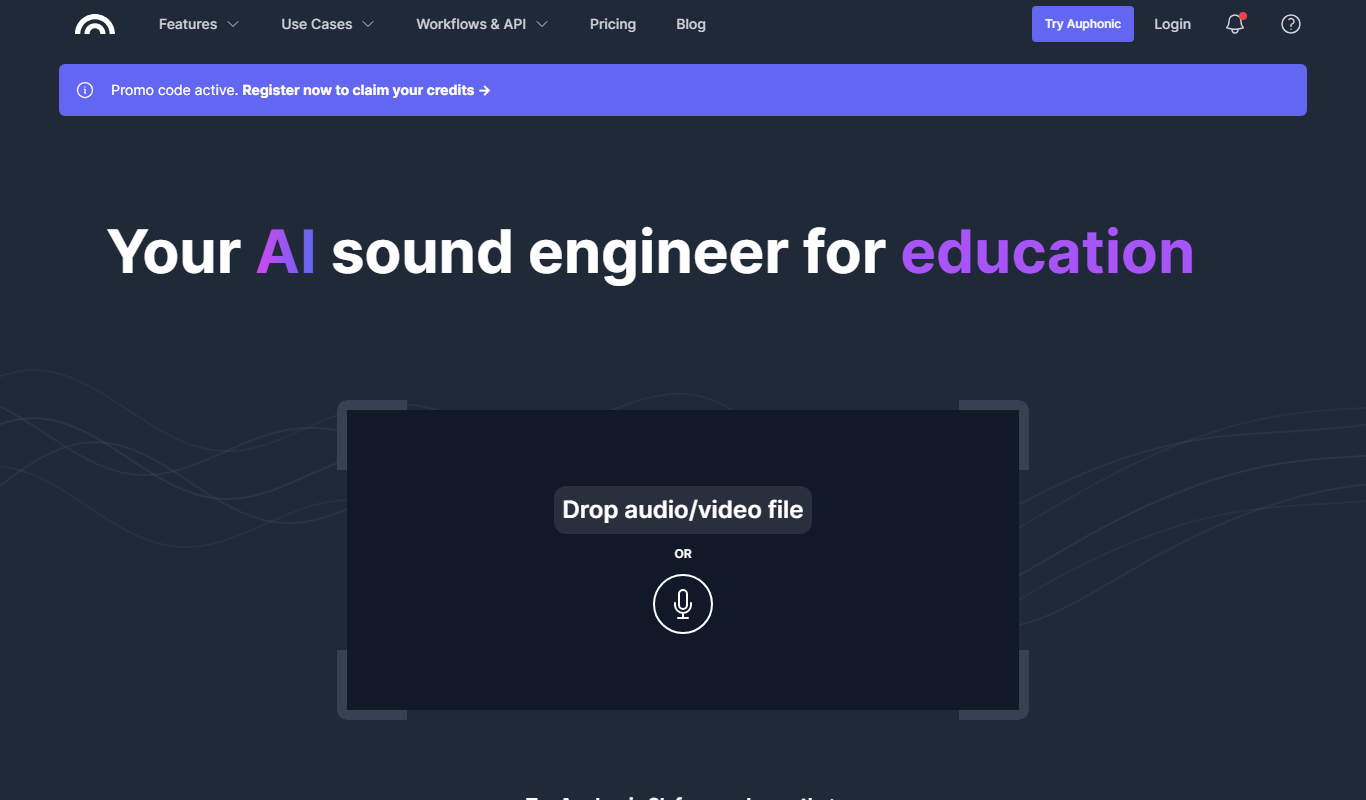
Auphonic
Auphonic is an AI-driven audio post-production tool that automates leveling, noise reduction, loudness normalization, and metadata tagging to produce professional-quality audio for podcasts and broadcasts.

Alitu
Alitu is a web-based podcast maker that automates audio editing, cleanup, and episode assembly to help podcasters produce professional-quality episodes quickly and easily.
More AI Ai Tools tools
Other tools in the same category, for when this one is not quite the fit.

Salvador – DALL•E 3 UI
Salvador is a simple UI for generating images with DALL-E 3: enter your OpenAI API key and add your prompt, with no coding needed.

CoinScreener
CoinScreener is an AI crypto screener with alerts, trading signals, insights and Top Traders in one workspace.
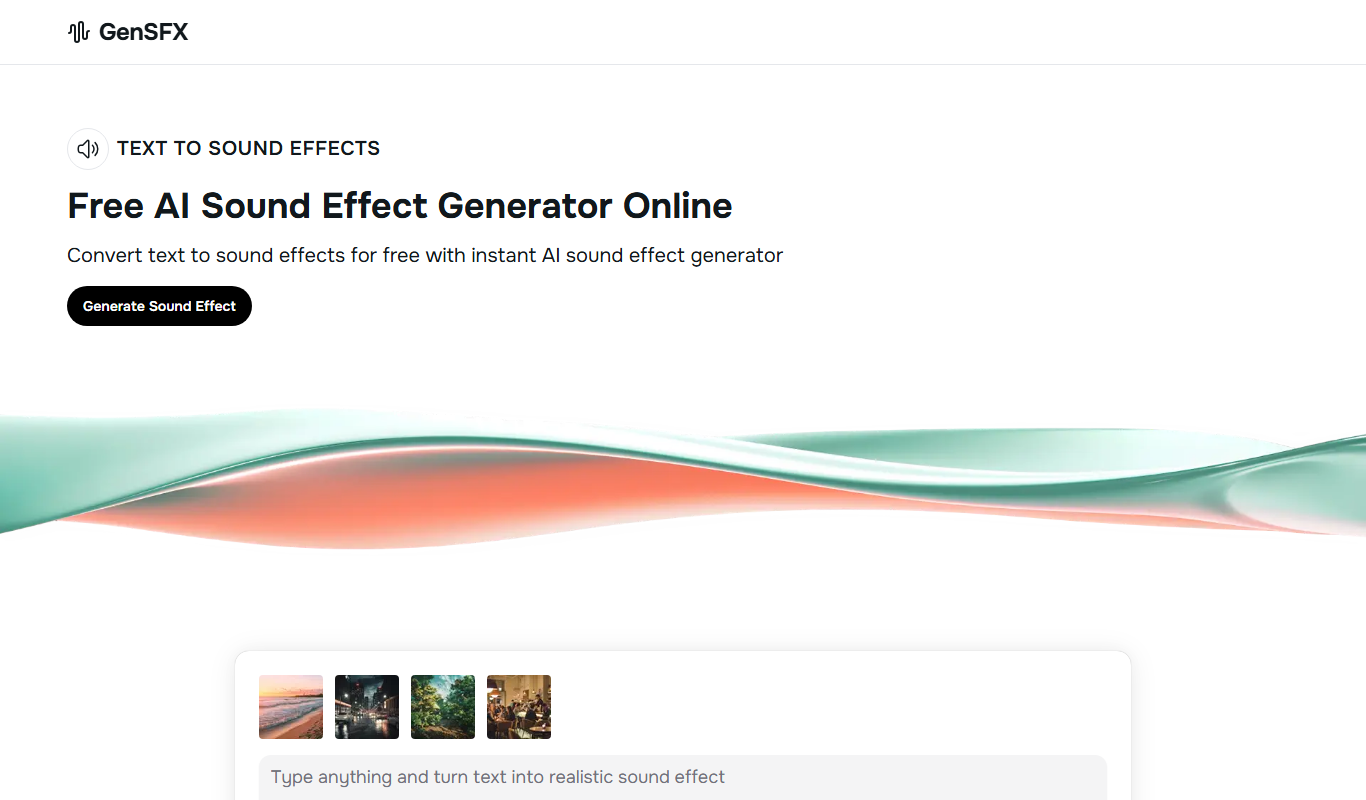
GenSFX
GenSFX is an AI-based sound effects generator that creates unique audio clips for various creative projects, offering instant previews and customizable parameters through a web platform.

Audioshake
Audioshake is an AI-powered web tool that separates mixed audio tracks into individual stems like vocals and instruments, enabling remixing and editing without original multitrack files.

Lalal.ai
Lalal.ai is an AI-based online tool that separates audio tracks into vocals and instrumentals using advanced neural networks, enabling users to extract clean stems for music production, karaoke, and editing.

CrystalSound
CrystalSound is a noise cancelling app and screen recorder that enhances virtual meetings with noise cancellation, screen recording and meeting minutes, on Windows, macOS and Linux.

AudioPod AI
AudioPod AI is an AI audio workstation for creating, editing, and publishing podcasts and audiobooks.

Artificial Studio
Artificial Studio is a platform that brings 60+ AI tools together for image, video, audio, 3D, marketing and design work.