

Lalal.ai AI Vocal and Instrumental Audio Stem Separation Tool Online
Lalal.ai is an AI-based online tool that separates audio tracks into vocals and instrumentals using advanced neural networks, enabling users to extract clean stems for music production, karaoke, and editing.
- Best for
- Music Production
- Key capability
- AI vocal remover
Save Lalal.ai, follow its updates and vote on it — everything stays in your account.
Sign in or create a free account
What is Lalal.ai?
Lalal.ai is an AI-powered online tool designed to separate audio tracks into individual stems such as vocals and instrumentals. Using advanced neural network technology, it allows users to upload audio files and quickly extract clean vocal or instrumental tracks without the need for complex software or technical expertise.
Key features of Lalal.ai
The tool offers high-quality stem separation with support for various audio formats, fast processing times, and an intuitive web interface. It supports batch processing and provides options for different separation modes tailored to various audio types.
AI vocal remover
Vocal remover powered by AI and transformer technology.
Multiple Audio Formats
Supports MP3, WAV, FLAC, and other popular audio file types.
Fast Processing
Delivers results in seconds to minutes depending on file size.
User-Friendly Interface
Simple drag-and-drop upload and easy-to-use controls.
Batch Processing
Allows multiple files to be processed simultaneously for efficiency.
Pros and cons of Lalal.ai
Pros
- High-quality vocal and instrumental separation
- Fast and easy to use web interface
- Supports multiple audio formats
- Free Starter plan for testing, plus one-time Top-Ups for extra minutes
- No software installation required
Cons
- Processing quality can vary with complex audio mixes
- Limited advanced editing features beyond separation
- No dedicated mobile app
Key use cases for Lalal.ai
Music Production
Extract vocals and instrumentals from audio tracks for remixing, sampling, or mastering.
Karaoke Creation
Create karaoke tracks by removing vocals from songs quickly and cleanly.
Audio Restoration
Isolate specific audio elements to improve or restore recordings.
Podcast Editing
Separate background music from speech for clearer podcast audio editing.
Educational Use
Use isolated stems for music teaching, practice, or analysis.
How Lalal.ai works
- 1
Upload Audio
Users upload their audio file directly on the Lalal.ai website.
- 2
Select Separation Mode
Choose the desired stem separation mode such as vocal or instrumental extraction.
- 3
AI Processing
The AI engine processes the audio using neural networks to isolate stems.
- 4
Download Stems
Users download the separated audio stems in high-quality formats.
Who is using Lalal.ai
Lalal.ai pricing
Starter
Always free
10 minutes in the Relaxed Queue and a 200MB upload size limit per file.
Lite
$7.5/month, $90 billed annually
Unlimited minutes in the Relaxed Queue, 90 Fast Queue minutes per month, a 2GB upload size limit per file and 1 voice pack slot.
Pro
$15/month, $180 billed annually
Unlimited minutes in the Relaxed Queue, 250 Fast Queue minutes per month, a 2GB upload size limit per file and 3 voice pack slots.
Top-ups
$50 for 750 minutes, $190 for 3000 minutes, $300 for 5000 minutes
One-time Master, Premium and Enterprise packs of extra Fast Queue minutes, without changing the current plan.
Plans and prices are as published by the vendor and can change. Check the official site before you buy. Open the pricing page (opens in a new tab)
Frequently asked questions about Lalal.ai
Lalal.ai supports MP3, WAV, FLAC, OGG, and other common audio formats.
Processing time depends on file length but typically ranges from a few seconds to a couple of minutes.
Yes, Lalal.ai allows commercial use of the separated stems according to their terms of service.
Free accounts have limits on file size and length; paid plans offer higher or no limits.
It depends on your specific needs and how you plan to use the tool. The official website and documentation are the best sources for the latest details.
Some tools offer a free plan or trial with limited features. Availability can vary, so confirm on the official website.
Yes, it can help with that use case depending on how you configure it and what features are available. You’ll get the best results with clear inputs and a defined goal.
This tool is designed to help users accomplish its core tasks more efficiently. It is typically used by individuals or teams looking to improve productivity and workflow.
Conclusion
Uploading a song, audio clip or video starts the process, and the service splits it into separate stems such as vocals and instrumental or drums and bass. A preview of the separated result comes first, so the quality can be checked before the file is downloaded. Beyond stem splitting, the suite covers noise, echo and reverb reduction, lead and backing vocal separation, voice changing and voice cloning.
Music producers and DJs use the stems for remixing and sampling, karaoke fans for vocal-free tracks, and podcasters for separating speech from background music. Results depend on the source, and dense mixes with reverb, harmonies and overlapping instruments may be harder to separate cleanly.
Apart from the browser version, there are desktop apps for Windows, macOS and Linux, mobile apps for iOS and Android, and VST plugins that run inside a DAW. The free Starter plan is meant for testing and does not allow downloading the full result, while the paid Lite and Pro plans add Fast Queue minutes and larger uploads. The VST plugin is reserved for the Pro plan.
Sources
Sign in to review this tool.
Sign In to ReviewNo reviews yet
Be the first to share how this tool worked for you.
Ask about pricing, limits, or how it compares — or answer someone else.
Sign In to AskNo questions yet
Have a question about using or paying for this tool? Be the first to ask.
Featured on TiorAI



Alternative Tools
Explore similar AI tools that might fit your needs

Moises.ai
Moises.ai is an AI-based music tool that separates audio tracks into individual stems like vocals and instruments, allowing users to edit, remix, and create karaoke tracks easily.
More AI Ai Tools tools
Other tools in the same category, for when this one is not quite the fit.

BarGPT AI-Powered Bartender
BarGPT is an AI-powered virtual bartender that creates personalized cocktail recipes and offers mixology tips based on your available ingredients and preferences.

NoFOMO.AI
noFOMO OS is a free web calendar: add the venues you love and its scraper scans their websites every day, pulling every event into one calendar.

AI Song Generator
AI Song Generator is a web tool that creates original songs and lyrics from your genre, mood and topic, with a limited free plan and paid subscriptions.

Beatoven.ai
Beatoven.ai is an AI-driven platform that generates custom royalty-free music tracks tailored to your project's mood and style, ideal for content creators and marketers.
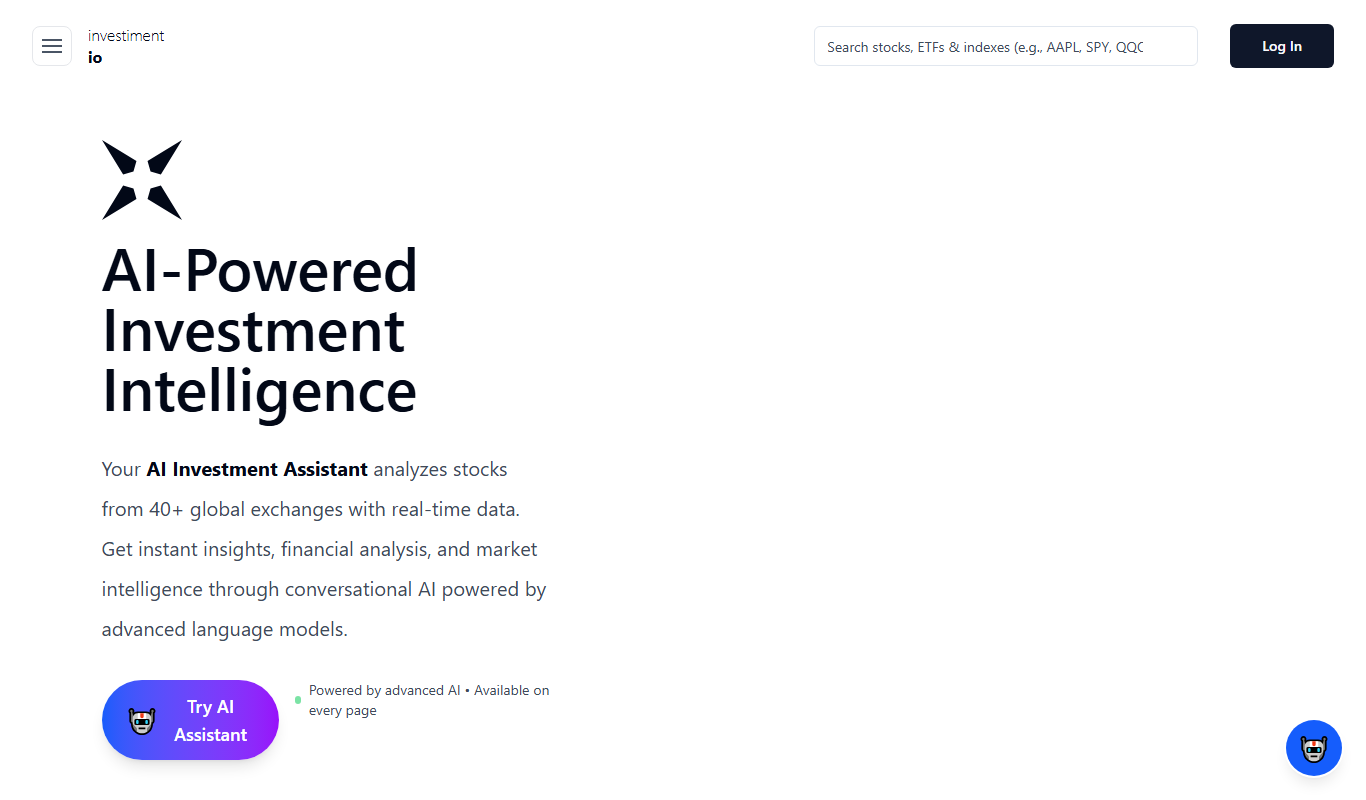
investiment.io
investiment.io is an AI-powered investment platform featuring an intelligent assistant that provides real-time stock analysis across 40+ global exchanges through conversational AI.

Remodel AI
Remodel AI is a web-based AI tool that redesigns any room or home exterior from an uploaded photo in seconds.

Parcae: AI Mind Map Creator
Parcae is an AI-powered mobile mind mapping app that instantly transforms typed, pasted or dictated text into a mind map.

WiseMap.ai
WiseMap.ai is an AI-driven mind mapping tool that helps users generate, organize, and collaborate on ideas visually, enhancing creativity and productivity.