

CrystalSound - Noise cancelling app and screen recorder for virtual meetings
CrystalSound is a noise cancelling app and screen recorder that enhances virtual meetings with noise cancellation, screen recording and meeting minutes, on Windows, macOS and Linux.
- Best for
- Clear online calls
- Key capability
- Bi-directional noise cancellation
Save CrystalSound, follow its updates and vote on it — everything stays in your account.
Sign in or create a free account
What is CrystalSound?
CrystalSound is a noise cancelling app and screen recorder for virtual meetings. It eliminates background noise from both ends of a call, can suppress other speakers’ voices, records your screen and audio, and generates meeting minutes. It runs on Windows, macOS and Linux and works with the conference apps you already use.
Key features of CrystalSound
CrystalSound offers bi-directional noise cancellation, a My Voice Only mode that minimizes background noise from other speakers, echo suppression, screen and bidirectional audio recording, meeting minutes, audio file enhancement for mp3, wav and flac, and voice changer effects.
Bi-directional noise cancellation
Eliminates background noise from both ends of a call and prevents echoes in meetings.
My Voice Only
Isolates and enhances your voice by minimizing background noise from other speakers, after you register your voice profile.
Screen and audio recording
Captures every word with screen and bidirectional audio recording, and generates meeting minutes, keywords and insights.
Audio file enhancement
Improves the sound quality of mp3, wav and flac recordings.
Pros and cons of CrystalSound
Pros
- Removes noise from both you and the other party
- My Voice Only filters out other speakers
- Free 7-day Premium trial
Cons
- Cloud call recording is still in preview and smart minutes are listed as unavailable on Premium
- Desktop app for Windows, macOS and Linux rather than a web tool
Key use cases for CrystalSound
Clear online calls
Remove background noise and background voices so your voice is heard loud and clear.
Meeting recording and minutes
Record meetings and generate accurate meeting minutes and keywords.
Cleaning up recordings
Enhance mp3, wav and flac recordings for clearer playback.
Voiceover Improvement
Clean and enhance voiceover recordings for presentations, commercials, and narration.
How CrystalSound works
- 1
Download and install
Install CrystalSound on Mac OS, Windows or Linux and sign in.
- 2
Register your voice
Register a voice profile to use the My Voice Only feature.
- 3
Join your meeting
Use CrystalSound with the conference app you already use to remove background noise and voices.
- 4
Record and review
Record the meeting and get meeting minutes, keywords and insights.
Who is using CrystalSound
CrystalSound pricing
Starter
Free
The free plan your account returns to after the 7-day Premium trial.
Premium
$84 per user per year
For professionals and teams: unlimited noise cancellation, all Enterprise features and cloud call recording (preview); free 7-day trial.
Enterprise
Contact sales
For large privacy-focused teams: on-device noise cancellation, secure offline screen recording and bulk order discounts.
Plans and prices are as published by the vendor and can change. Check the official site before you buy. Open the pricing page (opens in a new tab)
Frequently asked questions about CrystalSound
A noise cancelling app and screen recorder that enhances virtual meetings with noise cancellation, screen recording and meeting minutes.
It isolates and enhances your voice by minimizing background noise from other speakers.
No. The 7-day Premium trial is free, and your account is downgraded to the Starter plan without any charge unless you upgrade.
Mac OS, Windows and Linux.
CrystalSound integrates with any conference app you already use.
Yes, a 30-day money-back guarantee on CrystalSound subscriptions.
Conclusion
Virtual meetings are the setting it is built around: noise is removed from both ends of a call, echoes are suppressed, and a My Voice Only mode minimizes background noise from other speakers once you register your voice. The app integrates with any conference app you already use. Screen and bidirectional audio recording capture the meeting, and the app produces meeting minutes, keywords and insights from it.
Recorded mp3, wav and flac files can be enhanced too, and voice effects such as pitch shift are included. CrystalSound is installed on Windows, macOS or Linux, and Enterprise keeps noise cancellation and screen recording on-device for privacy-focused teams. Plans are per-user subscriptions after a free 7-day Premium trial, and some Premium extras such as cloud call recording are still marked preview or unavailable.
Sources
Sign in to review this tool.
Sign In to ReviewNo reviews yet
Be the first to share how this tool worked for you.
Ask about pricing, limits, or how it compares — or answer someone else.
Sign In to AskNo questions yet
Have a question about using or paying for this tool? Be the first to ask.
Featured on TiorAI


Alternative Tools
Explore similar AI tools that might fit your needs
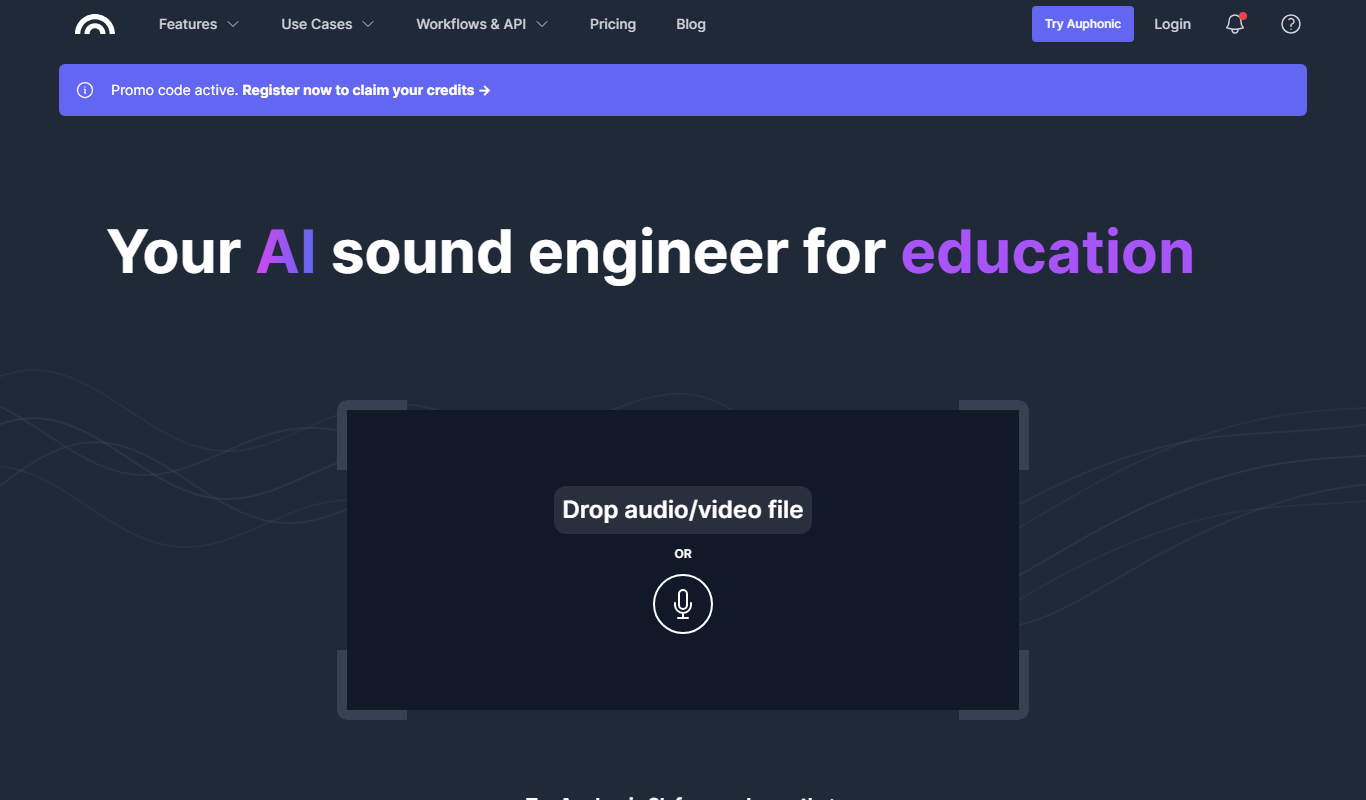
Auphonic
Auphonic is an AI-driven audio post-production tool that automates leveling, noise reduction, loudness normalization, and metadata tagging to produce professional-quality audio for podcasts and broadcasts.
More AI Ai Tools tools
Other tools in the same category, for when this one is not quite the fit.

Salvador – DALL•E 3 UI
Salvador is a simple UI for generating images with DALL-E 3: enter your OpenAI API key and add your prompt, with no coding needed.

CoinScreener
CoinScreener is an AI crypto screener with alerts, trading signals, insights and Top Traders in one workspace.
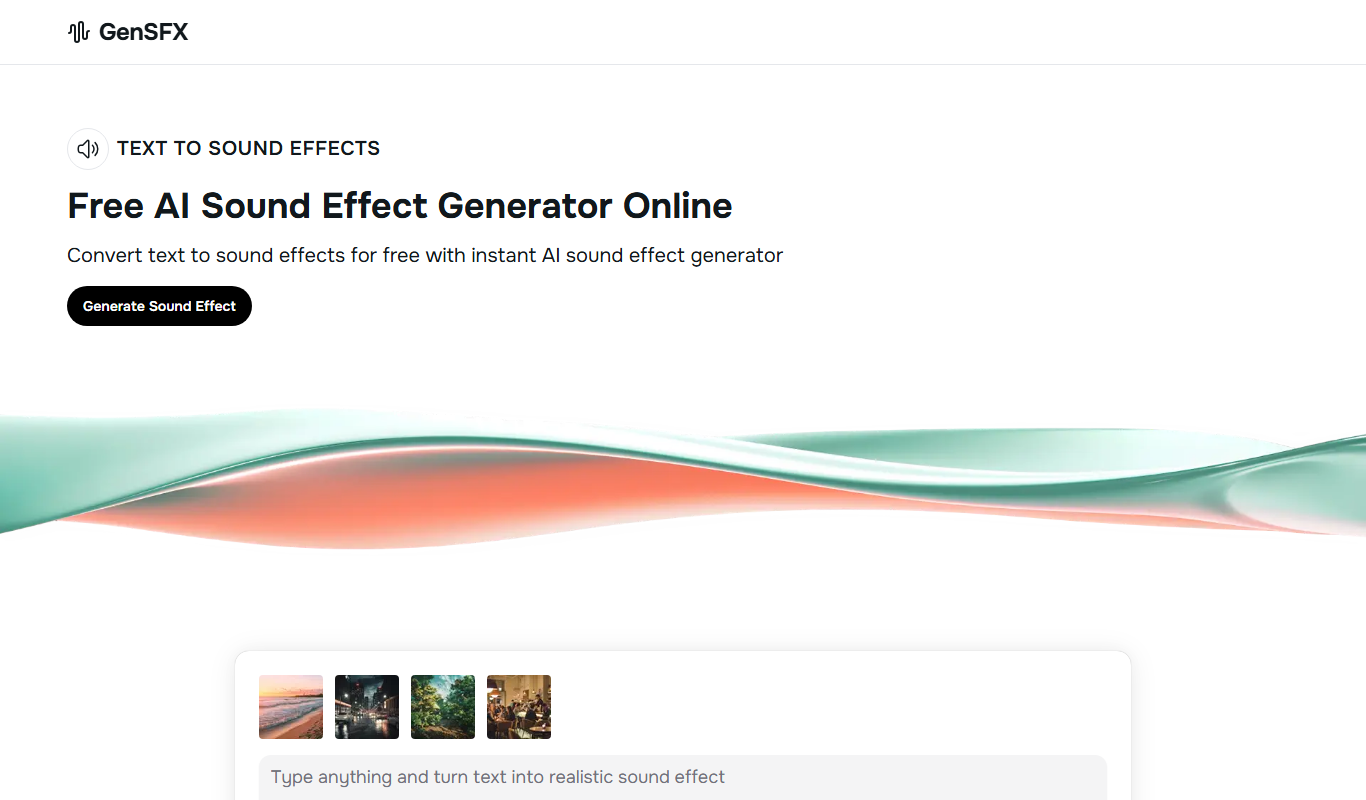
GenSFX
GenSFX is an AI-based sound effects generator that creates unique audio clips for various creative projects, offering instant previews and customizable parameters through a web platform.

Audioshake
Audioshake is an AI-powered web tool that separates mixed audio tracks into individual stems like vocals and instruments, enabling remixing and editing without original multitrack files.
Adobe Podcast
Adobe Podcast is a free web-based AI audio editing tool by Adobe that enhances podcast audio quality with noise reduction, voice enhancement, and automatic transcription.

Lalal.ai
Lalal.ai is an AI-based online tool that separates audio tracks into vocals and instrumentals using advanced neural networks, enabling users to extract clean stems for music production, karaoke, and editing.

AudioPod AI
AudioPod AI is an AI audio workstation for creating, editing, and publishing podcasts and audiobooks.

Artificial Studio
Artificial Studio is a platform that brings 60+ AI tools together for image, video, audio, 3D, marketing and design work.