

GetSound.ai - Deep Focus Using Real-Time Soundscapes
GetSound.ai is a deep focus app that plays real-time soundscapes tailored to your location and weather, with desktop apps for macOS, Windows and Linux and a mobile app.
- Best for
- Deep focus at work
- Key capability
- Real-time soundscapes
Save Getsound, follow its updates and vote on it — everything stays in your account.
Sign in or create a free account

What is Getsound?
GetSound.ai is a deep focus app that generates real-time ambient soundscapes tailored to your environment, such as your location and weather, to help you concentrate at work, while studying or during mindfulness sessions. It runs on macOS, Windows, Linux and mobile.
Key features of Getsound
GetSound.ai creates a fresh real-time soundscape every time you use the app, tailored to factors like location, weather, light exposure and wind. It offers ambient environment layers, worldwide location switching and a session timer for meditation or sleep.
Real-time soundscapes
A fresh, one-of-a-kind soundscape is generated every time you use the app.
Weather-reactive sound
Soundscapes are tailored to your location, weather, light exposure and wind conditions, and change as the weather changes.
Ambient environment layers
Ambient environment layers and worldwide location switching shape the soundscape.
Session timer
A session timer for meditation or sleep.
Separate zones for businesses
Businesses with multiple zones or rooms can control the ambient sound in each area separately.
Pros and cons of Getsound
Pros
- A fresh soundscape every session
- Tailored to your location and weather
- Apps for macOS, Windows, Linux and mobile
- Free to start
- Fast audio generation speeds
Cons
- Free plan limits daily usage, environment layers and location switching
- Prices for the paid plan are not shown on the pricing page
- No dedicated mobile app available
Key use cases for Getsound
Deep focus at work
Background soundscapes to minimize distractions while working.
Studying
Deep focus and background music for studying.
Meditation and sleep
Soundscapes with a session timer for meditation or sleep.
Shared workspaces
Ambient sound for coworking spaces, offices, libraries and educational institutions.
Voice Cloning
Replicate specific voices for personalized audio experiences or brand consistency.
How Getsound works
- 1
Get the app
Download the desktop app for macOS, Windows or Linux, or the mobile app.
- 2
Launch a soundscape
Each sound is generated for you at that specific moment, based on your current environment.
- 3
Focus while it adapts
When your weather changes, your soundscape changes.
- 4
Generate Audio
Click the generate button to produce the audio output.
- 5
Download or Share
Download the audio file or share it directly from the platform.
Who is using Getsound
Getsound pricing
Free
Free
Deep focus soundscapes with limited daily usage, ambient environment layers and location switching.
Pro
$29/month
Higher usage limits, premium voices, and access to voice cloning features.
Enterprise
Custom pricing
Tailored solutions with dedicated support and advanced customization.
Plans and prices are as published by the vendor and can change. Check the official site before you buy. Open the pricing page (opens in a new tab)
Frequently asked questions about Getsound
An instant deep focus app that plays real-time soundscapes and focus music to minimize distractions.
Each sound is uniquely generated for you at that moment, tailored to your environment such as the weather, location or time of day.
Desktop apps for macOS, Windows and Linux, plus a mobile app.
You can begin using it at no cost and upgrade to premium features at your discretion.
Yes. Businesses with multiple zones or rooms can control the ambient sound in each area separately.
Pricing depends on the plan and included features. For the most accurate and up-to-date details, check the official pricing page.
Yes, it can help with that use case depending on how you configure it and what features are available. You’ll get the best results with clear inputs and a defined goal.
Conclusion
Rather than looping a fixed track, the app generates a fresh, one-of-a-kind soundscape every time it is used. Each soundscape is tailored to the listener’s environment, using factors like location, weather, light exposure and wind conditions, so the sound changes when the weather does. The aim is deep focus: the company describes it as engineered for work, studying or any activity requiring concentration, and also for mindfulness.
Desktop apps cover macOS, Windows and Linux, with a mobile app alongside them. Beyond individuals, it targets coworking spaces, offices, libraries and educational institutions, where businesses can control the ambient sound in each room separately. Getting started costs nothing, and the free plan limits daily usage and environment layers, while the Personal plan’s price is not listed on the pricing page.
Sources
Sign in to review this tool.
Sign In to ReviewNo reviews yet
Be the first to share how this tool worked for you.
Ask about pricing, limits, or how it compares — or answer someone else.
Sign In to AskNo questions yet
Have a question about using or paying for this tool? Be the first to ask.
Featured on TiorAI



More AI Audio Enhancer tools
Other tools in the same category, for when this one is not quite the fit.

UniFab All In One
UniFab All-In-One is an AI video and audio enhancement suite for video upscaling, HDR conversion, denoising and subtitle generation.

Landr
Landr is an AI-driven platform that automates music mastering, enables global music distribution, and provides collaboration tools for musicians and producers.
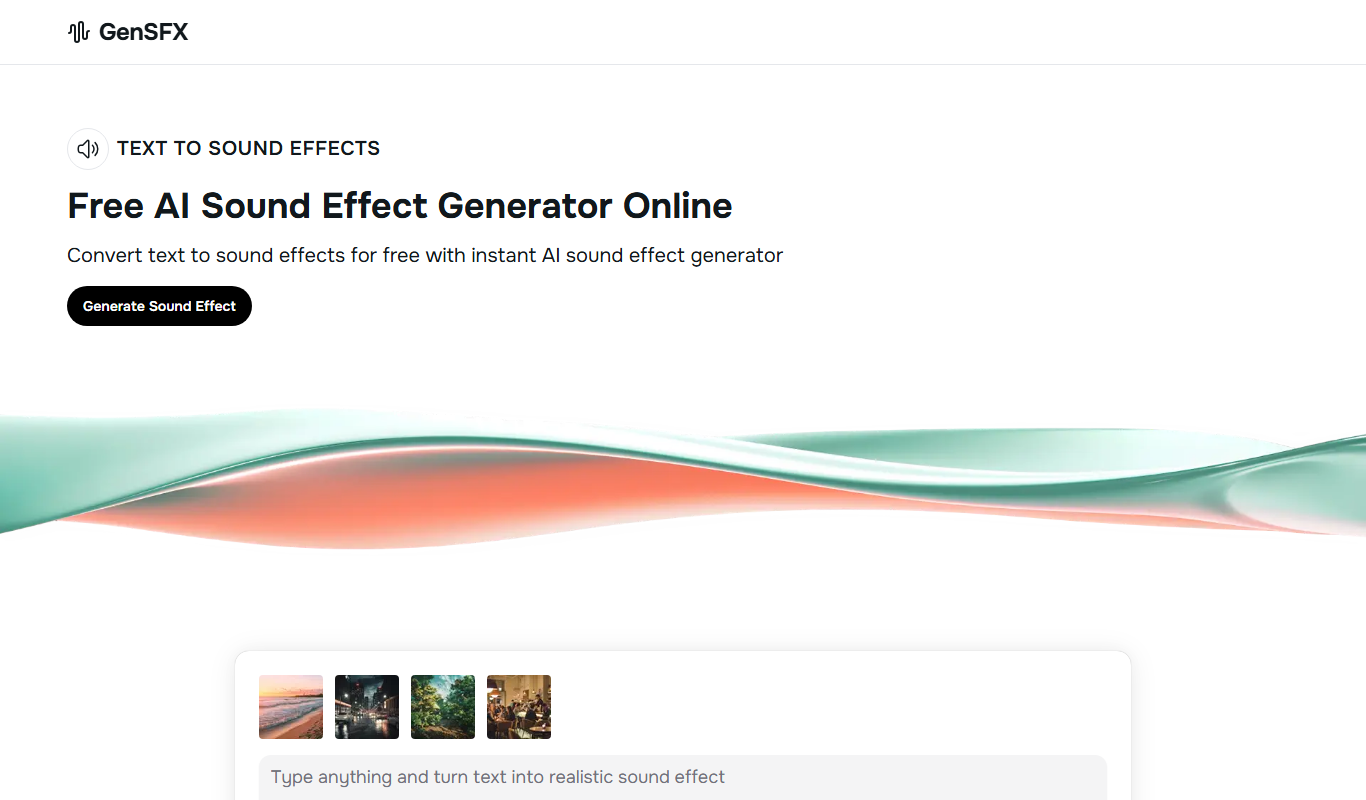
GenSFX
GenSFX is an AI-based sound effects generator that creates unique audio clips for various creative projects, offering instant previews and customizable parameters through a web platform.

Audioshake
Audioshake is an AI-powered web tool that separates mixed audio tracks into individual stems like vocals and instruments, enabling remixing and editing without original multitrack files.
OneAudio AI
OneAudio summarizes, transcribes and converts your audio into notes: think out loud or upload a recording and get a clean, ready to share note.
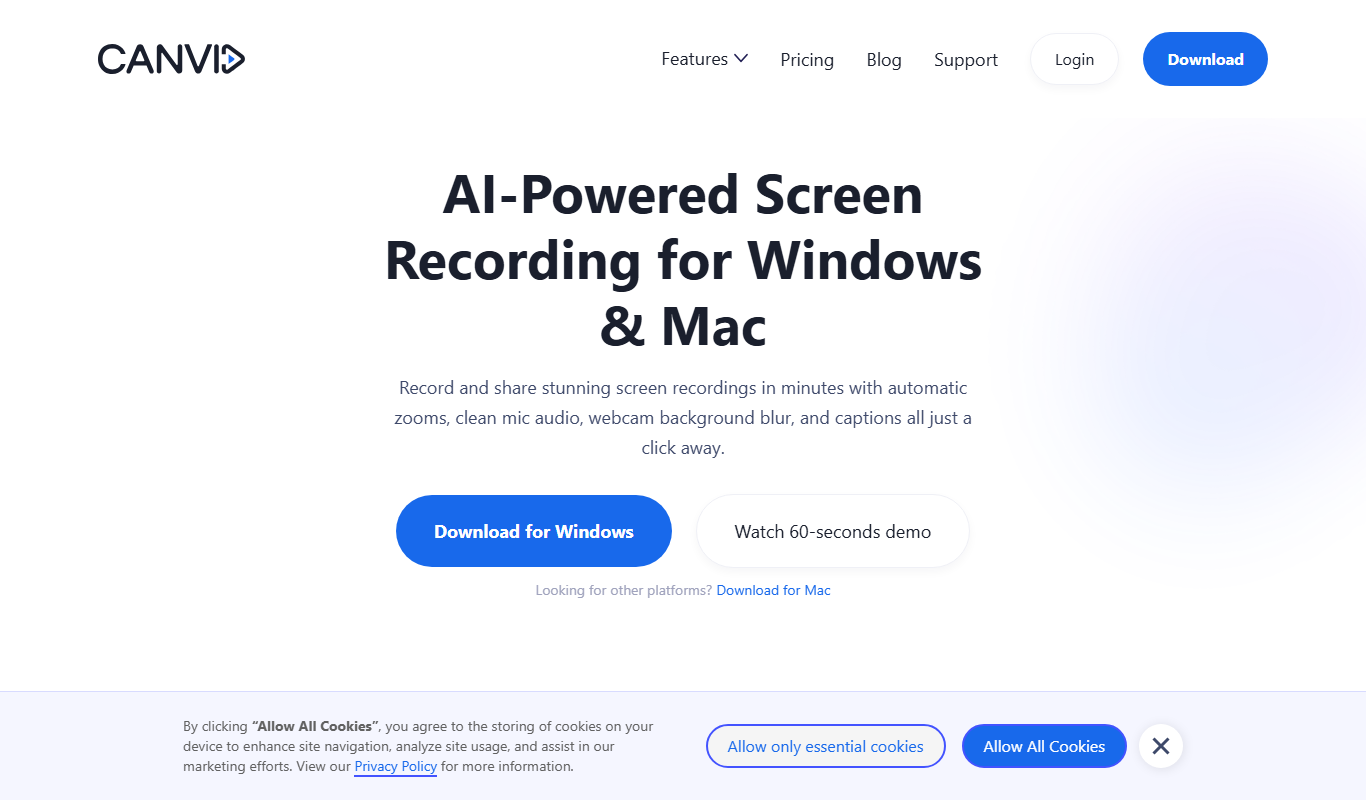
CANVID
CANVID is an AI-powered screen recorder for Windows and Mac that captures the screen, webcam, mic and system audio and polishes recordings in the same workflow.

RambleFix
RambleFix turns your rambling voice notes into clean emails, articles and summaries, on web, iPhone and Mac.

CloneDub
CloneDub is an AI powered, automated dubbing platform that helps podcasts and YouTube channels grow their audience with fast, high quality video dubbing.