

From my experience with Collabricate, it stands out as a practical collaboration platform tailored specifically for creative teams and agencies. Its integration of task management with client feedback tools reduces the usual back-and-forth emails, making project workflows smoother. While it lacks a dedicated mobile app, the mobile web access is sufficient for many users. The platform is particularly well-suited for creative professionals who need centralized communication and project tracking without overwhelming complexity. However, those requiring extensive third-party integrations might find it somewhat limited. Overall, Collabricate delivers solid value for creative project collaboration.
Collabricate Collaboration Platform for Creative Teams and Project Management
Collabricate is a cloud-based collaboration platform tailored for creative teams, offering task management, file sharing, client feedback, and communication tools to streamline project workflows.
- Best for
- Creative Project Collaboration
- Key capability
- Task Management

Do you recommend this tool?
What is Collabricate?
Collabricate is a cloud-based collaboration platform designed specifically for creative teams and agencies. It streamlines project management by combining task tracking, file sharing, and communication tools into a single interface, enabling teams to work together efficiently and deliver projects on time.
Key features of Collabricate
The platform offers task management, real-time collaboration, client feedback integration, and centralized file storage, all tailored to the needs of creative professionals.
Task Management
Organize and assign tasks with deadlines and priorities.
File Sharing and Version Control
Upload and manage project files with version tracking.
Client Feedback Tools
Enable clients to comment and approve work directly within the platform.
Real-Time Communication
Chat and discussion threads to facilitate team interaction.
Pros and cons of Collabricate
Pros
- User-friendly interface tailored for creative teams
- Integrated client feedback system reduces email back-and-forth
- Centralized project and task management improves organization
Cons
- No dedicated mobile app limits on-the-go access
- Limited integrations with other popular tools
Key use cases for Collabricate
Creative Project Collaboration
Facilitates seamless collaboration among creative teams by centralizing project files, feedback, and communication.
Task and Workflow Management
Helps teams organize tasks, assign responsibilities, and track progress to ensure timely project delivery.
Client Feedback Integration
Allows clients to provide feedback directly within the platform, streamlining revision cycles and approvals.
Team Communication
Supports real-time messaging and discussion threads to keep team members aligned and informed.
How Collabricate works
- 1
Create an Account
Sign up on the Collabricate website to start managing your projects.
- 2
Set Up Projects
Create projects and invite team members and clients to collaborate.
- 3
Assign Tasks and Share Files
Organize work by assigning tasks, uploading files, and setting deadlines.
- 4
Collaborate and Communicate
Use built-in messaging and feedback tools to keep everyone aligned.
Who is using Collabricate
Creative agencies
Design teams
Marketing departments
Freelance creatives
Project managers in creative industries
Collabricate pricing
Free Trial
$0 for 14 days
Full access to all features for two weeks.
Professional
$15 per user/month
Access to all collaboration and project management features.
Plans and prices are as published by the vendor and can change. Check the official site before you buy. Open the pricing page (opens in a new tab)
Frequently asked questions about Collabricate
Yes, Collabricate allows you to invite clients to view and provide feedback on projects.
Currently, Collabricate is accessible via mobile web browsers but does not have a dedicated mobile app.
This tool is designed to help users accomplish its core tasks more efficiently. It is typically used by individuals or teams looking to improve productivity and workflow.
Yes, it can help with that use case depending on how you configure it and what features are available. You’ll get the best results with clear inputs and a defined goal.
Sign in to review this tool.
Sign In to ReviewNo reviews yet
Be the first to share how this tool worked for you.
Ask about pricing, limits, or how it compares — or answer someone else.
Sign In to AskNo questions yet
Have a question about using or paying for this tool? Be the first to ask.
Featured on TiorAI



Alternative Tools
Explore similar AI tools that might fit your needs

Business
Asana
Asana is a cloud-based project management platform that enables teams to organize tasks, track progress, automate workflows, and collaborate effectively across projects.

Free
Trello
Trello is a visual project management tool that helps teams organize tasks and workflows using boards, lists, and cards, with automation and integrations to enhance productivity.

Free Trial
Monday.com
Monday.com is a cloud-based project management and collaboration tool that helps teams plan, track, and automate workflows with customizable boards and integrations.
More AI Art Generator tools
Other tools in the same category, for when this one is not quite the fit.

Free
Prompt Hero
Prompt Hero is a web platform that provides a marketplace and community for discovering, sharing, and selling AI prompts used in text-to-image generation with popular AI art models.
Paid
MyPetPortrait
MyPetPortrait is an online service that creates personalized pet portraits from your photos, offering various artistic styles and options for digital or printed artwork.
Free
Sketchbook
Sketchbook is a professional digital drawing and painting software by Autodesk that offers customizable brushes, layers, and cross-platform support for artists and designers.
Free
Aggie.io
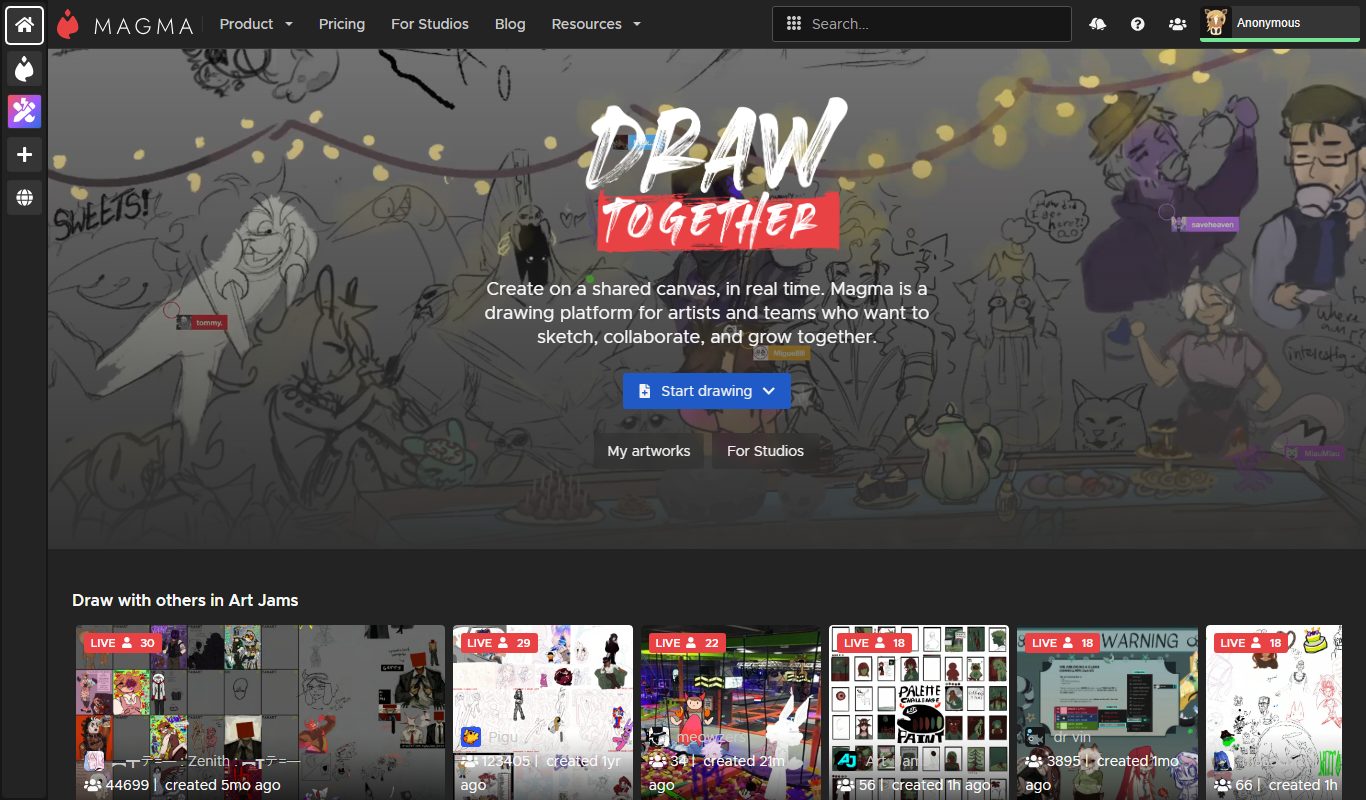
Aggie.io is a free online collaborative drawing tool that allows multiple users to paint together in real time on a shared canvas without requiring installation or accounts.

Enterprise
Redshift
Redshift is a GPU-accelerated 3D rendering software that enables fast, photorealistic image creation for artists and designers, integrating with major 3D applications.
Free
ThisPersonDoesNotExist
ThisPersonDoesNotExist is a free web tool that uses AI to generate photorealistic human faces that do not belong to real people, useful for creative and privacy-conscious applications.
Free
Sketchpad
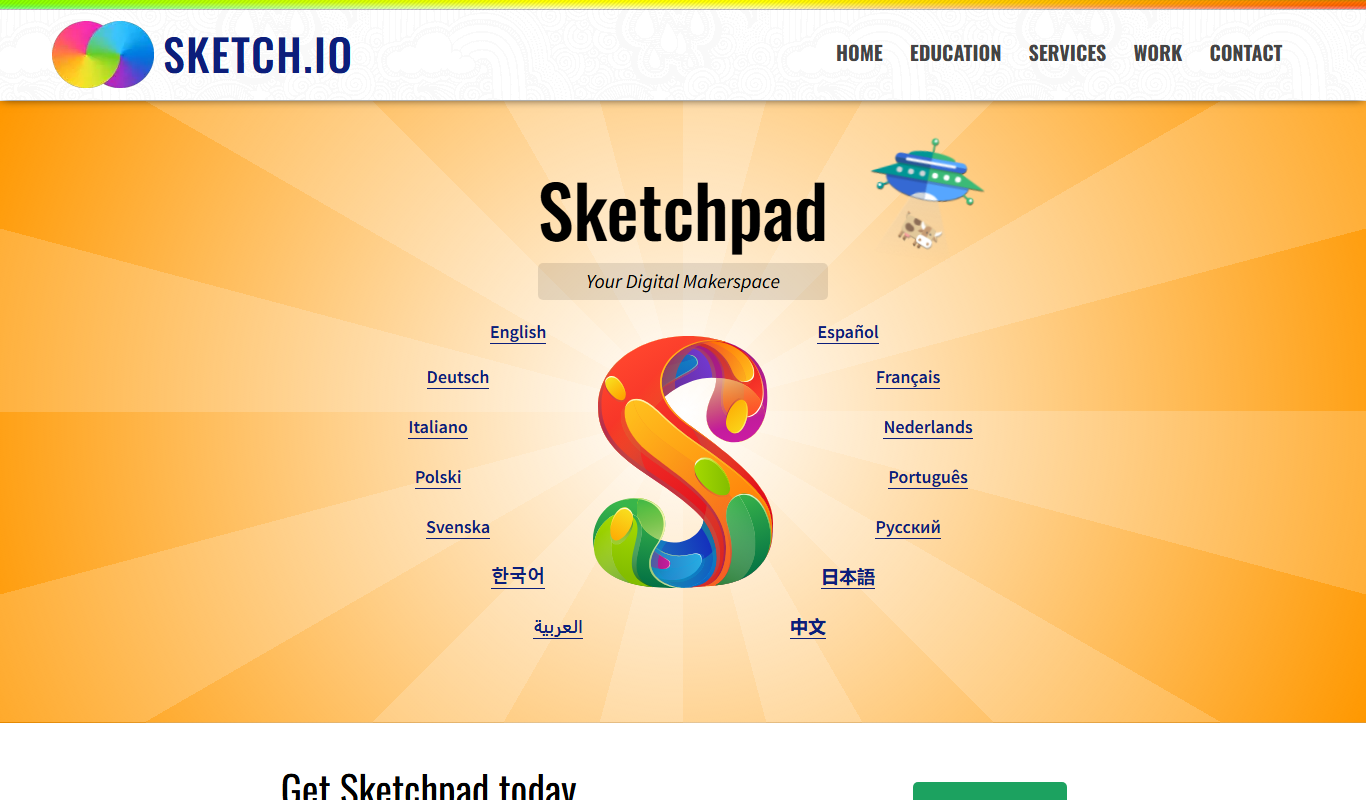
Sketchpad is a free web-based drawing application that supports vector and raster graphics, offering tools for digital illustration, graphic design, and creative projects accessible directly in your browser.

Freemium
Microstockr
Microstockr is an AI-powered platform that generates royalty-free stock photos and creative images from text prompts, ideal for marketing and design projects.