

Ebsynth Video Style Transfer Software for Creative Animation and Effects
EbSynth is VFX software for retouching, rotoscoping and stylization that changes a whole video from edited keyframes, with Free, Pro and Studio plans.
- Best for
- Creative Animation
- Key capability
- Keyframe-Based Style Transfer
Save Ebsynth, follow its updates and vote on it — everything stays in your account.
Sign in or create a free account
What is Ebsynth?
EbSynth is VFX software for retouching, rotoscoping and stylization that works in the browser: users paint or edit keyframes and EbSynth propagates them across the video with a texture-synthesis algorithm that does not use generative AI. A Studio plan adds a desktop app for Windows that runs locally.
Key features of Ebsynth
Ebsynth’s main features include keyframe-based style transfer, support for high-resolution videos, fast processing times, and compatibility with common video formats. It excels at transferring textures, colors, and artistic effects from a single frame to an entire video, making it a powerful tool for creative video editing and animation workflows.
Keyframe-Based Style Transfer
Apply artistic styles or corrections to a single frame and automatically transfer them to the entire video.
High-Resolution Support
Process videos in high resolutions suitable for professional projects.
Fast Processing
Efficient algorithms allow quick synthesis of styles across video frames.
Compatibility
Supports common video formats and integrates easily into existing video editing workflows.
Pros and cons of Ebsynth
Pros
- Free plan with all core functions
- Simplifies complex video style transfer tasks
- 1080p and 4K exports on the Pro plan
- Easy to integrate with existing editing workflows
Cons
- Limited to style transfer based on keyframes
- No built-in painting tools; requires external editor
- Processing speed depends on hardware capabilities
Key use cases for Ebsynth
Creative Animation
Artists can apply painted or stylized keyframes to entire video sequences, enabling unique animation styles without frame-by-frame painting.
Visual Effects
Visual effects professionals use Ebsynth to transfer textures or effects from a single frame to a full video, streamlining complex VFX workflows.
Video Style Transfer
Users can transform the look of videos by applying artistic styles or corrections from a reference frame across all frames automatically.
Post-Production Enhancement
Post-production teams leverage Ebsynth to fix or enhance video footage by painting over keyframes and propagating changes efficiently.
How Ebsynth works
- 1
Prepare Keyframe
Select a representative frame from your video and paint or stylize it using your preferred image editing software.
- 2
Load Video and Keyframe
Import the original video and the painted keyframe into Ebsynth.
- 3
Run Style Transfer
Ebsynth analyzes the keyframe and propagates the painted style across all frames of the video automatically.
- 4
Export Result
Review the output video and export it for further editing or final use.
Who is using Ebsynth
Ebsynth pricing
Free
$0
All core functions, 720p video export and MP4 format output.
Pro
$20/month
1080p and 4K exports, PNG with alpha output and priority processing.
Studio
$200/month/seat
Run EbSynth locally with a desktop app for Windows; footage never leaves your machines.
Plans and prices are as published by the vendor and can change. Check the official site before you buy. Open the pricing page (opens in a new tab)
Frequently asked questions about Ebsynth
Yes, there is a Free plan with no time or functional limitations and 720p MP4 export; high-resolution render, PNG sequence output and priority processing need the Pro plan.
EbSynth works in the web browser; the Studio plan adds a desktop app for Windows that runs locally.
No special hardware is needed. Chrome is recommended for large projects, and on laptops it should use the dedicated graphics card.
Yes, 1080p and 4K exports are available on the Pro plan; the Free plan exports 720p.
It depends on your specific needs and how you plan to use the tool. The official website and documentation are the best sources for the latest details.
Some tools offer a free plan or trial with limited features. Availability can vary, so confirm on the official website.
Yes, it can help with that use case depending on how you configure it and what features are available. You’ll get the best results with clear inputs and a defined goal.
Conclusion
Editing a single frame is the core idea: keyframes are painted or retouched, and the software propagates the change across the rest of the video. Typical jobs include turning a performance into hand-drawn animation, retouching and colorizing footage without manual tracking, and adding painterly texture to line art. Propagation relies on a texture-synthesis algorithm rather than generative AI, although an optional Generate Image feature can create keyframes. Quality depends on optical flow from the guiding video, so soft, diffuse lighting and textured clothing make tracking easier.
It is designed for animators, visual effects artists and independent filmmakers. Rendering happens on EbSynth’s servers, which receive the video and keyframes temporarily and delete them once results are sent back. The Free plan covers all core functions with 720p MP4 export, while Pro adds 1080p and 4K exports and PNG with alpha output. A Studio plan runs a desktop app for Windows locally, so footage never leaves the user’s machines.
Sources
Sign in to review this tool.
Sign In to ReviewNo reviews yet
Be the first to share how this tool worked for you.
Ask about pricing, limits, or how it compares — or answer someone else.
Sign In to AskNo questions yet
Have a question about using or paying for this tool? Be the first to ask.
Featured on TiorAI



More AI Animation & Motion Tools tools
Other tools in the same category, for when this one is not quite the fit.

Studio
Studio.Design is a no-code design tool that turns any idea into a website, with a design editor, CMS, forms, SEO and one-click publishing.

TooToon
TooToon turns your ideas into webtoons: create and illustrate your webtoon with AI-driven tools for story writing, line art, character assets and full-color artwork.
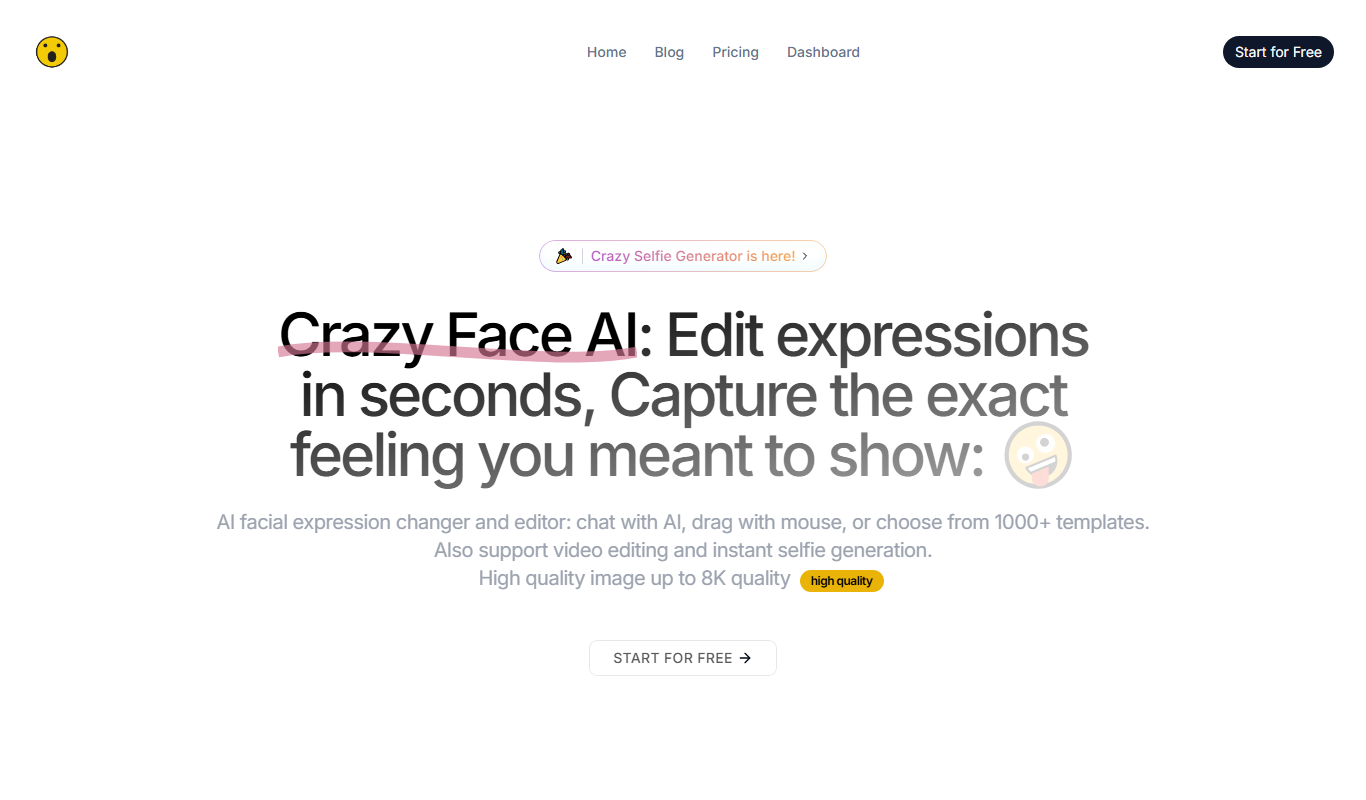
CrazyFace
CrazyFace is an AI facial expression changer and editor: chat with AI, drag with the mouse or choose from 1000+ templates, with video editing and instant selfie generation.

Neural4D
Neural4D is an AI 3D generator that turns text, images and videos into high-quality 3D models and CAD assets in minutes.

We Are Learning
We Are is a learning design tool for creating 3D animated videos and interactive simulations, called Stories, that can be shared in your LMS or anywhere your learners are.

Storyboarder.ai
Storyboarder.ai is an AI storyboard generator: upload your script and get a complete storyboard, shot list, screenplay and animatic in minutes.

Webcam Motion Capture
Webcam Motion Capture is software that uses a standard webcam to track body and facial movements in real time, enabling users to animate 3D characters without expensive hardware.

Viddyoze
Viddyoze AI Video Generator is a cloud-based platform that automates video creation using AI-powered templates, enabling users to produce professional intros, outros, and animations quickly without prior editing experience.