
From my experience with Toona, I found it excels at producing realistic and natural-sounding AI voices quickly through a simple web interface. It is particularly well-suited for content creators and marketers who need fast, scalable voiceover solutions without hiring voice actors. However, the platform currently supports mainly English voices and requires a paid subscription for advanced features and higher usage limits. Overall, if you need an easy-to-use AI voice generator for professional audio content, Toona delivers solid results with a straightforward workflow.
Toona AI Voice Generator for Realistic Text-to-Speech Solutions
Toona is an AI-powered voice generator platform that converts text into realistic, human-like speech with customizable voices and fast audio output.
What is toona?
Toona is an AI-powered voice generator platform that converts text into natural, human-like speech. It offers a variety of voice styles and tones, enabling users to produce high-quality voiceovers quickly and efficiently without the need for professional voice actors. The tool is designed for content creators, marketers, educators, and businesses seeking scalable audio production solutions.
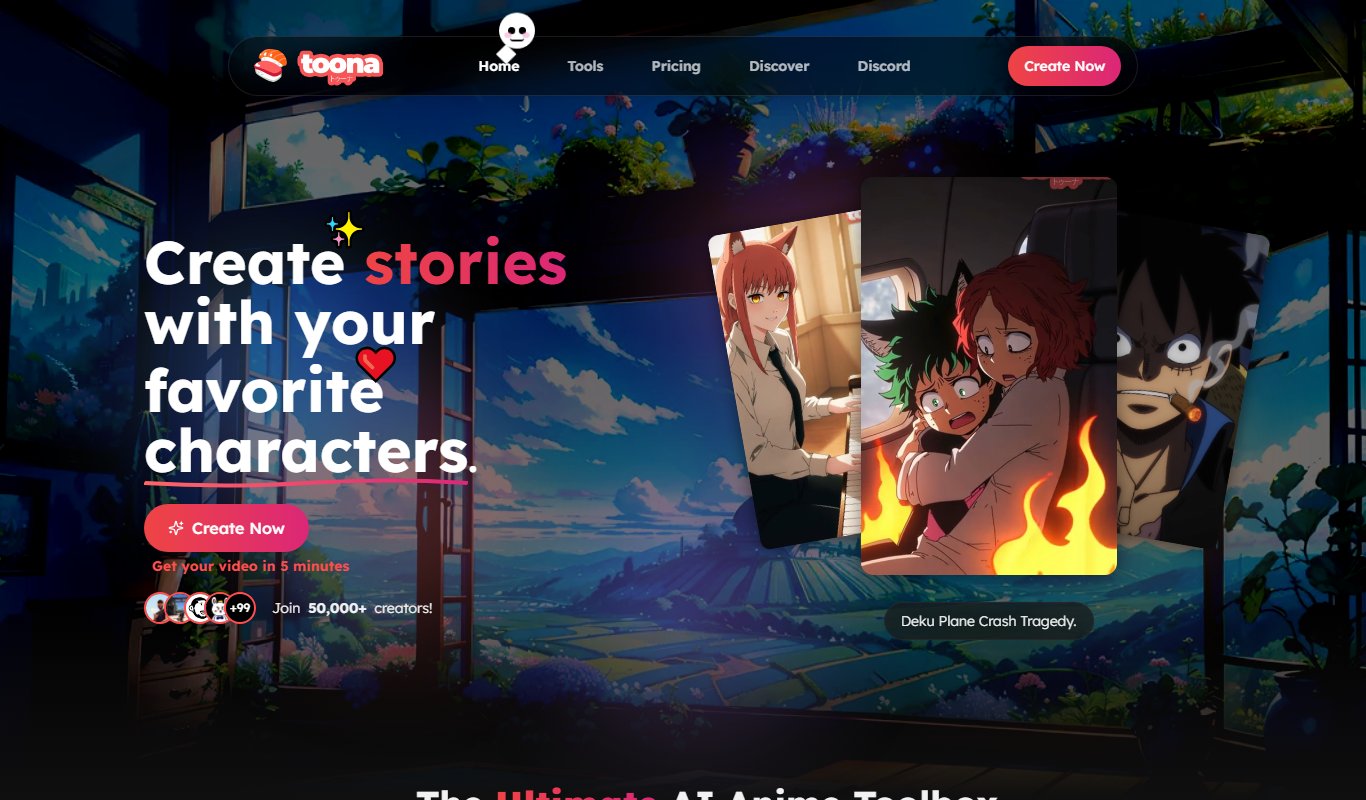
Key Features of toona
Multiple Voice Options
Access a diverse range of AI voices with different accents and tones.
Customizable Speech Parameters
Adjust speed, pitch, and emphasis to create natural-sounding speech.
Fast Audio Generation
Generate high-quality voiceovers within seconds.
Web-Based Platform
Use Toona directly from your browser without any downloads.
Freemium Model with Subscription Plans
Start for free and upgrade for additional features and higher usage limits.
Pros and Cons of toona
Pros
- Produces realistic, human-like AI voices
- Easy-to-use web interface with no installation
- Multiple voice options and customization
- Fast audio generation
- Free tier available for testing
Cons
- Limited language support (primarily English)
- Advanced features require paid subscription
- No desktop or mobile app versions
Key Use Cases for toona
Voiceover Production
Create natural-sounding voiceovers for videos, presentations, and advertisements.
Podcasting
Generate AI voices to narrate podcast episodes or segments.
E-learning Content
Produce engaging audio narration for online courses and educational materials.
Accessibility
Convert text content into speech to improve accessibility for visually impaired users.
Marketing Materials
Create compelling audio ads and promotional content with AI-generated voices.
How toona Works
-
1
Sign Up
Create a free account on Toona’s website to access the voice generation tools.
-
2
Enter Text
Input the text you want to convert into speech using the provided editor.
-
3
Select Voice
Choose from a variety of AI-generated voices and customize speech parameters.
-
4
Generate Audio
Click the generate button to produce the audio file instantly.
-
5
Download or Share
Download the generated audio or share it directly for your projects.
Who's Using toona
Content creators
Marketing agencies
Educators and e-learning developers
Podcasters
Businesses needing voiceovers
toona Pricing
Free
$0/month
Basic access with limited voice options and usage quota.
Pro
$29/month
Expanded voice library, higher usage limits, and priority support.
Frequently Asked Questions About toona
Yes, Toona allows commercial use of generated audio under its subscription plans.
Currently, Toona primarily supports English voices.
Free plans have usage limits; paid plans offer higher or unlimited quotas.
Yes, Toona provides controls to adjust speech speed and tone for natural output.
It depends on your specific needs and how you plan to use the tool. The official website and documentation are the best sources for the latest details.
Yes, it can help with that use case depending on how you configure it and what features are available. You’ll get the best results with clear inputs and a defined goal.
Some tools offer a free plan or trial with limited features. Availability can vary, so confirm on the official website.
Yes, it can help with that use case depending on how you configure it and what features are available. You’ll get the best results with clear inputs and a defined goal.
Share your review
Reviews are limited to one per logged-in user and are published after moderation.
You need an account to review this tool.
0.0
★
★
★
★
★
0 reviews
5 star
0
4 star
0
3 star
0
2 star
0
1 star
0
No reviews yet
Be the first to share how this tool worked for you.
Questions from the community
Read questions and answers about this tool, or ask your own.
No questions yet
Start the conversation by asking the first question about this tool.
Is this tool helpful?

Freemium
BlitzVideo.AI
BlitzVideo.AI is a web-based AI video creation platform that automates video editing and script-to-video conversion, enabling users to produce professional videos quickly without prior editing experience.

Free Trial
AIflixhub
AIflixhub is an AI-powered platform that converts text scripts into professional videos with AI voiceovers and customizable templates, ideal for marketers and content creators.

Freemium
IMMagicAI
IMMagicAI is a web-based AI tool that generates unique images from text descriptions, helping users create creative visuals quickly and easily.

Free Trial
Deja Videos
Deja Videos is an AI-driven platform that automates video creation for marketing and social media, enabling users to generate professional videos quickly without editing skills.

Free
freebeat
Freebeat AI is a free web-based tool that uses artificial intelligence to generate royalty-free beats and instrumental music tracks quickly and easily for various creative projects.

Free
Toon Crafter
Toon Crafter is a web-based AI tool that generates custom cartoon characters from user inputs, ideal for avatars, branding, and creative projects.

Free
Animatable
Animatable is a web-based AI animation tool that simplifies creating character animations by automatically generating smooth motion sequences, suitable for content creators and marketers.

Free
Gemoo
Gemoo is a screen recording and collaboration tool that enables users to capture, annotate, and share videos for team communication, training, and content creation.