

From my experience with Toon Crafter, I found it excels at quickly generating unique cartoon characters without requiring any design skills. The platform’s straightforward interface makes it accessible for content creators and marketers who want personalized avatars or branding elements without investing in complex software. However, the customization options are somewhat limited compared to professional graphic design tools, and the lack of a dedicated mobile app might be a drawback for some users. Overall, if you need an easy-to-use AI cartoon generator for social media or branding, Toon Crafter delivers solid and creative results.
Toon Crafter AI Cartoon Generator for Custom Character Creation
Toon Crafter is a web-based AI tool that generates custom cartoon characters from user inputs, ideal for avatars, branding, and creative projects.
- Best for
- Custom Cartoon Character Creation
- Key capability
- AI-Powered Cartoon Generation


Do you recommend this tool?
What is Toon Crafter?
Toon Crafter is an AI-powered web application that allows users to create custom cartoon characters effortlessly. By leveraging artificial intelligence, it generates unique and stylized cartoon avatars based on user inputs, enabling both amateurs and professionals to produce creative digital art without requiring advanced design skills.
Key features of Toon Crafter
Toon Crafter offers an intuitive interface for generating cartoon characters with customizable options. It provides AI-driven art generation, style variations, and easy export options, making it suitable for various creative and branding purposes.
AI-Powered Cartoon Generation
Uses advanced AI models to create unique cartoon characters based on user input.
Style Customization
Offers various artistic styles and customization options for character appearance.
User-Friendly Interface
Simple and accessible web platform requiring no prior design experience.
High-Quality Exports
Allows users to download their creations in high resolution for multiple uses.
Pros and cons of Toon Crafter
Pros
- Easy to use with no design experience required
- Generates unique and creative cartoon characters
- Affordable subscription with generous features
- Quick generation and download process
Cons
- Limited customization compared to professional graphic design software
- No dedicated mobile app yet
Key use cases for Toon Crafter
Custom Cartoon Character Creation
Generate unique cartoon avatars and characters for personal or professional use.
Social Media Content
Create engaging and personalized cartoon images to enhance social media profiles and posts.
Marketing and Branding
Design distinctive cartoon mascots or characters to represent brands and marketing campaigns.
Entertainment and Storytelling
Develop cartoon characters for comics, animations, or storytelling projects.
How Toon Crafter works
- 1
Access the Web App
Visit the Toon Crafter website and open the cartoon creation interface.
- 2
Input Preferences
Provide descriptions or select styles to guide the AI in generating your cartoon character.
- 3
Generate Cartoon
The AI processes your input and creates unique cartoon images.
- 4
Customize and Download
Adjust options if available, then download or share your cartoon character.
Who is using Toon Crafter
Content creators and influencers
Small business owners and marketers
Comic artists and storytellers
Social media users seeking unique avatars
Toon Crafter pricing
Free
$0/month
Basic access with limited daily generations and standard resolution downloads.
Pro
$9.99/month
Unlimited generations, higher resolution exports, and priority access to new features.
Plans and prices are as published by the vendor and can change. Check the official site before you buy. Open the pricing page (opens in a new tab)
Frequently asked questions about Toon Crafter
No, Toon Crafter is designed for users of all skill levels with an easy-to-use interface.
Yes, depending on your subscription plan, you can use the generated cartoons commercially.
You can download your cartoons in common image formats such as PNG and JPEG.
Currently, Toon Crafter is available as a web application accessible via browsers.
It depends on your specific needs and how you plan to use the tool. The official website and documentation are the best sources for the latest details.
Yes, it can help with that use case depending on how you configure it and what features are available. You’ll get the best results with clear inputs and a defined goal.
Some tools offer a free plan or trial with limited features. Availability can vary, so confirm on the official website.
Sign in to review this tool.
Sign In to ReviewNo reviews yet
Be the first to share how this tool worked for you.
Ask about pricing, limits, or how it compares — or answer someone else.
Sign In to AskNo questions yet
Have a question about using or paying for this tool? Be the first to ask.
Featured on TiorAI



Alternative Tools
Explore similar AI tools that might fit your needs
Free
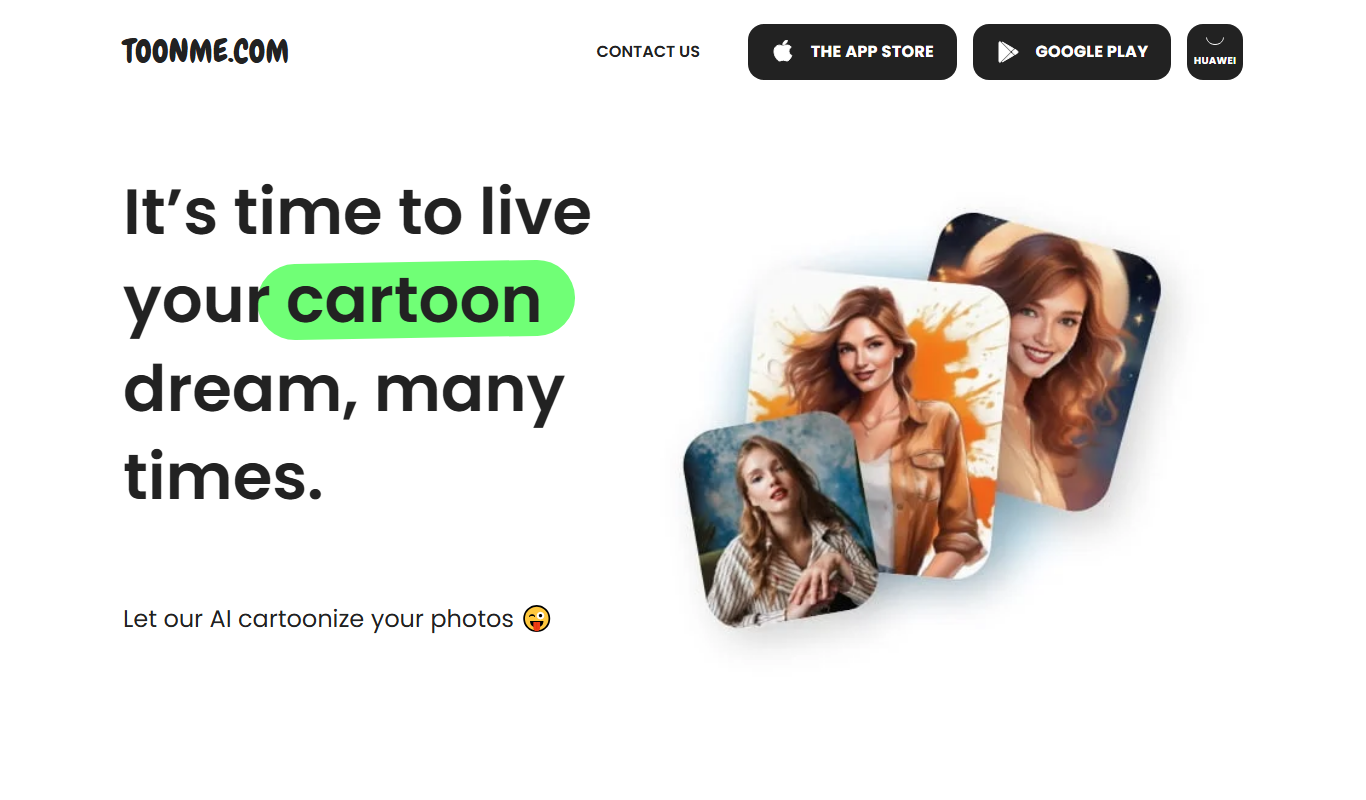
ToonMe
ToonMe is an AI-powered avatar generator that converts photos into cartoon-style images using neural networks, available on web and mobile platforms.
Free
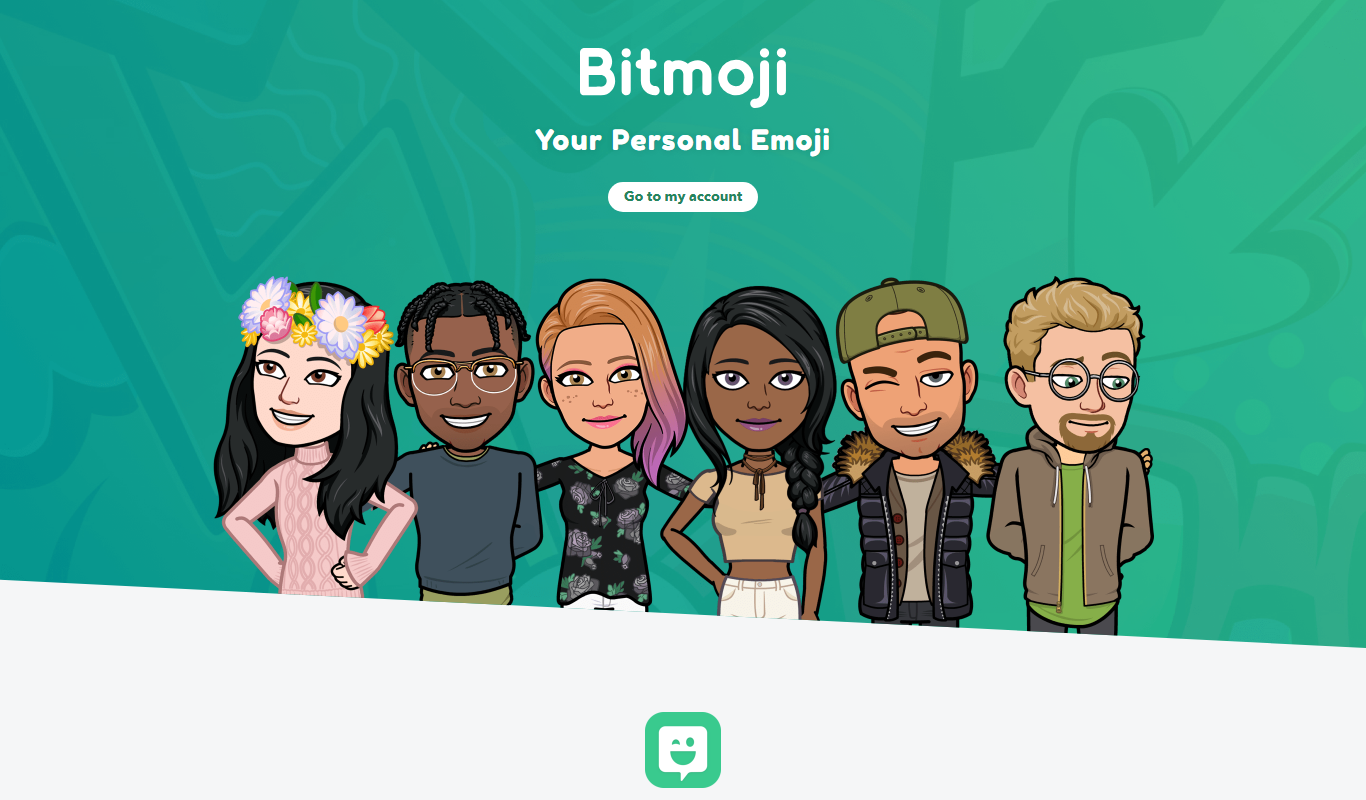
Bitmoji
Bitmoji is a free app by Snap Inc. that lets users create personalized cartoon avatars and emojis for use in messaging and social media.
More AI Animated Video tools
Other tools in the same category, for when this one is not quite the fit.

Digital Domain
Digital Domain is a top visual effects and digital production studio specializing in CGI, virtual reality, and immersive media for films, commercials, and interactive experiences.

Free
Gooey.AI
Gooey.AI is a no-code platform that enables developers and teams to deploy machine learning models as scalable APIs without backend coding, supporting collaboration and rapid prototyping.

Free
Gemoo
Gemoo is a screen recording and collaboration tool that enables users to capture, annotate, and share videos for team communication, training, and content creation.

Freemium
LuDe
LuDe is an AI-powered writing assistant that helps users generate, edit, and improve written content efficiently through advanced natural language processing.

Free Trial
Deja Videos
Deja Videos is an AI-driven platform that automates video creation for marketing and social media, enabling users to generate professional videos quickly without editing skills.

Freemium
BlitzVideo.AI
BlitzVideo.AI is a web-based AI video creation platform that automates video editing and script-to-video conversion, enabling users to produce professional videos quickly without prior editing experience.
Free
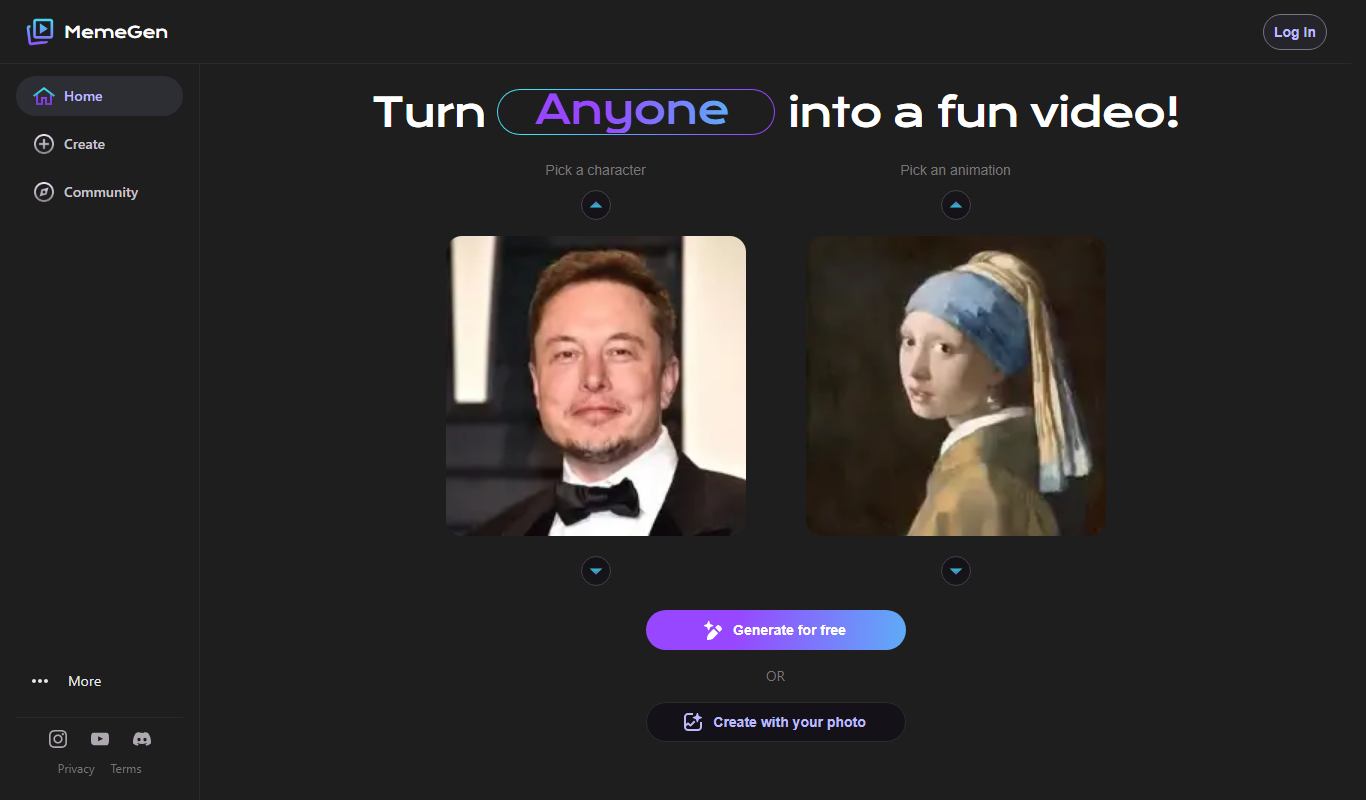
MemeGen AI
MemeGen AI is a web-based tool that uses artificial intelligence to help users create memes by providing caption suggestions and a variety of templates, ideal for social media marketing and content creation.
Contact Sales
Syft
Syft is an AI-driven platform that automates data discovery, cataloging, and governance by scanning diverse data sources to create a unified metadata catalog with lineage and compliance features.