

SendFame AI Videos, Images, Music and More
SendFame lets you create AI videos, images, songs and more, from image-to-video and dance videos to full songs with lyrics and lip-synced avatar videos.
- Best for
- Custom songs
- Key capability
- AI video generator
Save SendFame, follow its updates and vote on it — everything stays in your account.
Sign in or create a free account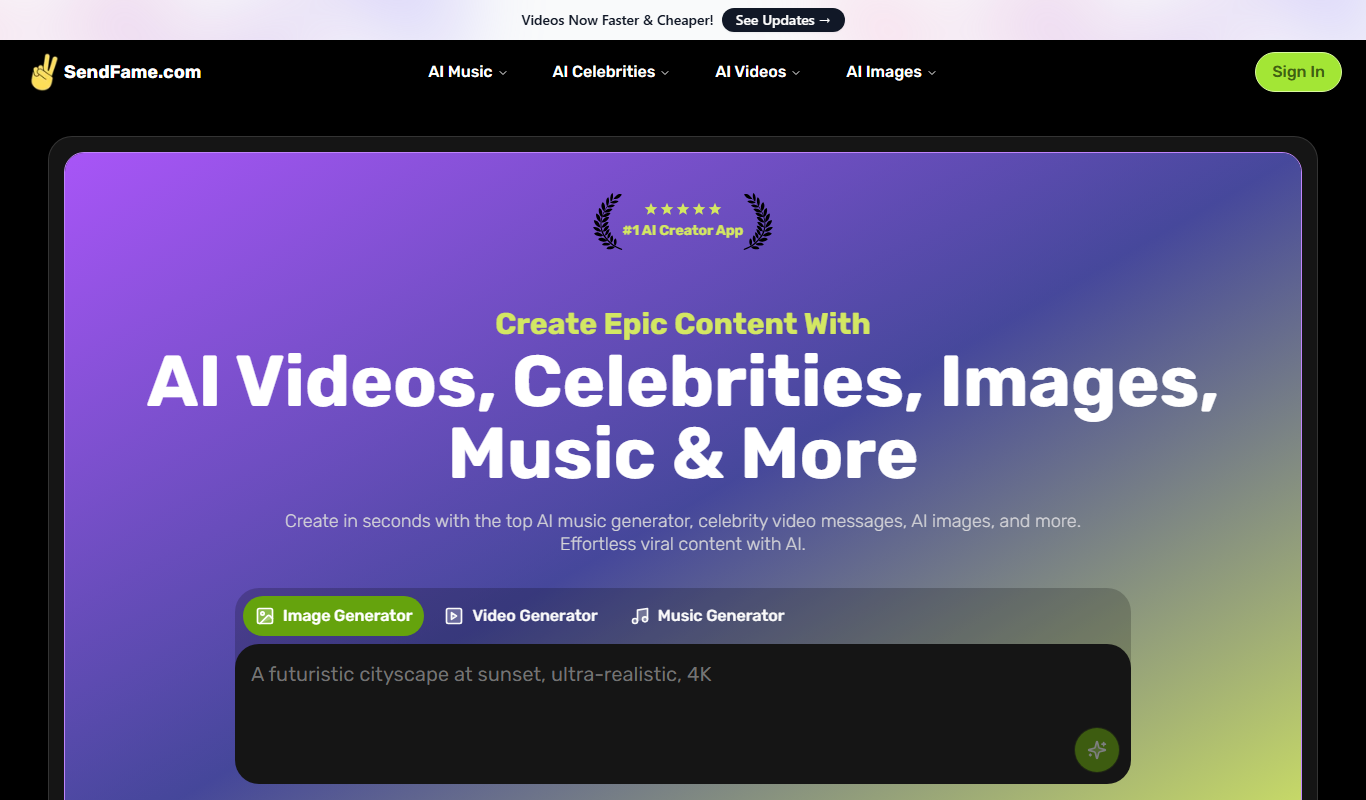

What is SendFame?
SendFame is an AI generator for videos, images and songs. It offers an AI video generator with image-to-video and dance videos, an AI image generator and editor, an AI music generator that writes full songs with lyrics, and AI lip sync and avatar video tools for talking-head videos, digital twins and ads, plus an API for developers.
Key features of SendFame
SendFame combines an AI video generator with image-to-video and dance videos, an AI image generator and editor, an AI music generator for full songs with lyrics, lip sync in 50+ languages and AI avatar videos with digital twins, plus an API.
AI video generator
Create videos with AI in seconds, including dancing videos from a photo.
AI music generator
Generate full songs with lyrics and music.
AI lip sync
Generate lip sync videos with any face in 50+ languages, including animated characters.
AI avatar videos
Use stock AI presenters or a digital twin of yourself to deliver a script.
AI image generator
Generate images with models like Flux and SDXL and compare the outputs.
Pros and cons of SendFame
Pros
- Video, image, music, lip sync and avatar tools in one place
- Lip sync in 50+ languages
- Several AI models to compare
- API for developers
Cons
- Prices are shown only after sign-up
- Accounts require users to be at least 18 years old
Key use cases for SendFame
Custom songs
Create songs with lyrics and music, from rap to country.
Video dubbing
Replace dialogue in an existing video and re-sync the lips to the new audio.
Avatar video ads
Create avatar video ads with full commercial rights.
Talking-head lessons
Turn static slides into talking-head lessons.
Animated character voices
Make illustrated or 3D characters talk and sing.
How SendFame works
- 1
Pick a tool
Choose the video, image, music, lip sync or avatar generator.
- 2
Upload or describe
Upload a photo or video, or type a prompt or script.
- 3
Generate
Hit generate and the AI creates the video, image or song.
- 4
Compare models
Try different models and keep the result that fits the project.
- 5
Localize
Have an avatar deliver the same script in other languages.
- 6
Download and publish
Use the finished videos commercially in content and ads.
Who is using SendFame
SendFame pricing
Free
$0/month
Basic access with limited influencer outreach and campaign features.
Pro
$49/month
Expanded features including advanced analytics, more influencer connections, and priority support.
Enterprise
Custom pricing
Tailored solutions with full platform access, dedicated account management, and custom integrations.
Plans and prices are as published by the vendor and can change. Check the official site before you buy. Open the pricing page (opens in a new tab)
Frequently asked questions about SendFame
AI videos, images, songs and more.
Yes. The AI music generator creates full songs with lyrics and music.
Lip sync works in 50+ languages.
An AI avatar created from footage of yourself that speaks in your voice and looks like you.
Yes. A library of pre-built AI presenters is available without uploads.
Models like Flux, SDXL and Stable Diffusion variants.
Yes. Avatar and lip sync generation can be integrated through an API.
Yes. Avatar video ads come with full commercial rights.
Conclusion
Songs, images and short videos all come out of one account here, with an AI music generator that writes full tracks with lyrics alongside image and video generators. Its talking-video tools re-sync lips to new audio in 50+ languages, and avatar videos use stock presenters or a digital twin made from the user’s own footage.
Creators, D2C brands, educators and developers are all addressed, from UGC-style ads to talking-head lessons, and avatar ads come with full commercial rights. Several image models can be compared side by side, so users can compare outputs and pick a result for each project. Plans and prices only appear after signing up, and accounts are limited to users who are at least 18 years old.
Sources
Sign in to review this tool.
Sign In to ReviewNo reviews yet
Be the first to share how this tool worked for you.
Ask about pricing, limits, or how it compares — or answer someone else.
Sign In to AskNo questions yet
Have a question about using or paying for this tool? Be the first to ask.
Featured on TiorAI



More AI Animated Video tools
Other tools in the same category, for when this one is not quite the fit.
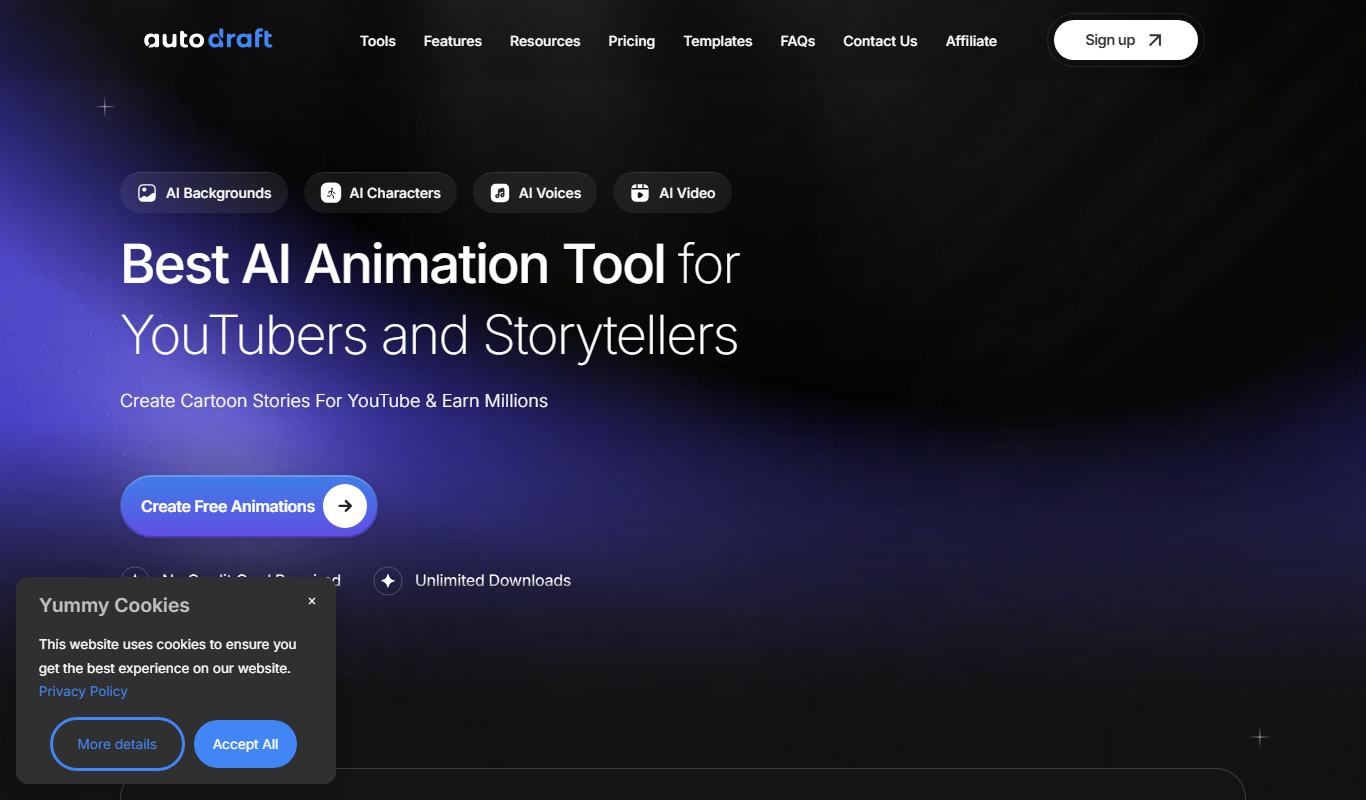
AutoDraft
AutoDraft is an AI animation tool for YouTubers that generates cartoon characters, backgrounds and voices for animated stories.

Gooey.AI
Gooey.AI is a low-code AI orchestration platform that is collaborative, model-agnostic, multi-lingual and measurable, used to build and deploy AI agents and workflows.

Melies
Melies is the all-in-one AI studio to go from idea to final cut: write stories, generate images, create videos, voices, music and sound effects.
Snowpixel App
Snowpixel App is an AI studio that turns a prompt or source image into video, music, sound effects, images and 3D objects, paid with credit packs.
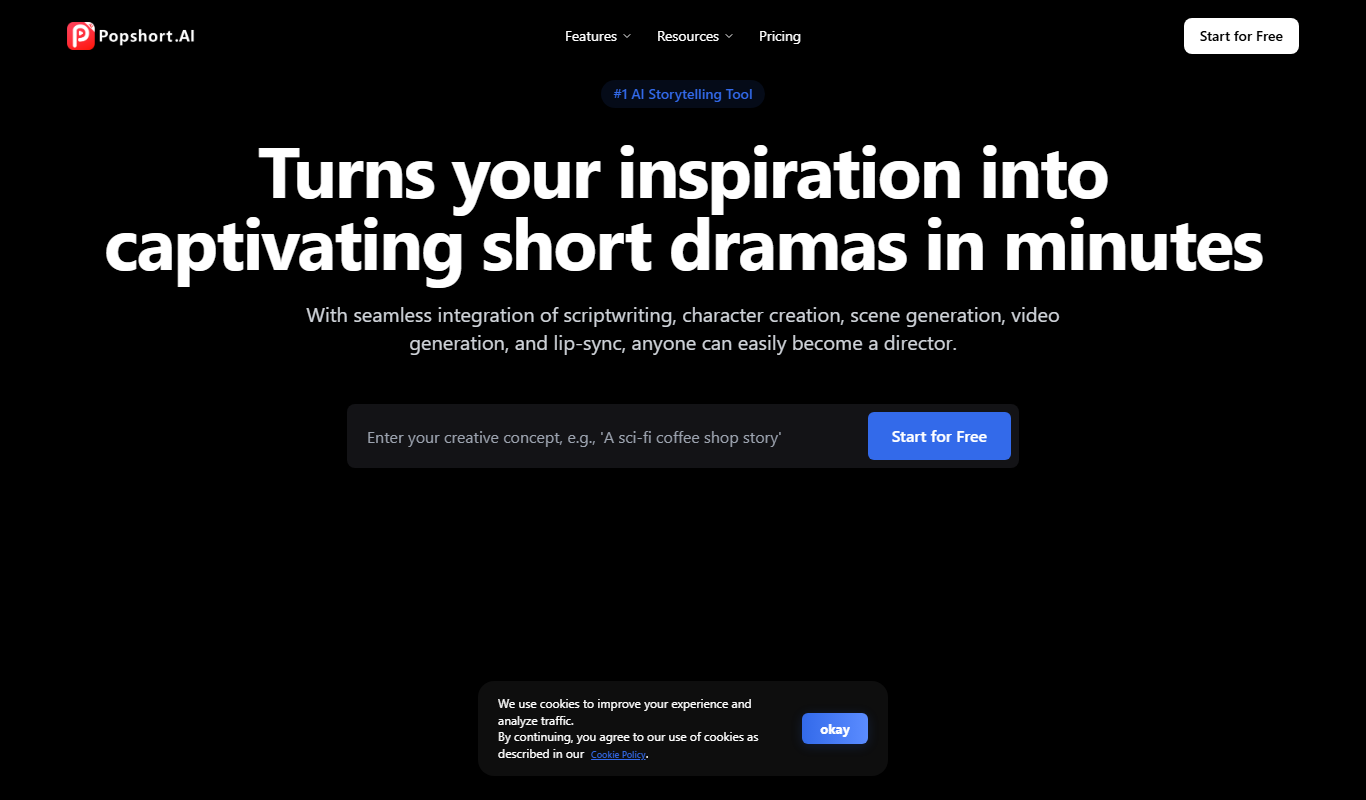
PopShort.AI
PopShort.AI turns an idea, script or novel into a complete short drama with AI-powered scripts, characters, storyboards, video, music and lip sync.
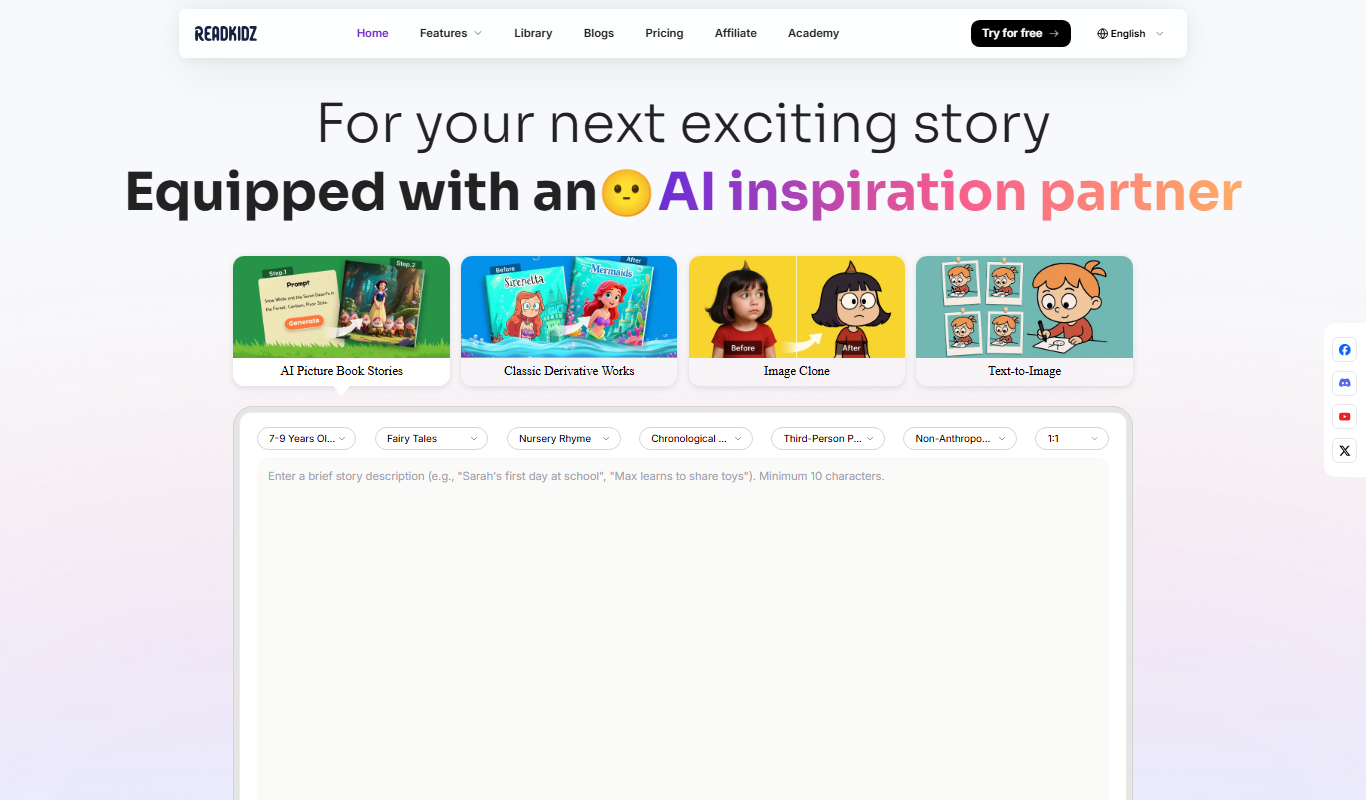
Readkidz
ReadKidz turns one sentence into a complete illustrated children's book: pick an age and story type and read your picture book in minutes, or paste a story you wrote.

Hashmeta AI
Hashmeta AI is an AI visibility and AI search optimisation agency in Singapore that helps brands get cited in AI answers, with its own AI Visibility, AI CMS and AI CRM platform.
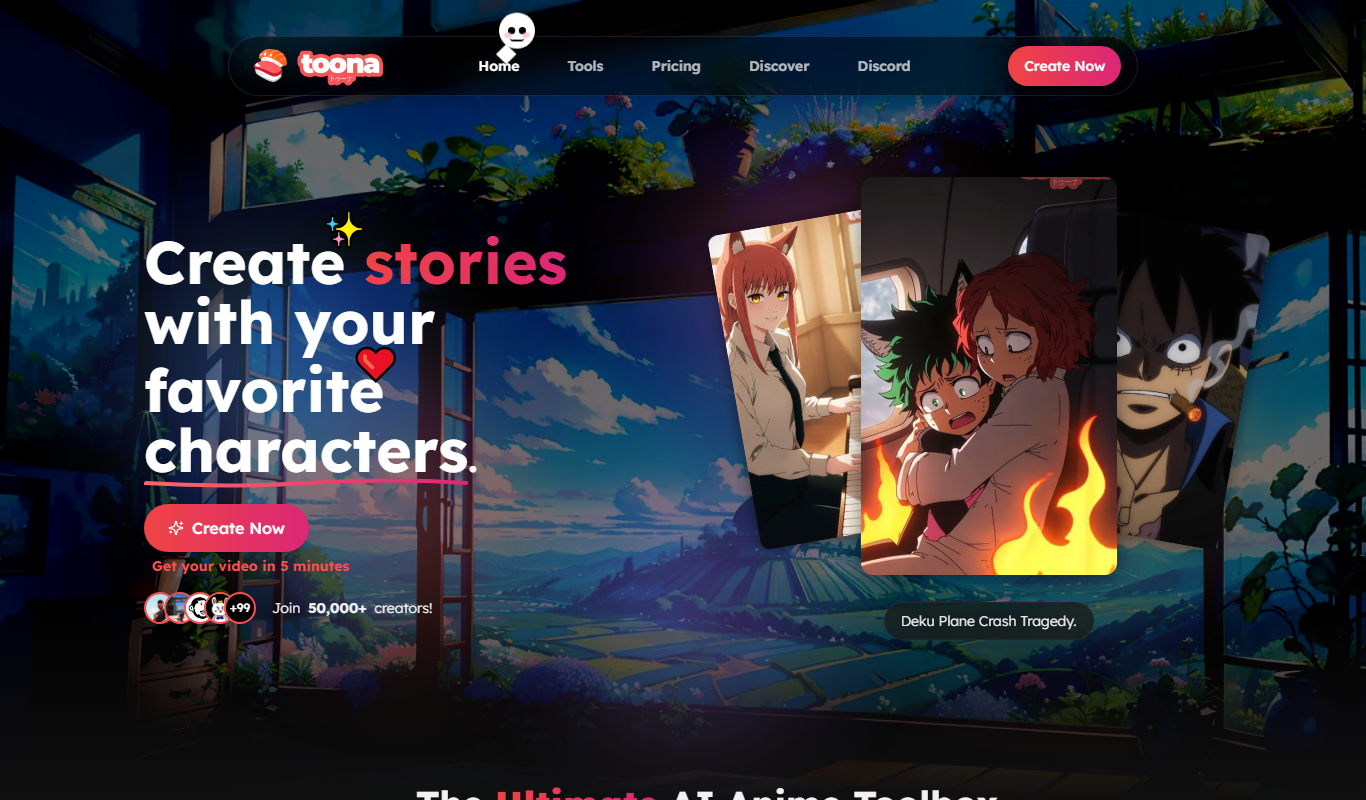
toona
toona is an AI anime toolbox to create and share animated manga and motion comics, with tools to colorize, upscale and animate manga and anime.