

MagicAnimate: Temporally Consistent Human Image Animation using Diffusion Model
MagicAnimate is an open source diffusion framework by Show Lab, National University of Singapore and Bytedance that produces an animated video from a single image and a motion video.
- Best for
- Human image animation research
- Key capability
- Image plus motion to video
Save MagicAnimate, follow its updates and vote on it — everything stays in your account.
Sign in or create a free account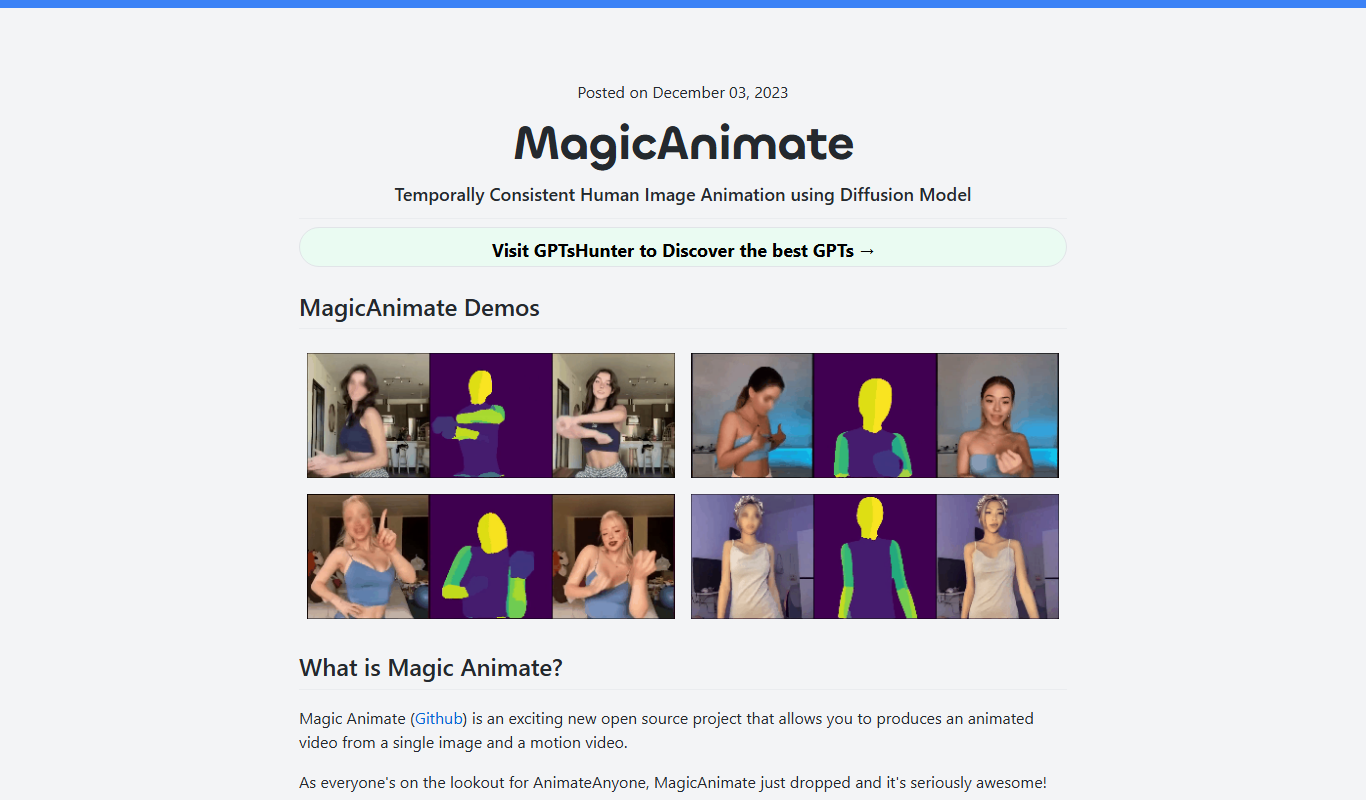
What is MagicAnimate?
MagicAnimate is an open source, diffusion-based framework for human image animation built by Show Lab, National University of Singapore and Bytedance. It produces an animated video from a single reference image and a motion video, aiming at temporal consistency and a faithful reference image. Code, checkpoints and an online demo are published in its official repository.
Key features of MagicAnimate
MagicAnimate animates a reference image with a DensePose motion sequence using a video diffusion model and an appearance encoder for temporal modeling and identity preserving, and uses a video fusion strategy for long video animation.
Image plus motion to video
Animates a reference image so it follows a target DensePose motion sequence.
Temporal consistency
A video diffusion model handles temporal modeling and an appearance encoder preserves the identity of the reference image.
Long video fusion
A video fusion strategy produces smooth transitions for long video animation during inference.
Unseen domain animation
Animates unseen domain images such as oil paintings and movie characters to perform running or yoga.
Open source code and demos
Inference code, checkpoints and online and local Gradio demos are published in the official repository.
Pros and cons of MagicAnimate
Pros
- Open source code under the BSD-3-Clause license
- Focus on temporal consistency and faithful reference images
- Online and local Gradio demos
- Supports cross-ID, unseen domain and multi-person animation
- Quick export options for GIF and video
Cons
- Running it locally requires python, CUDA and ffmpeg
- Motion input must be a DensePose motion sequence
- Lacks collaborative or cloud saving features
Key use cases for MagicAnimate
Human image animation research
Animate a human reference image with a motion sequence while keeping temporal consistency.
Unseen domain animation
Animate oil paintings or movie characters to perform running or yoga.
Animating text-to-image results
Animate reference images generated by DALLE3 to perform various actions.
Multi-person animation
Animate several people following a given motion.
How MagicAnimate works
- 1
Install the prerequisites
Set up python 3.8 or later, CUDA 11.3 or later and ffmpeg, then install the environment with conda or pip.
- 2
Download the models
Download the pretrained StableDiffusion V1.5 base model, the MSE-finetuned VAE and the MagicAnimate checkpoints.
- 3
Provide image and motion
Give a reference image and a target DensePose motion sequence.
- 4
Run inference or the demo
Run the inference script on a single GPU or multiple GPUs, or launch the Gradio demo locally.
Who is using MagicAnimate
MagicAnimate pricing
Free
$0
Complete access to all features without any cost or subscription.
Plans and prices are as published by the vendor and can change. Check the official site before you buy. Open the pricing page (opens in a new tab)
Frequently asked questions about MagicAnimate
Yes. The official repository publishes the code under the BSD-3-Clause license.
It is built by Show Lab, National University of Singapore and Bytedance.
A reference image and a target DensePose motion sequence.
python 3.8 or later, CUDA 11.3 or later and ffmpeg, plus the downloaded base models and MagicAnimate checkpoints.
Yes. The repository links an online Gradio demo.
The inference code and gradio demo were released on 2023.12.4.
Yes, it can help with that use case depending on how you configure it and what features are available. You’ll get the best results with clear inputs and a defined goal.
Conclusion
Just two inputs feed this research framework: one reference photo of a person and a DensePose motion sequence, from which a video diffusion model generates the person performing that motion. An appearance encoder keeps the identity of the reference image, while a video fusion step smooths transitions in longer clips. The project page also shows paintings, movie characters and DALLE3 images animated this way.
It comes from Show Lab at the National University of Singapore and Bytedance, and the official repository carries a CVPR 2024 label. Its official repository publishes the code under the BSD-3-Clause license, together with the pretrained checkpoints to download. Running it locally means a CUDA GPU setup with python and ffmpeg plus the downloaded base models, although an online Gradio demo offers a quicker test. The setup may suit researchers and developers more than casual animators.
Sources
Sign in to review this tool.
Sign In to ReviewNo reviews yet
Be the first to share how this tool worked for you.
Ask about pricing, limits, or how it compares — or answer someone else.
Sign In to AskNo questions yet
Have a question about using or paying for this tool? Be the first to ask.
Featured on TiorAI



Alternative Tools
Explore similar AI tools that might fit your needs

Piskel
Piskel is a free, web-based pixel art editor designed for creating static pixel images and animated sprites with features like layers, frames, and onion skinning.
More AI Animated Video tools
Other tools in the same category, for when this one is not quite the fit.
AutoDraft
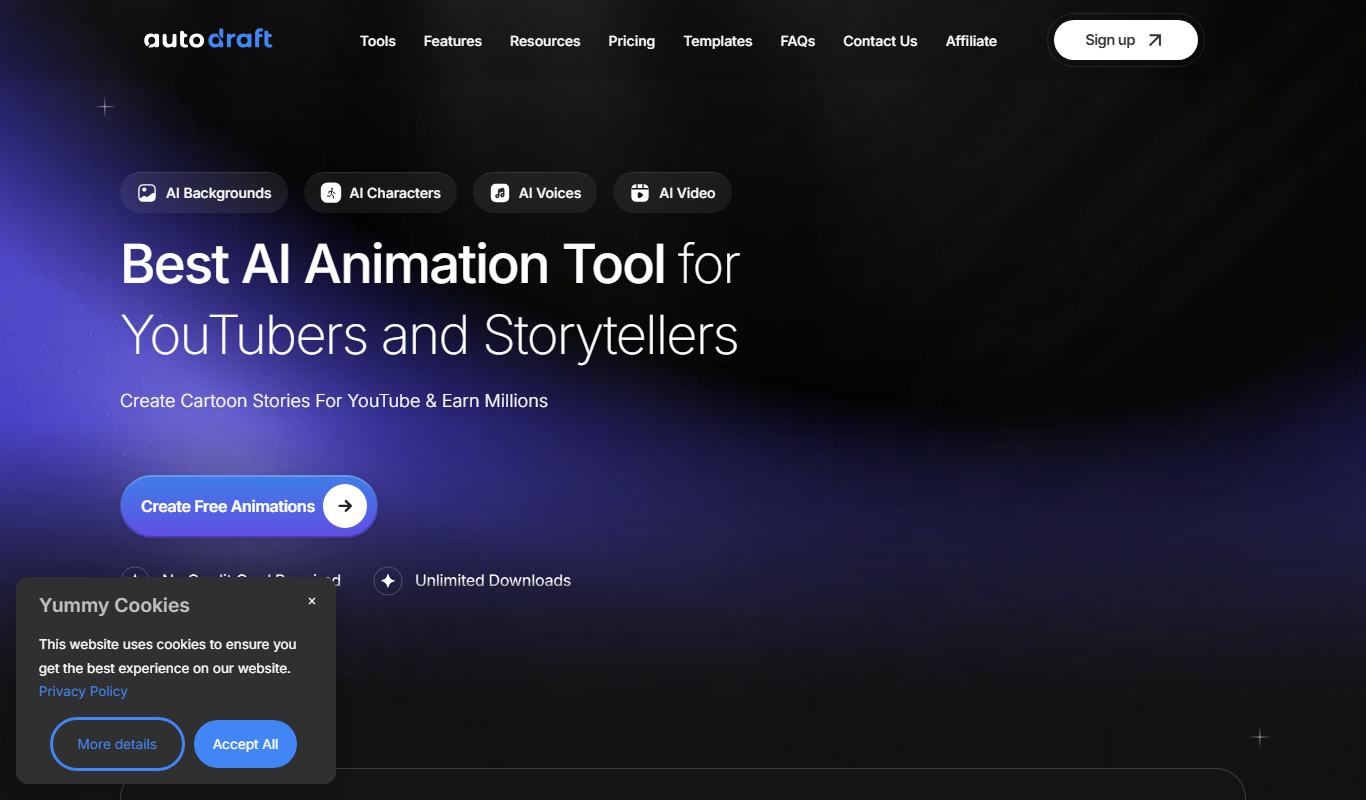
AutoDraft is an AI animation tool for YouTubers that generates cartoon characters, backgrounds and voices for animated stories.

Gooey.AI
Gooey.AI is a low-code AI orchestration platform that is collaborative, model-agnostic, multi-lingual and measurable, used to build and deploy AI agents and workflows.

Melies
Melies is the all-in-one AI studio to go from idea to final cut: write stories, generate images, create videos, voices, music and sound effects.
Snowpixel App
Snowpixel App is an AI studio that turns a prompt or source image into video, music, sound effects, images and 3D objects, paid with credit packs.
PopShort.AI
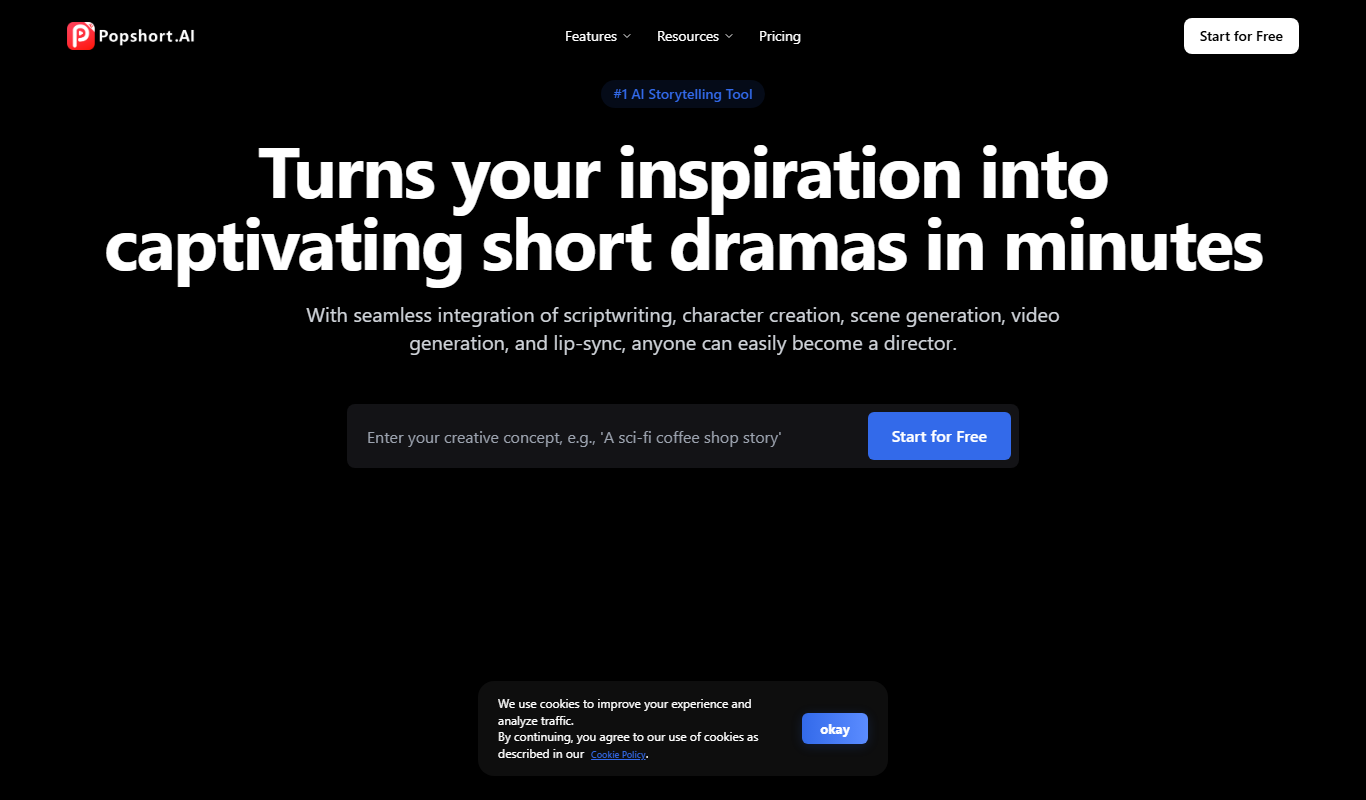
PopShort.AI turns an idea, script or novel into a complete short drama with AI-powered scripts, characters, storyboards, video, music and lip sync.
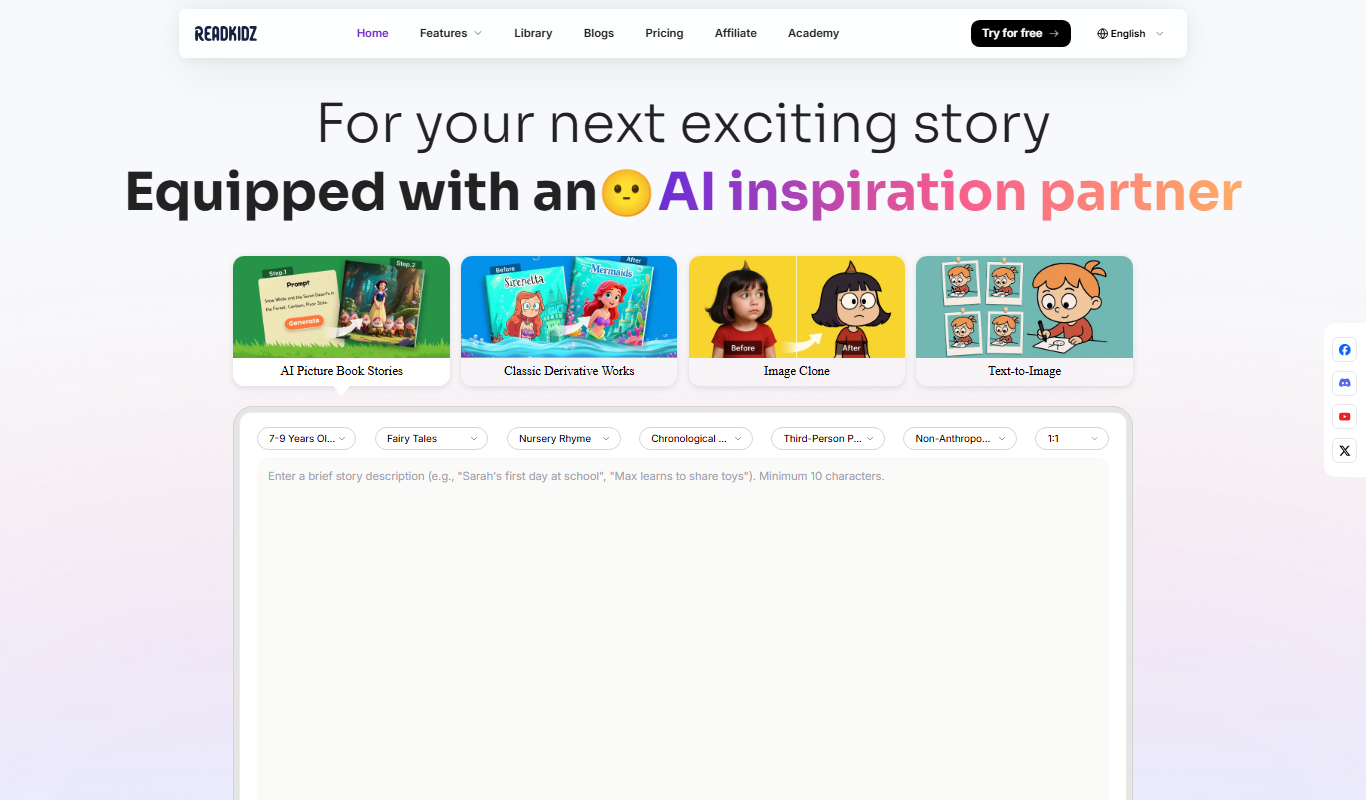
Readkidz
ReadKidz turns one sentence into a complete illustrated children's book: pick an age and story type and read your picture book in minutes, or paste a story you wrote.

Hashmeta AI
Hashmeta AI is an AI visibility and AI search optimisation agency in Singapore that helps brands get cited in AI answers, with its own AI Visibility, AI CMS and AI CRM platform.
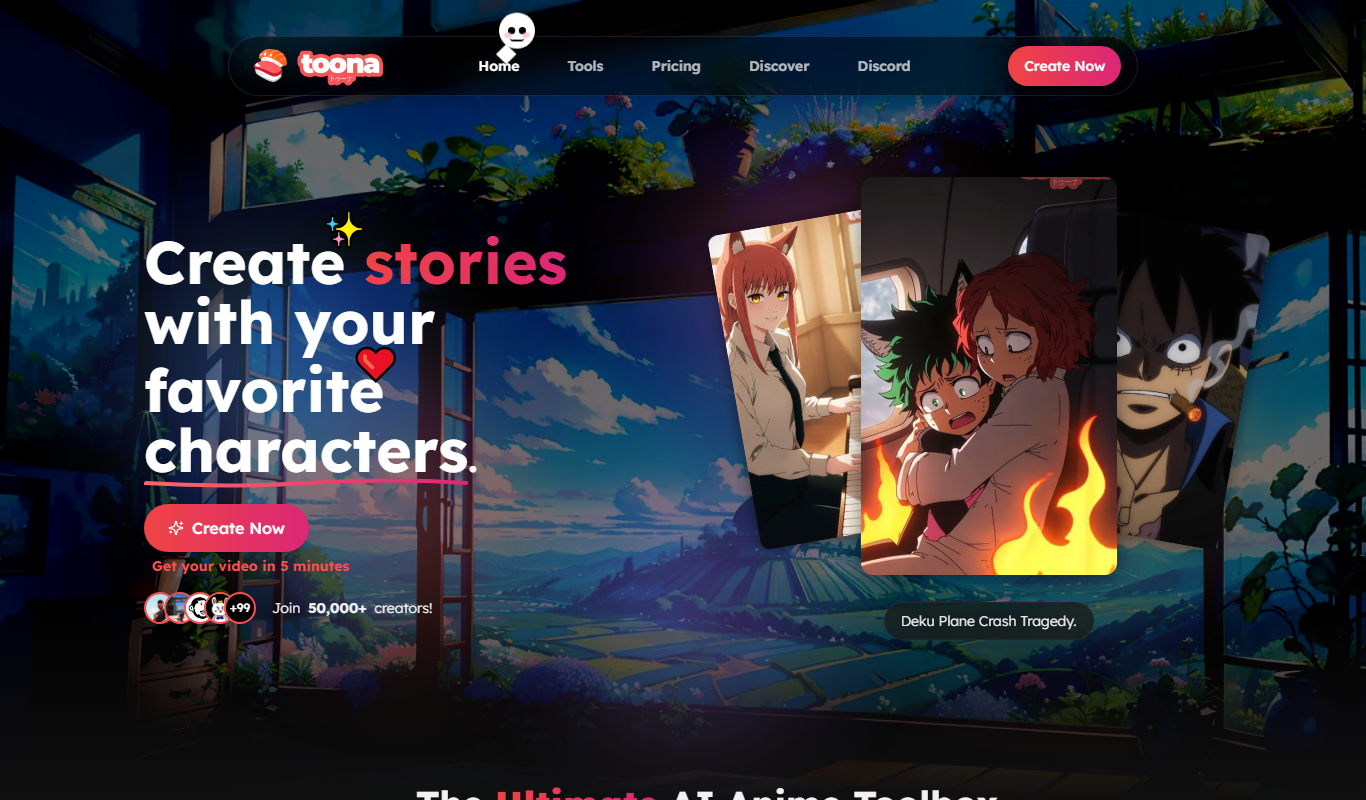
toona
toona is an AI anime toolbox to create and share animated manga and motion comics, with tools to colorize, upscale and animate manga and anime.