

PlanSwift Construction Estimating Software for Accurate Material Takeoffs
PlanSwift is a construction estimating software that enables contractors to perform digital material takeoffs and generate accurate cost estimates from blueprints.
- Best for
- Material Takeoff
- Key capability
- Digital Takeoff Tools
Save PlanSwift, follow its updates and vote on it — everything stays in your account.
Sign in or create a free account
What is PlanSwift?
PlanSwift is a construction takeoff and estimating software designed to help contractors, estimators, and builders quickly and accurately measure digital blueprints and generate material quantities. It streamlines the process of creating detailed cost estimates and project bids by automating takeoff calculations and integrating with other construction management tools.
Key features of PlanSwift
PlanSwift offers digital takeoff tools, customizable templates, integration with estimating databases, and reporting features that enable construction professionals to improve accuracy and efficiency in project estimation and bidding.
Digital Takeoff Tools
Measure linear, area, volume, and count quantities directly from digital plans.
Customizable Templates
Create and save templates for common materials and assemblies to speed up takeoff.
Integration Capabilities
Connect with popular estimating and project management software for seamless workflows.
Automated Calculations
Automatically calculate quantities and costs to reduce manual errors.
Reporting and Export
Generate detailed reports and export data in multiple formats for client presentations and internal use.
Pros and cons of PlanSwift
Pros
- Accurate and efficient digital takeoff tools
- Customizable templates speed up repetitive tasks
- Integrates with popular construction software
- Reduces manual errors with automation
- Comprehensive reporting options
Cons
- Primarily Windows-based with limited Mac support
- Learning curve for new users unfamiliar with takeoff software
Key use cases for PlanSwift
Material Takeoff
Accurately measure and quantify materials needed for construction projects using digital blueprints.
Cost Estimation
Generate detailed cost estimates based on material quantities and labor inputs to prepare bids and budgets.
Project Planning
Organize and manage project scope with precise measurements to improve scheduling and resource allocation.
Bid Preparation
Streamline the bidding process by quickly producing accurate takeoffs and estimates for competitive proposals.
Workflow Automation
Automate repetitive tasks in the estimating process to reduce errors and save time.
How PlanSwift works
- 1
Import Plans
Upload digital blueprints or scanned drawings into PlanSwift for analysis.
- 2
Perform Takeoff
Use intuitive tools to measure lengths, areas, counts, and volumes directly on the plans.
- 3
Generate Estimates
Apply cost data to the measured quantities to create detailed material and labor estimates.
- 4
Export Reports
Produce customizable reports and export data to other construction management software.
Who is using PlanSwift
PlanSwift pricing
Free Trial
$0 for 14 days
Full PlanSwift Core: every feature, including all AI tools. No credit card required.
PlanSwift Essential
$2,000/year per seat, annual pricing
Takeoff and estimating in one tool with pre-built assemblies, AI tools Auto Count, Auto Scale and Auto Bookmark, priority support and 2 hours of live 1-on-1 training.
PlanSwift Core
$3,000/year per seat, annual pricing
Everything in Essential, plus Auto Takeoff, the AI tool that builds a first-pass takeoff for areas, lengths and counts.
Plans and prices are as published by the vendor and can change. Check the official site before you buy. Open the pricing page (opens in a new tab)
Frequently asked questions about PlanSwift
PlanSwift supports PDF, TIFF, JPEG, BMP, and other common image and document formats for plan import.
Yes, PlanSwift integrates with various estimating and project management tools to streamline workflows.
ConstructConnect offers training resources, tutorials, and customer support to help users get started.
PlanSwift is Windows software only; there is no web access and no native Mac version.
Yes, it can help with that use case depending on how you configure it and what features are available. You’ll get the best results with clear inputs and a defined goal.
Yes, it can help with that use case depending on how you configure it and what features are available. You’ll get the best results with clear inputs and a defined goal.
Conclusion
Digital blueprints or scanned drawings are imported, and lengths, areas, counts and volumes are then measured directly on the plans. Applying cost data to the measured quantities creates material and labor estimates, while saved templates for common materials and assemblies speed up takeoff. Takeoff BOOST AI tools handle counting, scaling and bookmarking, and Auto Takeoff builds a first-pass takeoff for areas, lengths and counts.
It is designed for contractors, estimators and builders who prepare cost estimates and project bids. PlanSwift is Windows software only, with no web access and no native Mac version. A 14-day free trial needs no credit card, after which annual Essential or Core plans cover the software, updates, priority support and training.
Sources
Sign in to review this tool.
Sign In to ReviewNo reviews yet
Be the first to share how this tool worked for you.
Ask about pricing, limits, or how it compares — or answer someone else.
Sign In to AskNo questions yet
Have a question about using or paying for this tool? Be the first to ask.
Featured on TiorAI



Alternative Tools
Explore similar AI tools that might fit your needs

Bluebeam Revu
Bluebeam Revu is a PDF-based collaboration and markup software tailored for the architecture, engineering, and construction industries, enabling efficient document management and real-time team collaboration.
More Business Management tools
Other tools in the same category, for when this one is not quite the fit.

Feedzai
Feedzai is an AI-powered platform that detects and prevents fraud in real time using machine learning and big data analytics, primarily serving banks, payment providers, and e-commerce businesses.

FootfallCam
FootfallCam is an AI-powered visitor counting and people analytics platform that uses proprietary sensors and video analytics to provide accurate footfall data, queue monitoring, and customer behavior insights for retail and commercial environments.

KickoffLabs
KickoffLabs is a web platform that enables businesses to build viral landing pages and referral campaigns to generate leads and grow their customer base.

Royalty Exchange
Royalty Exchange is an online marketplace where investors can buy shares of music royalties through auctions, enabling passive income from music earnings, while rights holders can sell their royalty streams for upfront capital.

Carbonite
Carbonite is a cloud backup service that automatically protects your files by backing them up to secure cloud storage, offering ransomware protection and easy recovery options.
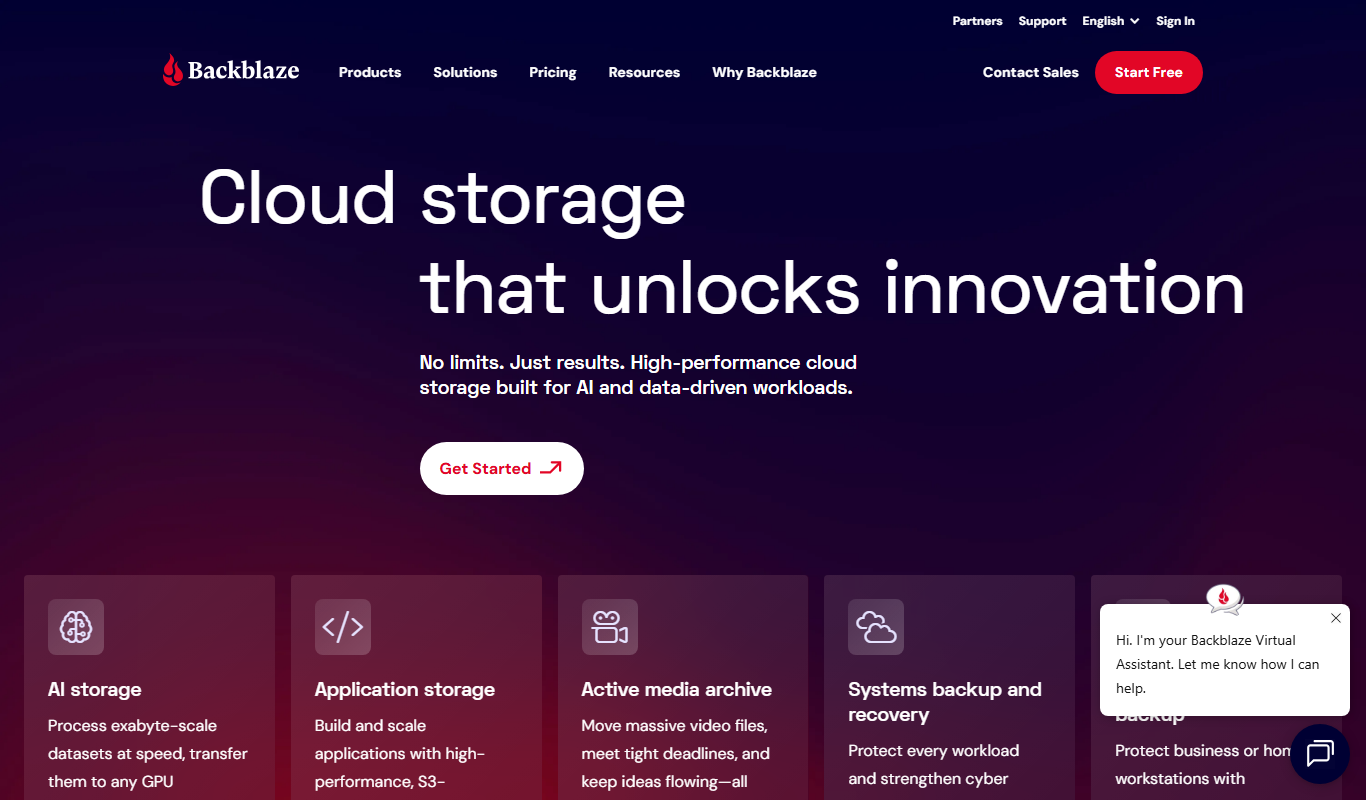
Backblaze
Backblaze is a cloud backup service that automatically backs up unlimited data from your computer and external drives to the cloud, enabling easy recovery of lost files.

Soda PDF Converter
Soda PDF Converter is a versatile PDF software that enables users to convert, edit, annotate, sign, and secure PDF documents efficiently across multiple platforms.

Toolots
Toolots is an online B2B marketplace that connects buyers with manufacturers and suppliers of industrial equipment and tools, offering wholesale pricing and order management.