
From my experience with Pencil2D, I found it excels at providing a straightforward and accessible platform for traditional 2D hand-drawn animation. Its open-source nature and cross-platform support make it an excellent choice for beginners, students, and hobbyists who want to explore animation without financial barriers. While it lacks some advanced features found in commercial software, its simplicity and focus on core animation principles offer a solid foundation for learning and creative experimentation. If you need a free tool to create frame-by-frame animations with both bitmap and vector support, Pencil2D delivers reliable and user-friendly performance.
Pencil2D Animation Software for 2D Hand-Drawn Animation and Open Source
Pencil2D is a free, open-source 2D animation software that enables users to create hand-drawn animations using bitmap and vector graphics. It is cross-platform and suitable for beginners and hobbyists.
What is Pencil2D?
Pencil2D is a free and open-source animation software designed for creating traditional hand-drawn 2D animations. It supports both bitmap and vector graphics workflows, allowing animators to draw frame-by-frame animations with a simple and intuitive interface. Pencil2D is cross-platform and lightweight, making it accessible for beginners and professionals alike who want to produce classic animation without the complexity or cost of commercial software.
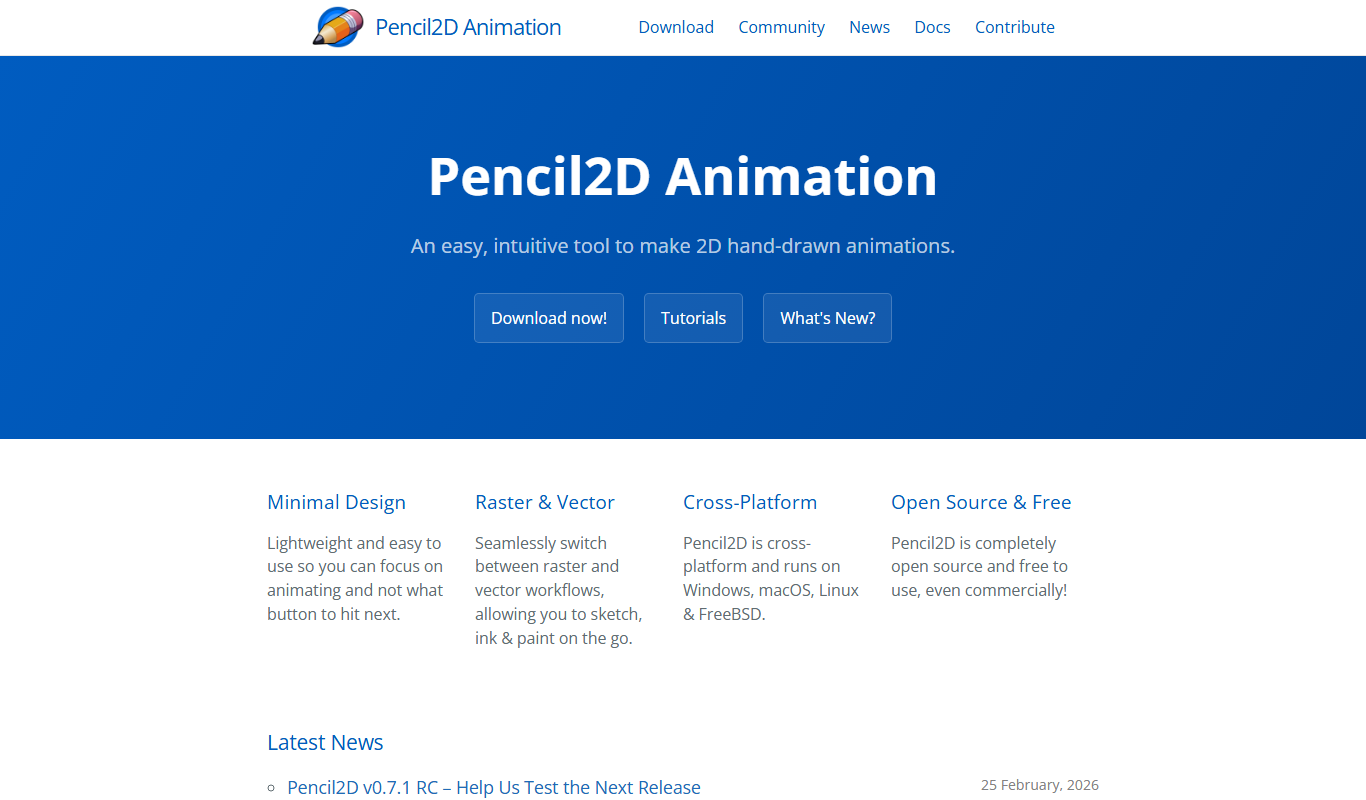
Key Features of Pencil2D
Bitmap and Vector Drawing
Supports both raster and vector graphics for flexible animation styles.
Onion Skinning
Allows viewing of previous and next frames to aid smooth frame-by-frame animation.
Multi-Layer Support
Create and manage multiple layers for complex animations.
Cross-Platform Compatibility
Runs on Windows, macOS, and Linux operating systems.
Open Source and Free
Completely free to use with an active community contributing to development.
Pros and Cons of Pencil2D
Pros
- Free and open-source with no licensing fees
- Simple and intuitive interface for beginners
- Supports both bitmap and vector animation
- Cross-platform compatibility
- Active community and regular updates
Cons
- Limited advanced features compared to commercial software
- No built-in audio editing or syncing tools
- Occasional stability issues on some platforms
Key Use Cases for Pencil2D
Hand-Drawn 2D Animation
Create traditional frame-by-frame 2D animations using bitmap and vector workflows.
Educational Animation Projects
Ideal tool for students and educators to learn and teach the basics of animation.
Independent and Hobbyist Animators
Provides a free, open-source platform for indie animators to produce animations without costly software.
Storyboard and Animatics Creation
Useful for creating rough animation drafts and storyboards to visualize scenes.
Experimental Animation and Art
Supports creative experimentation with different drawing styles and animation techniques.
How Pencil2D Works
-
1
Download and Install
Get the latest version from the official website and install it on your Windows, macOS, or Linux system.
-
2
Create a New Project
Start a new animation project and set up your workspace with bitmap or vector layers.
-
3
Draw Frames
Use the drawing tools to create frame-by-frame animations, utilizing onion skinning to see previous frames.
-
4
Manage Timeline
Organize your frames on the timeline, adjust timing, and add new layers as needed.
-
5
Export Animation
Export your finished animation as video files or image sequences for sharing or further editing.
Who's Using Pencil2D
Students learning animation
Independent animators and hobbyists
Educators teaching animation basics
Artists exploring 2D animation
Storyboard artists and animatics creators
Pencil2D Pricing
Free
$0
Full access to all features with no cost or subscription.
Frequently Asked Questions About Pencil2D
Yes, Pencil2D has a simple interface and is designed to be accessible for beginners learning 2D animation.
Yes, Pencil2D supports Windows, macOS, and Linux platforms.
Yes, Pencil2D supports both bitmap and vector drawing tools.
Yes, Pencil2D is completely free and open source.
Yes, it can help with that use case depending on how you configure it and what features are available. You’ll get the best results with clear inputs and a defined goal.
It depends on your specific needs and how you plan to use the tool. The official website and documentation are the best sources for the latest details.
Share your review
Reviews are limited to one per logged-in user and are published after moderation.
You need an account to review this tool.
0.0
★
★
★
★
★
0 reviews
5 star
0
4 star
0
3 star
0
2 star
0
1 star
0
No reviews yet
Be the first to share how this tool worked for you.
Questions from the community
Read questions and answers about this tool, or ask your own.
No questions yet
Start the conversation by asking the first question about this tool.
Is this tool helpful?
Alternative Tools
Explore similar AI tools that might fit your needs
Free
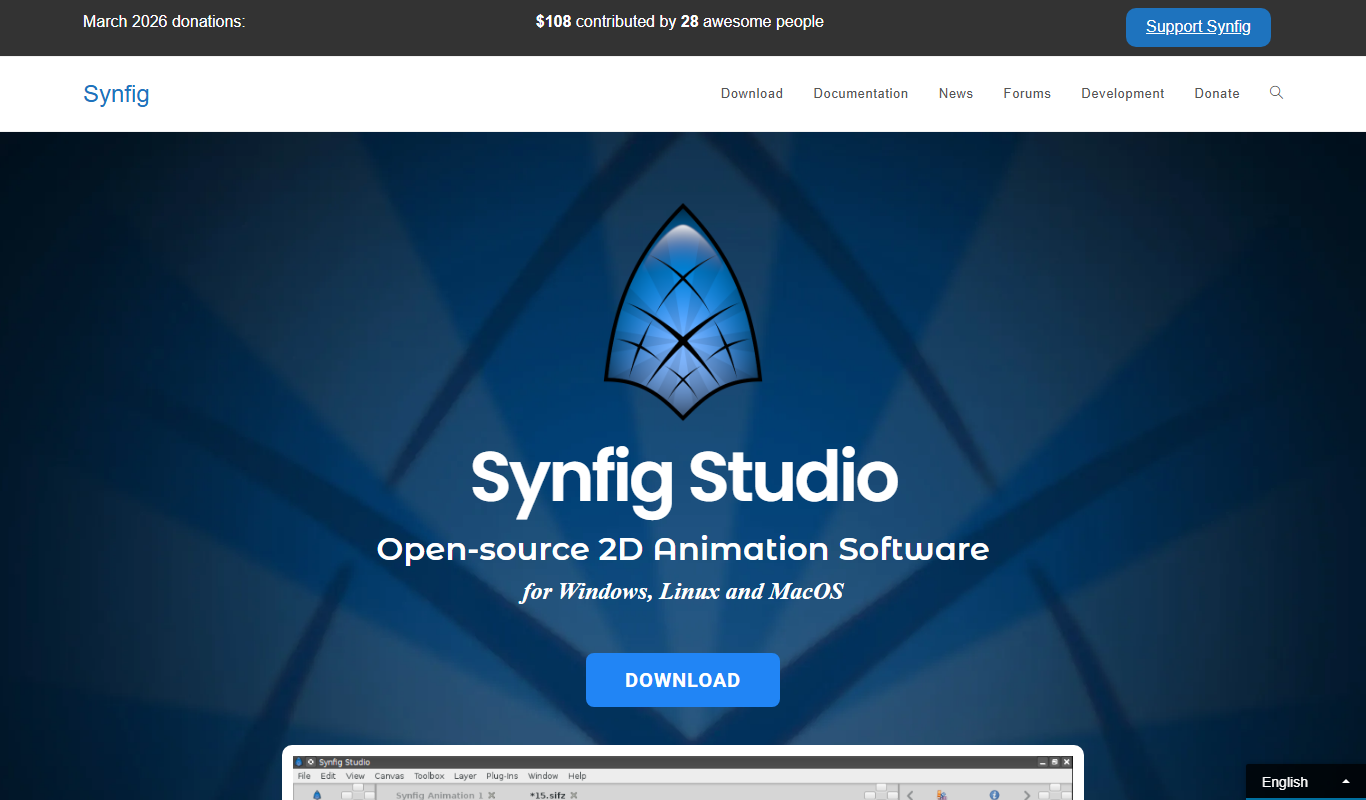
Synfig Studio
Synfig Studio is a free and open-source 2D vector animation software that enables users to create high-quality animations using vector tweening, layers, and a bones system, suitable for both beginners and professionals.

Custom Pricing
Xsens MVN
Xsens MVN is a wearable inertial motion capture system that tracks full-body human movement in real time without cameras, used for animation, biomechanics, VR/AR, and more.
Free
SketchAR
SketchAR is an augmented reality app that projects virtual sketches onto physical surfaces, enabling users to trace and learn drawing interactively on mobile devices.
Free
ImgPlay
ImgPlay is a mobile and web app that converts videos and photos into animated GIFs with editing tools like text, stickers, and filters for social media sharing.

Free
Decentraland
Decentraland is a blockchain-based virtual reality platform that allows users to own virtual land as NFTs, create 3D environments, and interact socially in a decentralized metaverse.

Free
OpenShot
OpenShot is a free, open-source video editing software that supports Windows, macOS, and Linux. It offers features like unlimited tracks, video transitions, 3D animated titles, and a drag-and-drop interface, making it ideal for beginners and intermediate users.
Free
Puppet Pals
Puppet Pals is an iOS app that enables users, especially children and educators, to create animated stories and puppet shows by selecting characters, backgrounds, and recording dialogue with a simple drag-and-drop interface.

Free Trial
neural frames
Neural Frames is an AI-powered platform that generates unique and stylized videos from user inputs, ideal for creative content and marketing.

Free
AniGen
AniGen is an AI-powered web tool that generates customizable anime-style characters quickly for creative projects, offering both free and subscription plans.