

Reface AI Face Swap App for Realistic Face Animation and Video Editing
Reface is an AI-driven app that enables users to swap faces in videos and GIFs realistically, creating personalized and entertaining content for social media and messaging.
- Best for
- Social Media Content Creation
- Key capability
- AI-Powered Face Swapping
Save Reface, follow its updates and vote on it — everything stays in your account.
Sign in or create a free account
What is Reface?
Reface is a mobile and web application that uses advanced AI and deep learning technology to perform realistic face swapping and face animation in videos, GIFs, and images. It allows users to superimpose their faces onto celebrities, movie characters, or other media content, creating highly convincing and entertaining results. The app is designed for easy use, enabling anyone to create personalized video content quickly for social media, messaging, or marketing purposes.
Key features of Reface
Reface offers real-time face swapping, video and GIF face animation, high-quality output, and a vast library of popular media templates. It supports multiple languages and provides a user-friendly interface optimized for mobile devices.
AI-Powered Face Swapping
Uses deep learning algorithms to create realistic face swaps in videos and GIFs.
Extensive Media Library
Access a large collection of popular videos and GIFs for face swapping.
High-Quality Output
Produces smooth and natural-looking animations with minimal artifacts.
Multi-Language Support
Supports multiple languages for a global user base.
Easy Sharing Options
Integrated sharing tools for social media platforms and messaging apps.
Pros and cons of Reface
Pros
- Highly realistic and smooth face swaps
- User-friendly interface suitable for beginners
- Large and regularly updated media library
- Fast processing times
- Supports multiple languages
Cons
- Free version includes watermarks and usage limits
- Requires good lighting for best selfie results
- Some templates require subscription for access
Key use cases for Reface
Social Media Content Creation
Create engaging and personalized videos by swapping faces with celebrities or characters to share on social media platforms.
Entertainment and Fun
Use realistic face swaps and animations for fun, pranks, or creative video projects.
Marketing and Advertising
Generate unique promotional videos with customized face animations to attract audience attention.
Memes and Viral Content
Easily create viral meme videos by inserting faces into popular GIFs and video clips.
Video Messaging
Send personalized video messages with face swaps to friends and family.
How Reface works
- 1
Download and Install
Get the Reface app from the iOS App Store or Google Play Store, or access it via the web.
- 2
Upload or Take a Photo
Upload a selfie or take a new photo to use as the face source.
- 3
Choose a Template
Select from a wide range of videos, GIFs, or images where you want to swap your face.
- 4
Generate Face Swap
The AI processes your face and seamlessly integrates it into the selected media.
- 5
Save and Share
Save your creation and share it directly on social media or with friends.
Who is using Reface
Reface pricing
Free
$0/month
Basic access with limited daily face swaps and watermark on videos.
Pro
$5.99/month
Auto-renewing subscription, charged at the start of each billing cycle.
Pro Annual
$29.99/year
Annual subscription with all Pro features at a discounted rate.
Plans and prices are as published by the vendor and can change. Check the official site before you buy. Open the pricing page (opens in a new tab)
Frequently asked questions about Reface
Yes, Reface uses secure encryption and does not store your photos longer than necessary for processing.
Reface is primarily designed for mobile devices but also offers a web version with limited features.
Yes, videos created with the free plan include a small Reface watermark.
Reface uses advanced AI to produce highly realistic face swaps with natural expressions and movements.
It depends on your specific needs and how you plan to use the tool. The official website and documentation are the best sources for the latest details.
Some tools offer a free plan or trial with limited features. Availability can vary, so confirm on the official website.
Yes, it can help with that use case depending on how you configure it and what features are available. You’ll get the best results with clear inputs and a defined goal.
It depends on your specific needs and how you plan to use the tool. The official website and documentation are the best sources for the latest details.
Conclusion
Face swapping starts from a selfie: the user uploads or takes a photo, picks a video, GIF or image, and the app places the face into it. Beyond swaps, it now offers AI Hairstyles, AI Headshots, AI Video that turns a single photo into an animated video, and a Photo Enhancer. Photos can even be made to sing with lipsync, and the results go straight to social media.
Social media users, meme creators and content creators are the main audience, and personalized video messages to friends are another use. PRO access comes with an auto-renewing subscription that can be cancelled on iOS, Android or Web, and deleting the app doesn’t cancel the subscription. Selfie results depend on good lighting.
Sources
Sign in to review this tool.
Sign In to ReviewNo reviews yet
Be the first to share how this tool worked for you.
Ask about pricing, limits, or how it compares — or answer someone else.
Sign In to AskNo questions yet
Have a question about using or paying for this tool? Be the first to ask.
Featured on TiorAI



Alternative Tools
Explore similar AI tools that might fit your needs

FaceApp
FaceApp is an AI photo editing application that uses neural networks to apply realistic face transformations such as aging, gender swaps, and makeup filters.
More AI Avatar Generator tools
Other tools in the same category, for when this one is not quite the fit.

DeepAR SDK
DeepAR SDK is a cross-platform augmented reality development kit that enables real-time face tracking, AI avatar creation, and 3D AR effects for mobile apps, games, and live streaming.

Banuba SDK
Banuba SDK is an AI-powered augmented reality software development kit that enables developers to integrate real-time face tracking, 3D masks, beauty filters, and avatar effects into mobile and desktop applications.
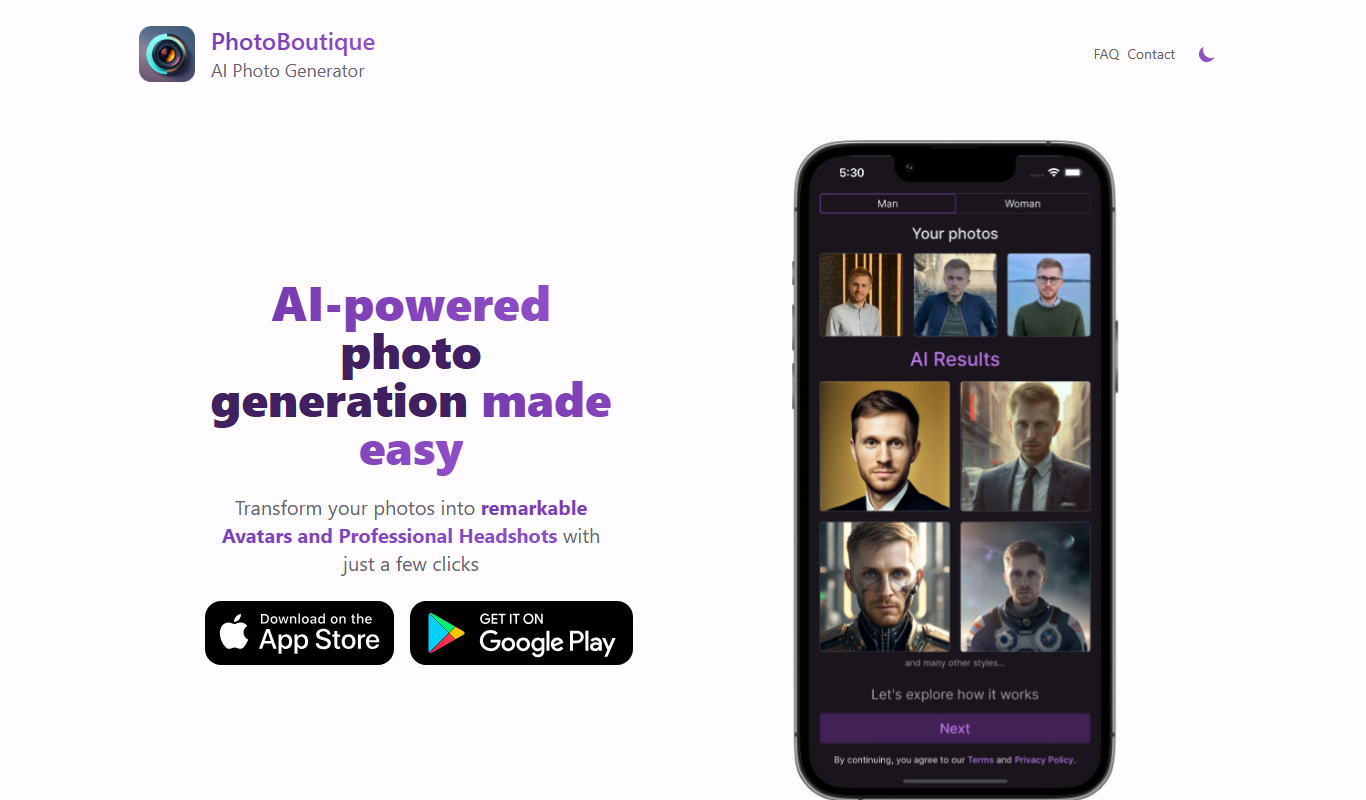
PhotoBoutique – AI Avatar maker
PhotoBoutique is a web-based AI avatar maker that generates personalized avatars using artificial intelligence, suitable for social media profiles, gaming, and creative uses.

FaceTec
FaceTec is an AI-driven biometric authentication platform specializing in 3D facial recognition and liveness detection to securely verify user identities and prevent fraud.

Portrait AI
Portrait AI is a web-based AI avatar generator that creates realistic and artistic digital portraits from user photos using advanced AI technology.

ArcFace
ArcFace is an AI-powered facial recognition software developed by ArcSoft that provides high-accuracy face detection and verification with anti-spoofing features, suitable for identity verification and security applications.

Open Peeps
Open Peeps is a free, open source library of modular hand-drawn character illustrations that designers and developers can customize and use in digital projects.
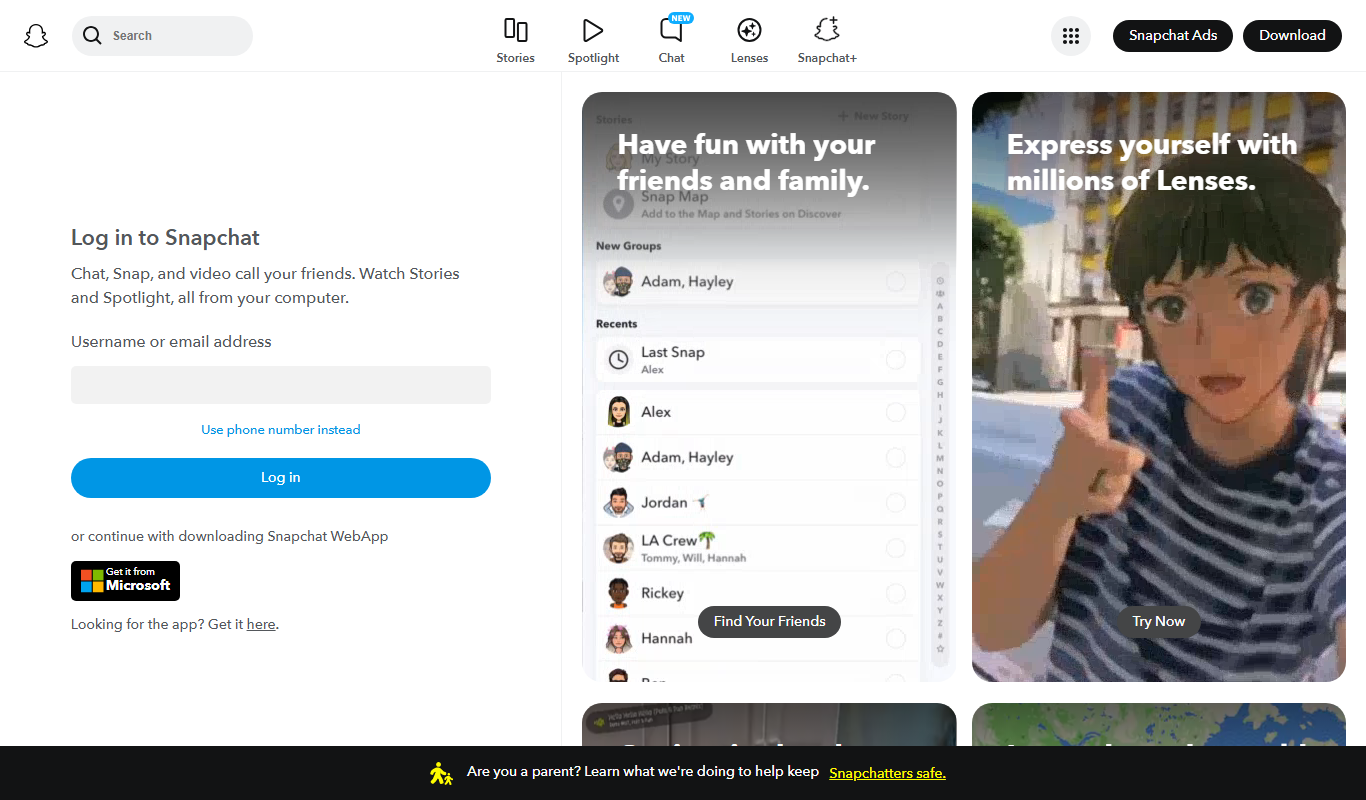
Snapchat
Snapchat is a multimedia messaging app by Snap Inc. that lets users send disappearing messages, share stories, and use augmented reality lenses for creative photos and videos.