

VistaCreate Graphic Design Tool for Social Media and Marketing Creatives
VistaCreate is an online graphic design tool offering templates, stock assets, and animation features to create social media and marketing visuals easily.
- Best for
- Social Media Content Creation
- Key capability
- Extensive Template Library
Save VistaCreate, follow its updates and vote on it — everything stays in your account.
Sign in or create a free accountWhat is VistaCreate?
VistaCreate is an online graphic design platform that enables users to create professional-quality visual content quickly and easily. It offers a vast library of customizable templates, design elements, and stock images, making it accessible for both beginners and experienced designers. The tool supports creating graphics for social media, marketing campaigns, branding, and more, all through an intuitive drag-and-drop interface.
Key features of VistaCreate
VistaCreate provides a wide range of templates, a drag-and-drop editor, access to millions of stock photos and videos, animation capabilities, and team collaboration features. It supports multiple languages and offers flexible pricing plans including a free tier.
Extensive Template Library
Thousands of customizable templates for social media, marketing, branding, and more.
Drag-and-Drop Editor
User-friendly interface that allows easy customization without design skills.
Stock Photos and Videos
Access millions of high-quality images and videos integrated within the platform.
Animation Tools
Create animated graphics and videos to enhance engagement.
Team Collaboration
Invite team members to collaborate on designs in real-time.
Pros and cons of VistaCreate
Pros
- Intuitive drag-and-drop interface suitable for beginners
- Large library of templates and stock assets
- Supports animated designs and video content
- Affordable pricing with a functional free tier
- Collaboration features for teams
Cons
- Limited advanced design features compared to professional software
- Some premium assets require Pro subscription
Key use cases for VistaCreate
Social Media Content Creation
Design engaging posts, stories, and banners optimized for platforms like Instagram, Facebook, and Twitter.
Marketing Material Design
Create professional marketing visuals such as flyers, posters, and ads to promote products and services.
Branding and Identity
Develop consistent brand assets including logos, business cards, and presentations.
Event Promotion
Design invitations, event banners, and promotional materials for online and offline events.
Content Repurposing
Easily adapt designs for different formats and platforms to maximize reach and engagement.
How VistaCreate works
- 1
Sign Up
Create a free account on the VistaCreate website or mobile app to get started.
- 2
Choose a Template or Start from Scratch
Select from thousands of professionally designed templates or create your own design.
- 3
Customize Your Design
Use the drag-and-drop editor to add text, images, animations, and other elements.
- 4
Download or Share
Export your design in various formats or share it directly to social media platforms.
Who is using VistaCreate
VistaCreate pricing
Free
$0/month
Access to basic templates, design tools, and limited downloads.
Pro
$10/month
Unlimited access to premium templates, stock assets, animations, and priority support.
Plans and prices are as published by the vendor and can change. Check the official site before you buy. Open the pricing page (opens in a new tab)
Compare similar tools
How VistaCreate lines up against the tools people weigh it against.
 Canva
Canva vs VistaCreate: Which AI Design Tool Wins in 2026?
Frequently asked questions about VistaCreate
Yes, VistaCreate offers a free plan with access to basic features and templates.
Yes, designs created with VistaCreate can be used for commercial purposes.
Yes, the platform allows multiple users to collaborate on projects in real-time.
You can export designs in formats such as JPG, PNG, PDF, and MP4 for animations.
This tool is designed to help users accomplish its core tasks more efficiently. It is typically used by individuals or teams looking to improve productivity and workflow.
Some tools offer a free plan or trial with limited features. Availability can vary, so confirm on the official website.
Yes, it can help with that use case depending on how you configure it and what features are available. You’ll get the best results with clear inputs and a defined goal.
Yes, it can help with that use case depending on how you configure it and what features are available. You’ll get the best results with clear inputs and a defined goal.
Conclusion
VistaCreate works from templates: after a free account is created on the website or mobile app, users pick one of thousands of professionally designed templates or start their own design. A drag-and-drop editor adds text, images and animations, drawing on millions of stock photos and videos integrated within the platform. Designs export as JPG, PNG or PDF, or as MP4 for animations, or go directly to social media platforms.
Templates cover posts and stories for platforms like Instagram, Facebook and Twitter, as well as flyers, posters, ads and brand assets such as logos and business cards. Team members can be invited to collaborate on designs in real time, and designs may be used for commercial purposes. Designs can also be adapted for different formats and platforms. It is aimed at social media managers, marketing professionals and freelance designers.
The free plan includes basic templates, design tools and limited downloads, while the Pro plan at $10/month adds unlimited access to premium templates, stock assets, animations and priority support. Some premium assets require the Pro subscription, and advanced design features are limited compared to professional software.
Sources
Sign in to review this tool.
Sign In to ReviewNo reviews yet
Be the first to share how this tool worked for you.
Ask about pricing, limits, or how it compares — or answer someone else.
Sign In to AskNo questions yet
Have a question about using or paying for this tool? Be the first to ask.
Featured on TiorAI



More Art & Creative Design tools
Other tools in the same category, for when this one is not quite the fit.

AI Song Generator
AI Song Generator is a web tool that creates original songs and lyrics from your genre, mood and topic, with a limited free plan and paid subscriptions.

TwoShot
TwoShot is an AI creative suite for music, audio, video and images: generate music and sounds from text, split stems, make voiceovers and produce in an online studio.

Kuakua – Psychology & AI Tools for Well-Being
Kuakua is a free website of psychology games, tests, screenings and cognitive experiments that turns psychology research into small tools for well-being.
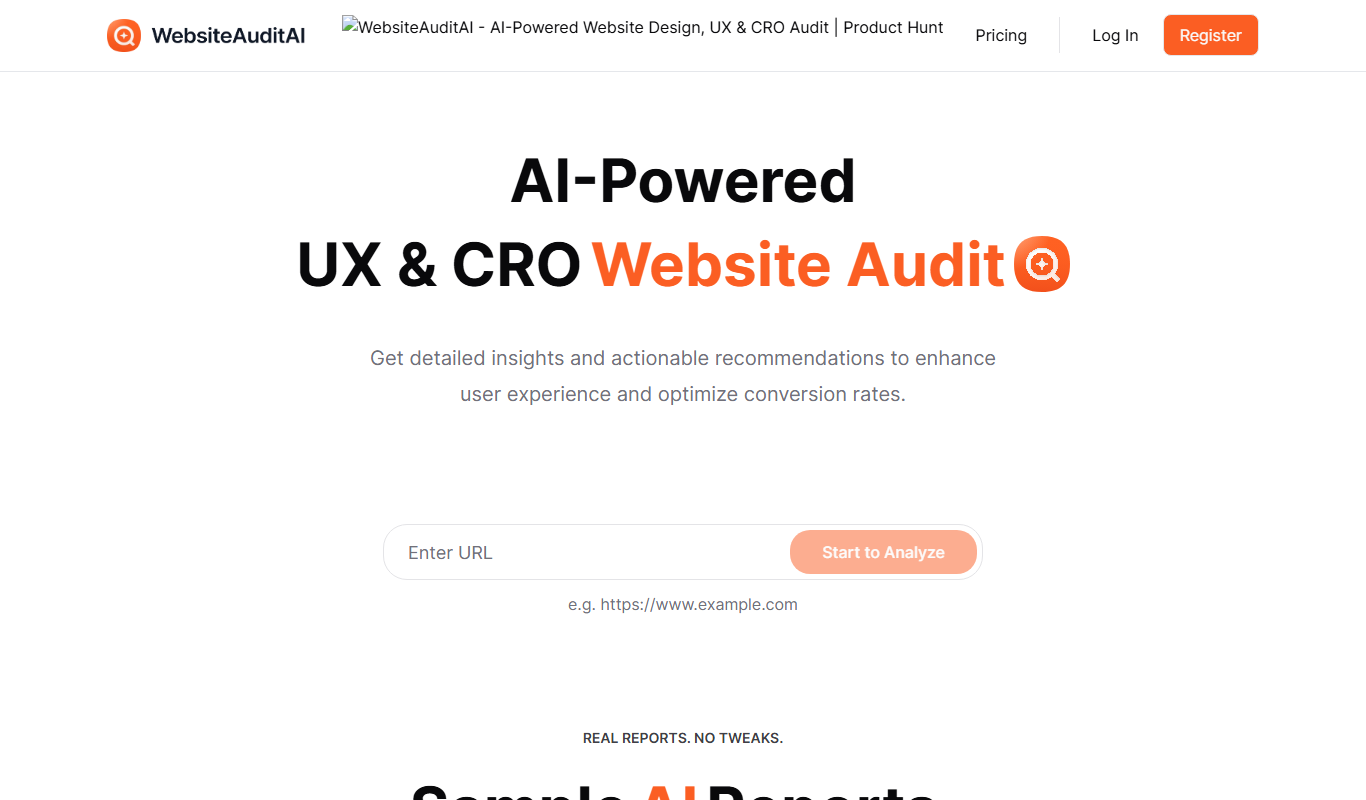
WebsiteAuditAI
WebsiteAuditAI runs AI-powered UX, CRO and copywriting audits of any web page and returns scored reports with actionable recommendations.

MixPeek
MixPeek is an AI-driven multimedia search engine that indexes videos, images, audio, and documents to enable fast, accurate search through a web interface and developer API.

Remodel AI
Remodel AI is a web-based AI tool that redesigns any room or home exterior from an uploaded photo in seconds.

Mammouth
Mammouth gives you GPT, Claude, Gemini, Mistral, FLUX and other GenAI models in one subscription, with one-click reprompting between models.

AI Song Generator-Make Song
AI Song Generator-Make Song is an online tool that uses artificial intelligence to create original songs by generating melodies and lyrics based on user inputs such as themes or moods.