

Kajabi Platform for Online Course Creation and Digital Marketing Tools
Kajabi is a comprehensive platform that enables users to create, market, and sell online courses, membership sites, and digital products with integrated website building, email marketing, and payment processing tools.
- Best for
- Online Course Creation
- Key capability
- Course and Membership Site Builder
Save Kajabi, follow its updates and vote on it — everything stays in your account.
Sign in or create a free account
What is Kajabi?
Kajabi is an all-in-one platform designed to help entrepreneurs, educators, and businesses create, market, and sell digital products such as online courses, membership sites, and coaching programs. It combines website building, email marketing, payment processing, and sales funnel management into a single user-friendly interface, eliminating the need for multiple third-party tools.
Key features of Kajabi
Kajabi offers a comprehensive suite of features including course creation tools, customizable website and landing page builders, email marketing automation, sales funnel templates, membership site management, and integrated payment processing. These features work together to streamline the process of launching and scaling digital products.
Course and Membership Site Builder
Create engaging online courses and membership sites with multimedia content, quizzes, and drip schedules.
Email Marketing Automation
Design automated email sequences and broadcasts to nurture leads and engage customers.
Sales Funnel Templates
Use pre-built sales funnel templates optimized for conversions and customize them to your brand.
Website and Landing Page Builder
Build professional websites and landing pages with a visual drag-and-drop editor.
Integrated Payment Processing
Accept payments securely via Stripe and PayPal without needing external integrations.
Analytics and Reporting
Monitor sales, customer behavior, and marketing campaign performance with built-in analytics.
Pros and cons of Kajabi
Pros
- All-in-one platform reduces need for multiple tools
- Intuitive drag-and-drop website and course builders
- Robust marketing automation and sales funnel features
- Integrated payment processing simplifies transactions
- Strong customer support and community resources
Cons
- Pricing is higher compared to some competitors
- Limited customization for advanced developers
Key use cases for Kajabi
Online Course Creation
Create, host, and sell online courses with integrated multimedia content and quizzes.
Membership Site Management
Build and manage membership communities with tiered access and content drip scheduling.
Digital Marketing Automation
Automate email marketing campaigns, sales funnels, and customer segmentation.
Sales Funnel Building
Design and deploy sales funnels to convert visitors into paying customers.
Website and Landing Page Builder
Create custom websites and landing pages without coding using drag-and-drop tools.
How Kajabi works
- 1
Sign Up and Choose a Plan
Create an account on Kajabi and select a subscription plan that fits your business needs.
- 2
Build Your Website and Landing Pages
Use Kajabi’s drag-and-drop builder to design your website and sales pages without coding.
- 3
Create and Upload Content
Develop your online courses, membership content, or coaching materials using Kajabi’s content management tools.
- 4
Set Up Marketing and Sales Funnels
Configure email campaigns, automate marketing workflows, and build sales funnels to attract and convert customers.
- 5
Launch and Manage Your Business
Publish your digital products, accept payments, and track performance analytics all within the platform.
Who is using Kajabi
Kajabi pricing
Basic
$143/mo billed annually, or $179/mo monthly
5 products, 2,500 contacts, 1 website, 1 community and 2 admin users.
Growth
$199/mo billed annually, or $249/mo monthly
50 products, 25,000 contacts, 1 website, 1 community and 11 admin users.
Pro
$399/mo billed annually, or $499/mo monthly
Unlimited products, 100,000 contacts, 3 websites, 3 communities and 26 admin users, with full customization and dedicated support.
Plans and prices are as published by the vendor and can change. Check the official site before you buy. Open the pricing page (opens in a new tab)
Frequently asked questions about Kajabi
Yes, Kajabi is designed with a user-friendly interface and drag-and-drop tools that require no coding knowledge.
Yes, Kajabi integrates with Stripe and PayPal to securely process payments directly on the platform.
Absolutely, Kajabi supports membership site creation with tiered access and content drip features.
Yes, Kajabi offers a 30-day free trial, and every plan has a 30-day money-back guarantee.
This tool is designed to help users accomplish its core tasks more efficiently. It is typically used by individuals or teams looking to improve productivity and workflow.
Pricing depends on the plan and included features. For the most accurate and up-to-date details, check the official pricing page.
It depends on your specific needs and how you plan to use the tool. The official website and documentation are the best sources for the latest details.
Conclusion
Websites and sales pages are designed with a drag-and-drop builder, and online courses, membership content or coaching materials are developed with the content management tools. Email campaigns, automated marketing workflows and sales funnels are configured in the same account, where products are published, payments accepted and performance tracked. Communities, newsletters and coaching sit alongside courses as product types.
Online course creators, coaches and consultants and membership site operators are the core audience. Kajabi does not take a revenue share on sales, although processing fees apply and vary by country and payment provider. Plans are subscriptions that scale by products, contacts and admin users, and a 30-day free trial is available. Kajabi itself concedes that it is expensive when judged only as a course delivery platform.
Sources
Sign in to review this tool.
Sign In to ReviewNo reviews yet
Be the first to share how this tool worked for you.
Ask about pricing, limits, or how it compares — or answer someone else.
Sign In to AskNo questions yet
Have a question about using or paying for this tool? Be the first to ask.
Featured on TiorAI



Alternative Tools
Explore similar AI tools that might fit your needs

Teachable
Teachable is an online platform that allows users to create, market, and sell courses and digital products without coding, featuring course builders, payment processing, and marketing tools.

Podia
Podia is an all-in-one platform that enables creators to build and sell online courses, digital downloads, memberships, and webinars, with no Podia transaction fees on the Shaker and Earthquaker plans.
More Business Management tools
Other tools in the same category, for when this one is not quite the fit.
腾讯问卷
Tencent Wenjuan is an online survey platform by Tencent that allows users to create, distribute, and analyze surveys with multiple question types and real-time data analytics, primarily serving Chinese-speaking users.

TrustDoc
TrustDoc is an AI-powered tool for automated document validation and evaluation: upload, analyze with AI and compare documents with templates.

Progr.io
Progr.io is an AI-powered tool that tracks your ideas and projects, helps you collaborate and gives insights on a project's potential, including competitor analysis.

EvalPro.ai
EvalPro is an AI feedback and performance evaluation tool that delivers fast employee feedback, automates KPIs and simplifies feedback composition.

BuildKeeper
BuildKeeper is simple construction management software for small construction businesses that streamlines tasks, budgets, notes and expenses.
EstimateOne
EstimateOne (E1) is an Australian construction tender platform that helps subcontractors, builders and suppliers find tenders and win more work.
Quila
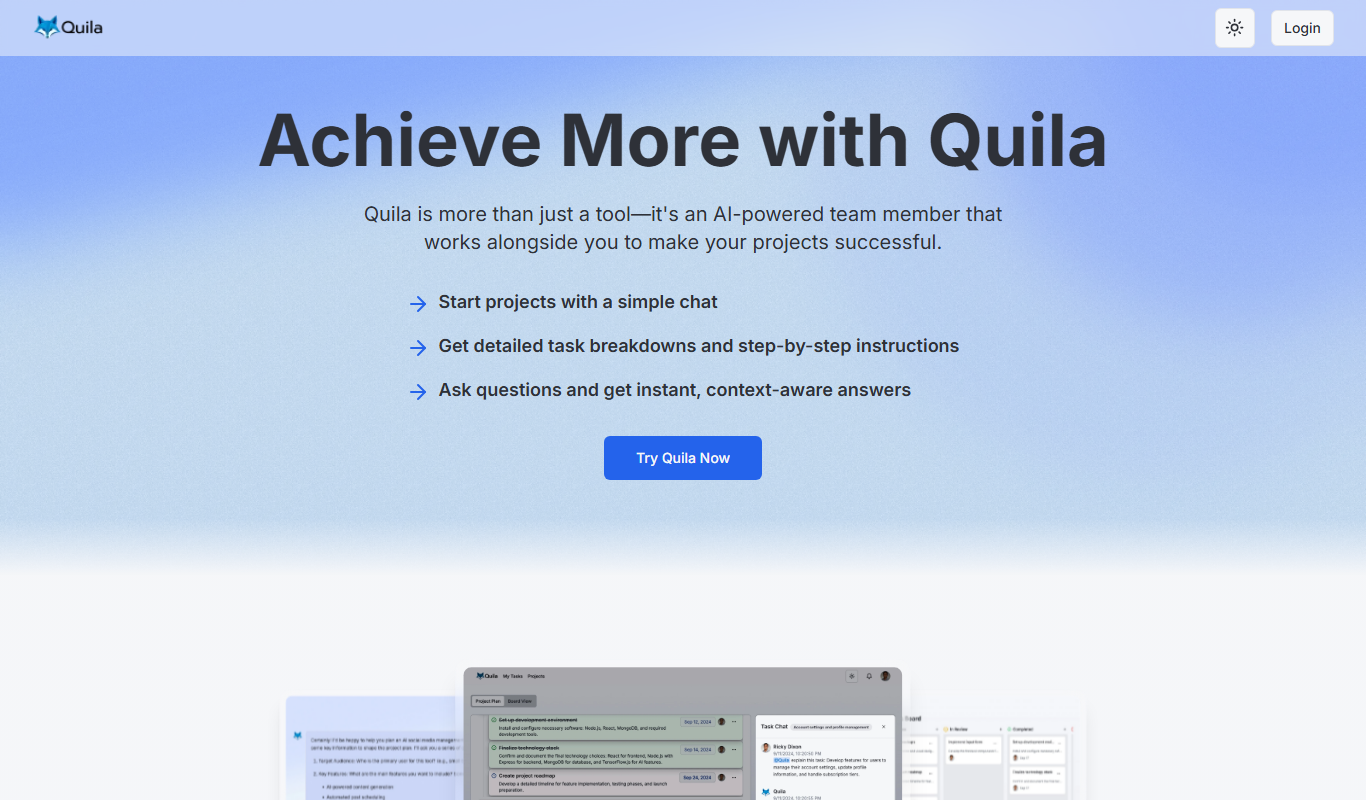
Quila is an AI project manager that starts projects from a simple chat and breaks them into tasks with step-by-step instructions.

Secret Sauce Partners
Secret Sauce Partners builds Fit Predictor, Style Finder and Outfit Maker on its Data Driven Merchandising (DDM) Platform for apparel and footwear retailers.