

Podia Online Course Platform for Creators and Digital Product Sales
Podia is an all-in-one platform that enables creators to build and sell online courses, digital downloads, memberships, and webinars, with no Podia transaction fees on the Shaker and Earthquaker plans.
- Best for
- Create and Sell Online Courses
- Key capability
- Course Builder
Save Podia, follow its updates and vote on it — everything stays in your account.
Sign in or create a free account
What is Podia?
Podia is an all-in-one platform designed for creators and entrepreneurs to sell online courses, digital downloads, memberships, and webinars. It simplifies the process of building a digital storefront and managing customer relationships, enabling users to monetize their expertise without technical complexity.
Key features of Podia
Podia offers course creation tools, digital product sales, membership management, webinar hosting, and integrated email marketing, all accessible via an intuitive web interface.
Course Builder
Drag-and-drop interface to create multimedia lessons, quizzes, and drip schedules.
Digital Downloads
Easy upload and delivery of files like ebooks, PDFs, and templates.
Memberships
Recurring subscription management with exclusive content access.
Webinars
Integrated webinar hosting with live chat and replay options.
Email Marketing
Built-in email campaigns and automation to nurture leads and customers.
No Transaction Fees
No Podia transaction fees on the Shaker or Earthquaker plans; the Mover plan has a 5% transaction fee.
Pros and cons of Podia
Pros
- All-in-one platform for courses, memberships, and digital sales
- No Podia transaction fees on the Shaker and Earthquaker plans
- User-friendly interface with easy setup
- Built-in email marketing and sales tools
- Responsive customer support
Cons
- Limited advanced customization compared to some competitors
- No mobile app for course consumption
- Primarily English language support
Key use cases for Podia
Create and Sell Online Courses
Podia allows creators to build and sell online courses with multimedia content, quizzes, and drip schedules.
Sell Digital Downloads
Users can upload and sell digital products such as ebooks, templates, and guides directly to their audience.
Membership Sites
Podia supports recurring memberships, enabling creators to offer exclusive content and community access.
Host Webinars and Live Sessions
The platform integrates webinar hosting to engage audiences live and provide interactive learning experiences.
Email Marketing and Sales Funnels
Podia includes built-in email marketing tools to nurture leads and automate sales funnels without third-party apps.
How Podia works
- 1
Sign Up and Set Up Your Store
Create a Podia account and customize your storefront with branding and product offerings.
- 2
Create Your Products
Build online courses, upload digital downloads, or set up membership tiers using Podia’s content tools.
- 3
Launch and Market
Publish your products and use Podia’s email marketing and sales features to promote and sell to your audience.
- 4
Engage Customers
Host webinars, drip course content, and interact with members to build community and increase retention.
Who is using Podia
Podia pricing
Mover
$42/mo, $504 billed annually
Just getting started: up to 100 email subscribers, 5% fees, unlimited customers, 50 products, 500 videos and 25 spaces.
Shaker
$84/mo, $1,008 billed annually
More room to grow: up to 500 email subscribers, no fees, unlimited customers, 150 products, 1,000 videos, 100 spaces, 1 assistant, affiliate marketing, upsells, PayPal and Zapier.
Earthquaker
$150/mo, $1,800 billed annually
Going all-in, no limits: up to 1,000 email subscribers, no fees, unlimited customers, products, videos, spaces and assistants.
Plans and prices are as published by the vendor and can change. Check the official site before you buy. Open the pricing page (opens in a new tab)
Frequently asked questions about Podia
On the Mover plan, Podia charges a 5% transaction fee. There are no Podia fees on the Shaker or Earthquaker plans; the payment processor (Stripe or PayPal) charges its own standard fee.
Yes, Podia includes integrated webinar hosting with live chat and replay capabilities.
Yes, Podia offers a 14-day free trial of every feature, with no need to enter a credit card or pick a plan.
Yes, Podia allows custom domain setup for your storefront.
It depends on your specific needs and how you plan to use the tool. The official website and documentation are the best sources for the latest details.
Pricing depends on the plan and included features. For the most accurate and up-to-date details, check the official pricing page.
Yes, it can help with that use case depending on how you configure it and what features are available. You’ll get the best results with clear inputs and a defined goal.
Yes, it can help with that use case depending on how you configure it and what features are available. You’ll get the best results with clear inputs and a defined goal.
Conclusion
One subscription covers courses, community and coaching as well as events, downloads, email and the creator’s website. Online courses can drip lessons and add quizzes and certificates for unlimited students. Community works through topic-based spaces, group chats and DMs, with free or paid tiers. Each product also gets a built-in sales page, and buyers pay through a fast, one-page checkout.
The platform is designed for creators and entrepreneurs who want to monetize their expertise without technical complexity. Transaction fees depend on the plan: Mover carries a 5% fee, while Shaker and Earthquaker have no Podia fees and raise the limits on email subscribers and products. Every feature can be tried free for 14 days without entering a credit card.
Sources
Sign in to review this tool.
Sign In to ReviewNo reviews yet
Be the first to share how this tool worked for you.
Ask about pricing, limits, or how it compares — or answer someone else.
Sign In to AskNo questions yet
Have a question about using or paying for this tool? Be the first to ask.
Featured on TiorAI



Alternative Tools
Explore similar AI tools that might fit your needs

Teachable
Teachable is an online platform that allows users to create, market, and sell courses and digital products without coding, featuring course builders, payment processing, and marketing tools.

Kajabi
Kajabi is a comprehensive platform that enables users to create, market, and sell online courses, membership sites, and digital products with integrated website building, email marketing, and payment processing tools.
More Business Management tools
Other tools in the same category, for when this one is not quite the fit.
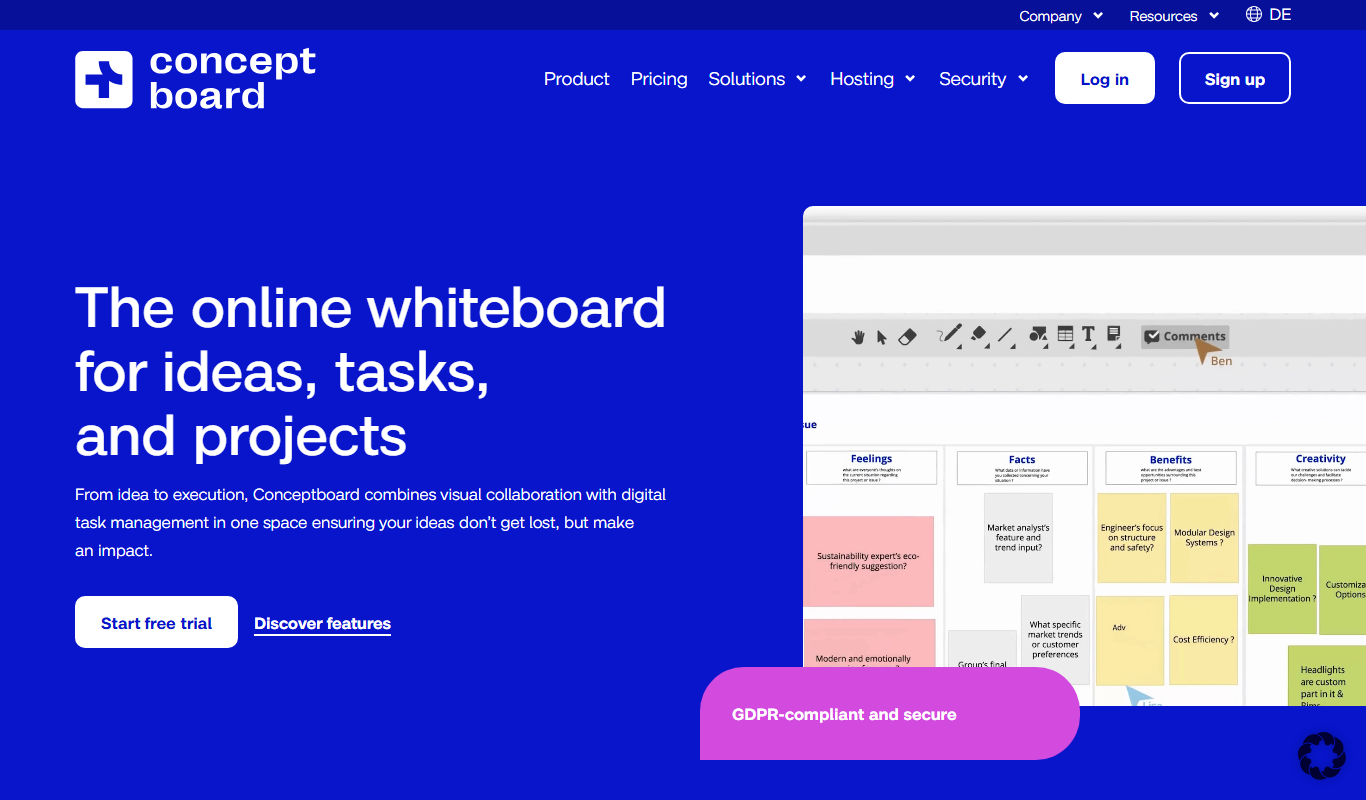
Conceptboard
Conceptboard is a cloud-based collaborative online whiteboard that enables teams to brainstorm, plan, and manage projects visually in real time, supporting remote and hybrid work environments.
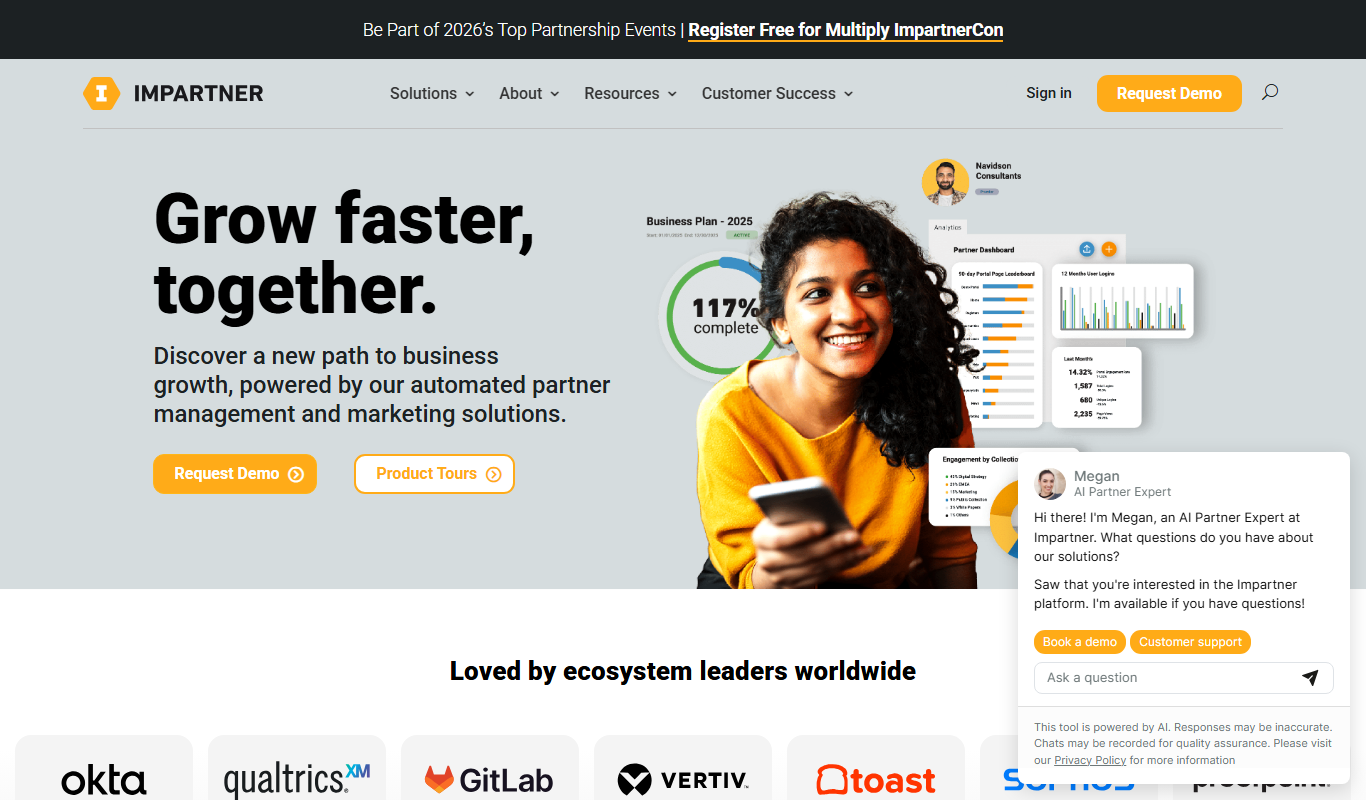
Impartner PRM
Impartner PRM is a partner relationship management platform that helps businesses manage channel partners, streamline onboarding, enable sales and marketing collaboration, and track partner performance.

ClinicalTrials.gov
ClinicalTrials.gov is a free, publicly accessible database maintained by the U.S. National Library of Medicine that provides detailed information on clinical trials worldwide, allowing users to search, register, and review study results.

Aave
Aave is a decentralized finance protocol that allows users to lend and borrow cryptocurrencies without intermediaries, featuring flash loans and community governance.

Bonusly
Bonusly is a platform that enables peer-to-peer employee recognition and rewards to improve workplace engagement and culture.
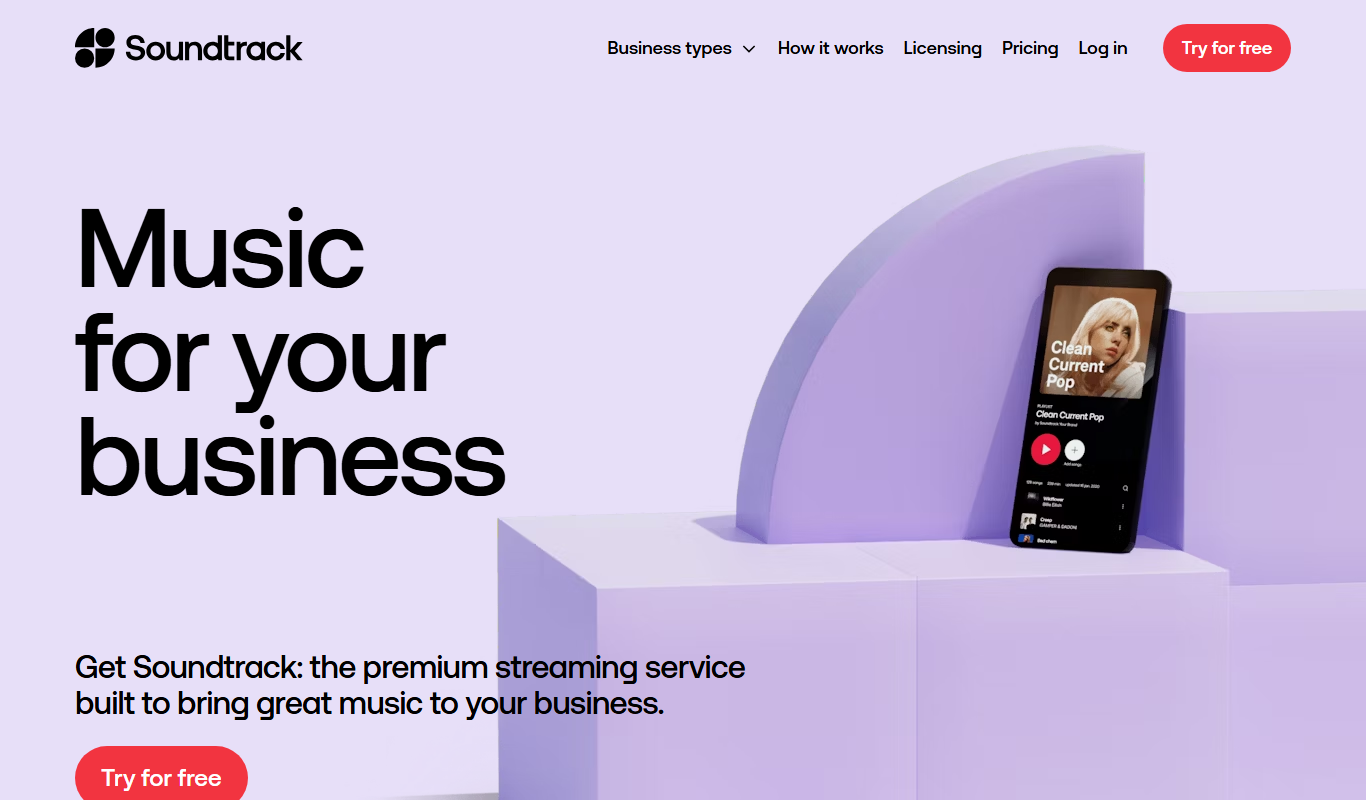
Soundtrack Your Brand
Soundtrack, formerly Soundtrack Your Brand, is a licensed music streaming service for businesses that streams curated playlists across retail, hospitality and office environments.
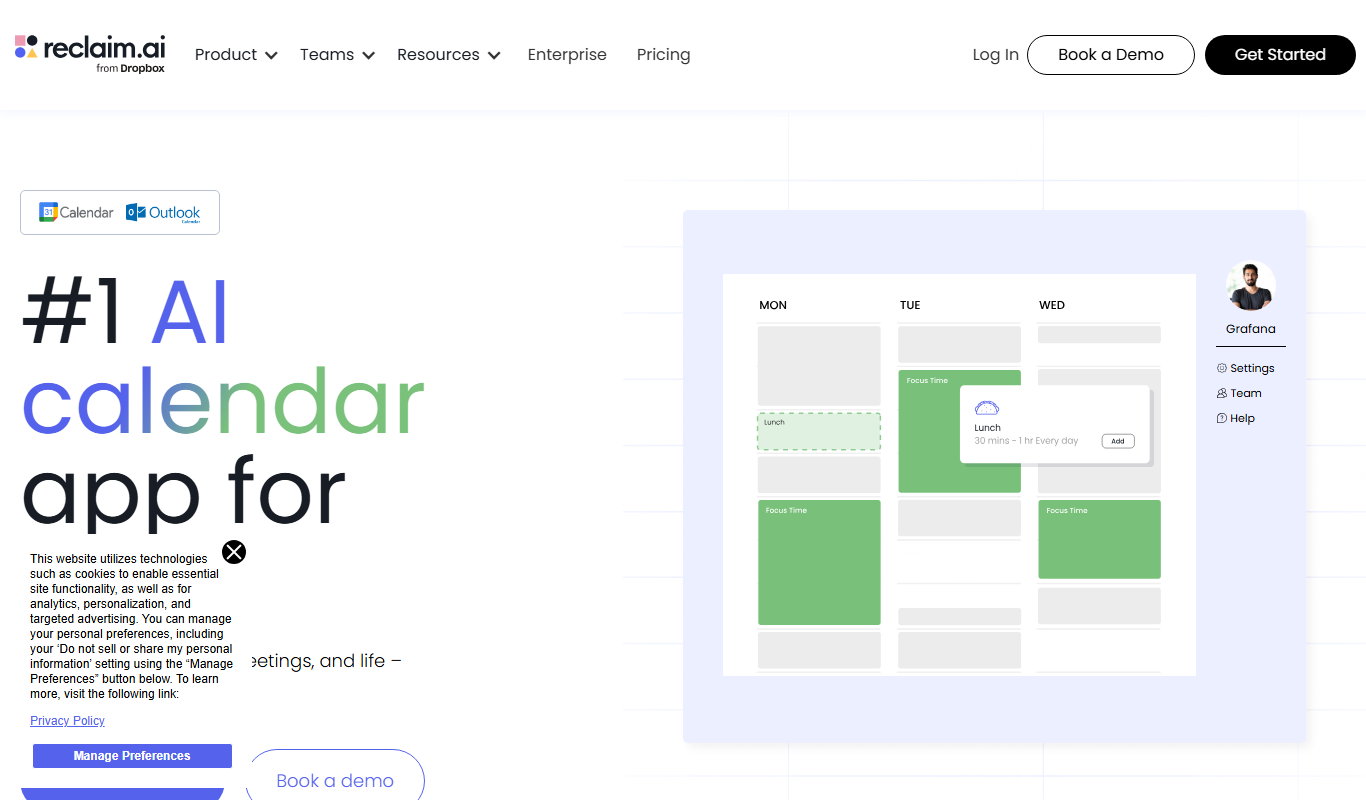
Reclaim.ai
Reclaim.ai is an AI-driven calendar assistant that automates scheduling meetings, blocking focus time, and resolving conflicts to optimize your daily productivity.

Sunsama
Sunsama is a daily planner and task management software designed to help individuals and teams organize their workday using time blocking, integrations, and collaboration features.